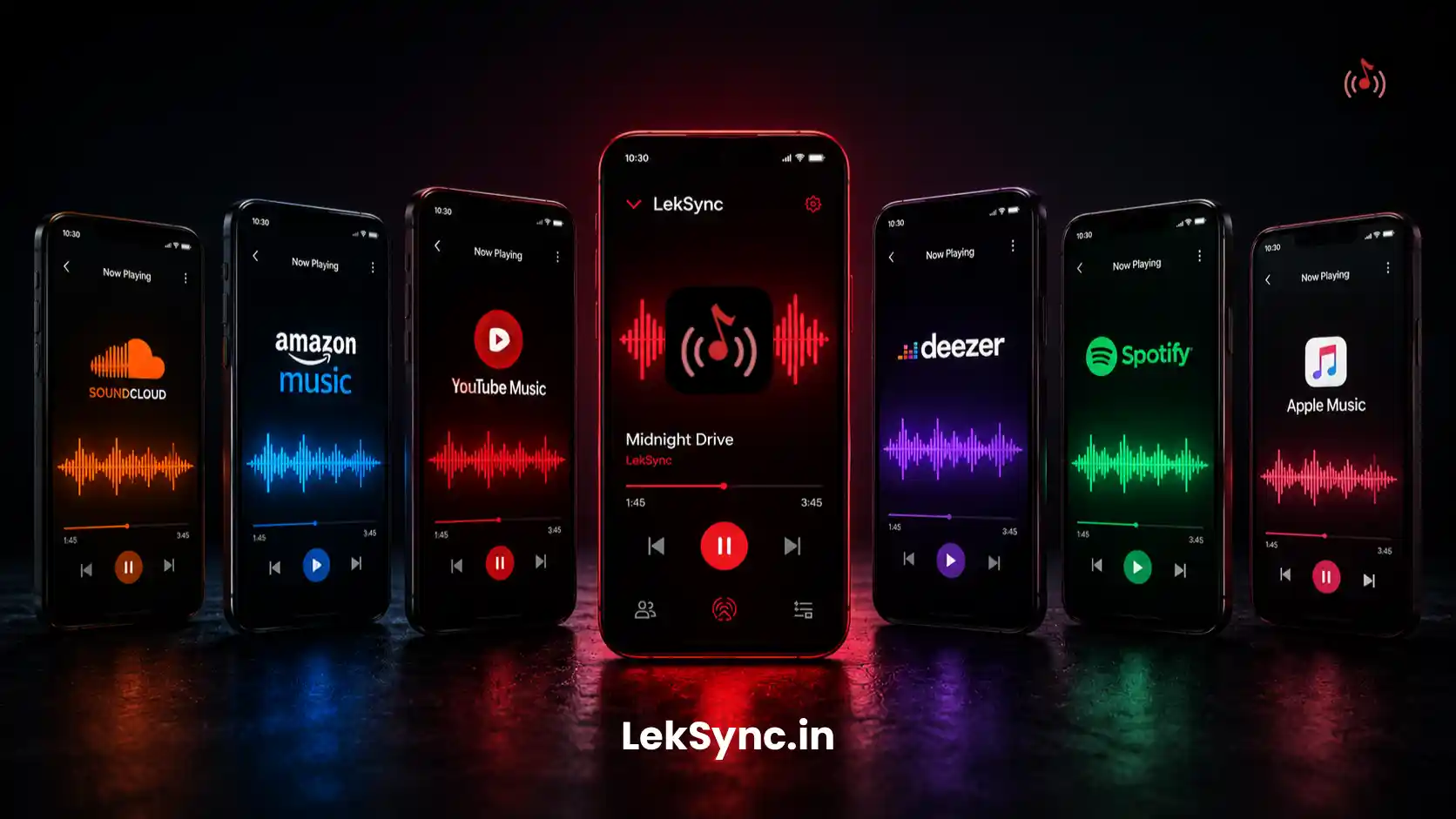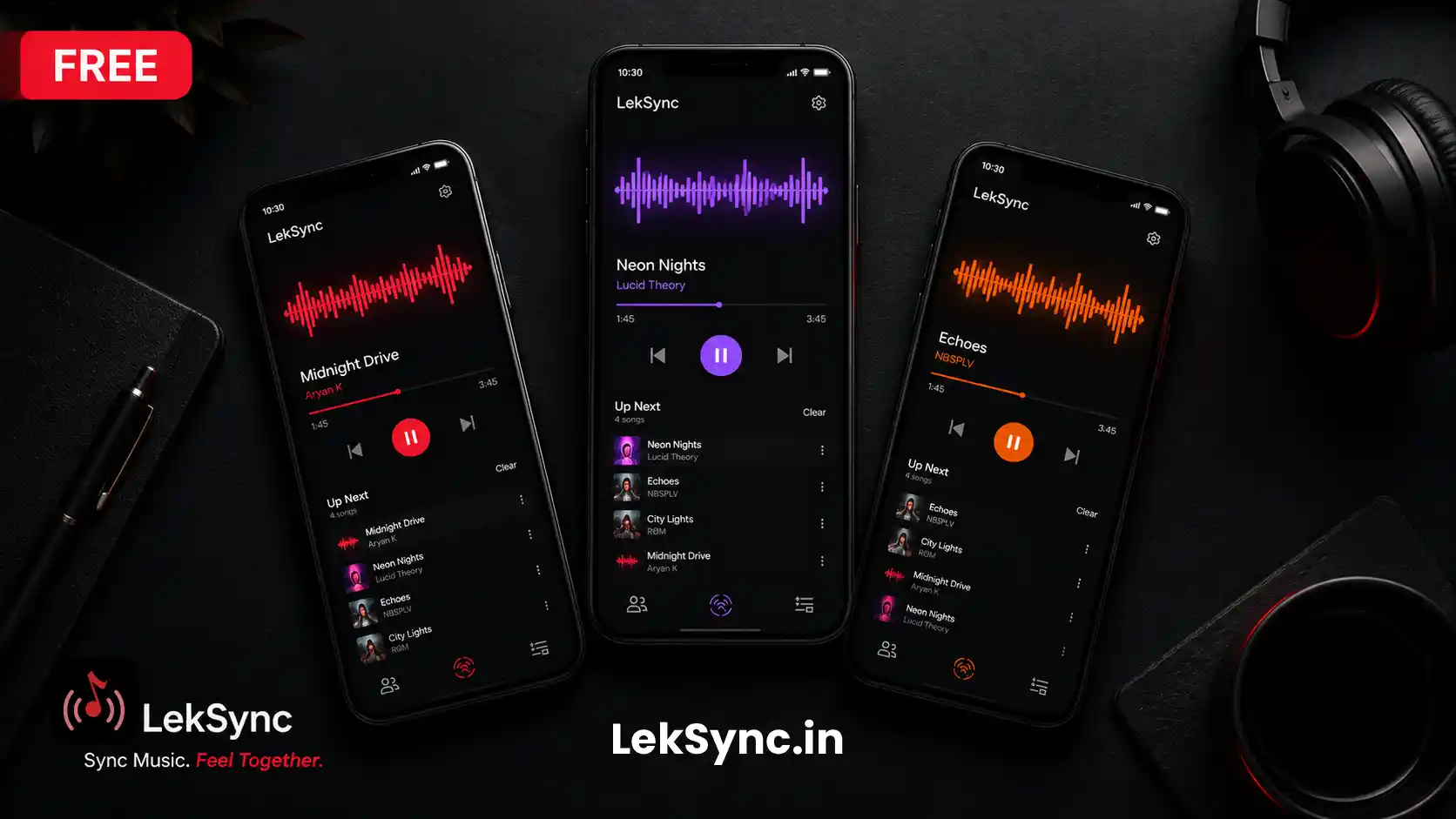
You want music in multiple rooms but don't own a multi-room speaker system. You want sound across a garden but only have one Bluetooth speaker. You're hosting and need audio everywhere — not just where the one speaker happens to be pointed.
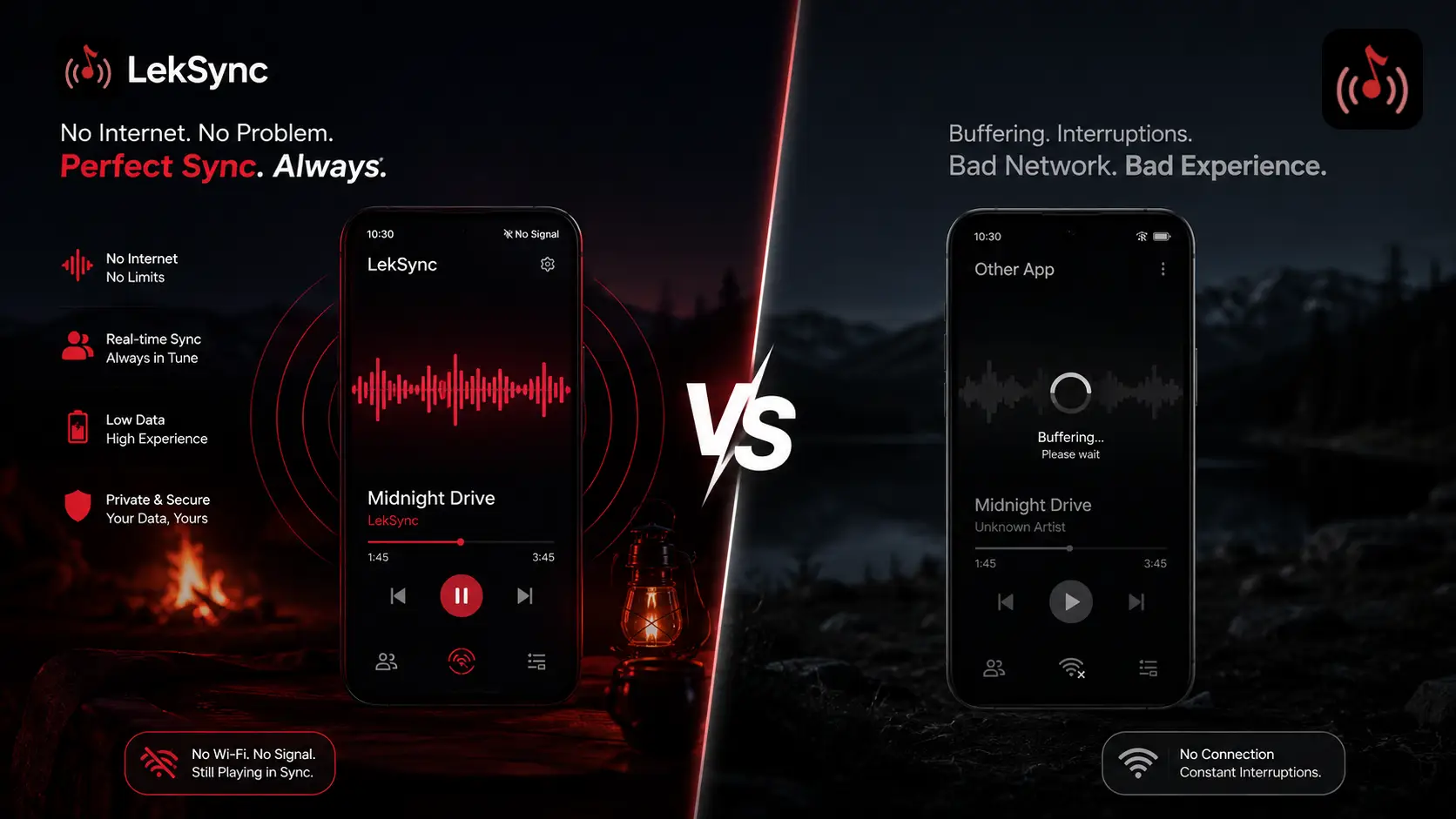
Here's the solution most people don't know about: the spare Android phones you already own can become perfectly synced wireless speakers. No hardware to buy. No pairing headaches. Just LekSync.
How It Works
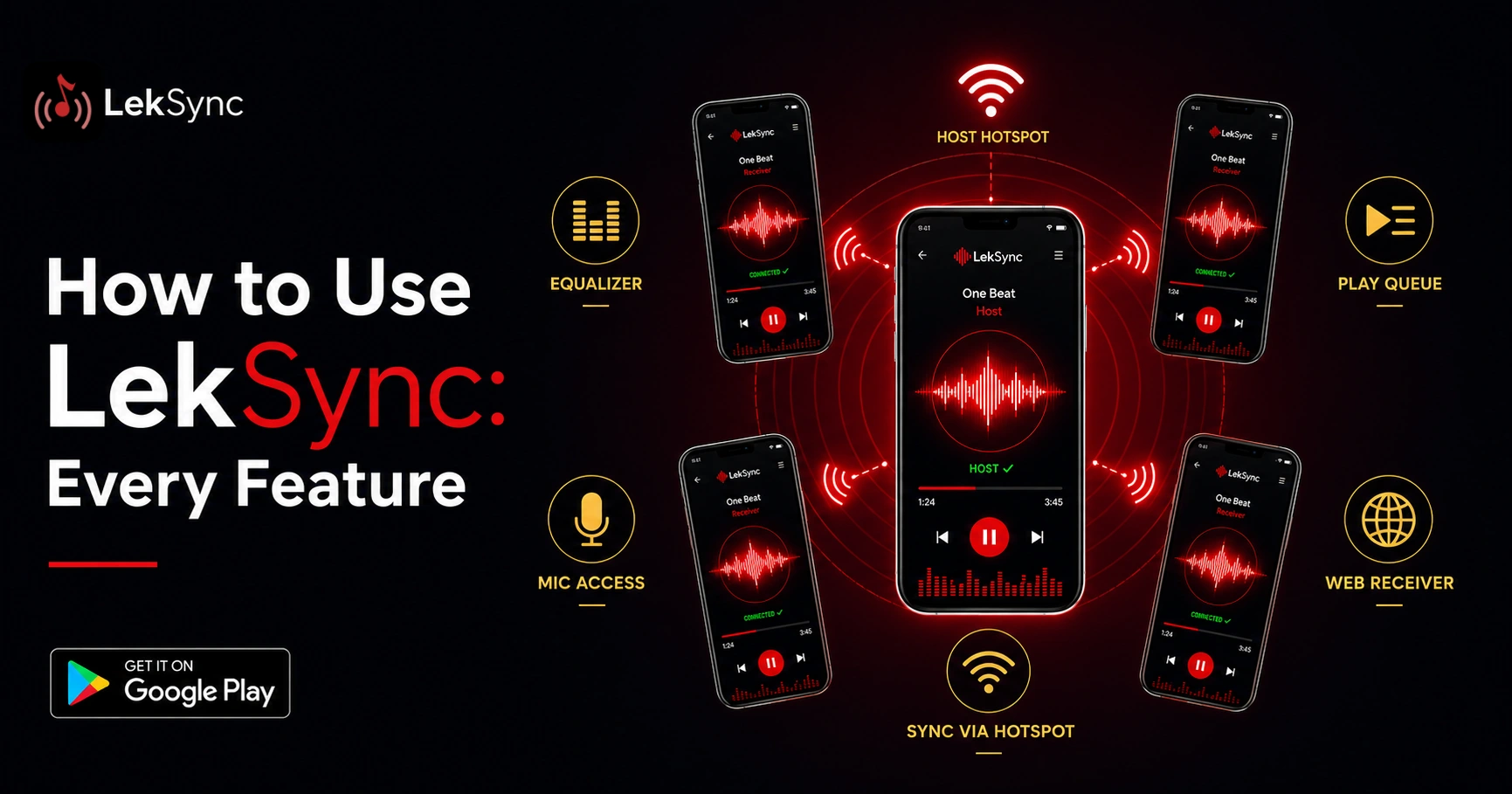
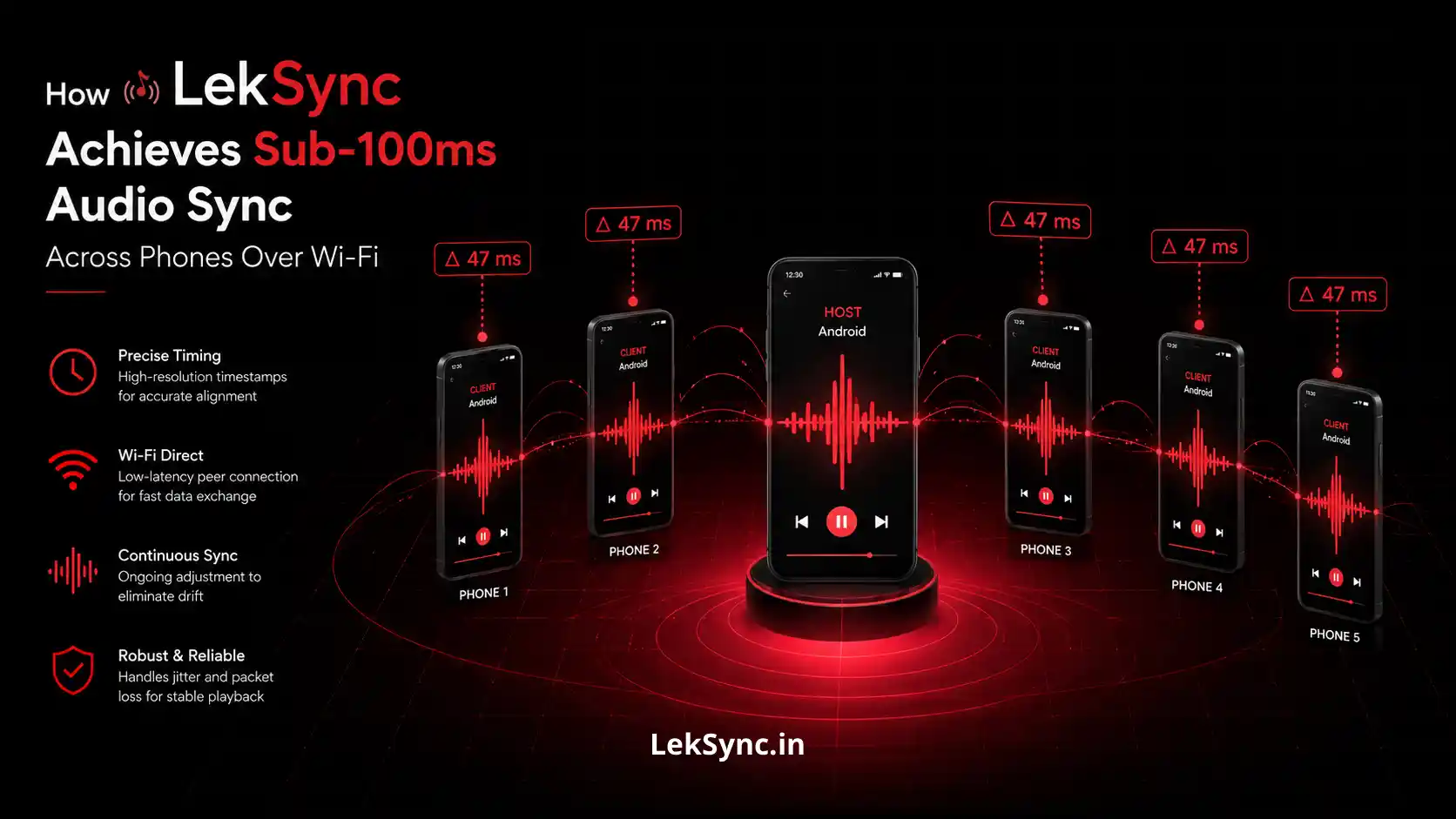
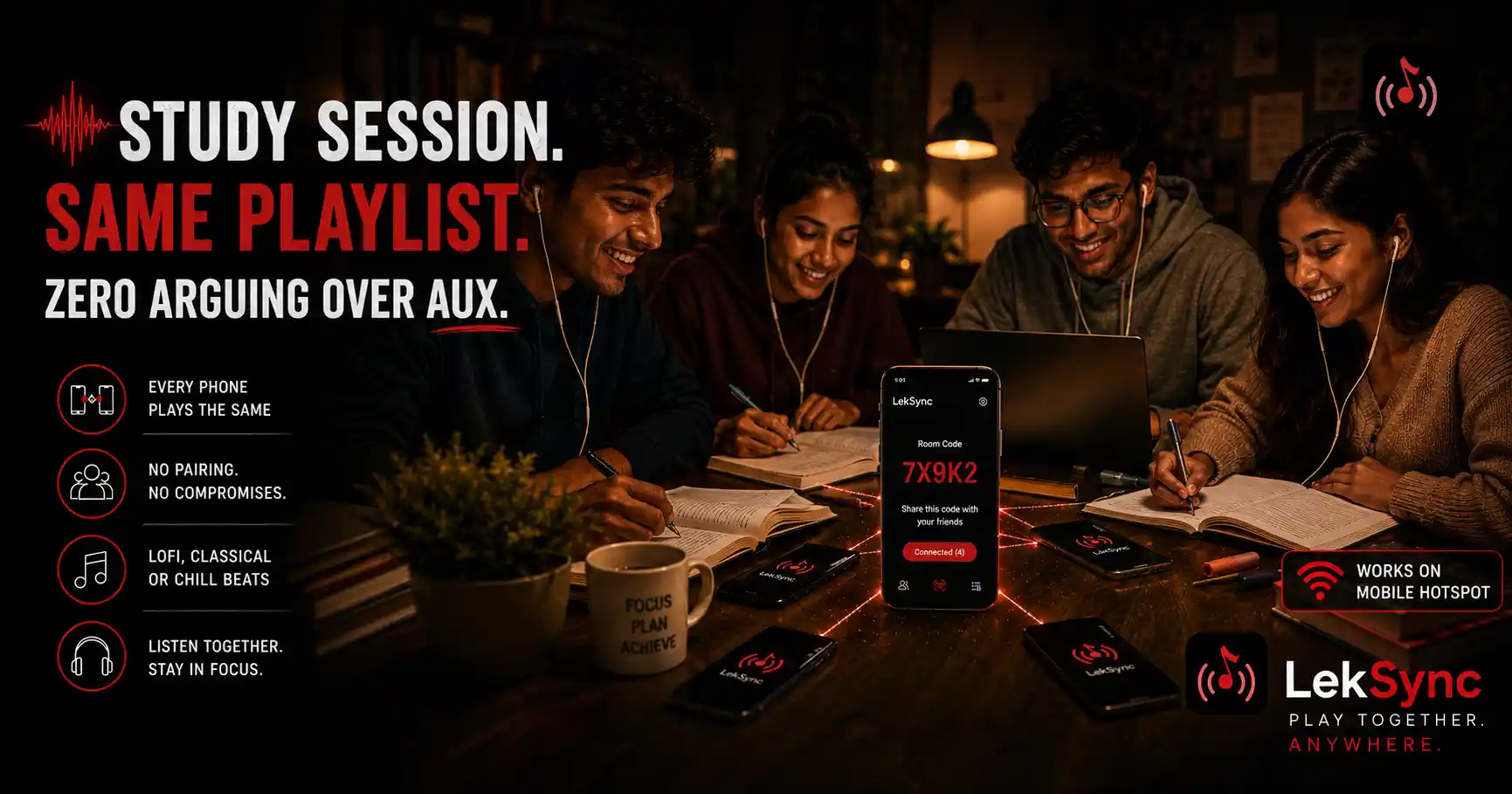
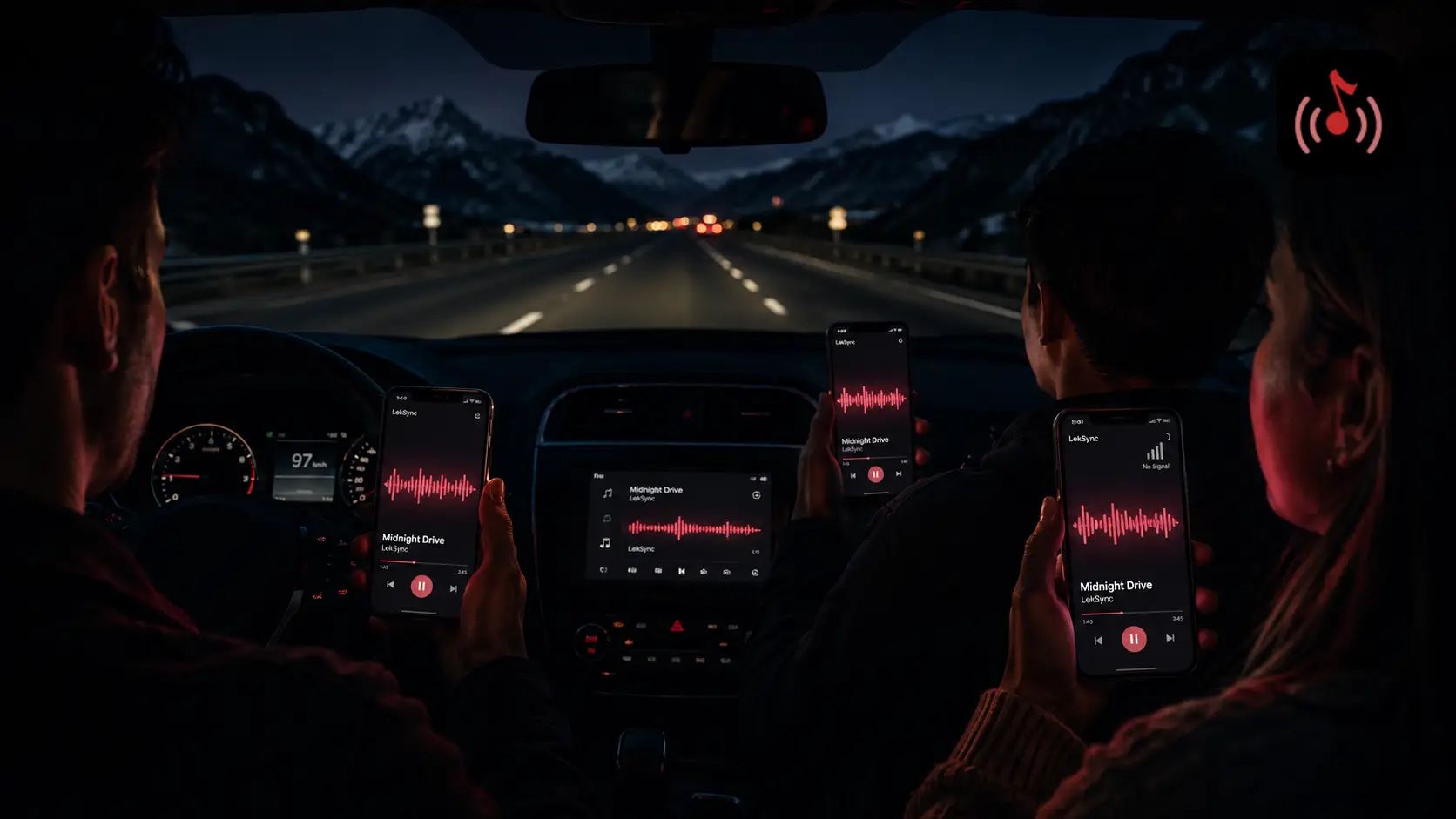
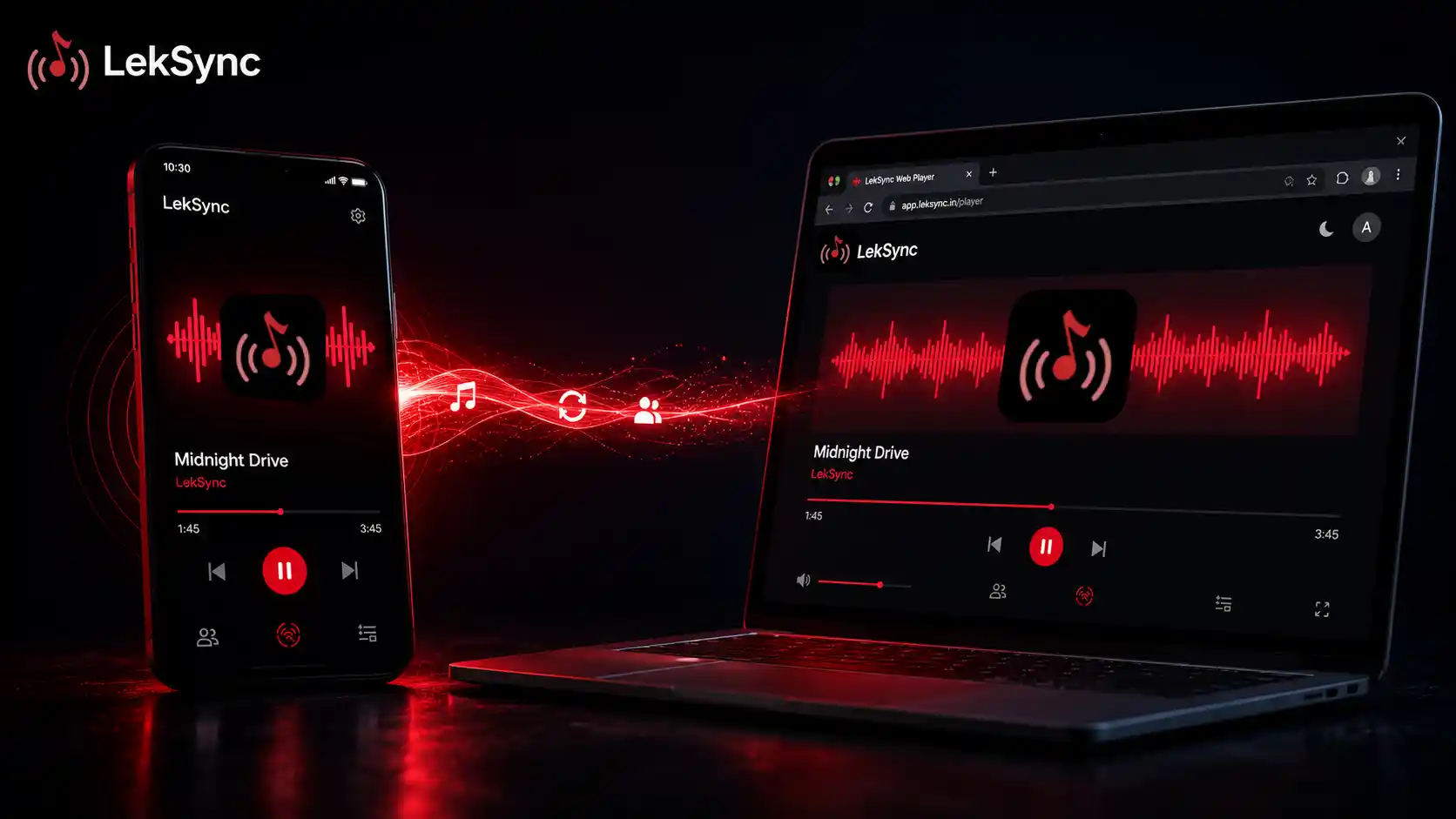
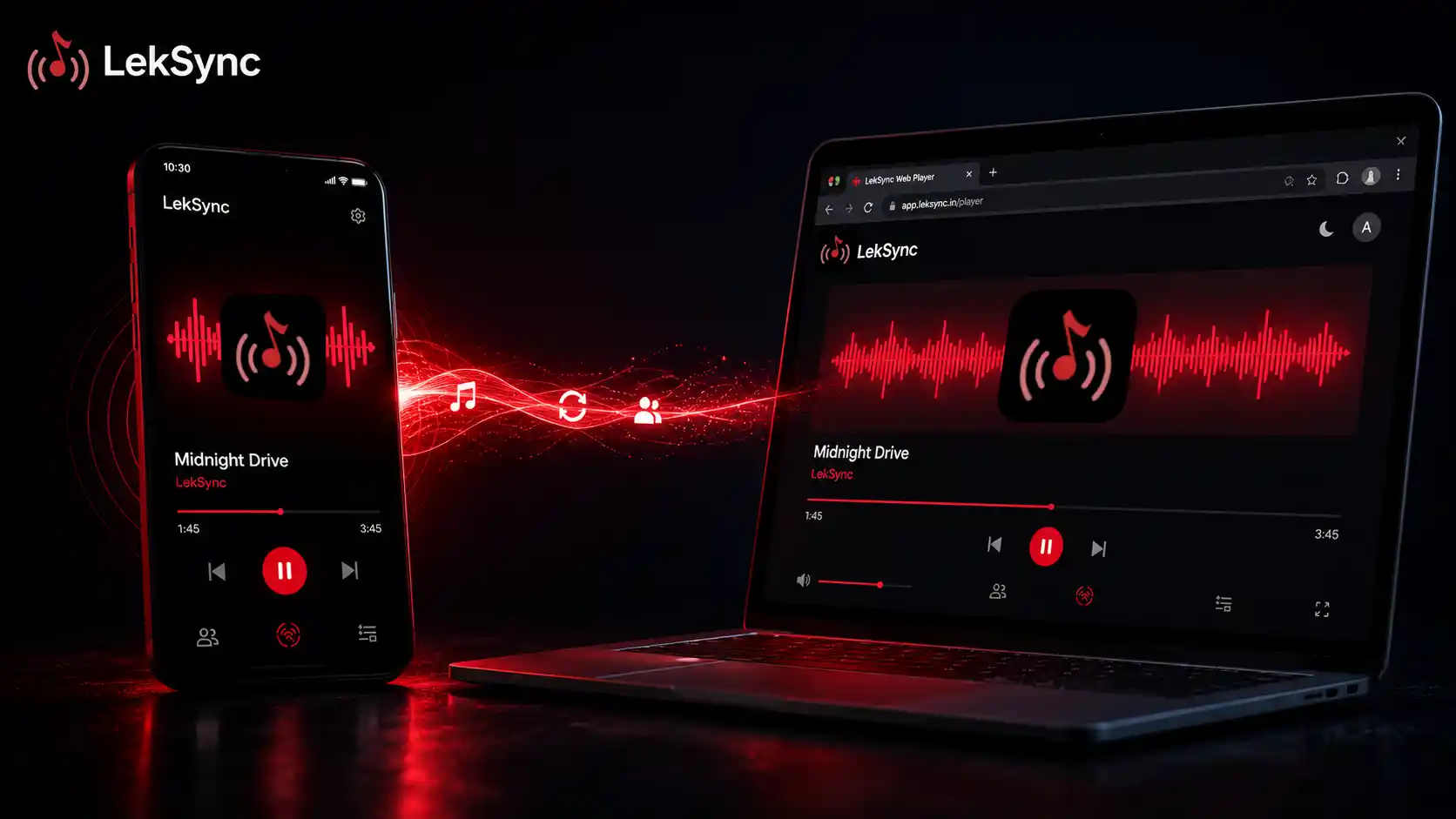
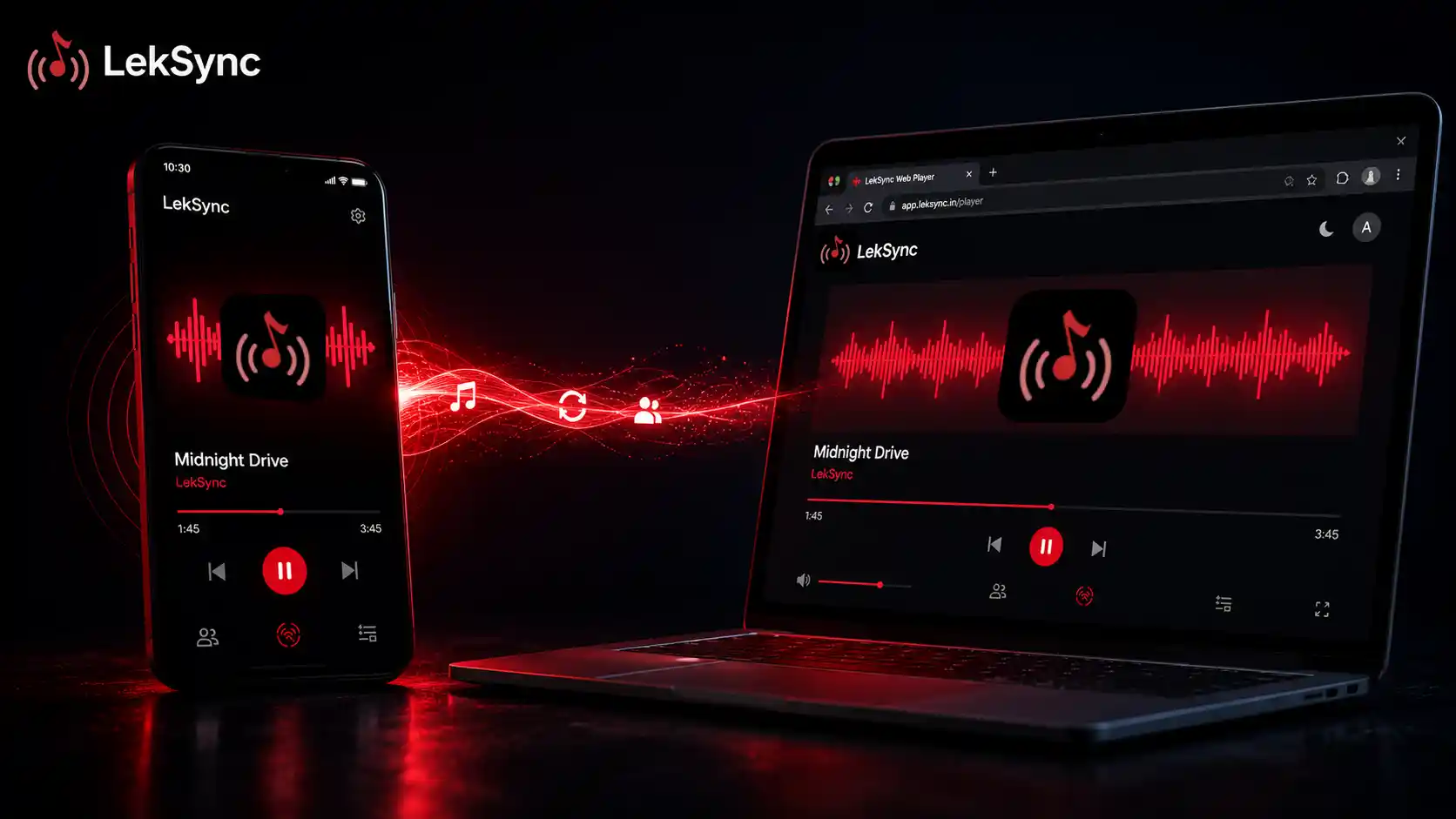
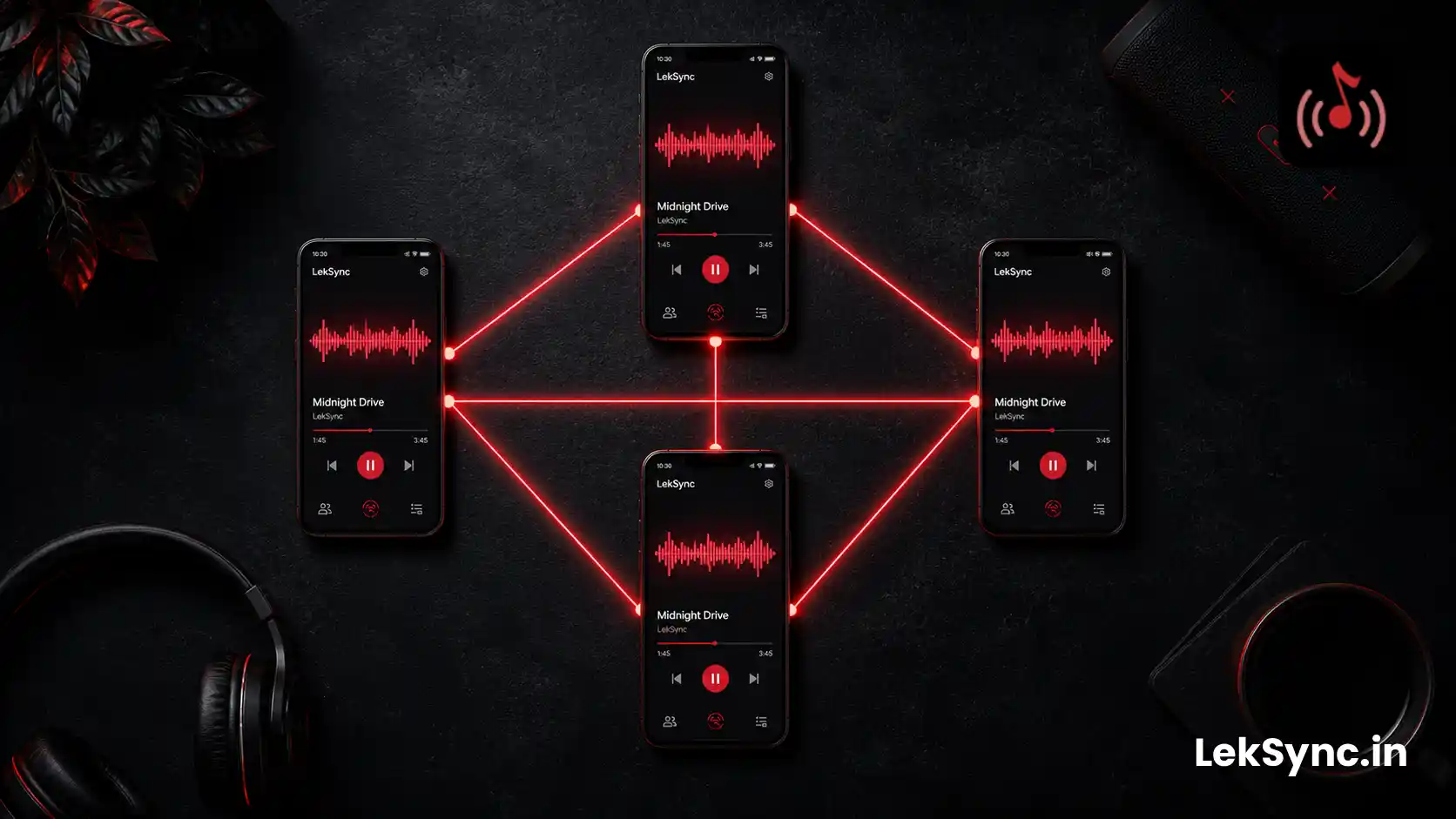
LekSync turns one Android phone into a music host and every other phone into a receiver. The host plays a song from its local library; all receivers play it simultaneously in sync. Each receiver uses its own speaker, earphones, or Bluetooth output — acting exactly like a wireless speaker placed wherever you put the phone.
What You Need
- Android phones (Android 10+) — one per speaker position
- LekSync installed on all devices — free on Google Play
- Music files on the host phone (MP3, FLAC, AAC, M4A — any format)
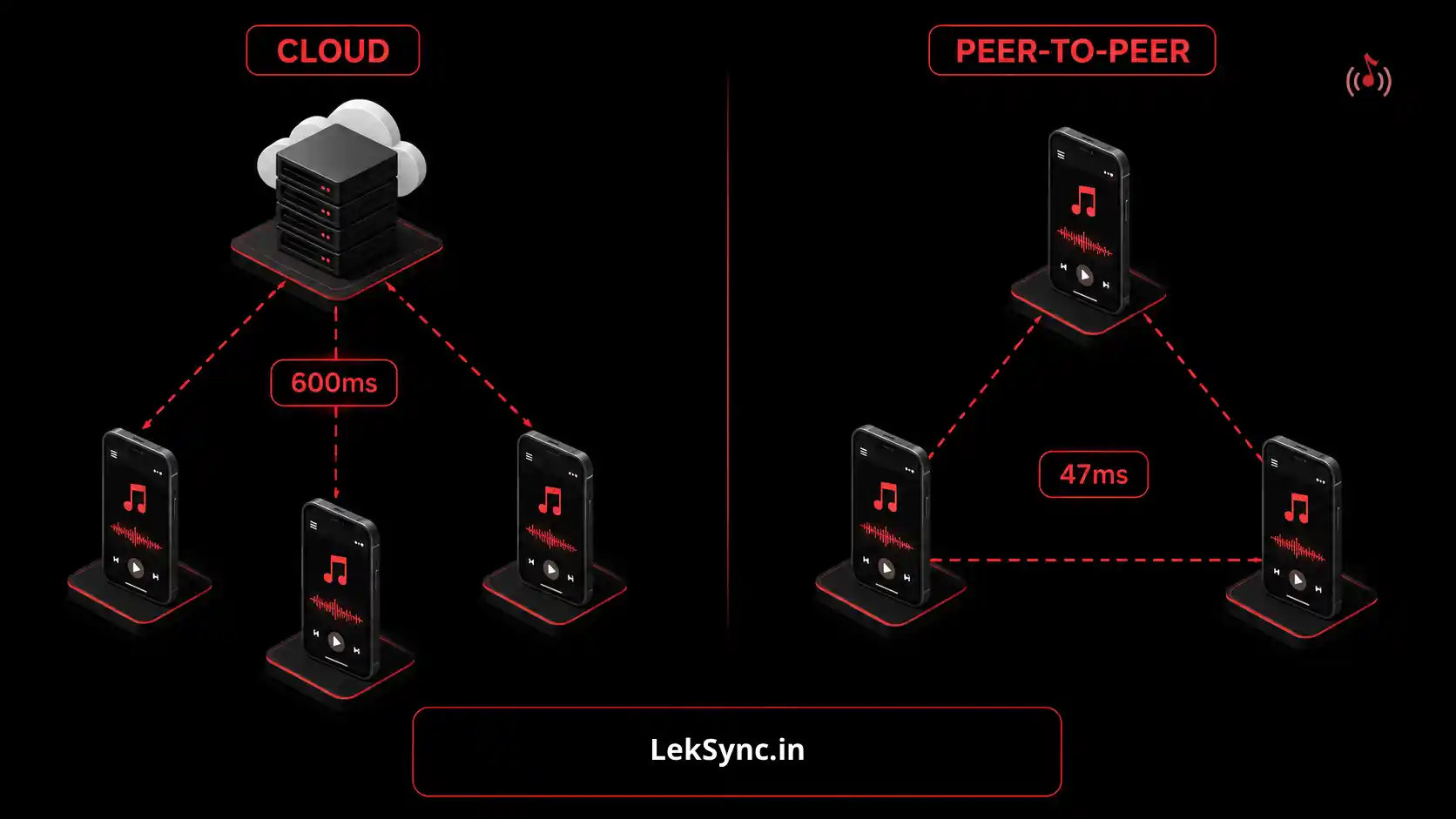
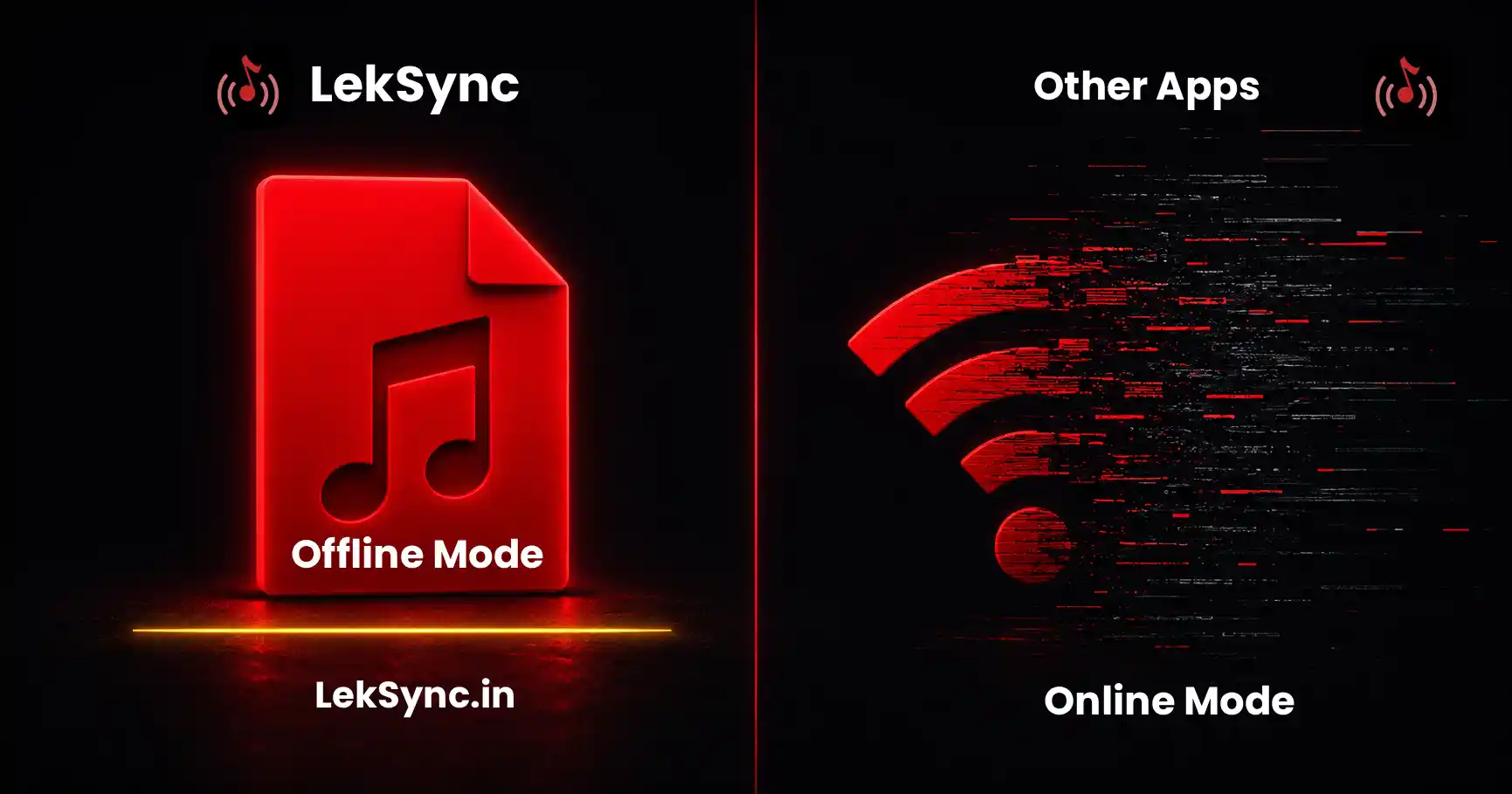
No Wi-Fi router needed. No internet. No Bluetooth pairing.
Setup: Step by Step
Step 1: Install LekSync on all phones
Download LekSync on the host phone and every phone you want to use as a speaker. It's free on the Google Play Store.
Step 2: Open LekSync and tap "Host" on the music phone
The phone with your music taps Host. This starts a local audio server and creates a network for the speaker phones to connect to.
Step 3: Tap "Receiver" on each speaker phone
On each phone acting as a speaker, open LekSync and tap Receiver. Connect to the host's hotspot when prompted. The phone is now a receiver — it will play whatever the host plays.
Step 4: Place the phones around the room
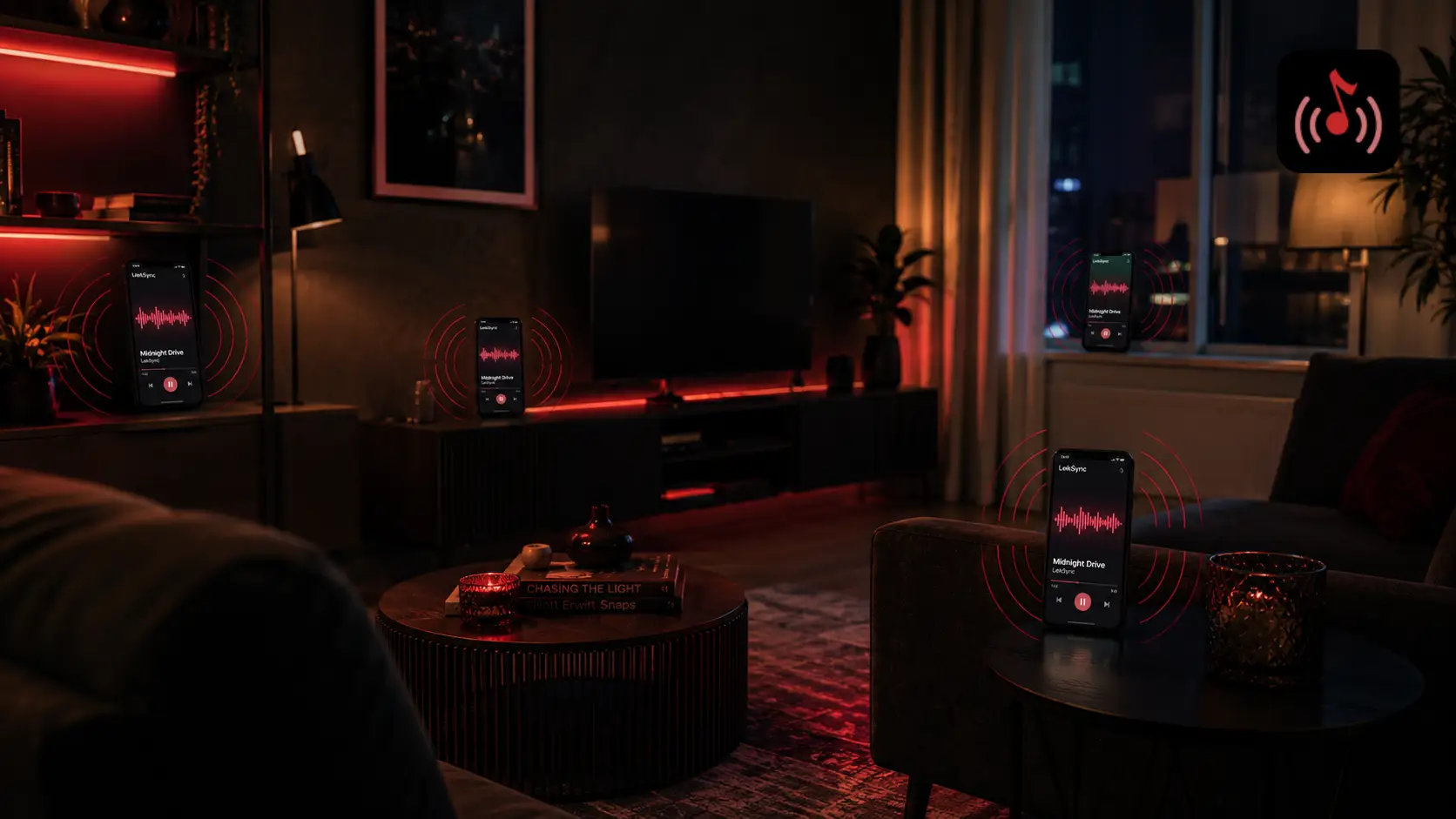
Put receiver phones wherever you want audio. On a shelf, on a windowsill, propped up on a table across the room, or in a different room entirely. Each one becomes an independent speaker in your setup.
Step 5: Press play on the host
Tap any song from the host's library. All receiver phones start playing at the same moment — in perfect sync. Adjust volume on each device individually to balance the sound across the space.
Where This Works Well
House parties
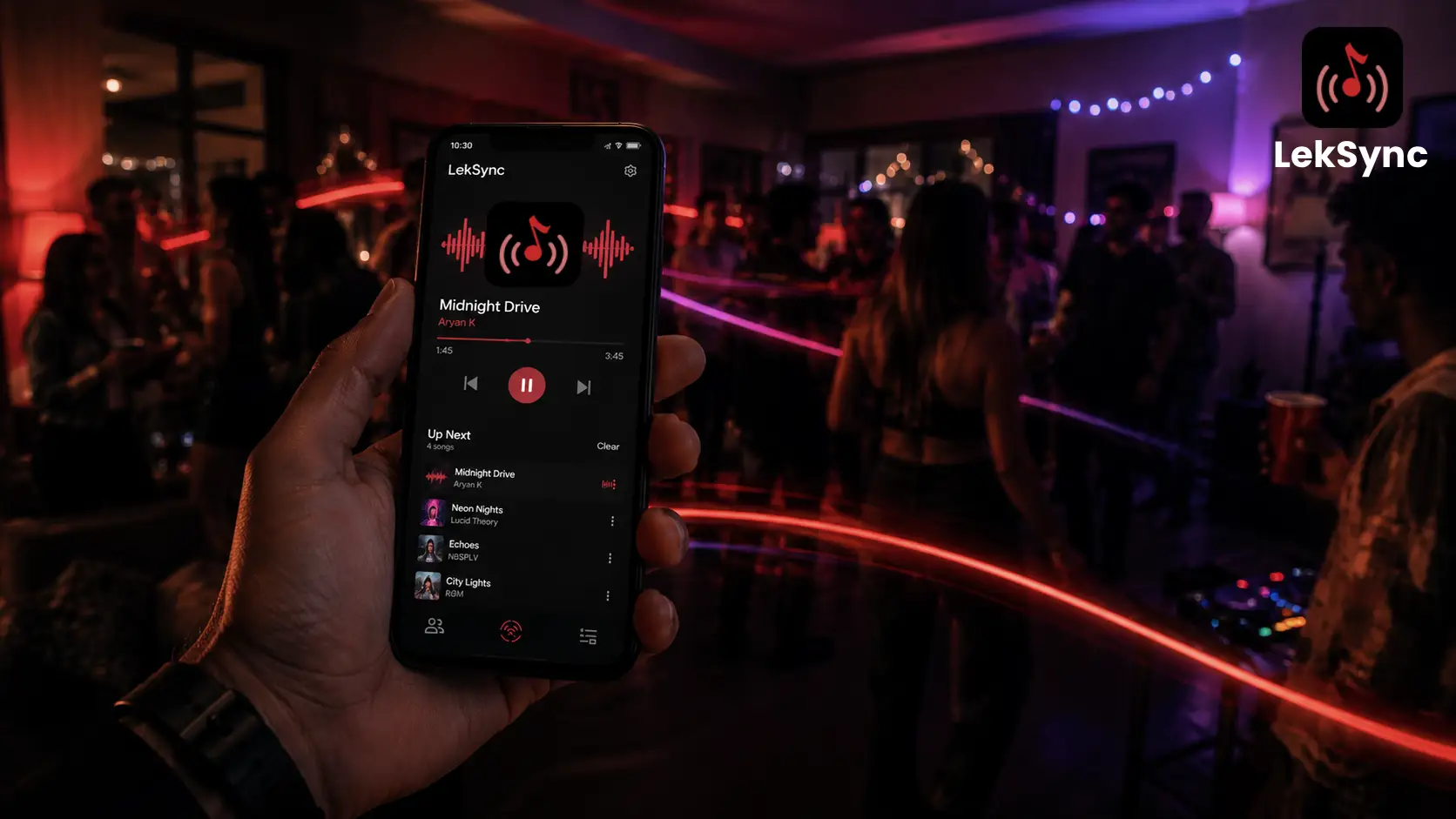
Scatter receiver phones across rooms for whole-home audio. Kitchen, living room, backyard — each phone covers its zone. No expensive multi-room speaker kit required. (For the full party setup, see how to DJ a house party with only a phone.)
Outdoor gatherings
Spread phones around a garden, terrace, or campsite for wider sound coverage. Since LekSync works on a local hotspot, there's no need for a Wi-Fi router or internet connection outdoors.
Hostels and dorms
Share music with the room without everyone huddling around one speaker. Each roommate hears it from their own device at the volume they prefer.
Events and presentations
Use receiver phones as monitor speakers in a hall or meeting room. Combined with LekSync's mic feature — where the host can speak live to all receivers — it works as a basic PA system without dedicated hardware.
Tips to Get the Best Sound
- Turn receivers up to max volume. Each phone controls its own output — set receiver volumes high so the room is covered properly.
- Prop phones up face-out. Speaker grills face down or backward on most phones. Stand them up against a wall or use a phone stand so sound projects into the room.
- Use phones with front-facing speakers. Newer Android phones with stereo or front-firing speakers will sound noticeably louder in a room.
- Plug receivers in. Playing at full volume drains battery. Keep receiver phones on USB chargers for long sessions.
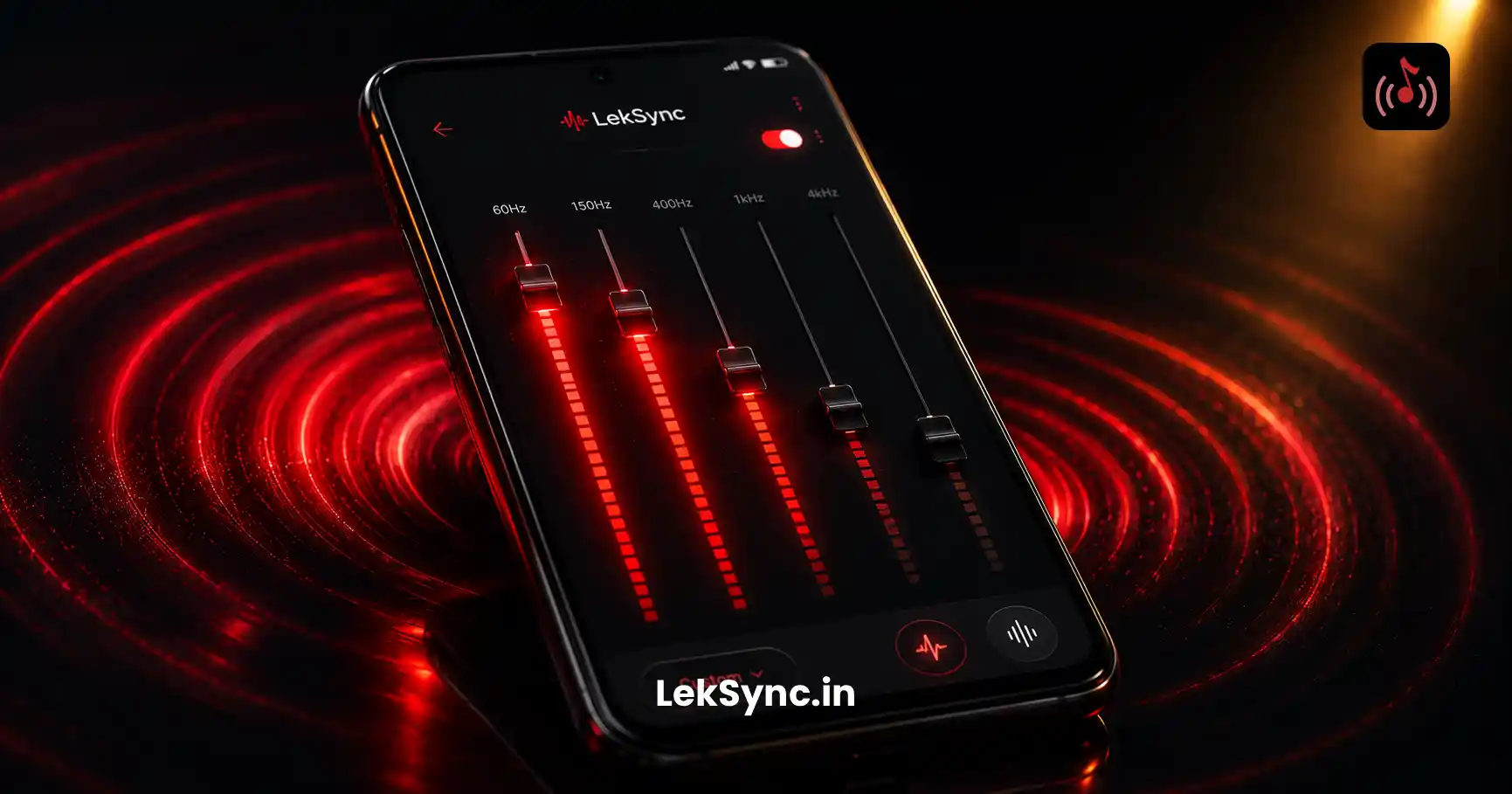
- Use the equalizer. The host's EQ settings apply to all receivers. Boost the bass or adjust the mids before the session starts.
Phone Speaker vs Bluetooth Speaker
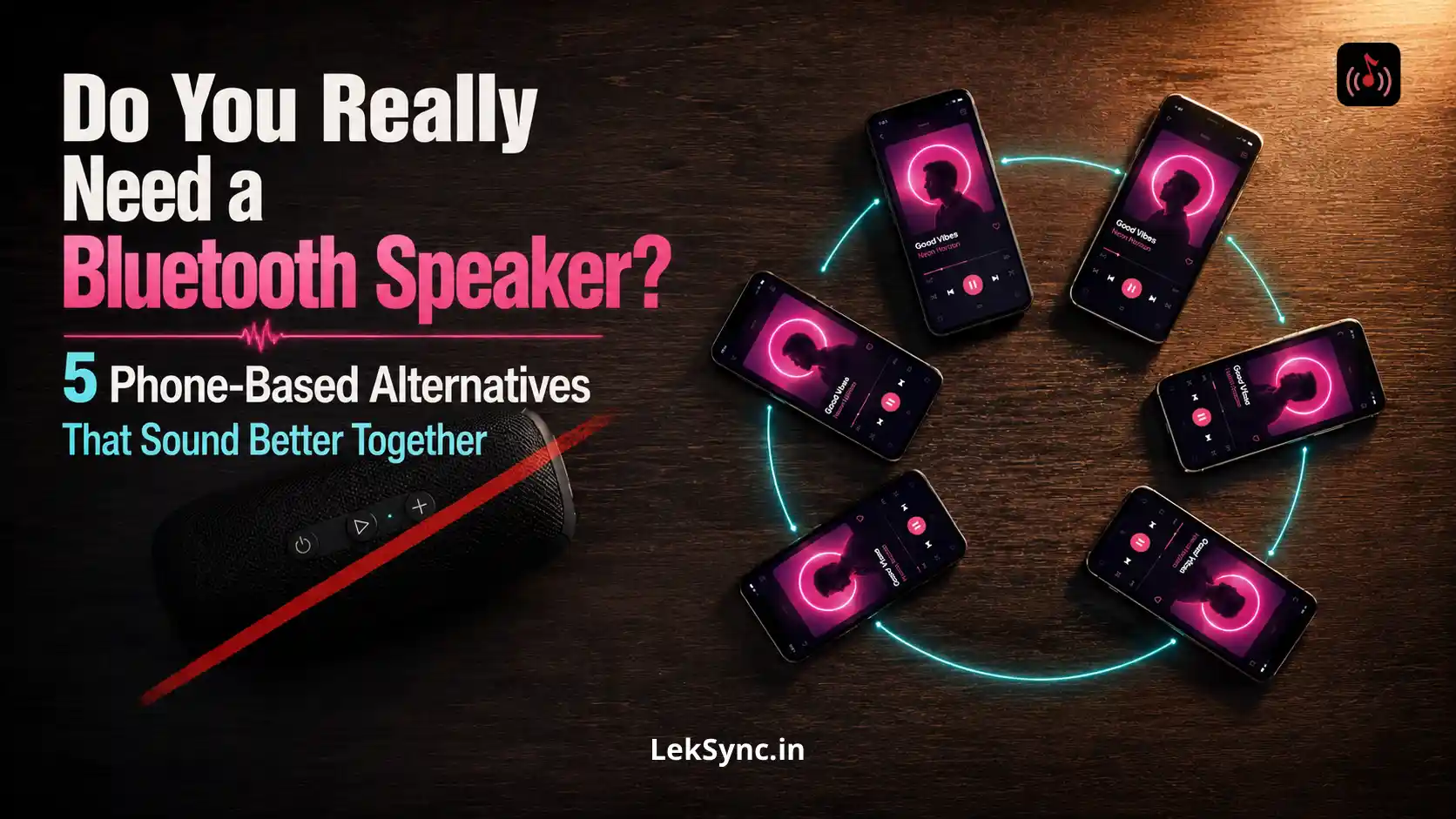
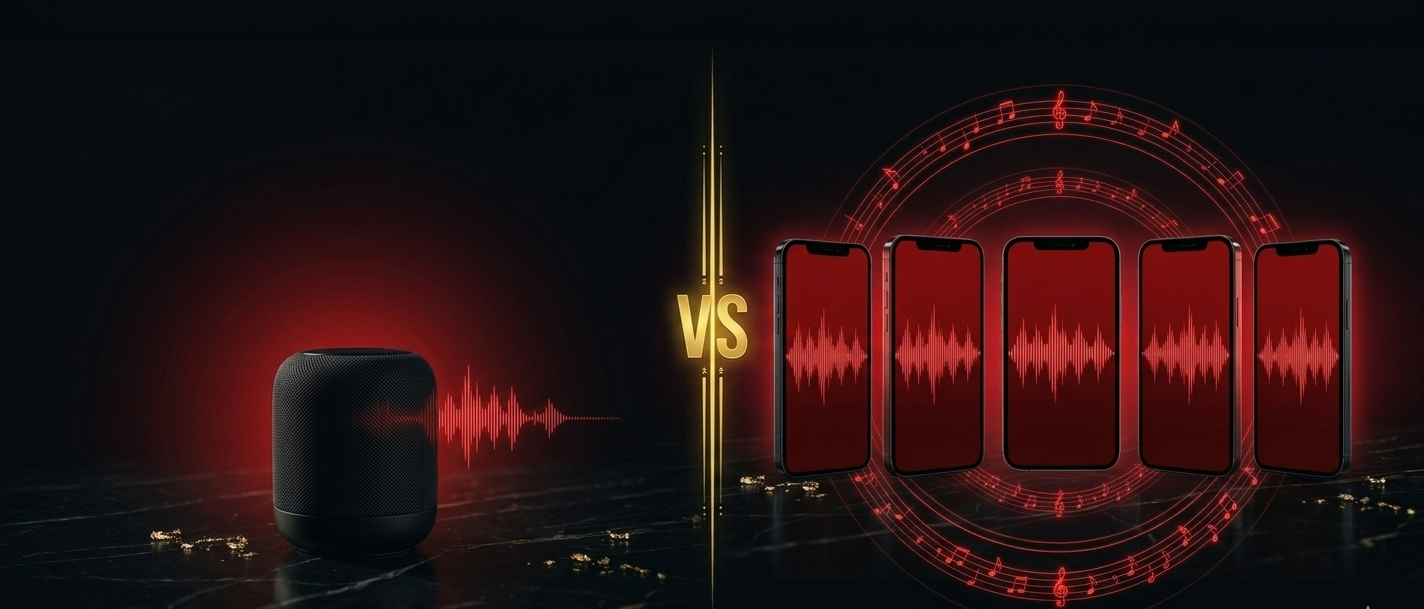
If you're choosing between buying a Bluetooth speaker or reusing the phones you already own, our LekSync vs Bluetooth speakers post goes deeper on the trade-offs.
| Bluetooth Speaker | Phone + LekSync | |
|---|---|---|
| Cost | ₹1,000–₹10,000+ each | Free (use existing phones) |
| Multiple speakers synced | Only some premium models | Any Android phone |
| Works without internet | Yes | Yes |
| Number of speakers | One per device | Up to 5 (free: 2) |
| Mic support | No | Yes (live announcement) |
Ready to Try It?
Gather the Android phones you already own — old devices work fine as receivers. Download LekSync free on Google Play and turn them into a synchronized speaker system in under three minutes.