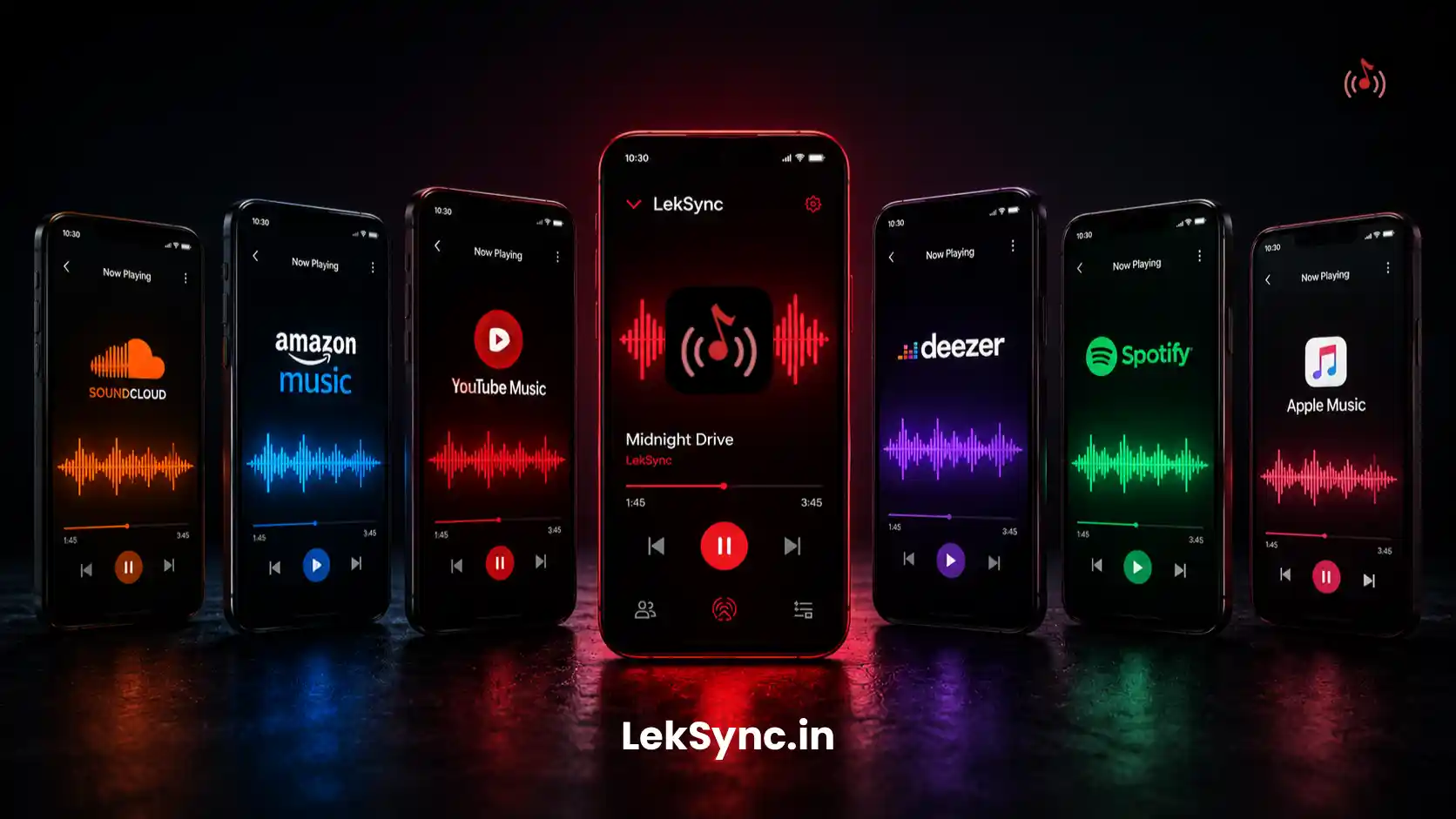
Streaming music is the default in 2026. Spotify and Apple Music together have hundreds of millions of subscribers. The library is bottomless, the recommendations are good, and at home it works perfectly. So why do experienced party hosts and DJs still keep local music files on hand?
Because parties aren't "at home". Parties have hostile Wi-Fi, peak network usage, time-critical track changes, and zero tolerance for buffer wheels at the wrong moment. Here are five reasons local music wins for parties — and how to combine local files with a sync app like LekSync for the best party setup.
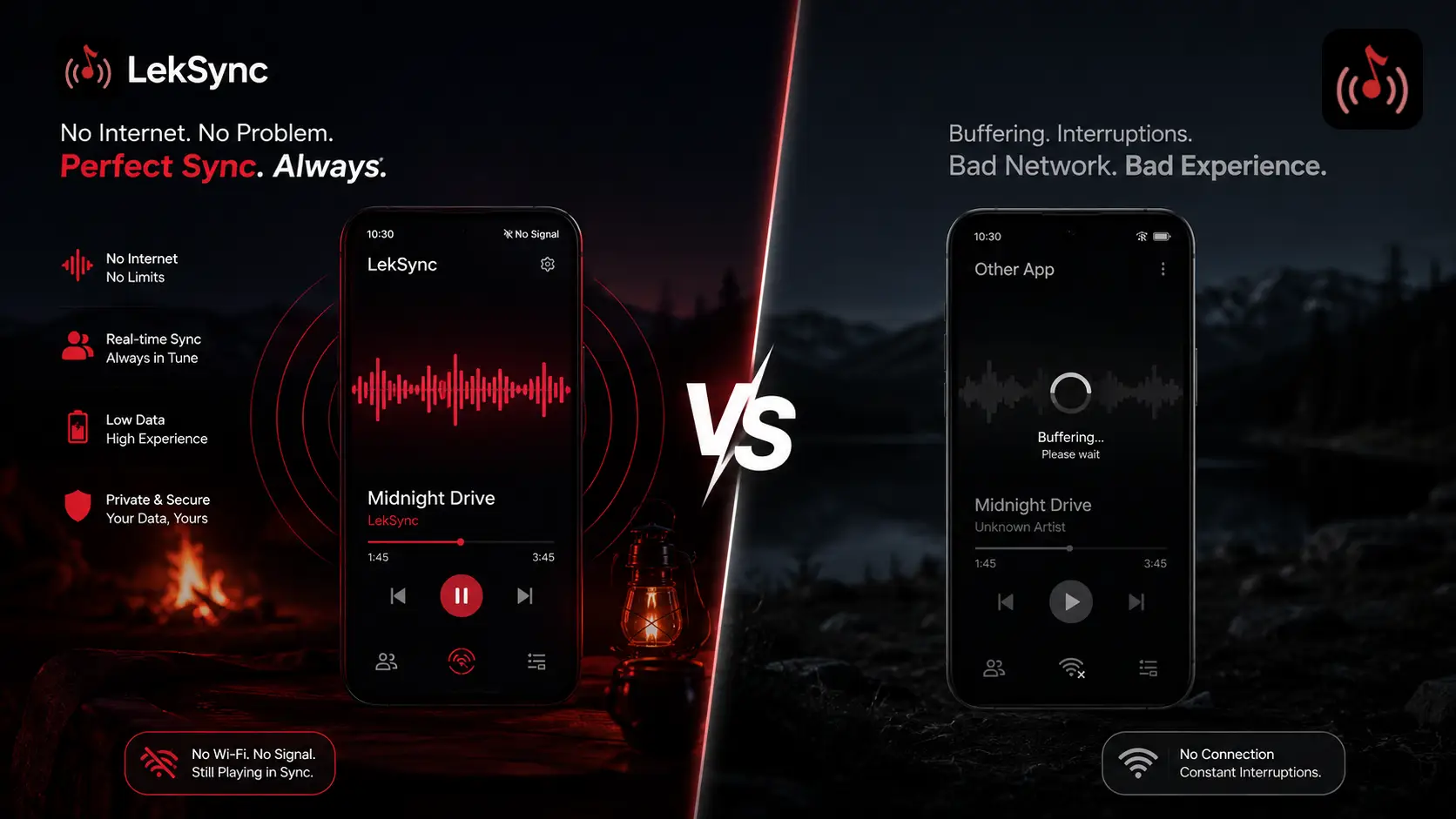
1. No Wi-Fi, No Problem
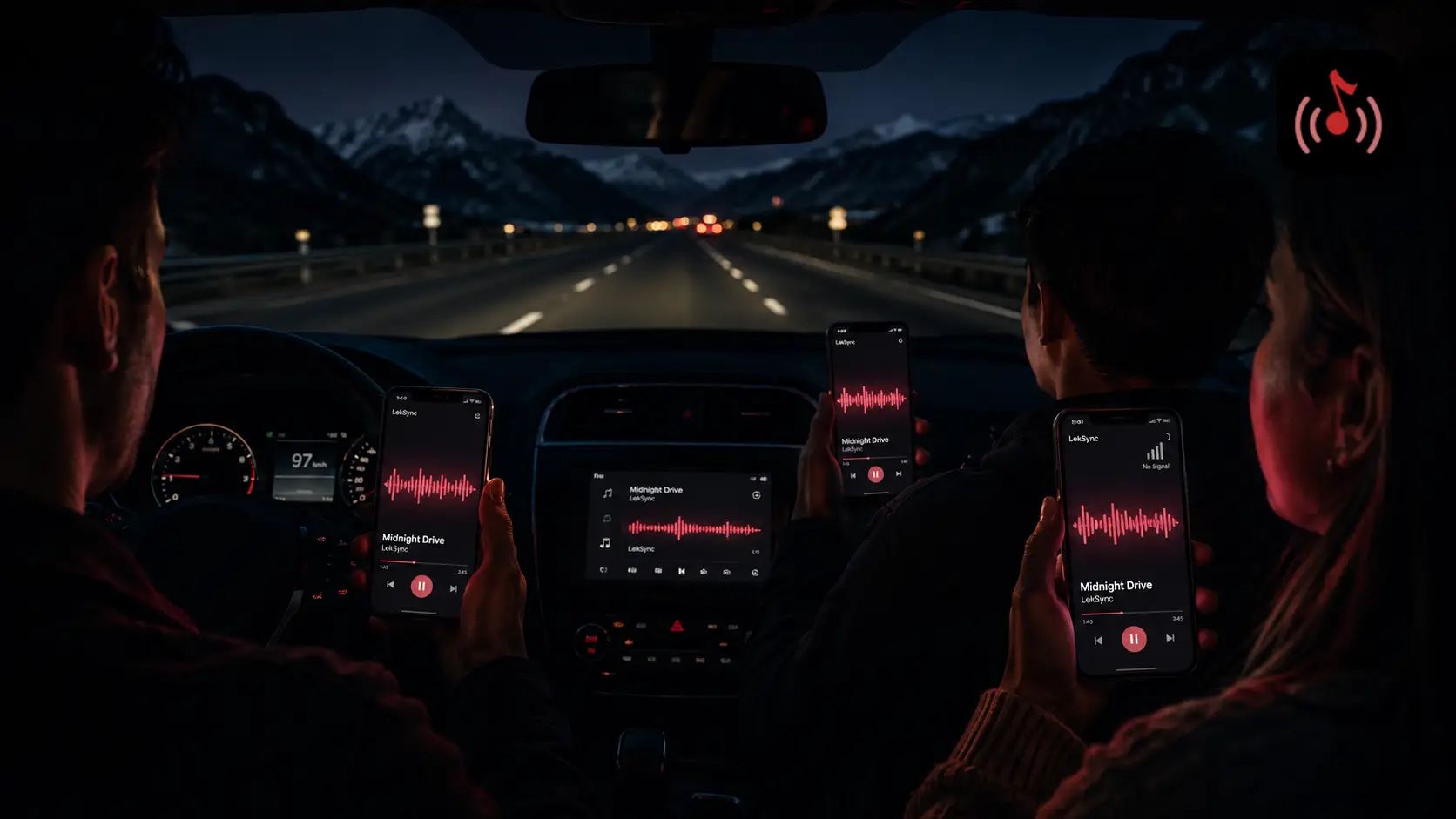
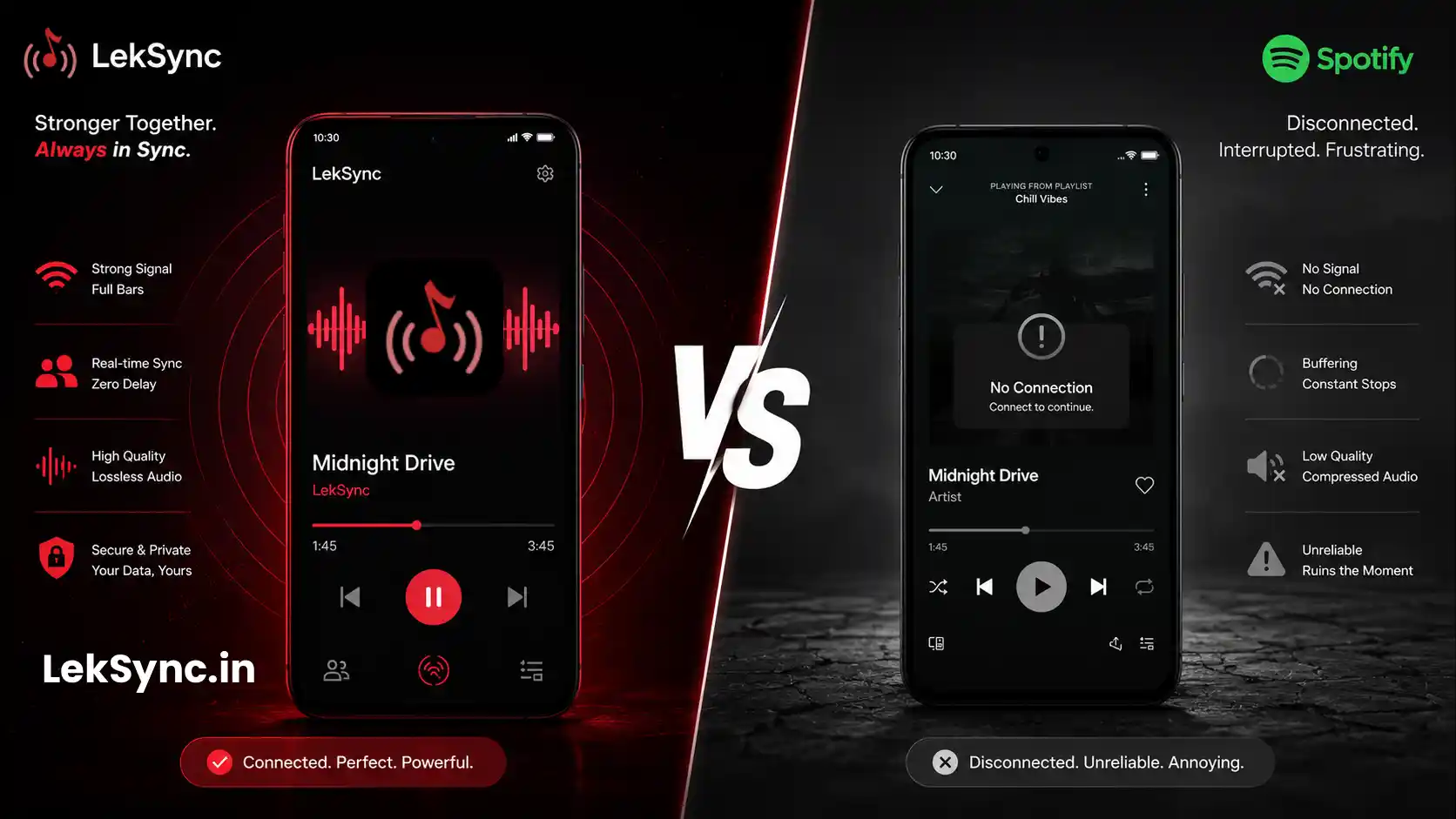
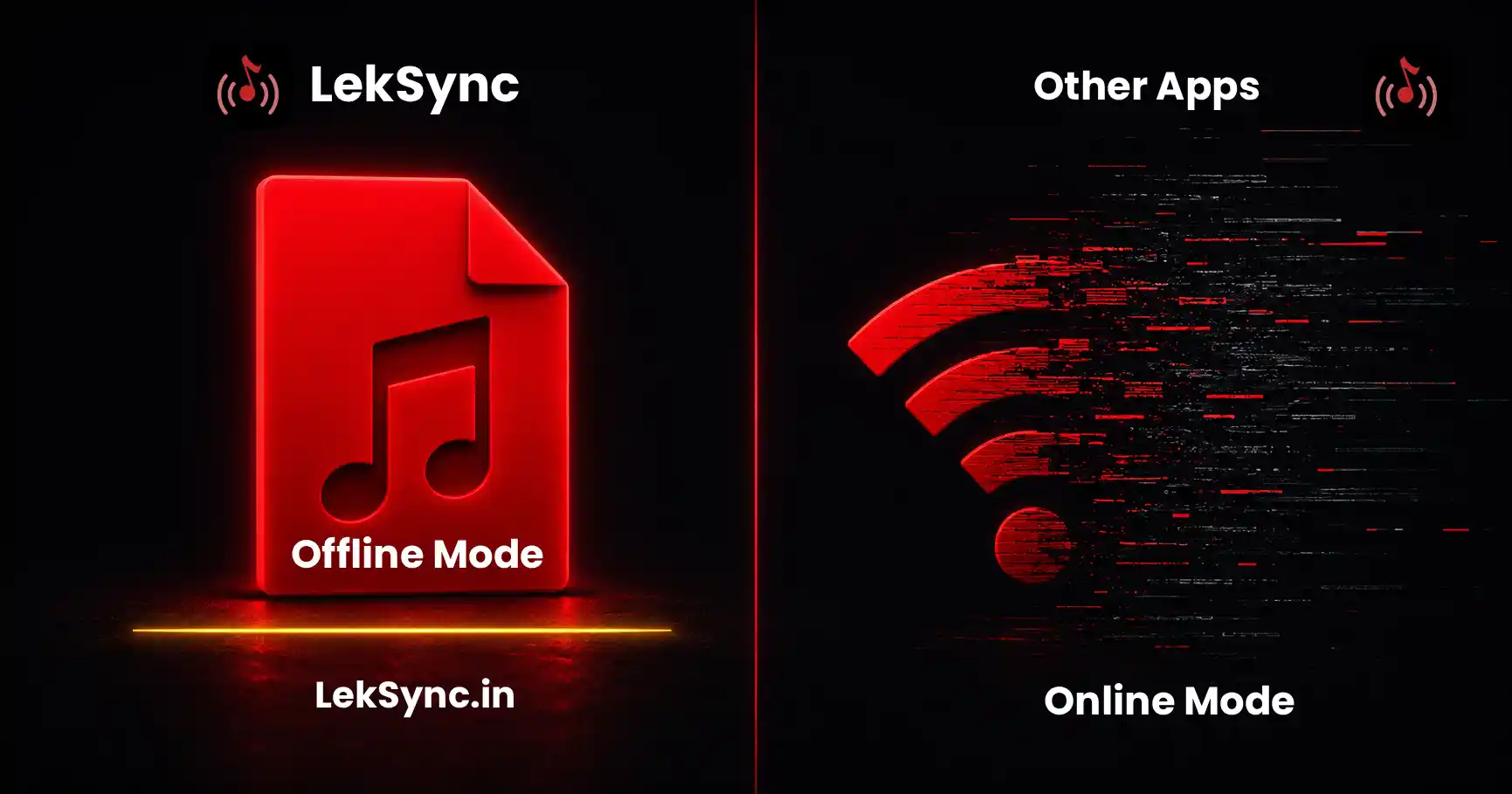
The most underrated property of local music: it works without internet. House Wi-Fi is unreliable on party nights. Twenty people connected to one router, half of them streaming Netflix in the background, the router quietly melting in a closet. Spotify starts buffering. The song stops. The vibe dies.
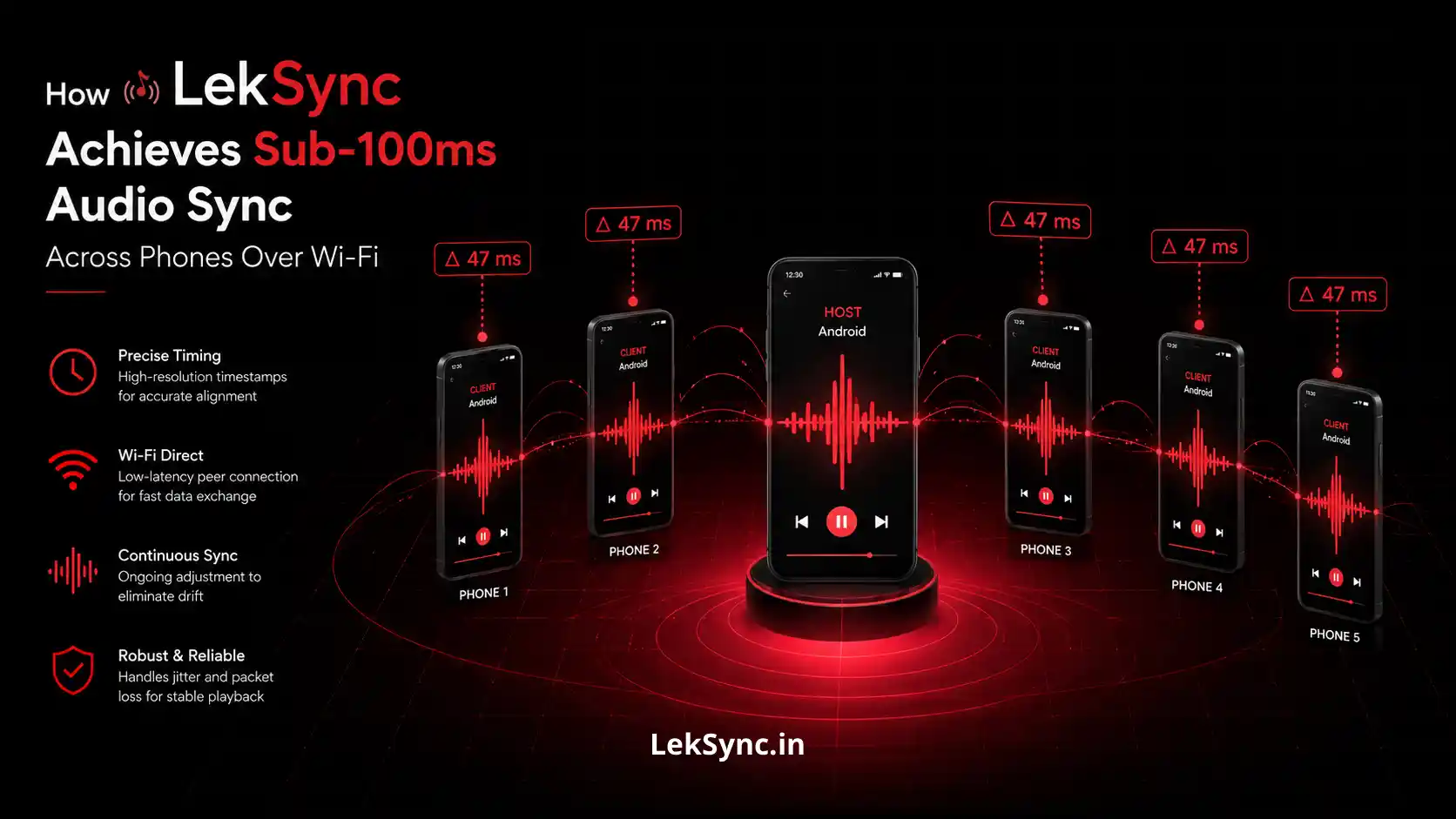
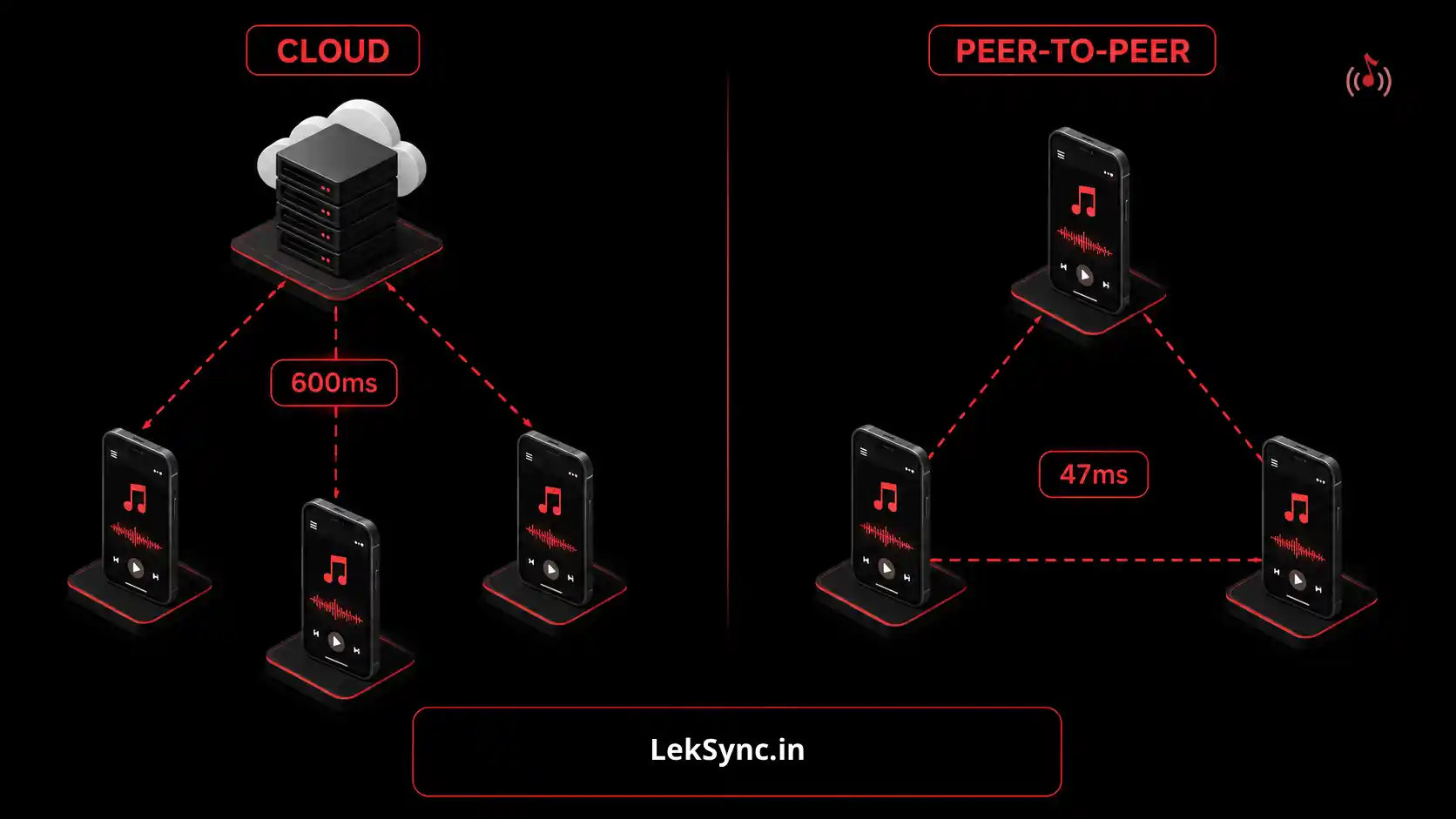
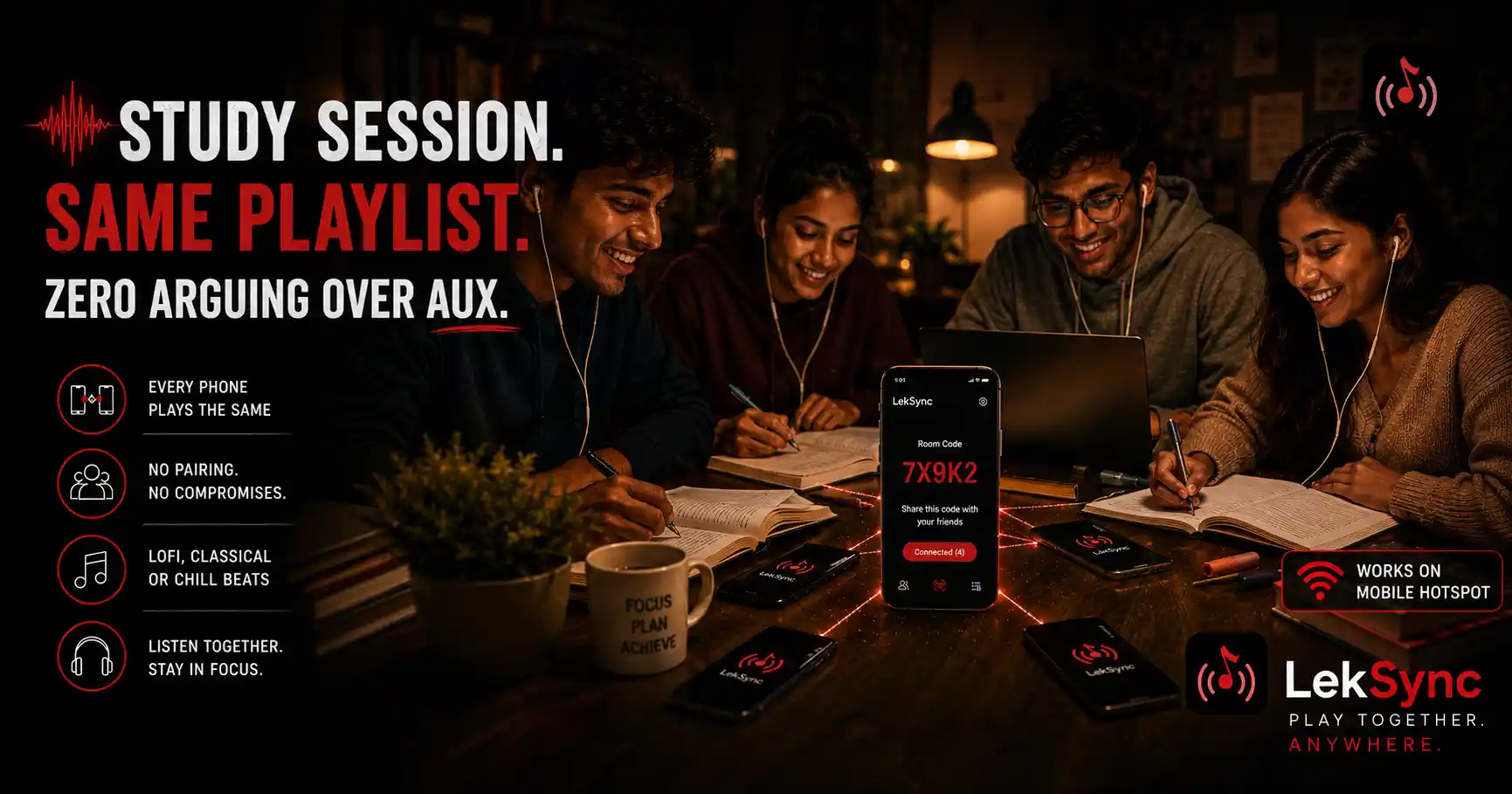
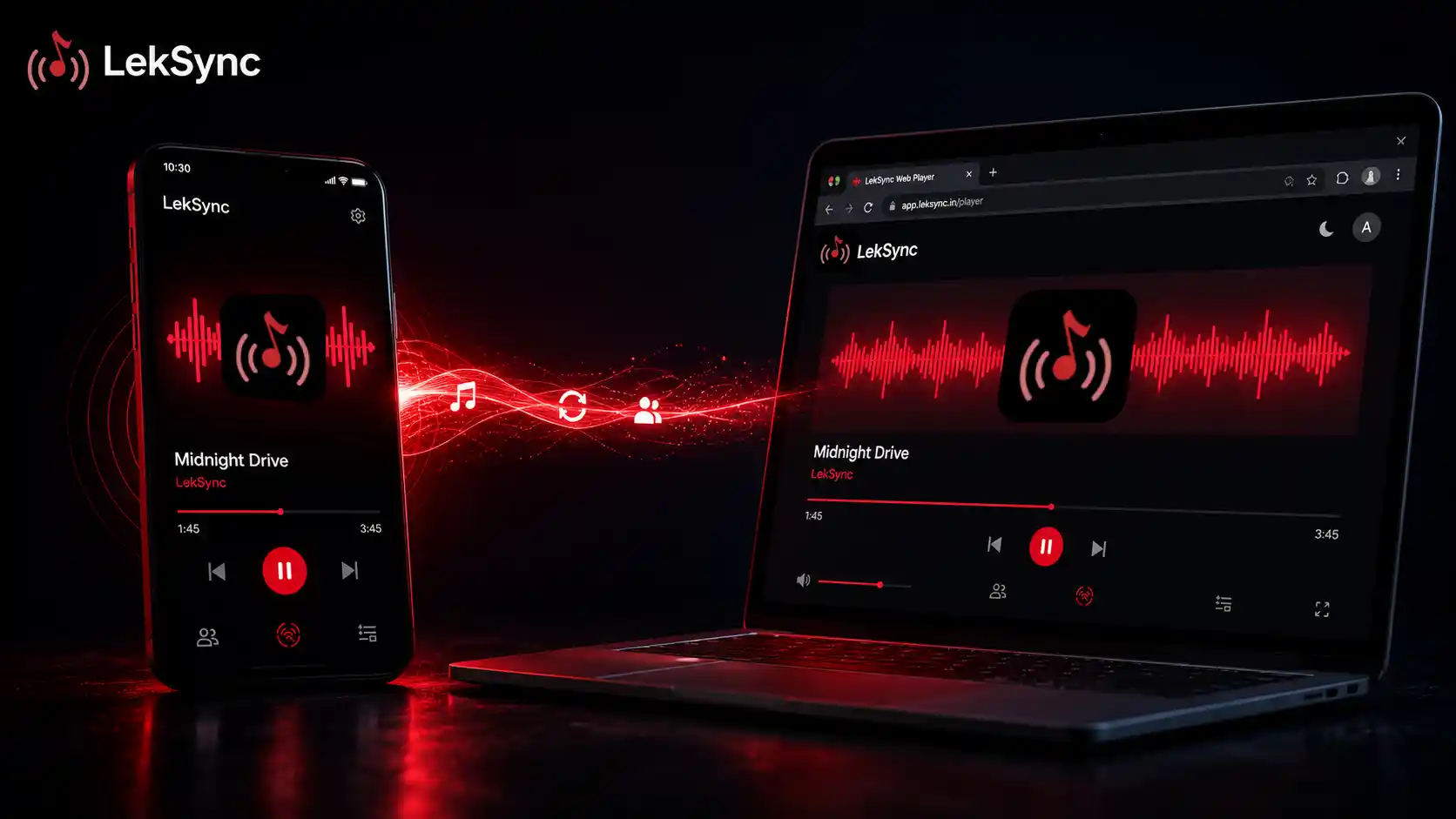
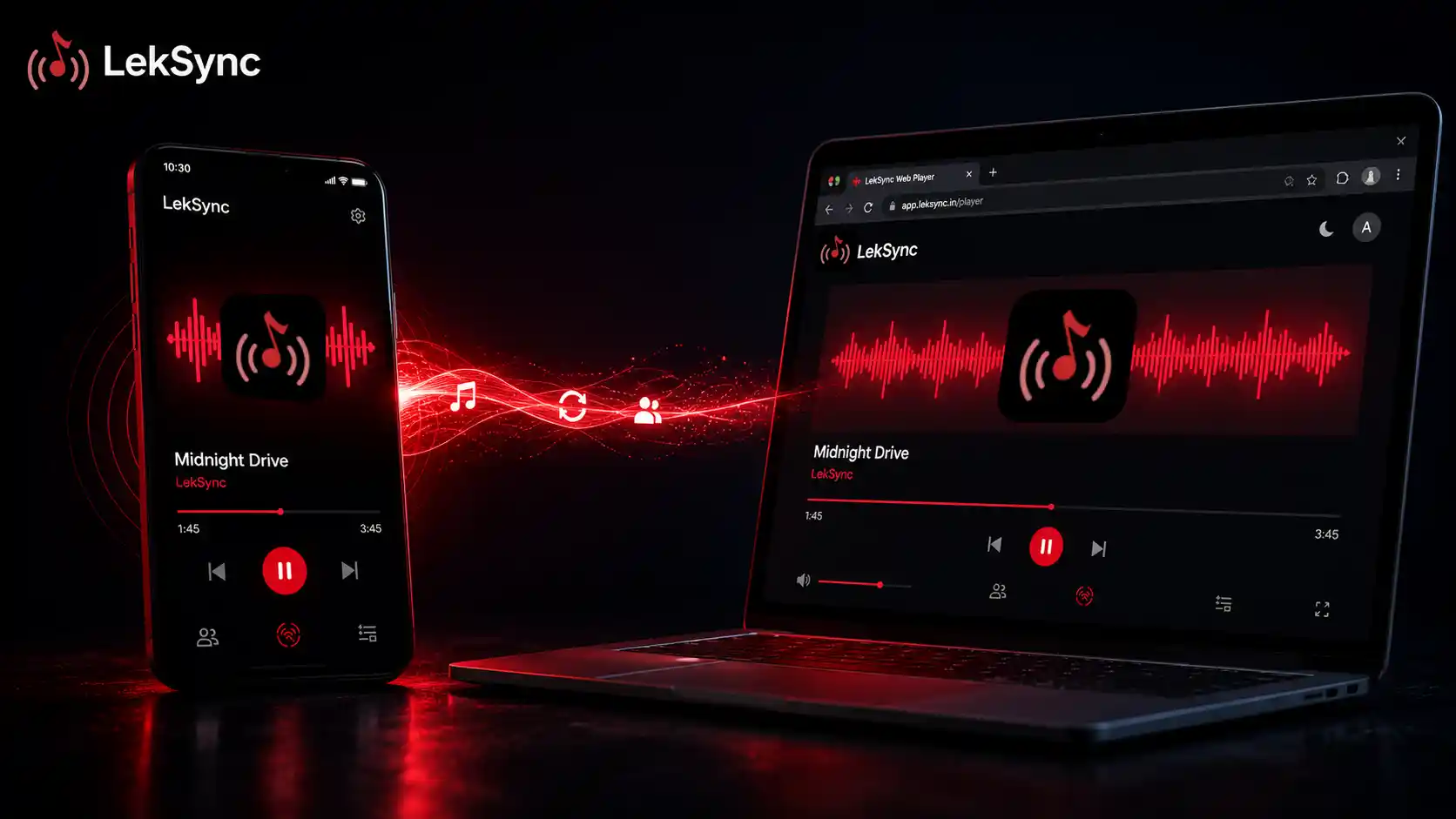
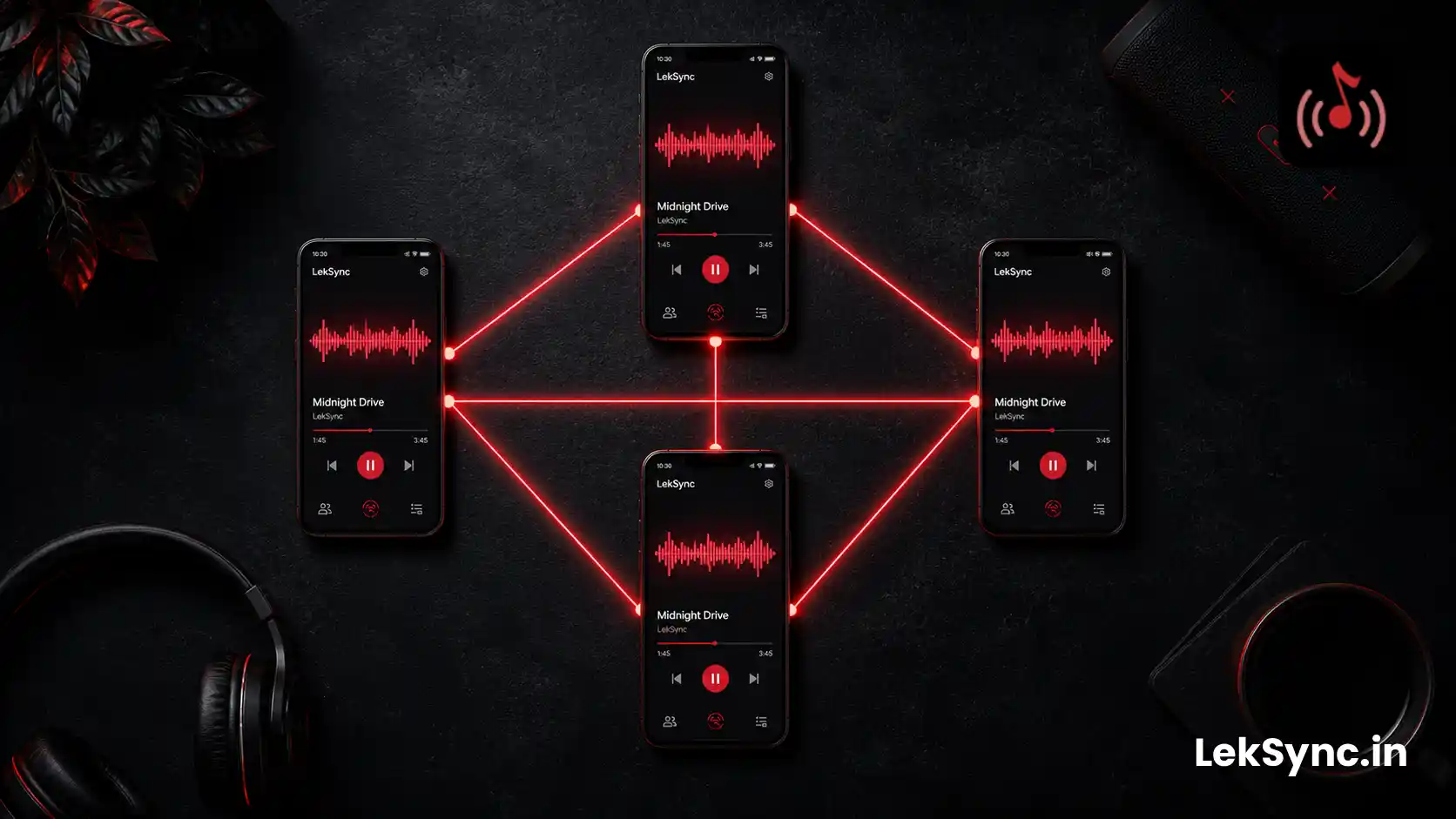
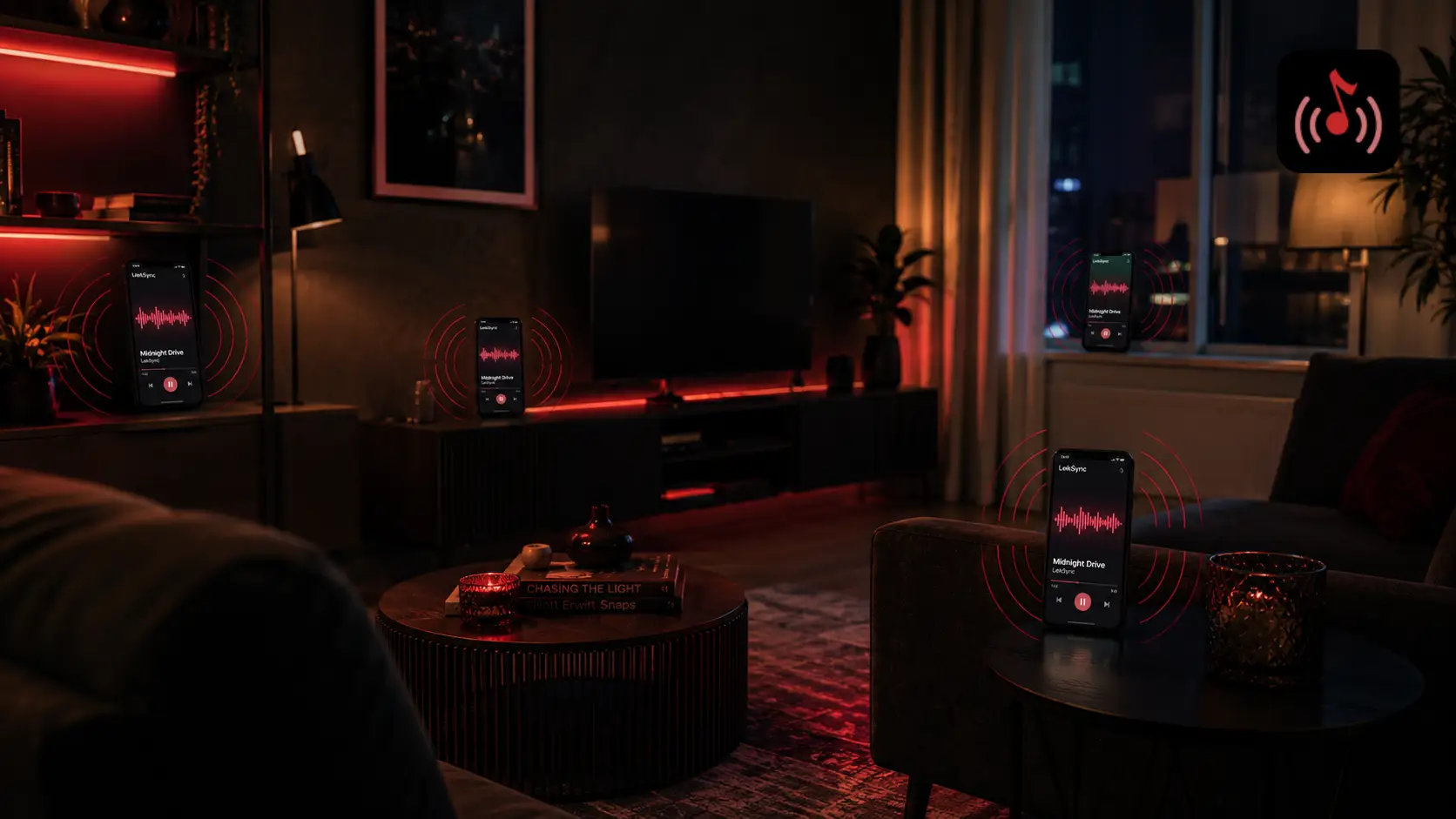
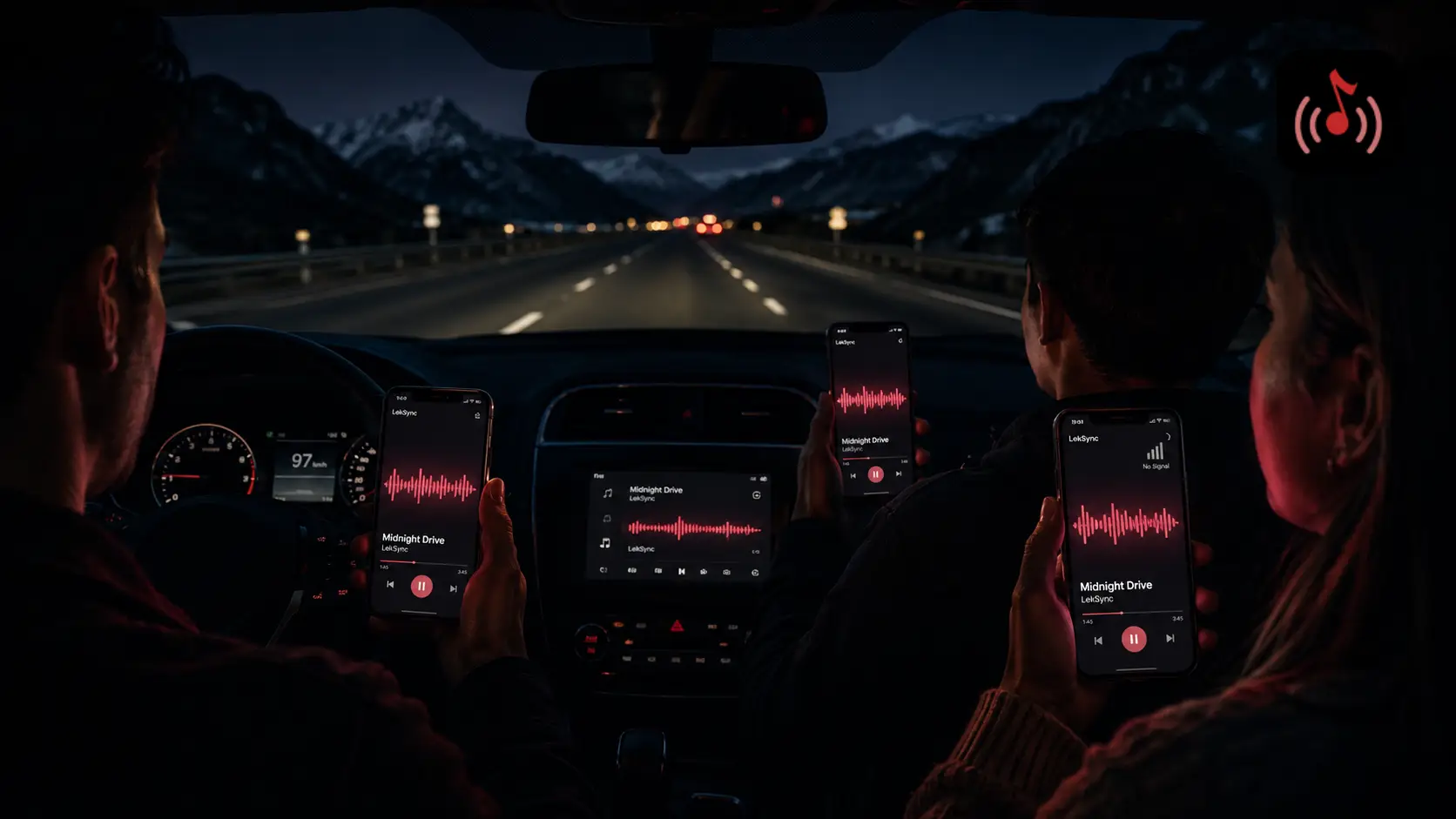
Local files don't care. They're already on the phone. Combined with a hotspot-based sync app like LekSync, you can stream music to every phone in the room over a local Wi-Fi network that has nothing to do with the house internet.
This is why DJs still bring USB sticks loaded with MP3s to gigs even when streaming DJ software exists. Reliability beats convenience when you have a crowd to please.
2. No Ads. Ever.
Free-tier streaming has ads. Premium-tier streaming has ads on podcasts and sometimes between songs depending on the app. Local music never has ads. The transition between songs is exactly what you choose it to be.
If you're using a free Spotify account at a party, your guests are 25 minutes from hearing a car insurance ad. Ouch.
3. No Region Blocks, No Removed Tracks
Streaming catalogs change. Songs disappear when licenses expire. Albums get pulled when artists feud with labels. Region locks mean a track that's available in your country might not be available for a friend visiting from abroad joining your room.
Local files are permanent. The track you bought five years ago is still on your phone. The remix you downloaded from an artist's Bandcamp doesn't depend on a corporate licensing dispute.
4. Bitrate You Control
Streaming apps adapt their bitrate to your network. On a busy Wi-Fi night, Spotify might be sending you 96 kbps to keep the stream from buffering. That's audibly worse than the 320 kbps MP3 sitting on your phone.
With local files you choose the quality:
- 192 kbps MP3 — good enough for most phone speakers.
- 320 kbps MP3 — indistinguishable from CD on phone speakers, ~7 MB per song.
- FLAC / WAV — lossless quality, ~25 MB per song, only worth it on serious speakers.
For party music streamed through phones, 320 kbps MP3 is the sweet spot.
5. The Encore Trick
This one only works with local files: at the end of the party, you can play a "signature" track that becomes the friend group's permanent association with that night. The arrival song, the goodbye song, the 3 AM acoustic moment. Streaming songs come and go. The local file you played at every party for the last three years becomes a ritual.
Friends remember music more than they remember conversations. Curating a local library makes you the friend who runs great parties.
How to Build a Party-Ready Local Library
You don't need 10,000 songs. A solid party library is 4–6 hours of music carefully chosen for energy curves. Here's a build plan:
- Buy from Bandcamp / Beatport / direct artist sites. DRM-free, pays artists fairly, and you actually own the file.
- Organize into mood folders. Pre-party, peak, late night, sing-along, cooldown. This makes mid-party adjustments easy.
- Keep file names clean. "Artist - Track.mp3" not "01_track.mp3". You'll thank yourself when scrolling at 1 AM.
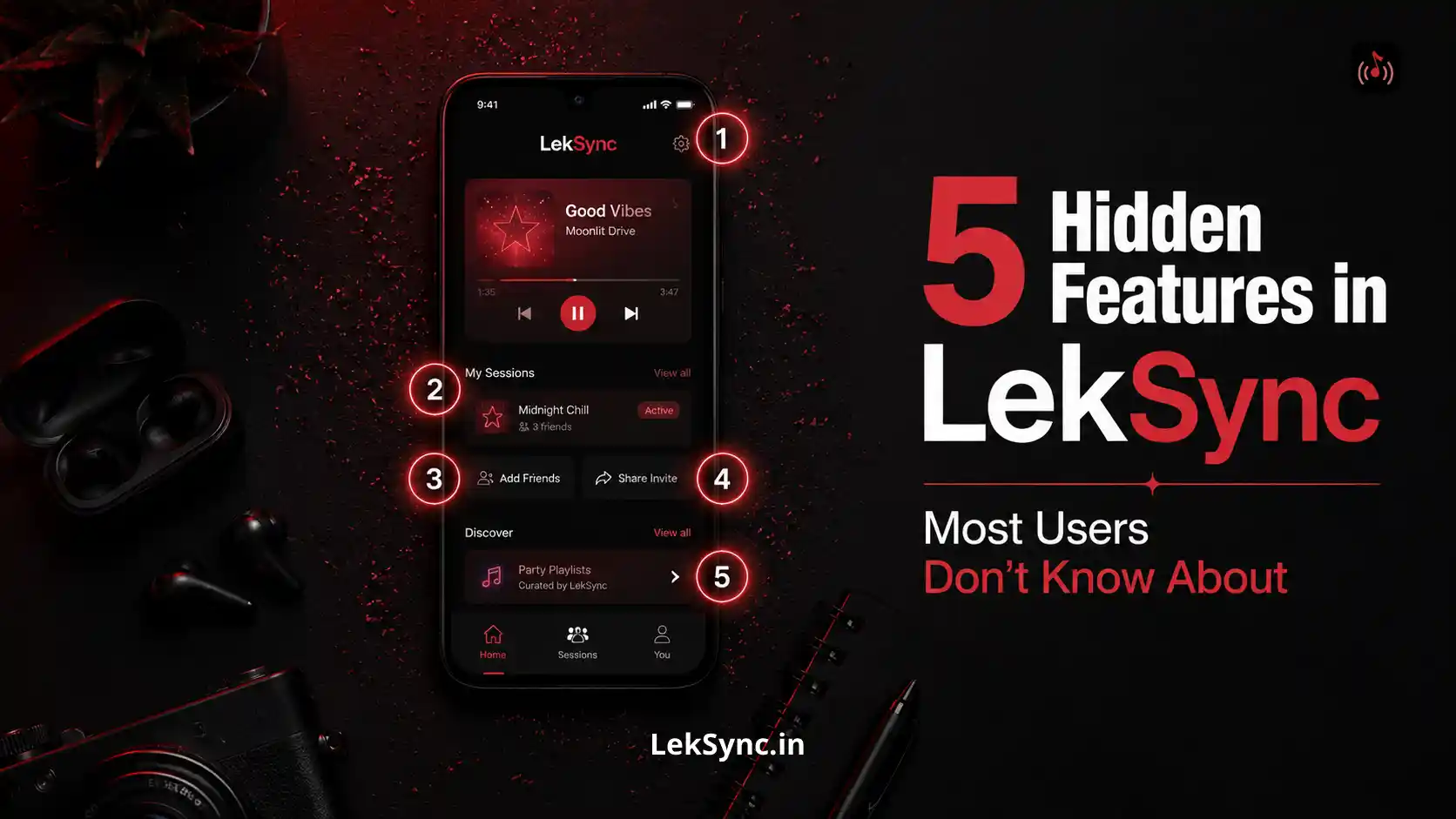
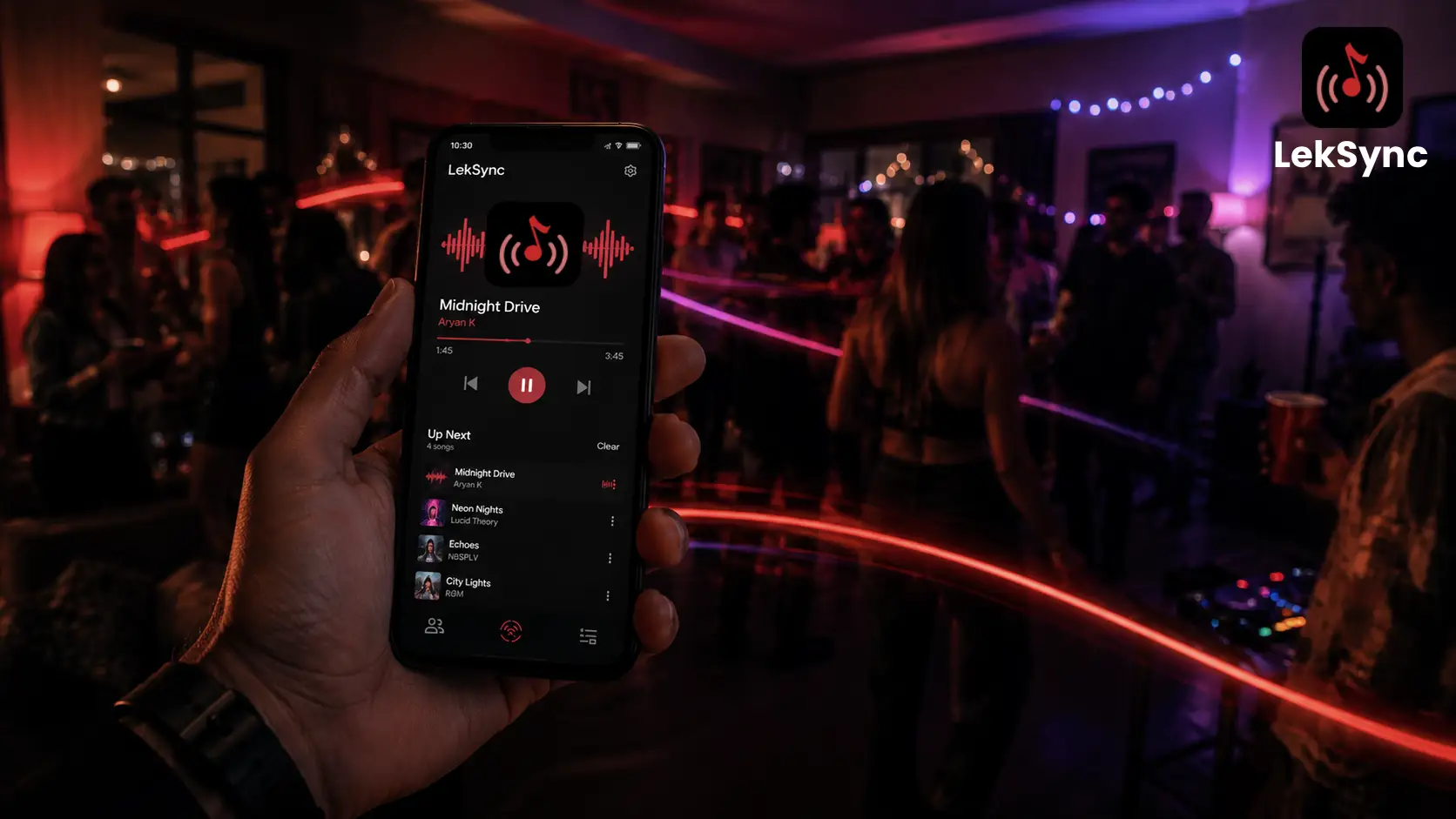
- Embed album art. ID3 tags with album art make LekSync's now-playing screen look professional on every receiver.
- Test on your party speaker setup. Music sounds different on phone speakers vs Bluetooth speakers. Build the library on whatever you'll actually use.
Combining Local Files with Group Sync
The party setup that beats everything else:
- Local MP3 files on the host phone (4–6 hours, mood-tagged folders).
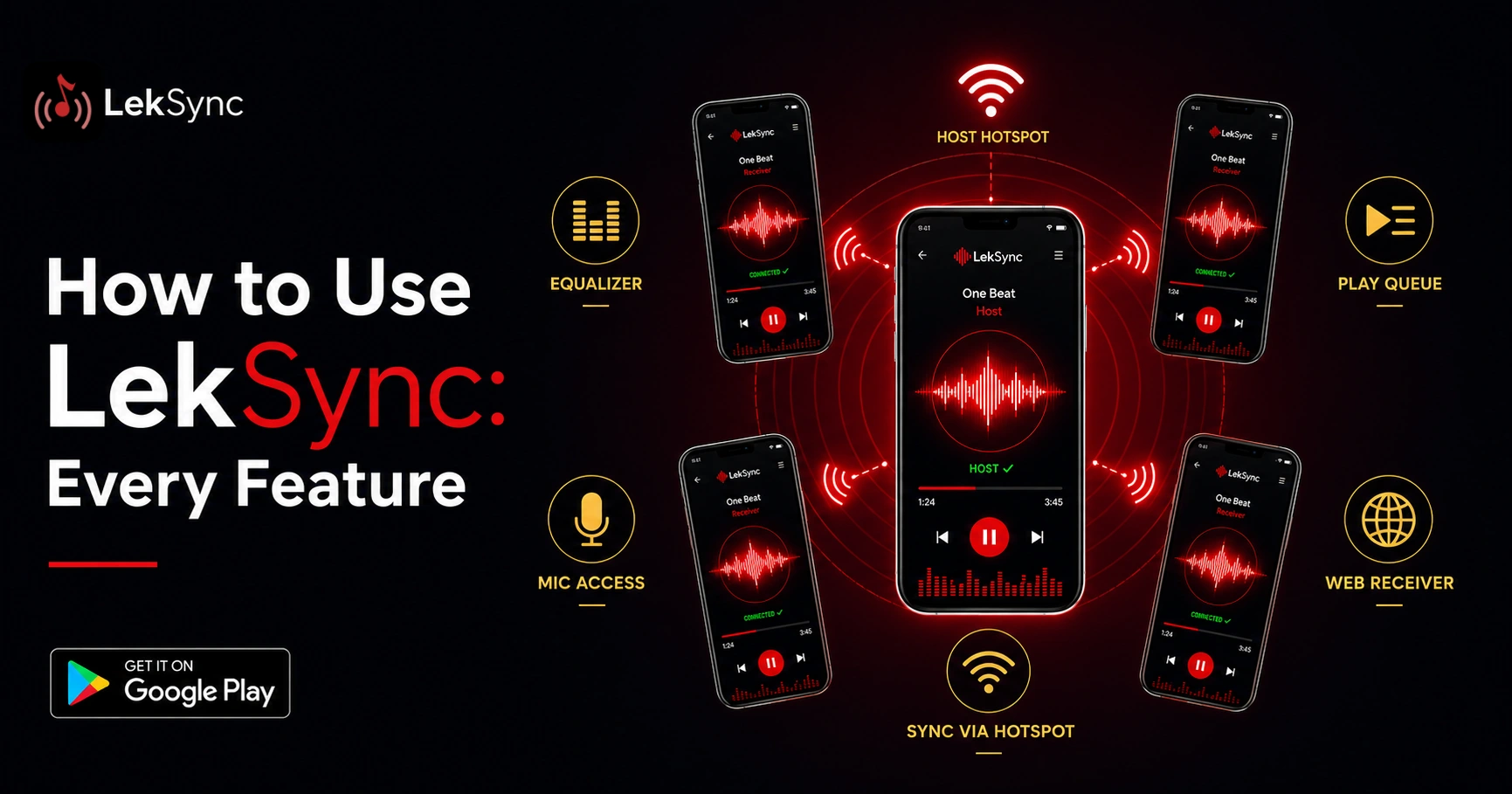
- LekSync hosting the room with all guests' phones as receivers (see our phone-only DJ guide for the full party flow).
- One phone connected to a Bluetooth speaker for room sound, the rest on individual earphones for whoever wants a quieter listen.
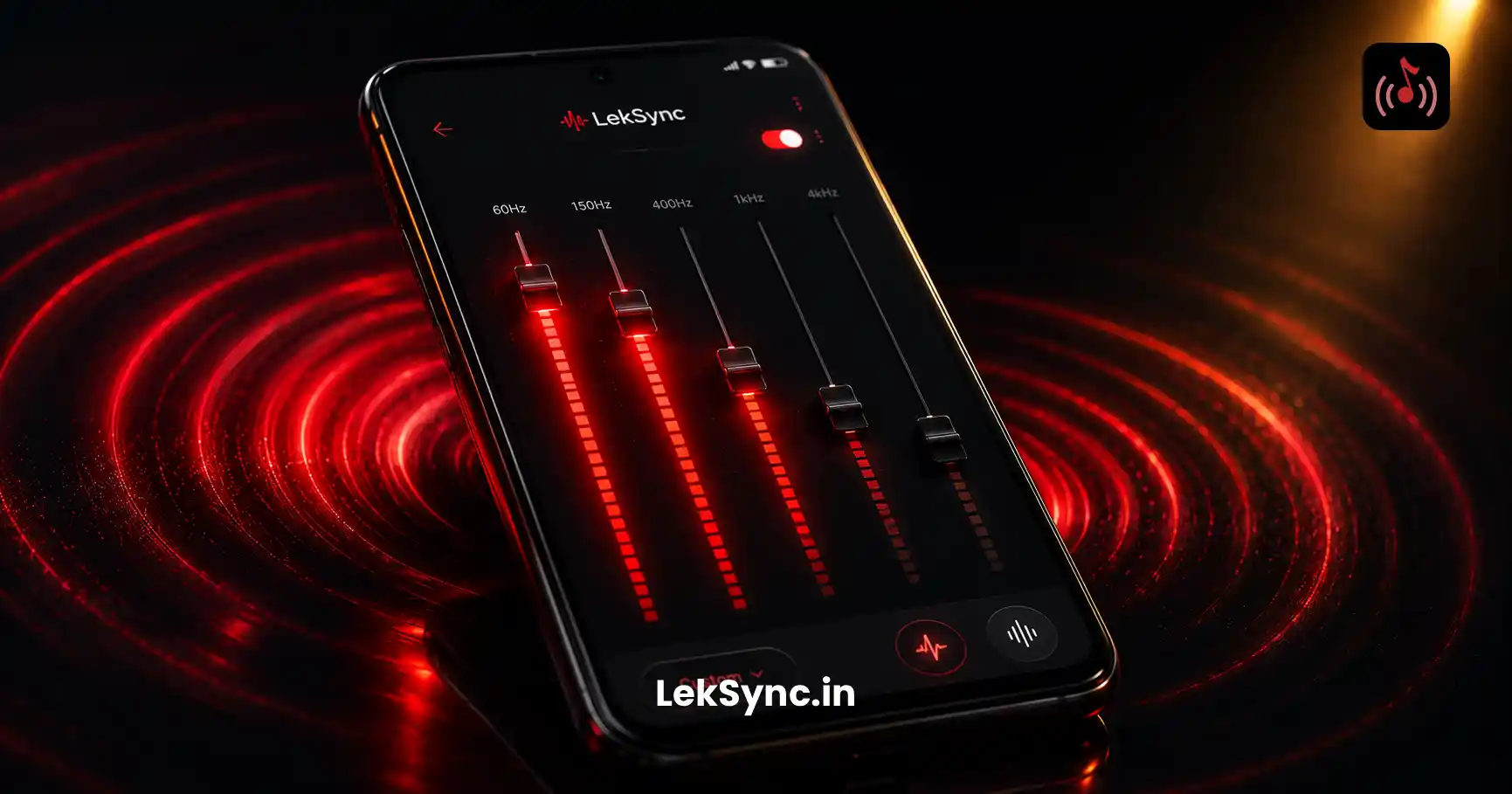
- Host's equalizer set to Bass Boost for parties (see our EQ guide).
- Optional: the host's mic can be enabled for announcements over the music.
This setup gives you streaming reliability (everything is local) plus group sync (everyone hears the same thing at the same time) plus quality control (no ads, no buffering, no random track removals).
When Streaming Still Wins
Local files don't beat streaming for every use case:
- Music discovery — Spotify's algorithm finds new songs better than your local library will.
- Background music at home alone — convenience matters more than reliability.
- Mood-based skipping — streaming services excel at "shuffle similar".
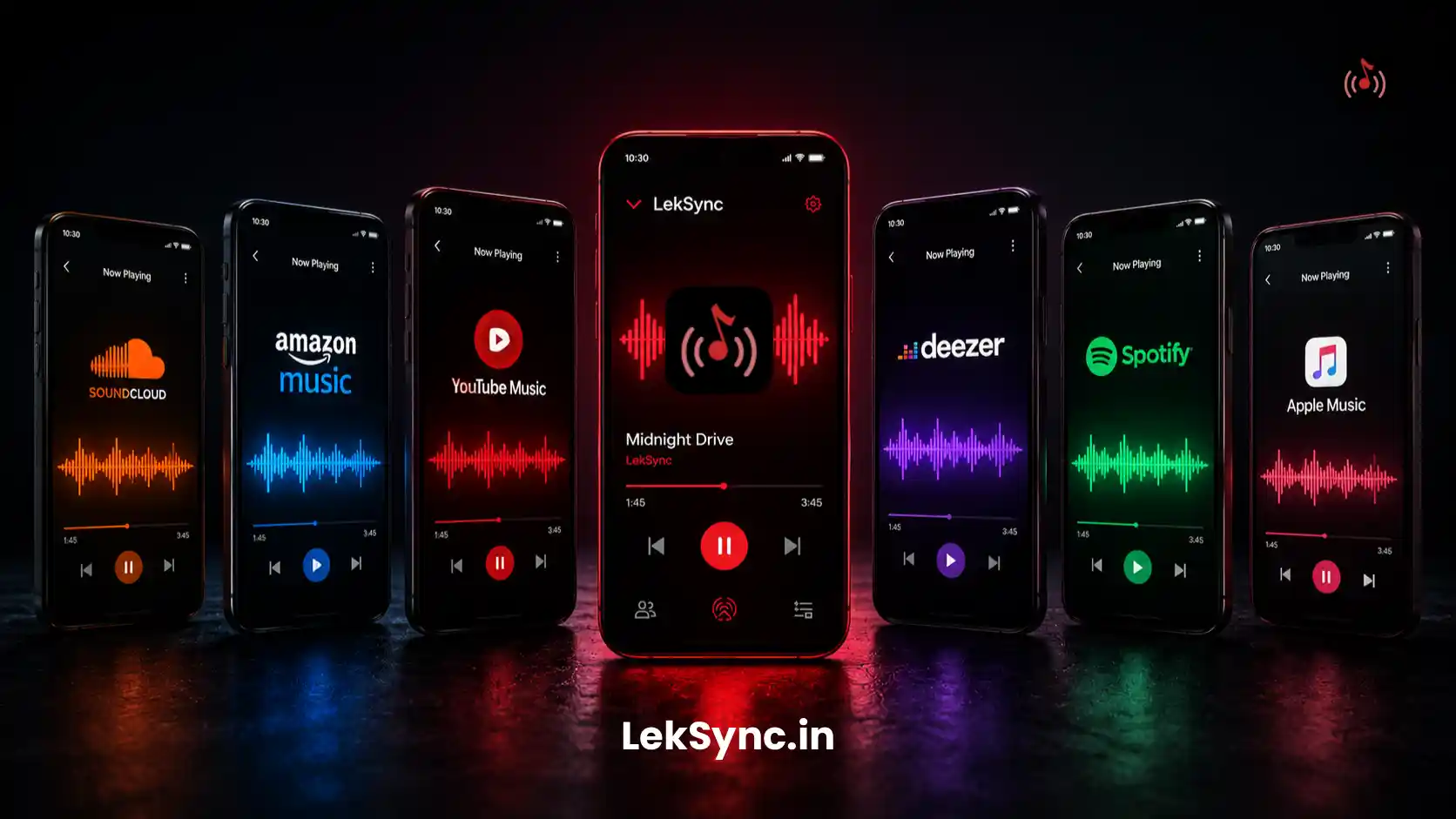
The right mental model: streaming is for discovery, local is for performance. Use streaming when you're alone and exploring. Use local files when you have an audience and the music can't fail.
Try a Local-File Party Setup
If you've never run a party on local files + group sync, try it once. Download a 4-hour playlist, install LekSync, and have guests join via hotspot or browser. The reliability difference is immediately obvious. Once you've experienced a party that never buffers, never plays an ad, and never has a track ripped out from under you, going back to streaming for parties feels primitive.
Free download: Get LekSync on Google Play.