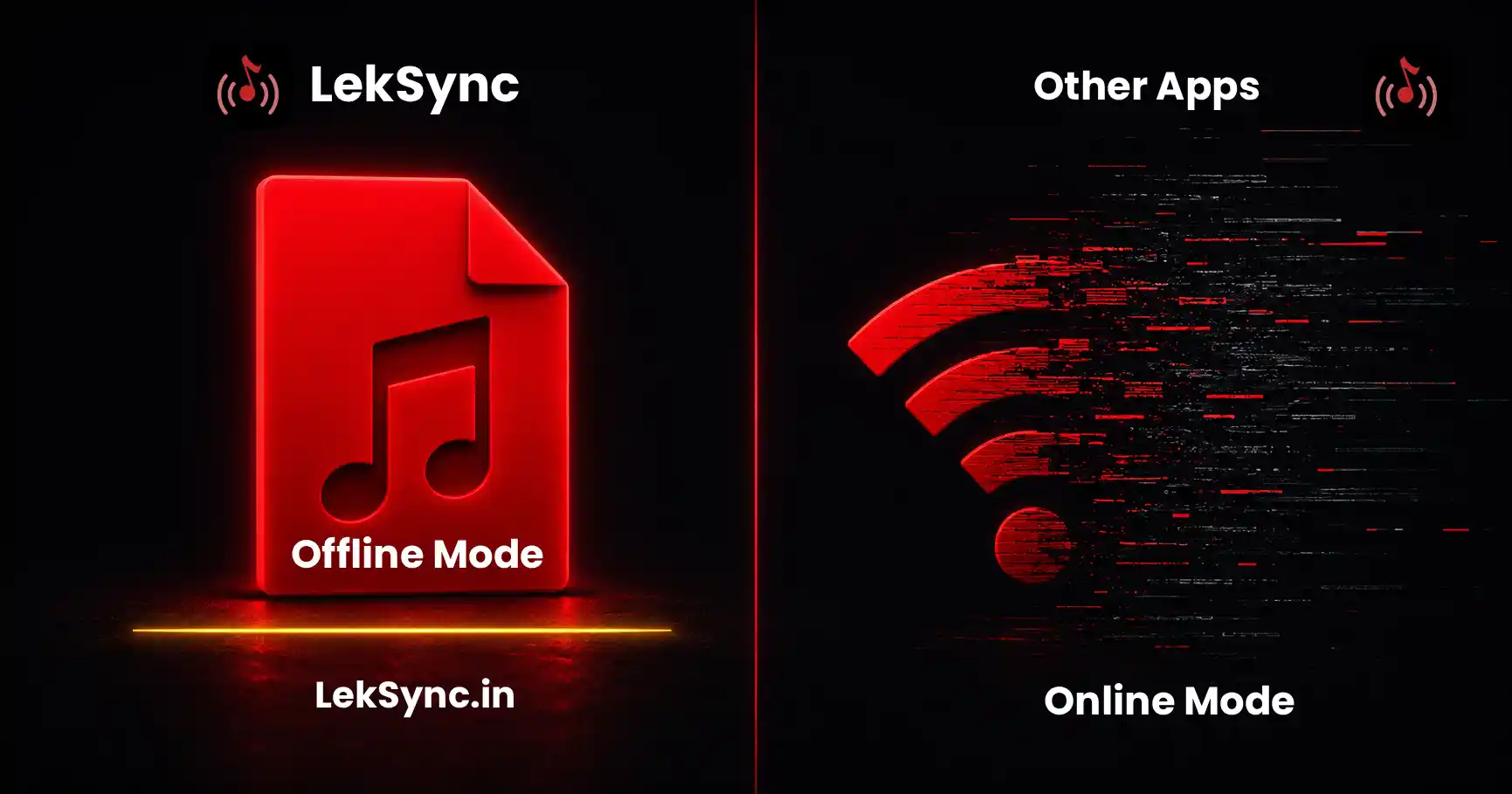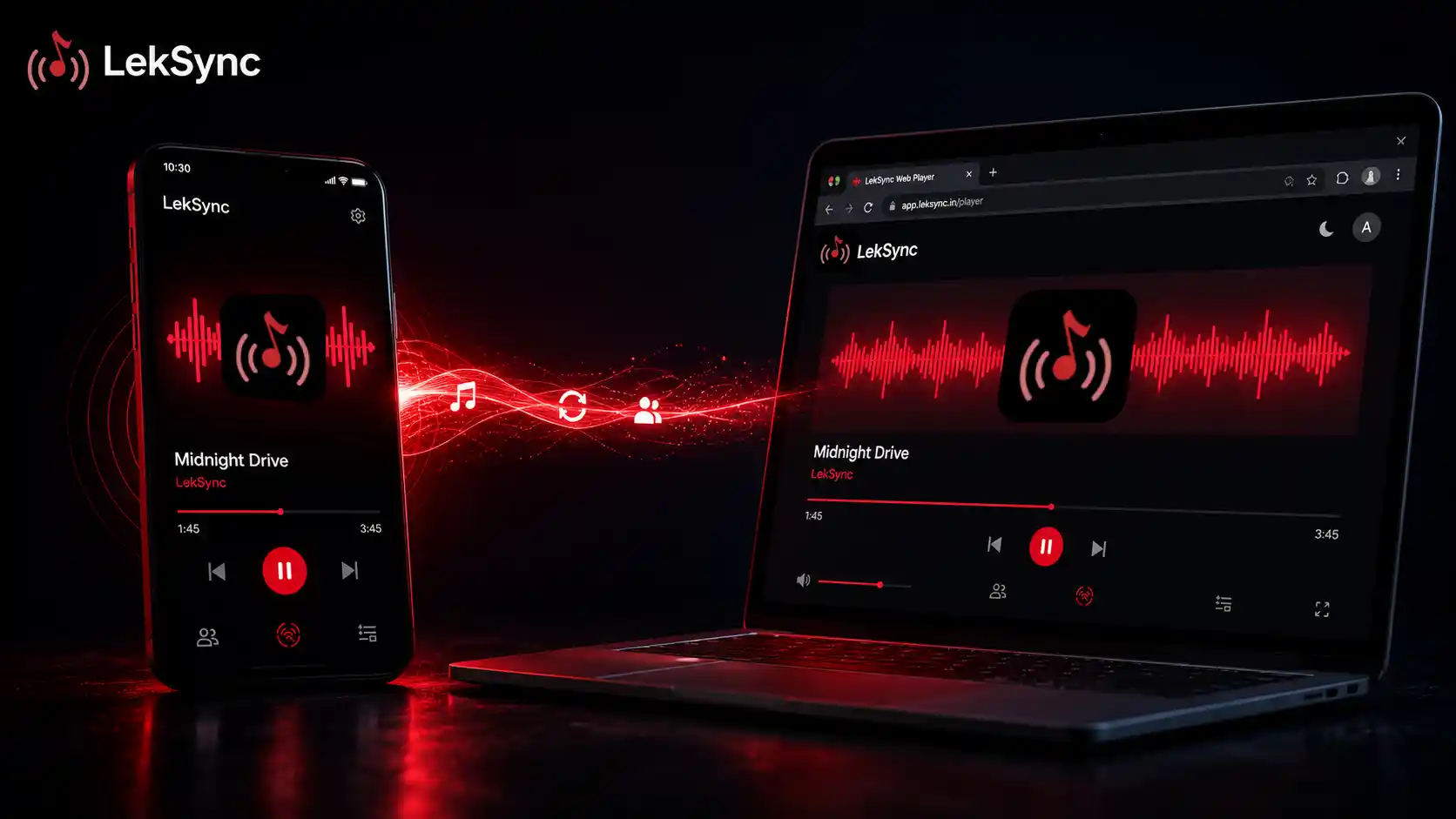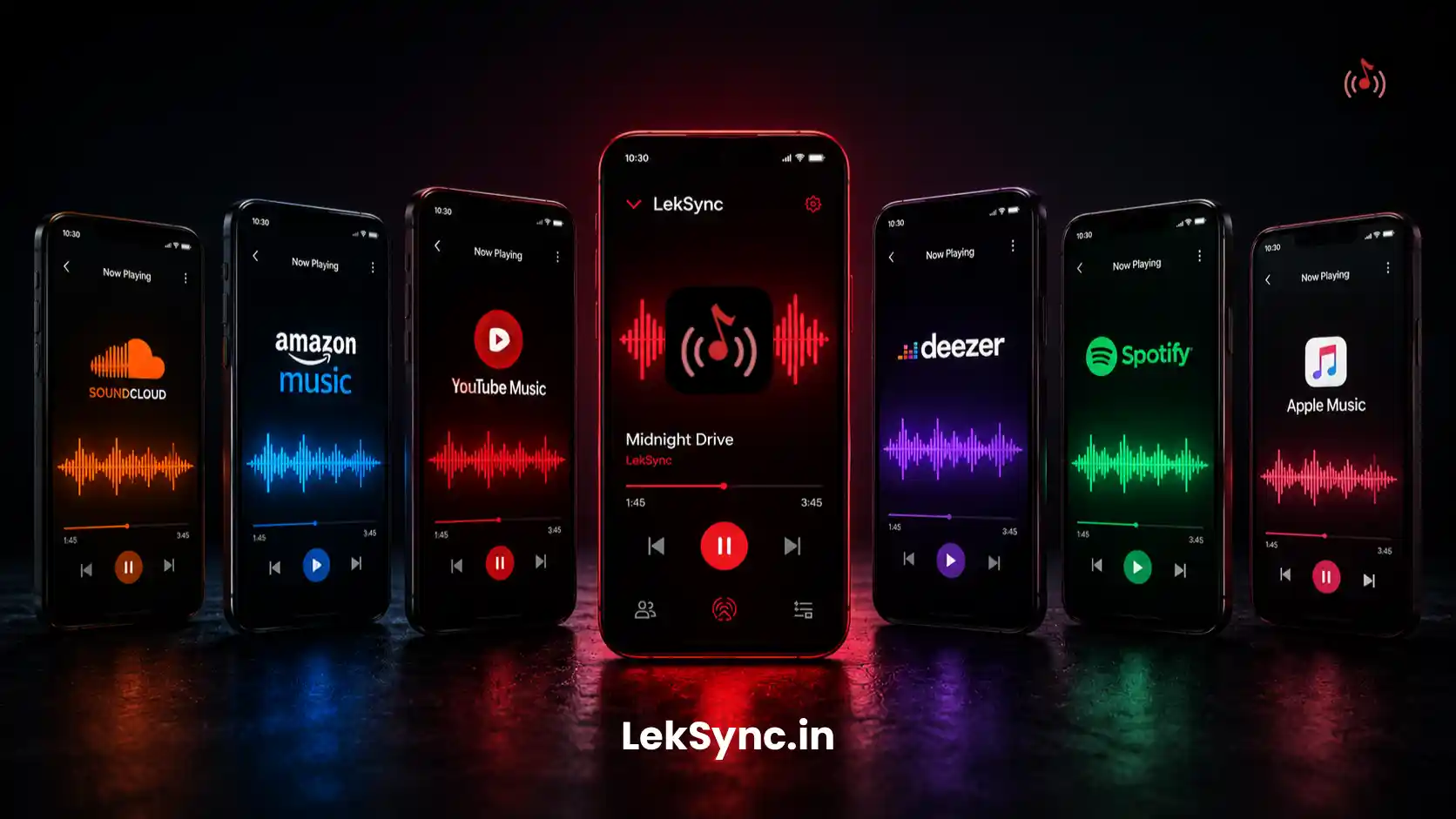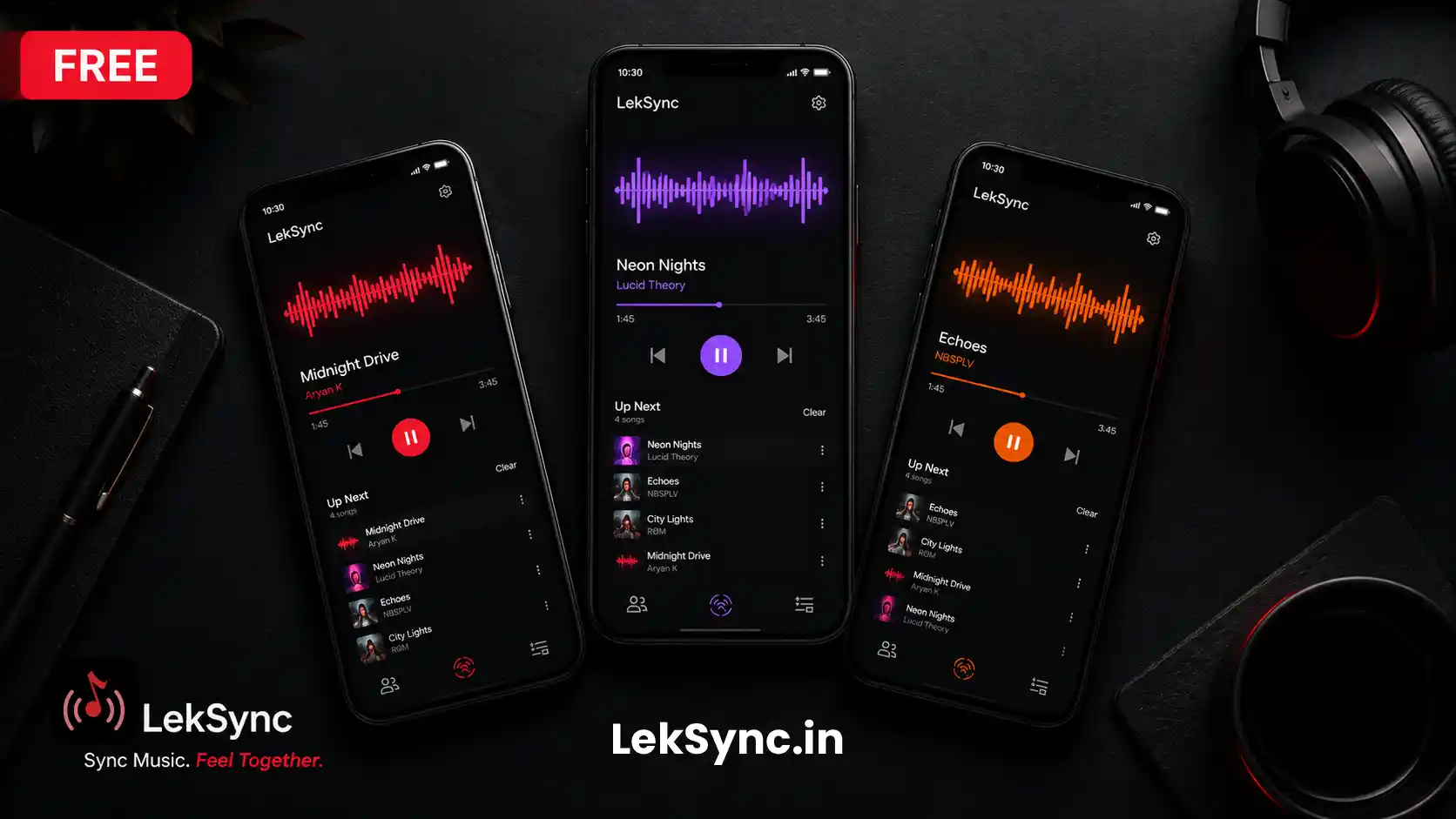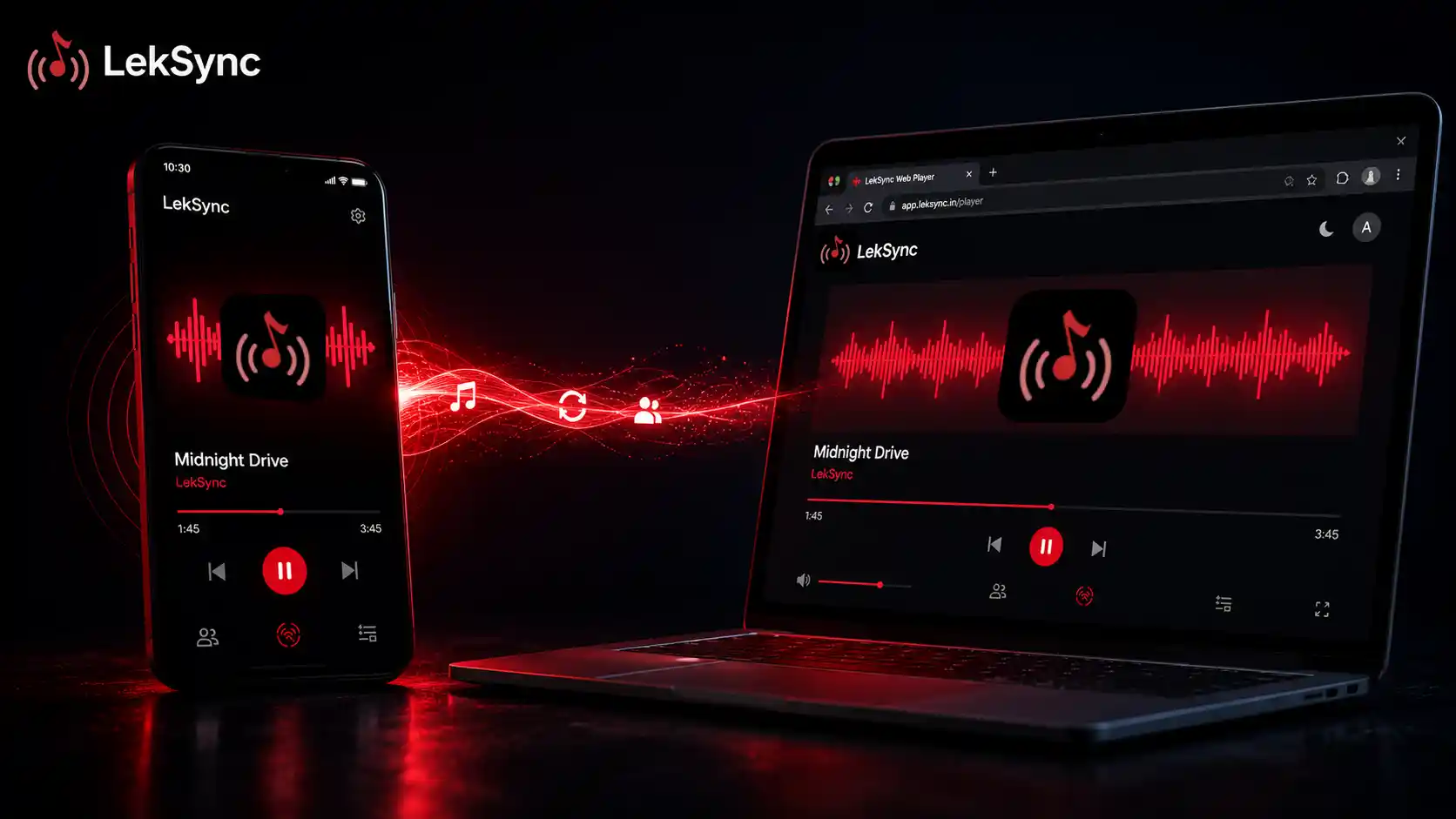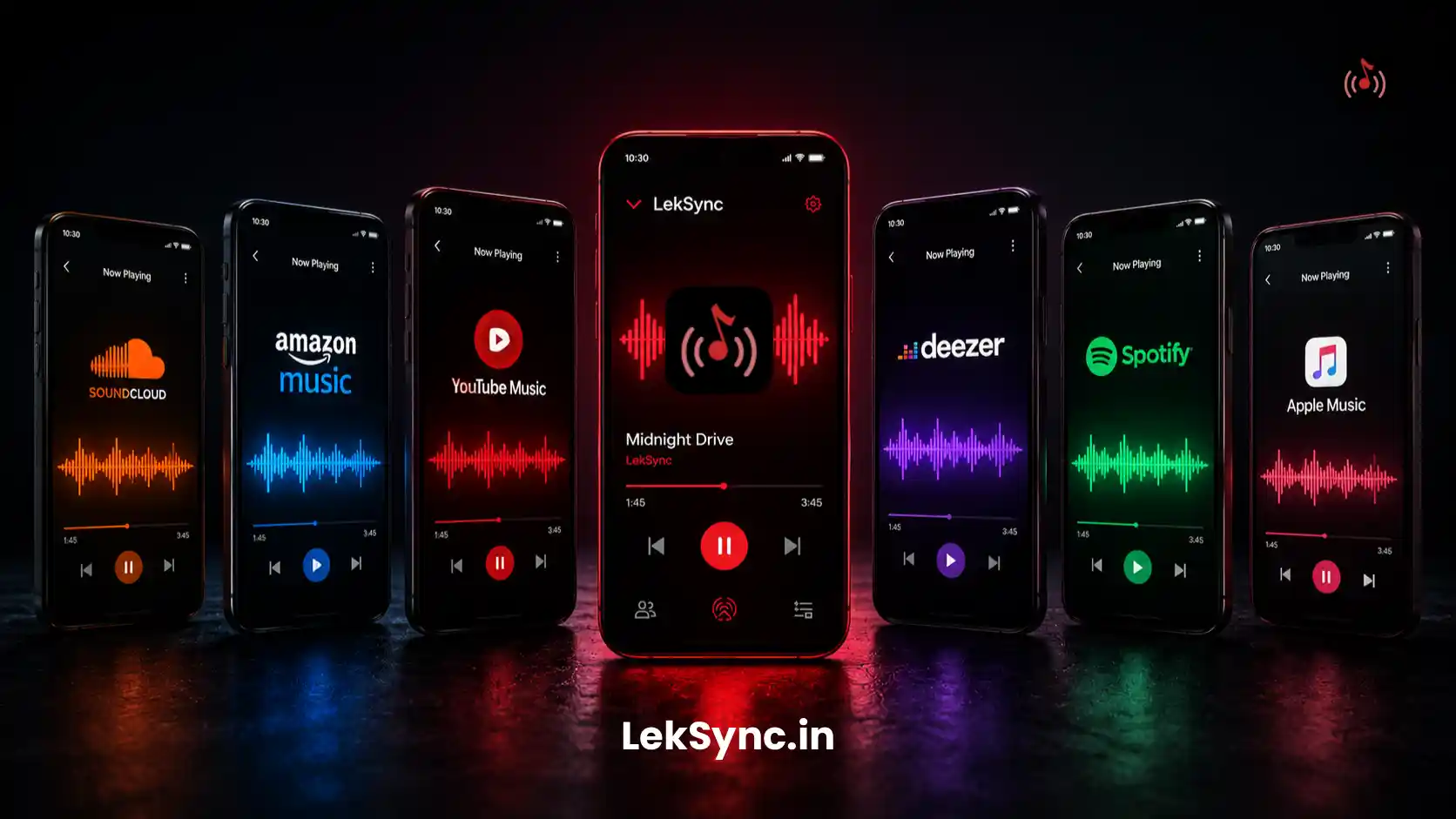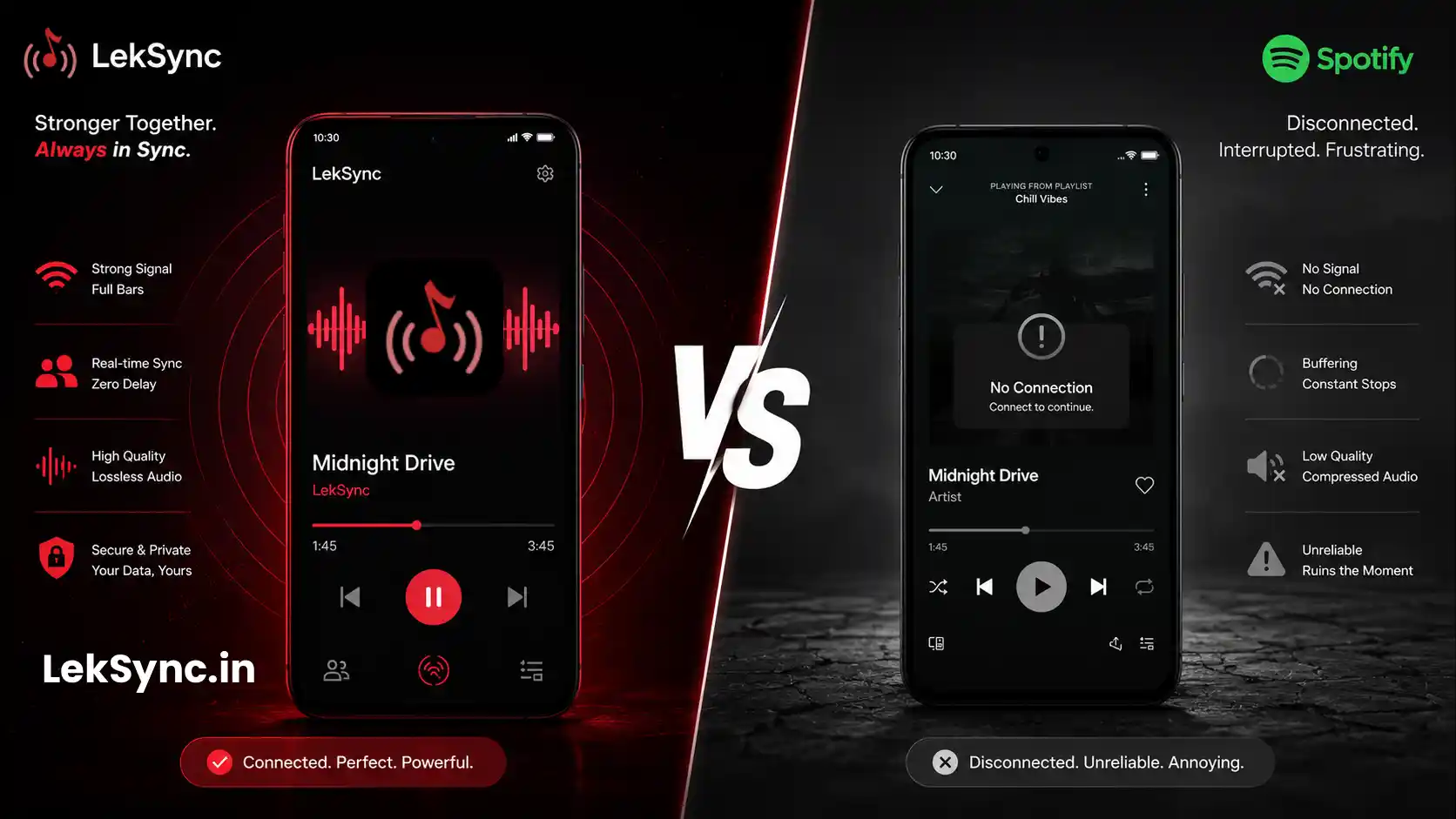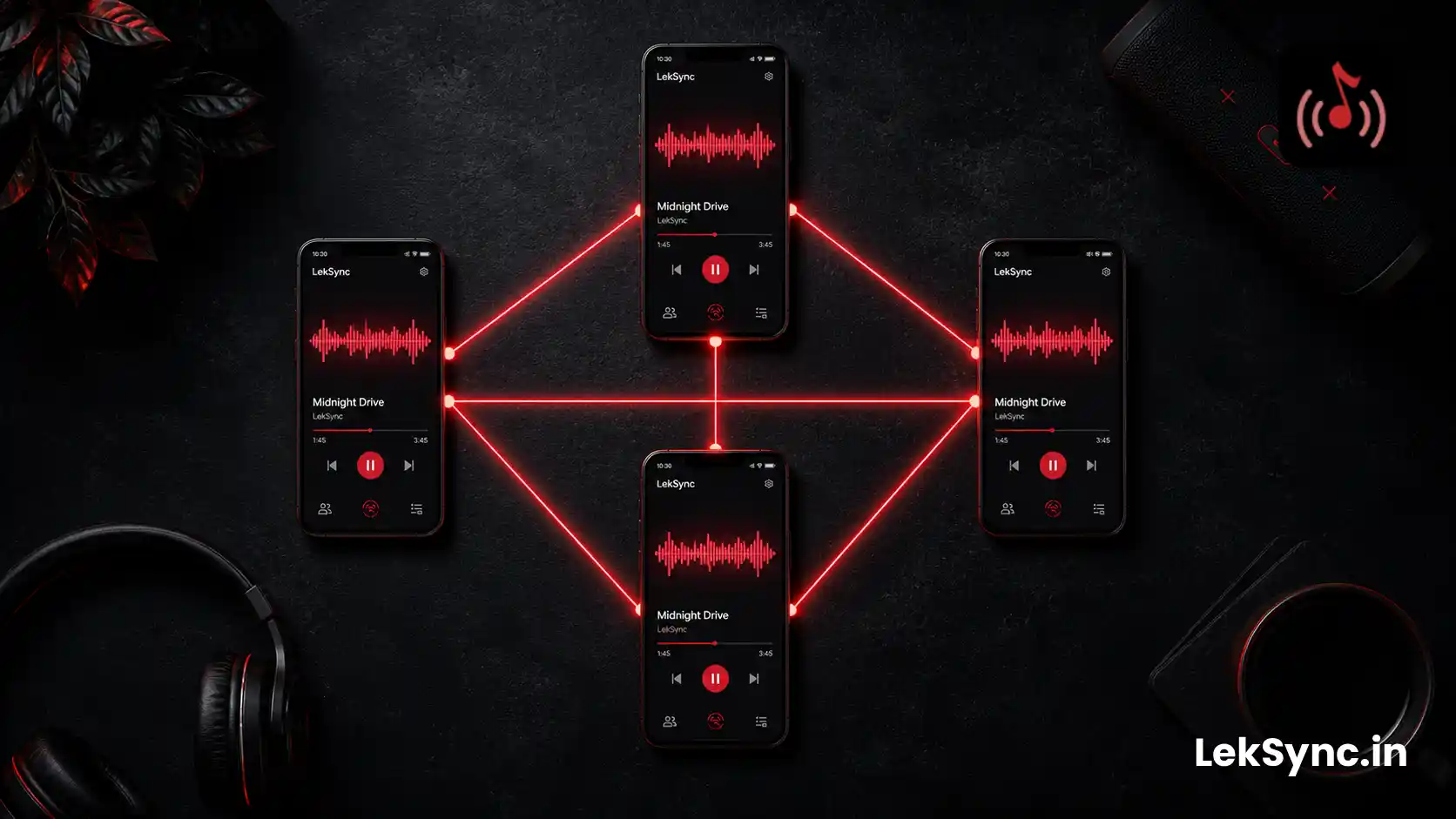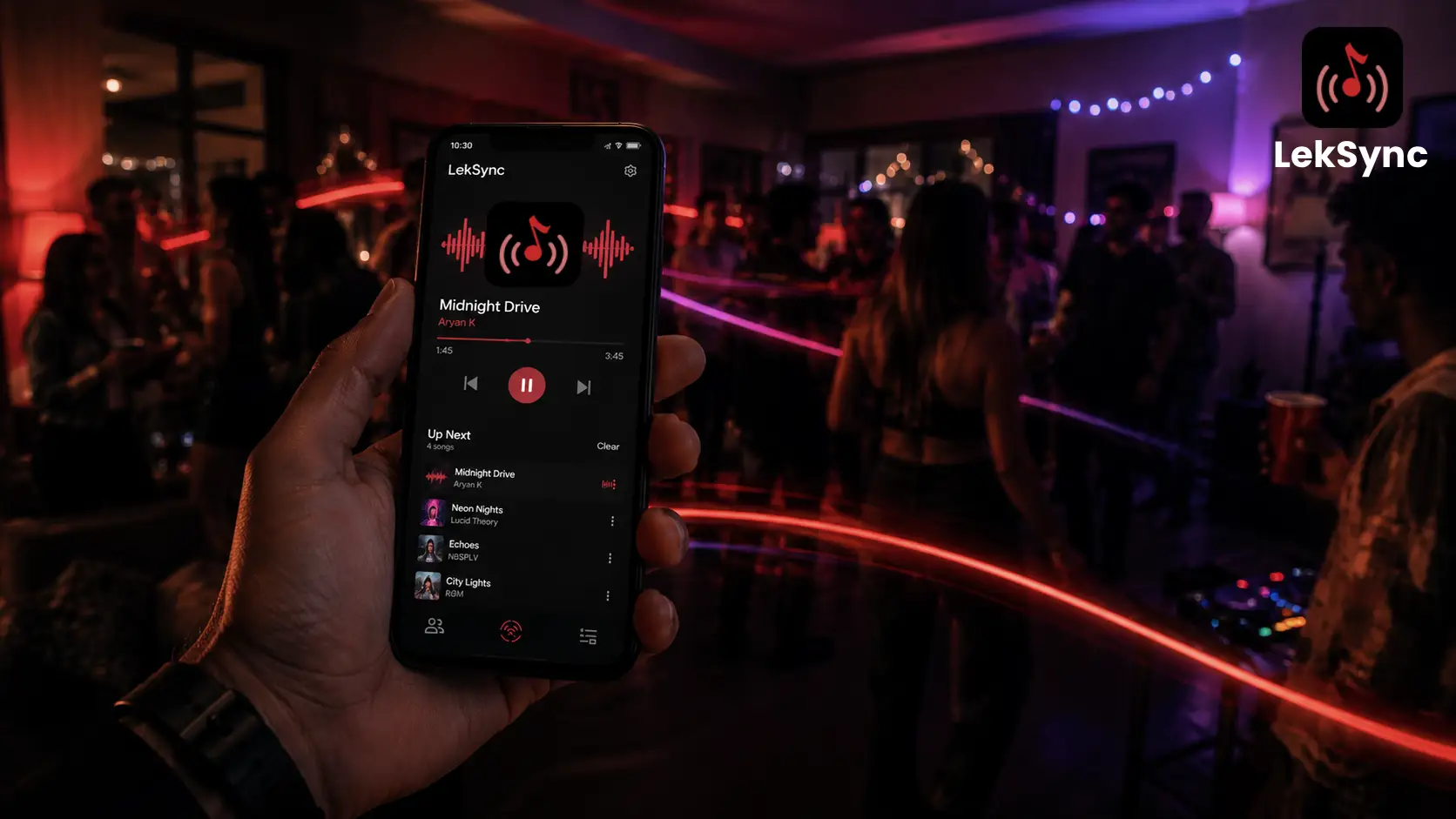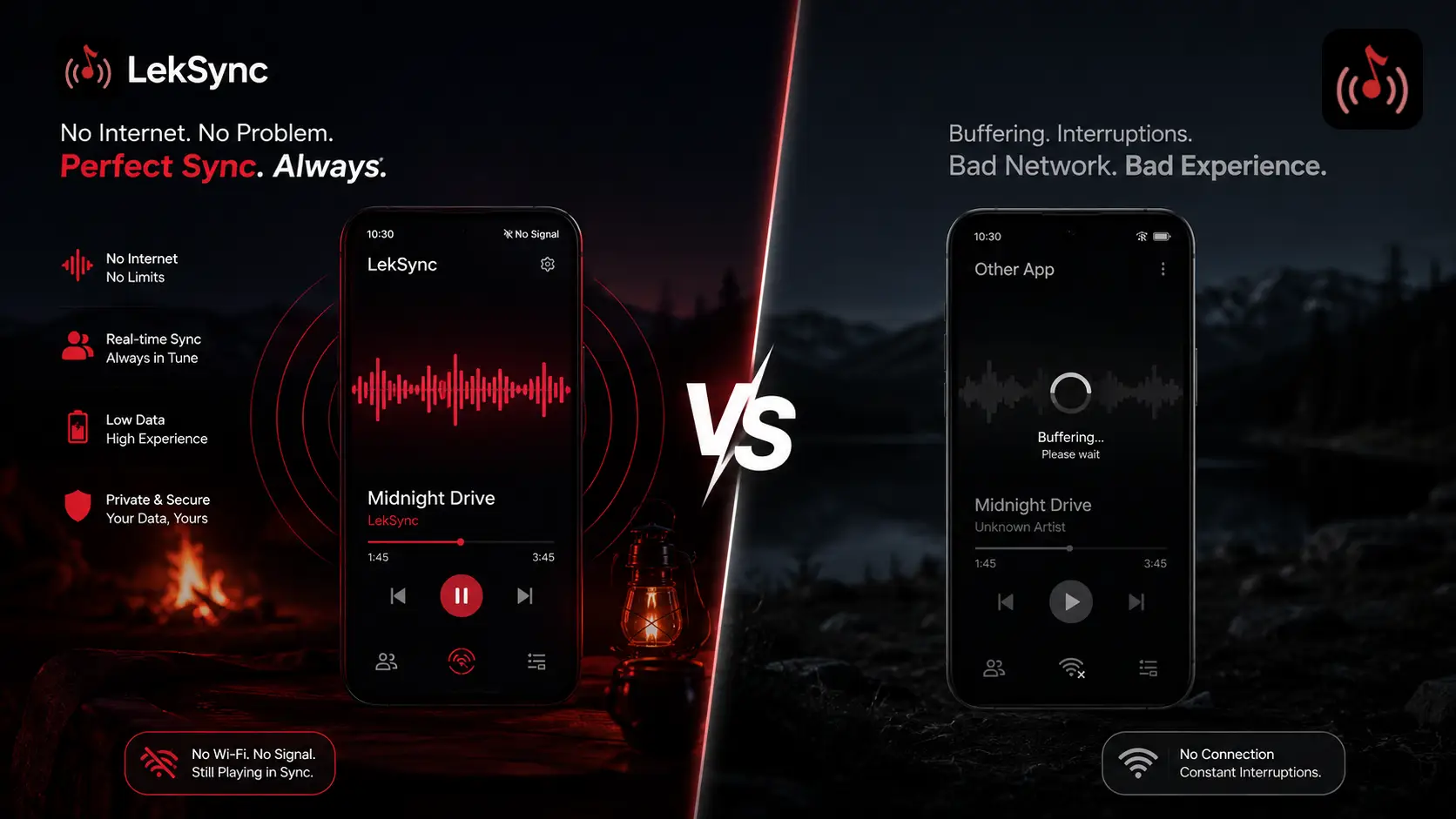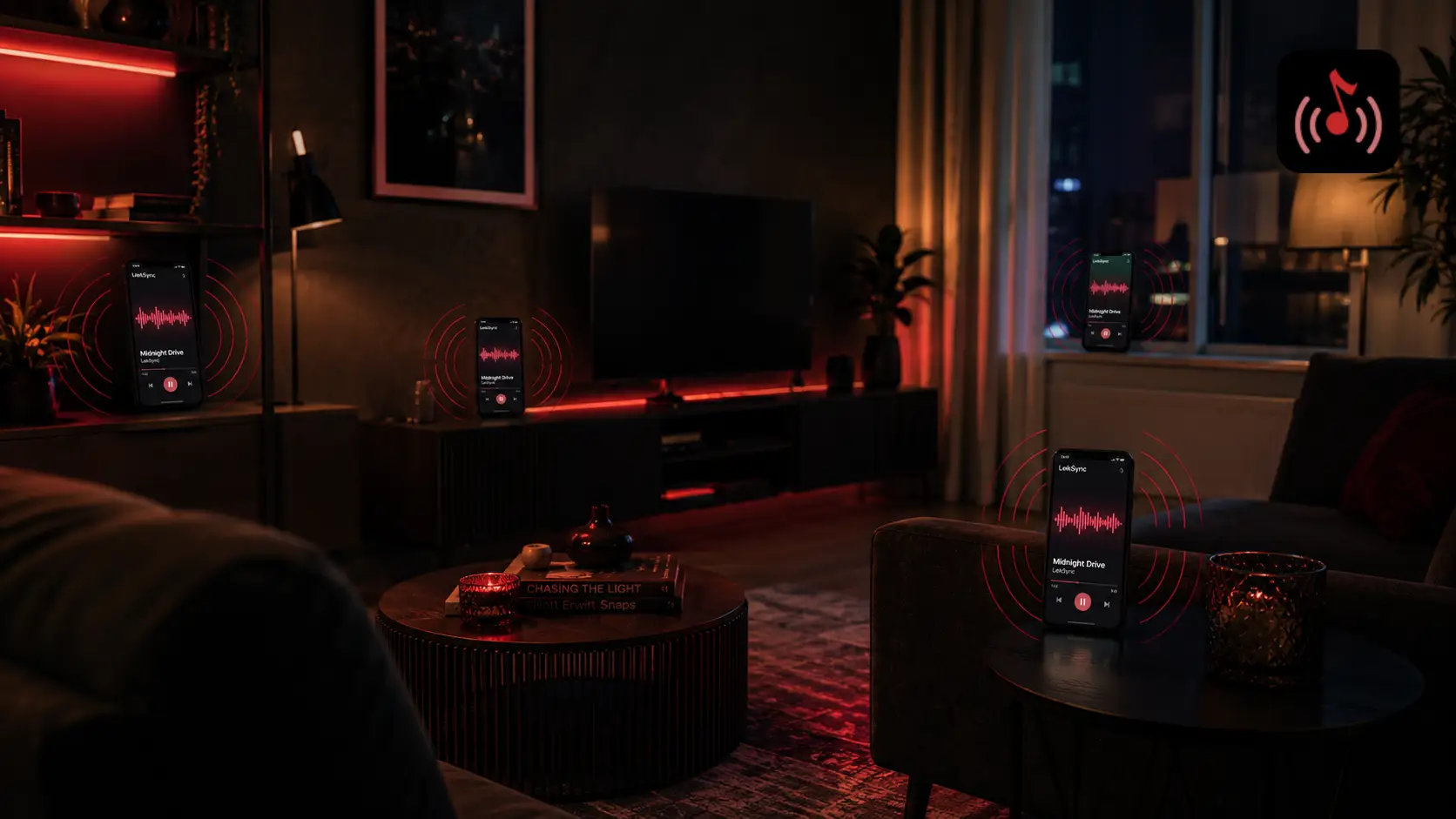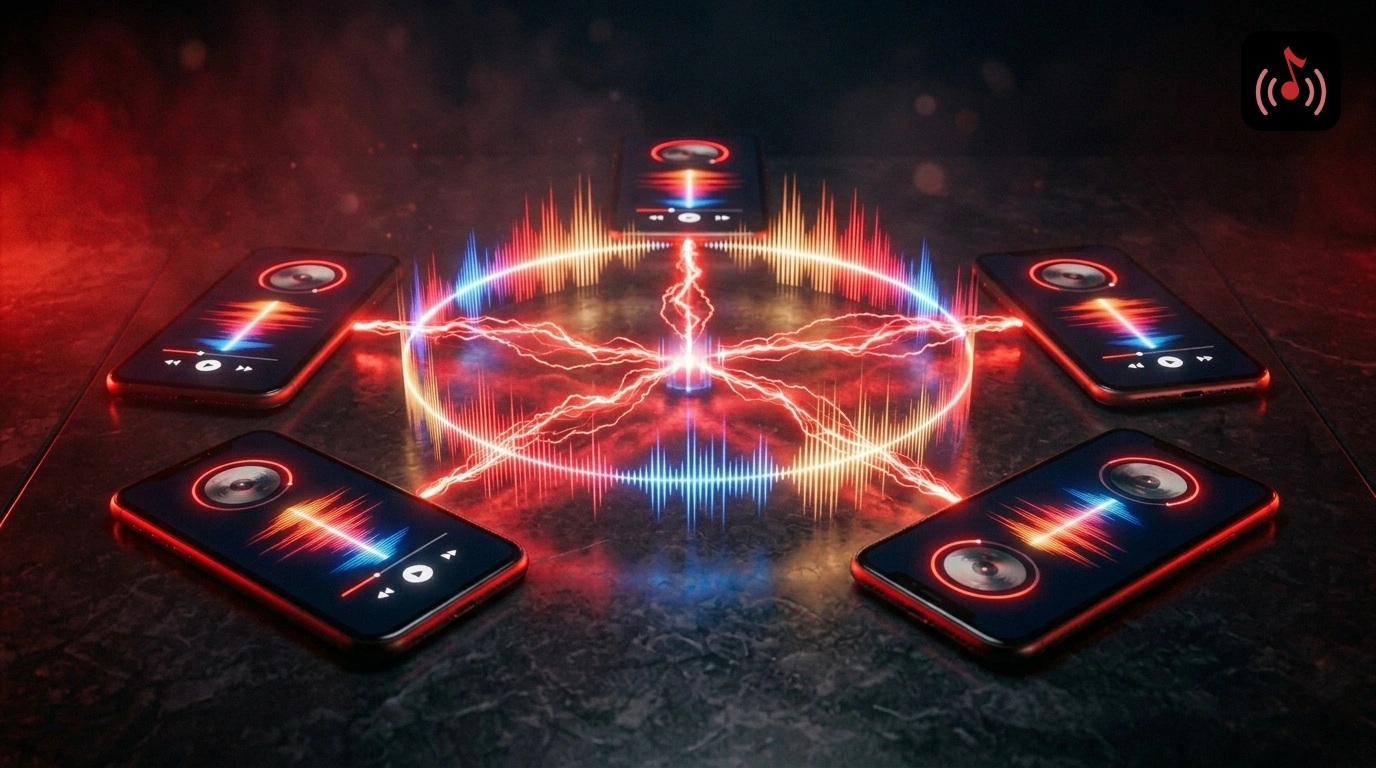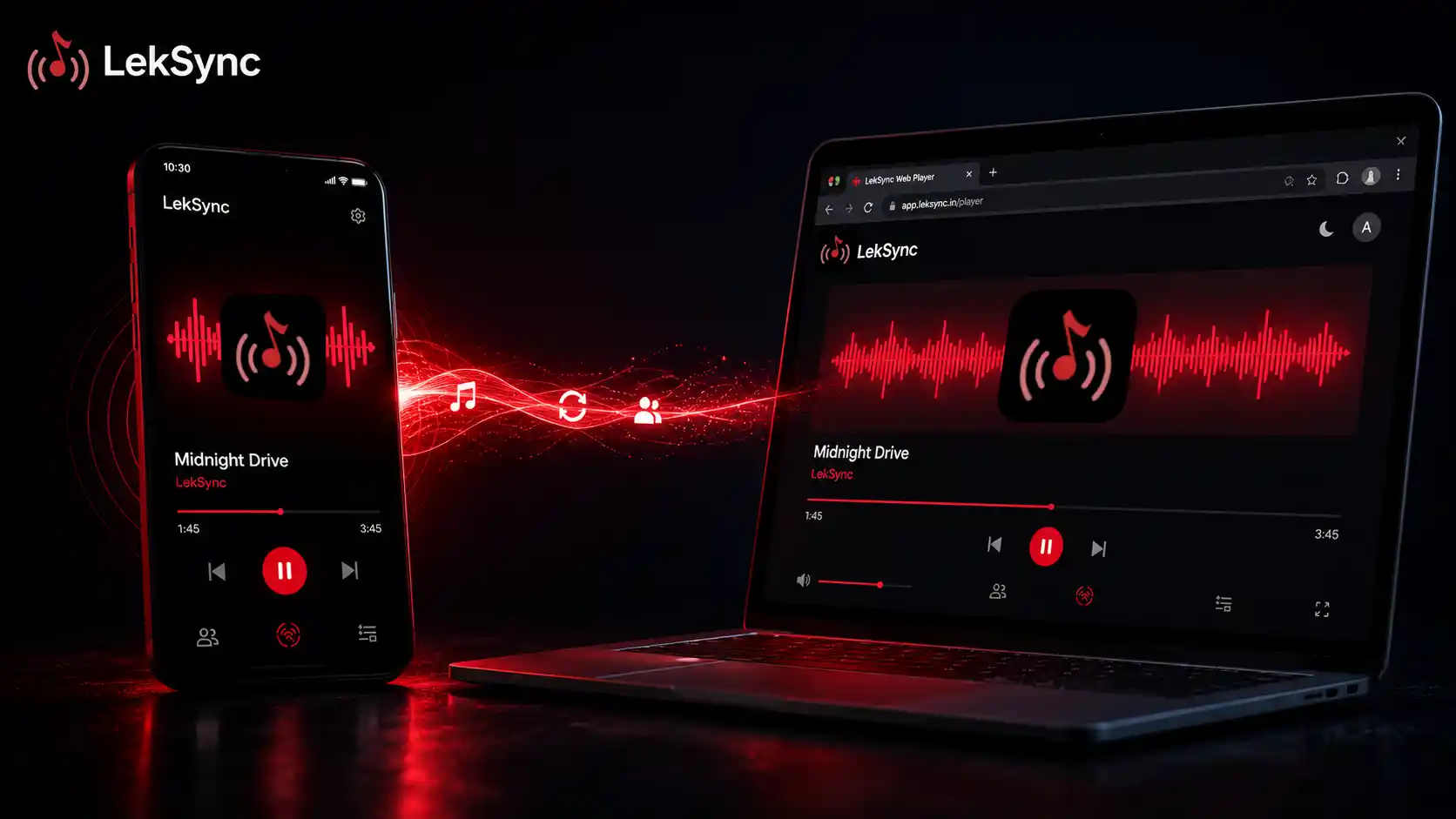
LekSync 2.1 is the biggest update since launch. We rebuilt the network stack from the ground up to support streaming over the internet — not just over a local hotspot — and we added a browser-based receiver so people can join your room without installing anything.
Here's everything new in 2.1, why we built it, and how to use it.
1. Online Rooms (Internet Mode)
The headline feature. LekSync now works over the internet, not just over a local Wi-Fi hotspot.
How it works:
- The host taps Online in the app and creates a room.
- The app generates a unique 10-character room code like
AB3CD5EF7G. - The host shares this code with friends via WhatsApp, SMS, or any other channel.
- Friends open LekSync, tap Receiver → Online, paste the code, and join.
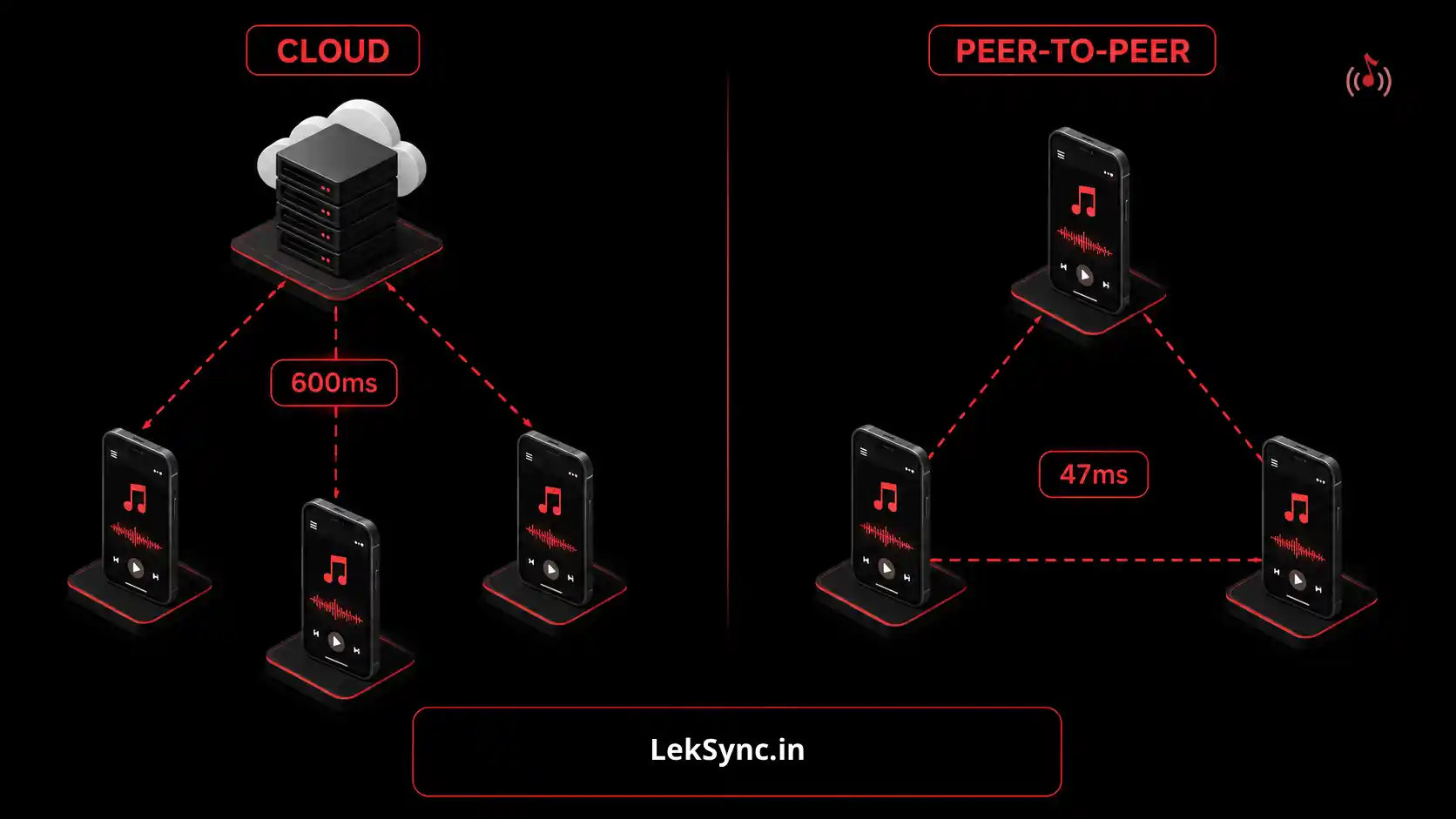
- Audio streams over the internet using WebRTC peer-to-peer connections — no central server processing your music.
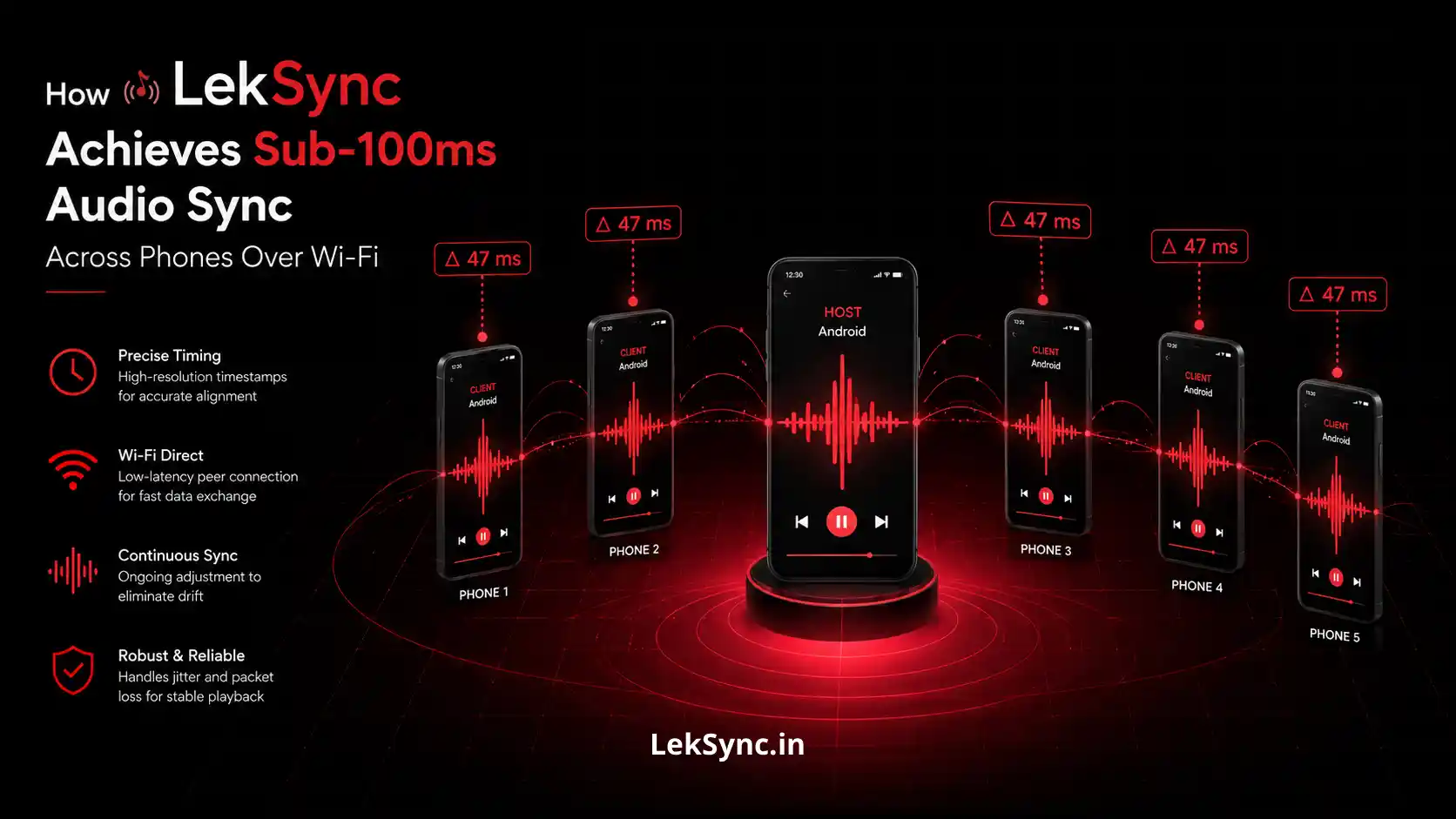
The same sync guarantees apply: every receiver hears the same song within roughly 100 milliseconds of every other receiver. The host still controls play, pause, skip, and volume. Receivers still see the album art, track title, and seek position in real time.
This unlocks new use cases: long-distance movie nights, friends listening to the same album together while on a video call, study sessions across dorms, and group listening parties for friends in different cities.
2. Web Receiver — No Install Needed
Not everyone wants to download an app just to hear what a friend is playing. So we built a full receiver that runs in the browser.
Send your friend this URL with your room code: https://leksync.in/receiver/AB3CD5EF7G. They open it on their phone, tablet, or laptop. They enter their name. They're in.
The web receiver works on any modern browser — Chrome, Firefox, Safari, Edge — on Android, iOS, Windows, Mac, or Linux. No account required. No login. They just type a name and join.
Under the hood it uses the same Opus audio codec as the app version, decoded in JavaScript via WebAssembly. Audio quality is identical to the app receiver.
3. Web Host — Stream From Your Laptop
If you DJ from your laptop and want to push music to phones in the room (or anywhere on the internet), you can now host from a browser too.
Go to leksync.in/host, drop in your audio files, hit "Create Room", and share the code. Your laptop becomes the host. Up to 4 listeners can join on the free tier.
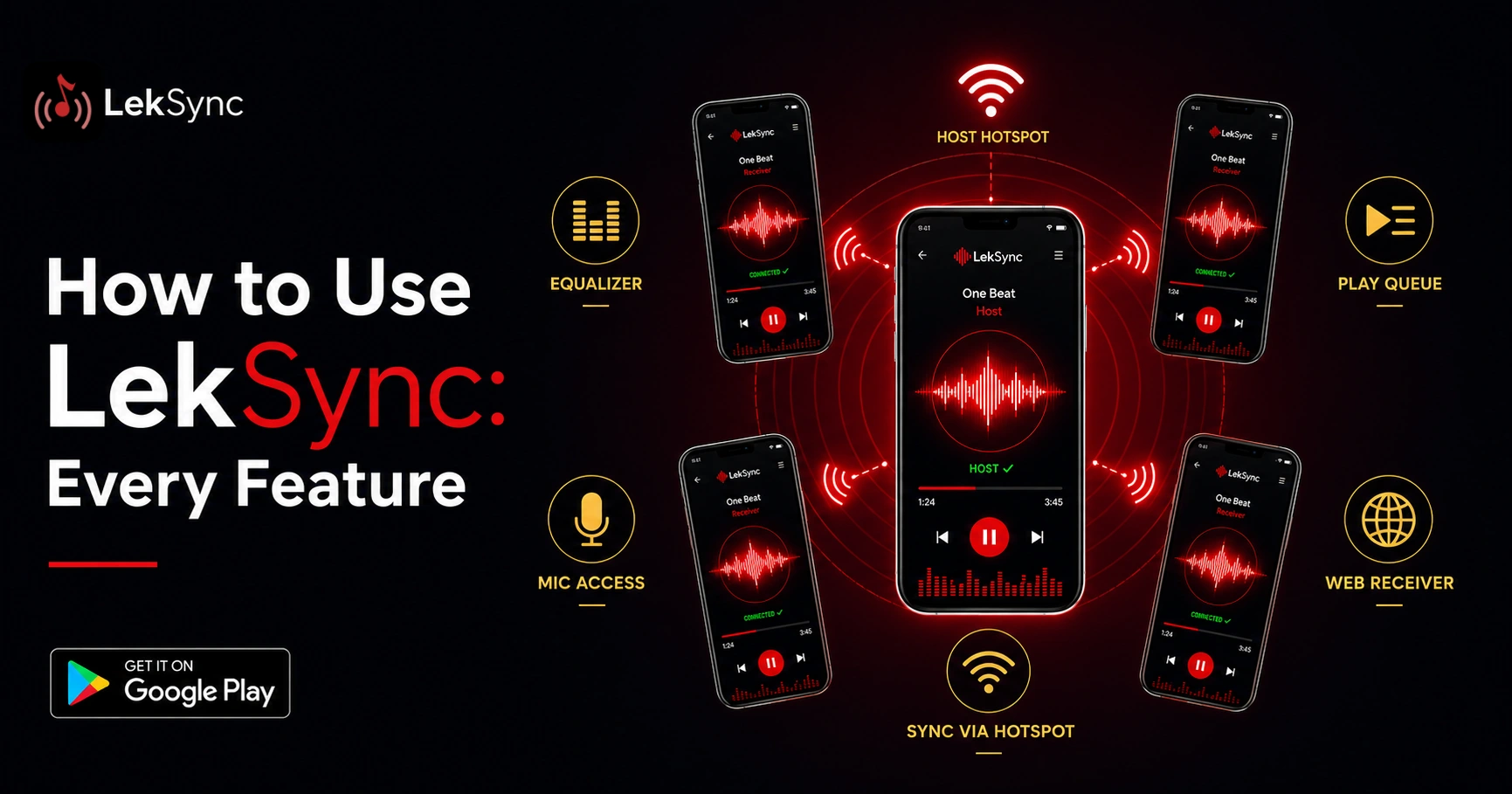
The web host supports drag-and-drop file loading, an in-page queue with album art reading from MP3 tags, playback controls, microphone streaming, and per-listener disconnect — everything you'd expect from a desktop music app.
Requires Chrome 94+ or Edge 94+ (we use WebCodecs for real-time Opus encoding).
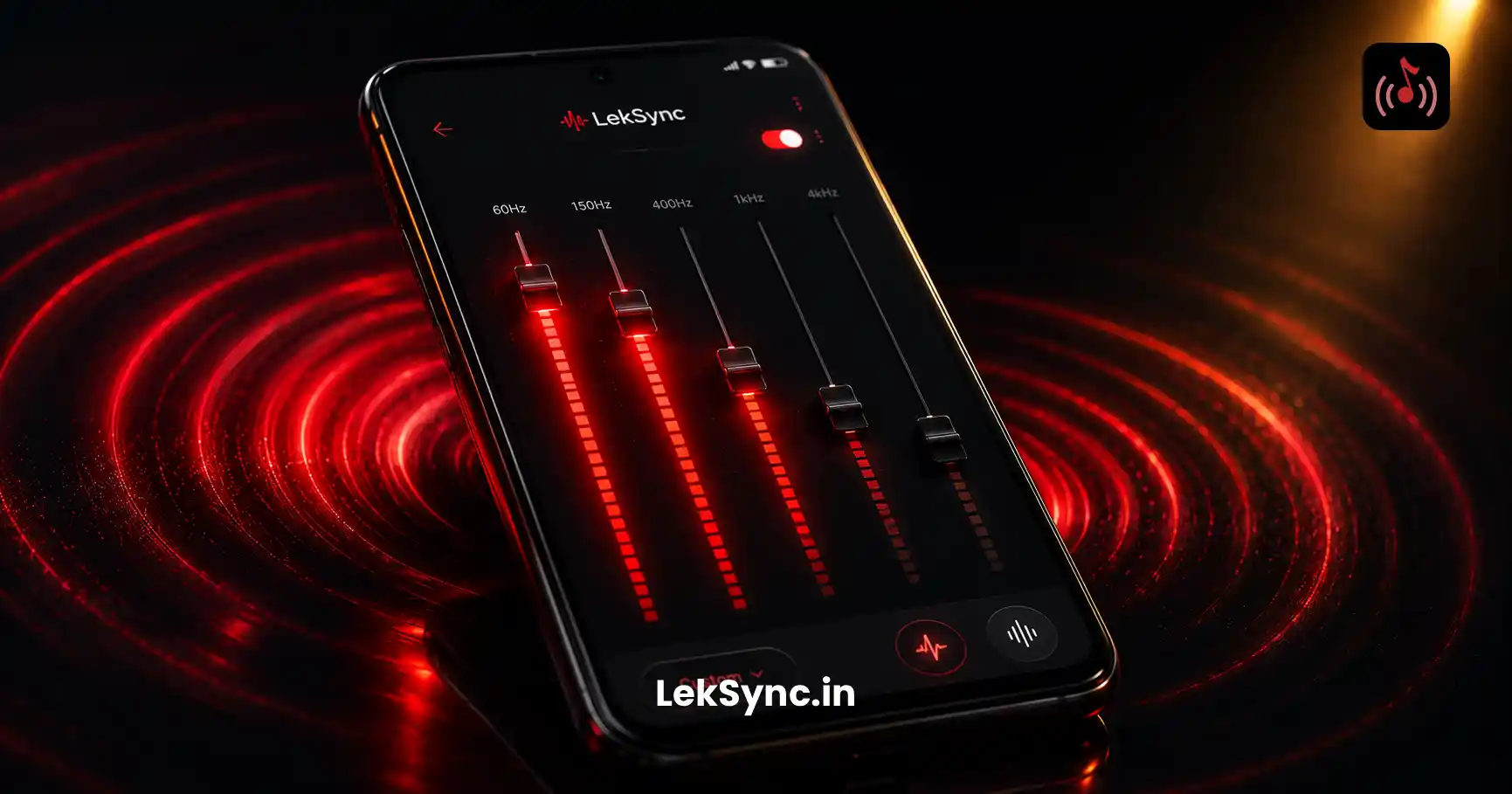
4. Redesigned Equalizer With Custom Presets
The equalizer was always in the app, but in 2.1 it's been redesigned with bigger sliders, better labels, and the ability to save your own presets. Built-in presets now include Bass Boost, Vocal, Acoustic, Club, Rock, and Flat. Save your favorite custom curves and they sync across all your devices.
The EQ now runs in two places: on the host (master output) and on each receiver (local fine-tuning). This lets you set a universal vibe at the host and let each listener compensate for their own speaker.
5. Per-Listener Controls for Hosts
If you're hosting online, you now see a list of every connected listener with their name and avatar. From that list you can:
- See who has their mic on.
- Disconnect a specific listener (if someone is causing problems).
- Mute their mic for the room without removing them.
- Adjust their individual mic playback volume on your end.
This was the most-requested feature from party hosts who needed finer control over the room.
6. Bidirectional Mic Audio
In 2.0, the host could speak over the music and everyone heard them. In 2.1, listeners can also enable their own mic and the host hears them. This works in both hotspot and online modes. Hold the mic button for 3 seconds to enable (long-press prevents accidental hot-mic embarrassment).
7. Smaller Improvements
- Sync drift fixed: the receiver now decodes Opus at native 48 kHz, eliminating a tiny clock-rate drift that caused long sessions to slowly fall out of sync.
- Sync-on-join: when someone joins a room mid-song, they immediately get the current track and position instead of waiting for the next periodic sync.
- Better mic feedback suppression: the host's own mic is now properly excluded from being re-mixed into the streamed audio.
- Cleaner connection states: the UI clearly shows "Connecting…", "Connected", "Reconnecting…", and "Disconnected" instead of the old generic states.
- Tour guide for new users: first launch now shows a quick tour explaining Host vs Receiver, with small taglines under each role.
- Online mic for receivers: a long-standing bug where the receiver mic would fail with "No connection to host" when connected to a web host is fixed.
How to Update
Open Google Play, search LekSync, tap Update. Play Store updates roll out gradually — if your phone still shows "Open" instead of "Update", check back in a few hours.
If you don't want to wait, you can install LekSync from the Play Store here directly.
What's Next
2.2 is already in design. We're working on:
- Receiver mic upload from the web receiver (currently web listeners can only receive, not send).
- Multi-room support — host two rooms simultaneously from one account.
- Better recovery from poor network conditions on online mode.
- Lyrics display for songs that have ID3 lyrics embedded.
If there's a feature you'd love to see, email us at leksync.official@gmail.com. We read every message.