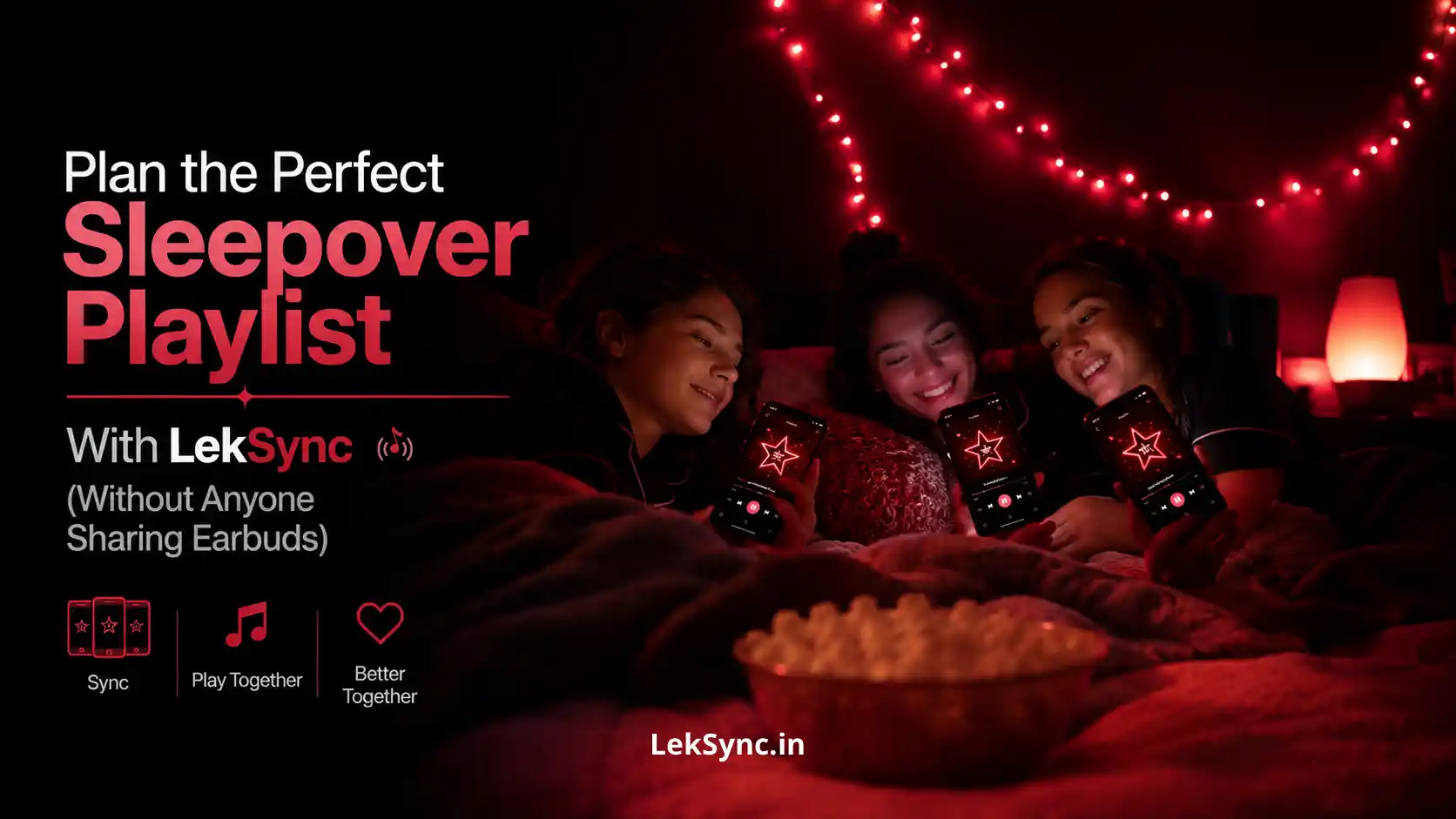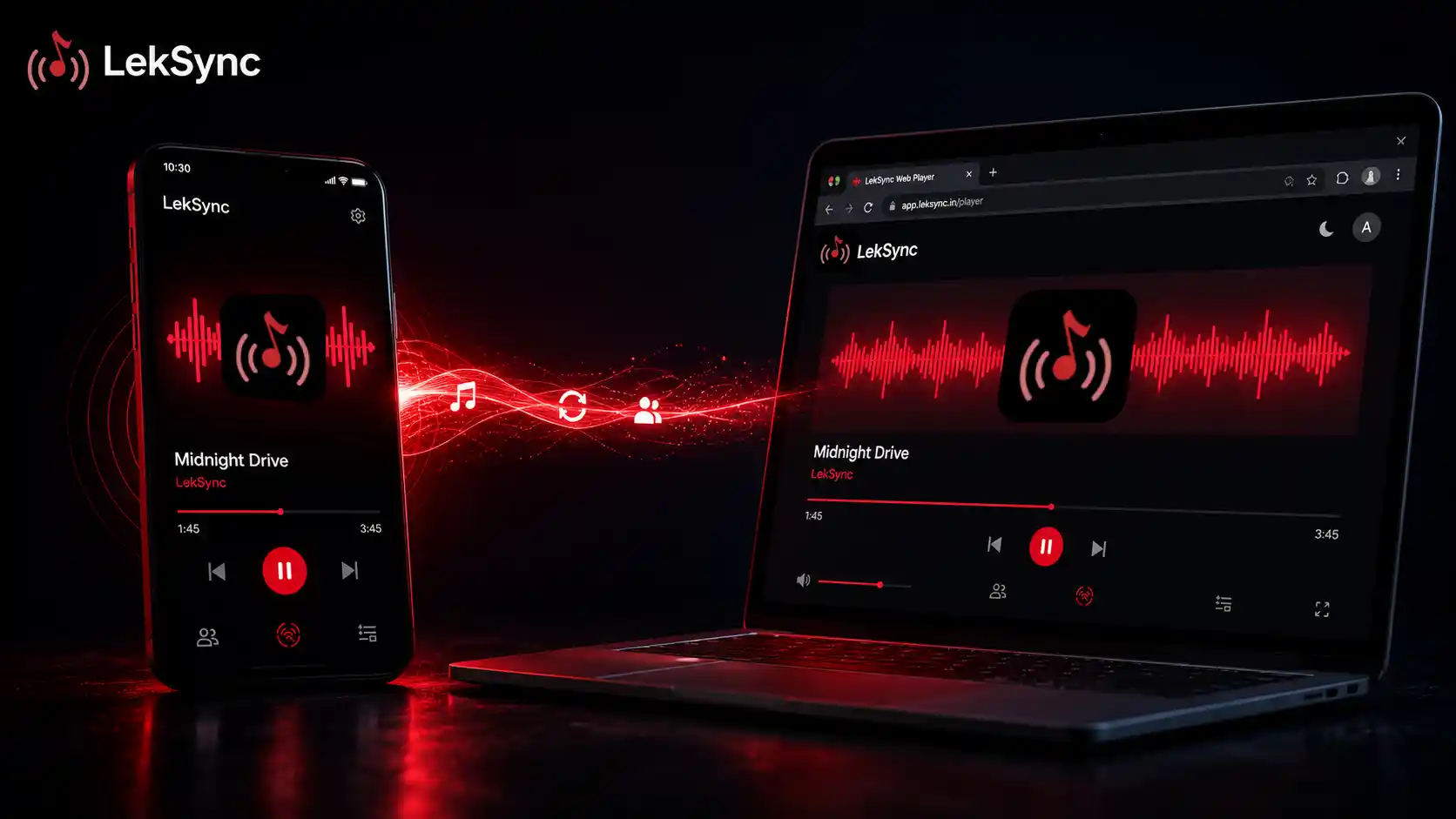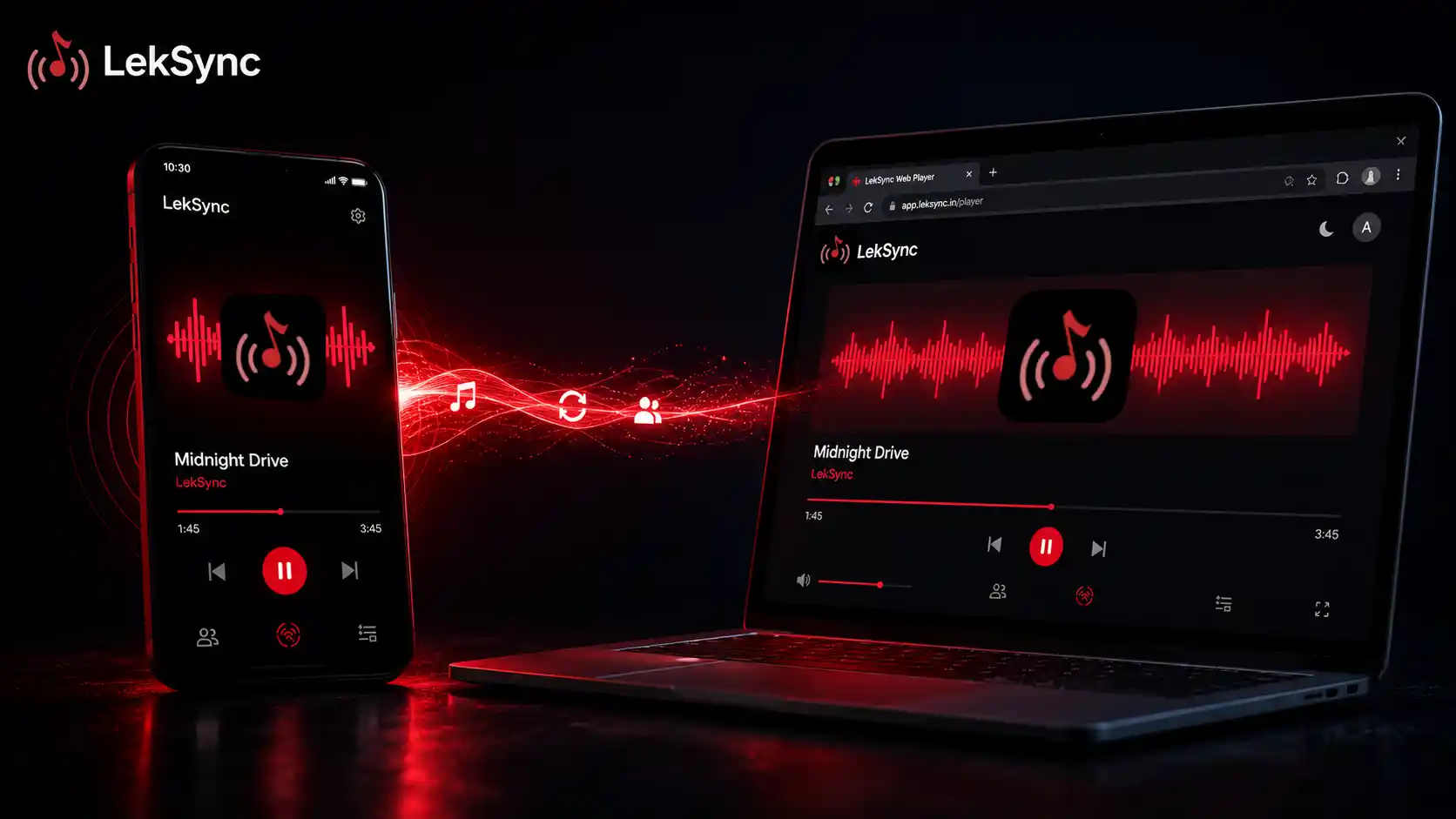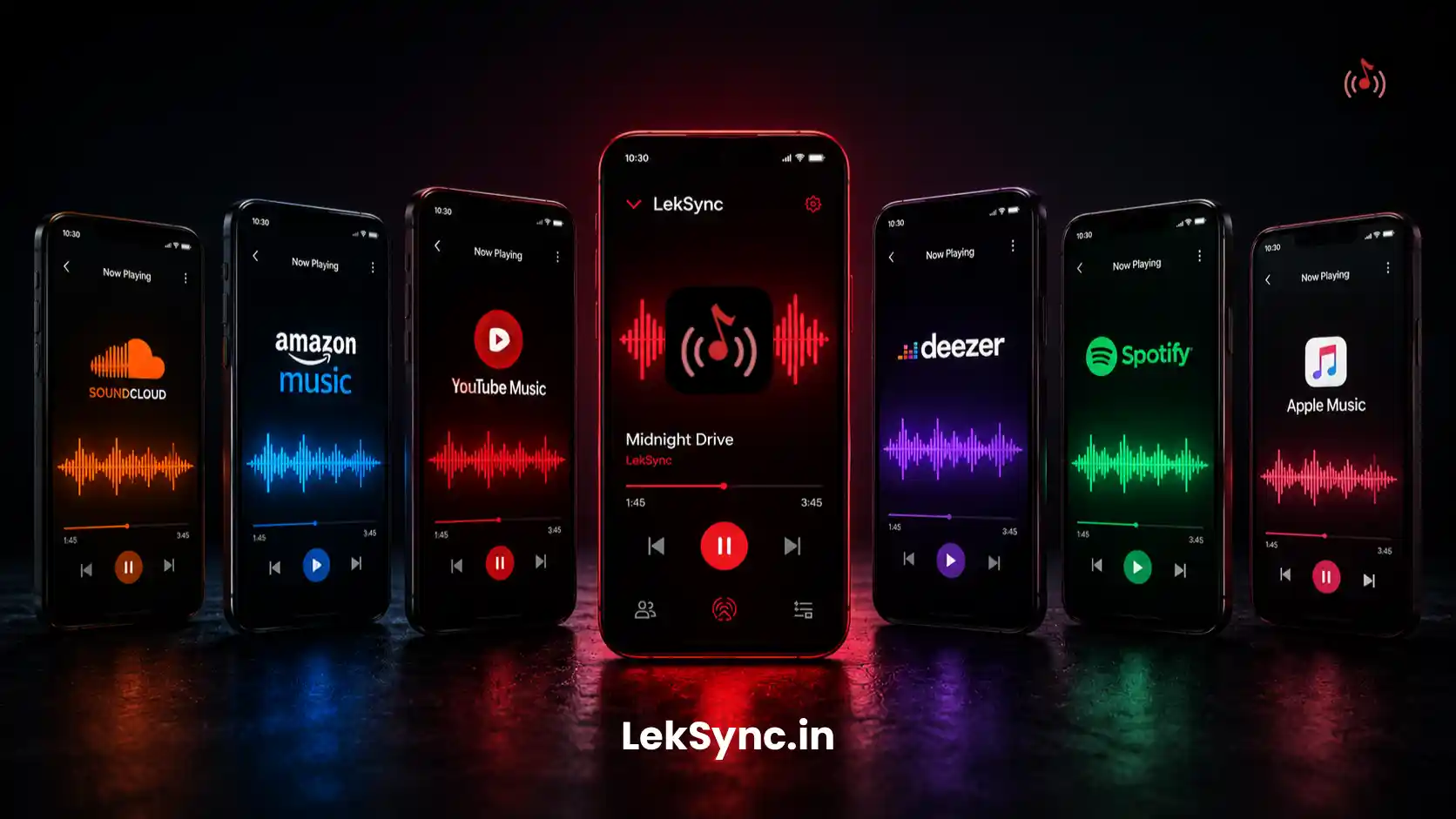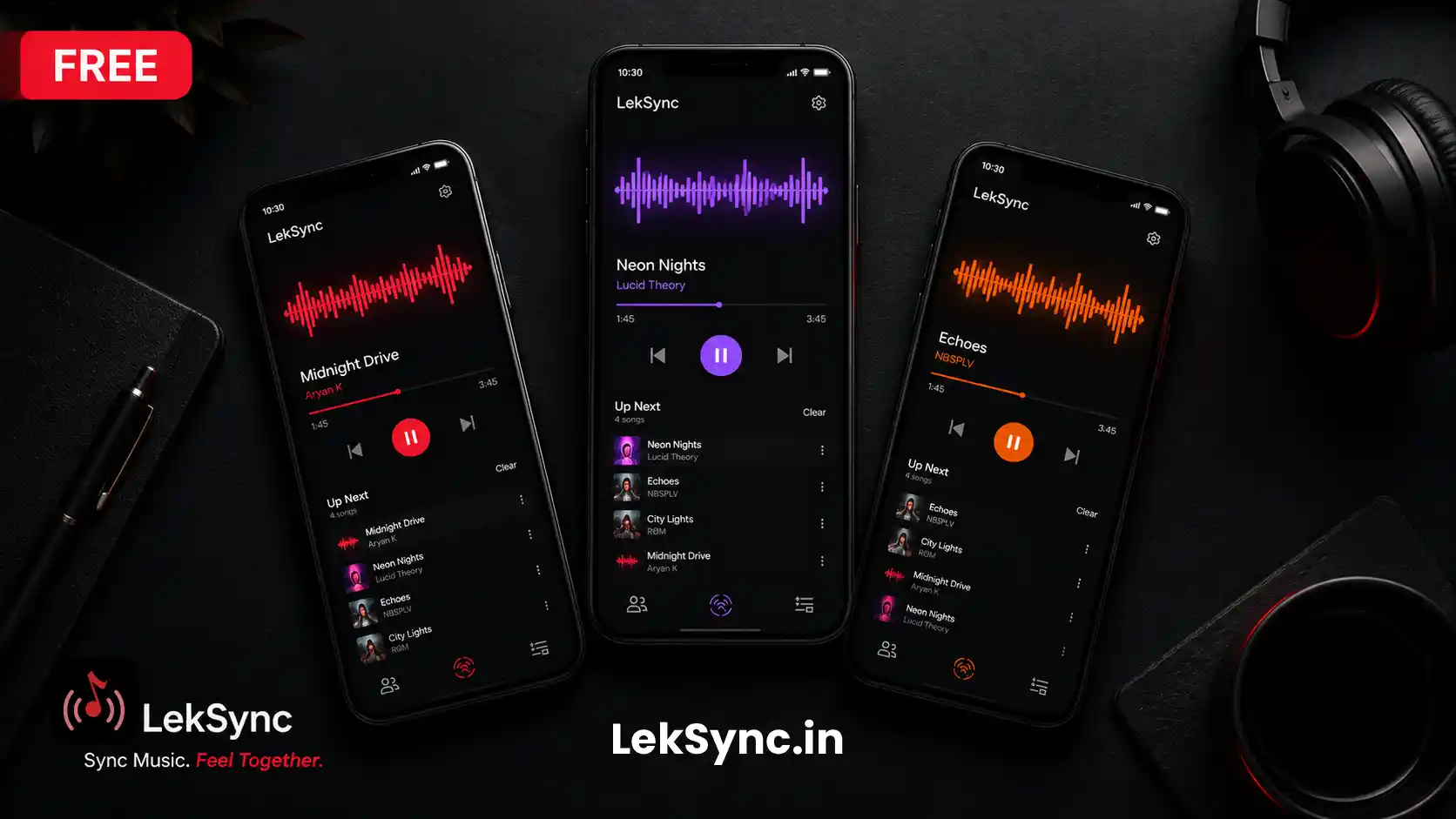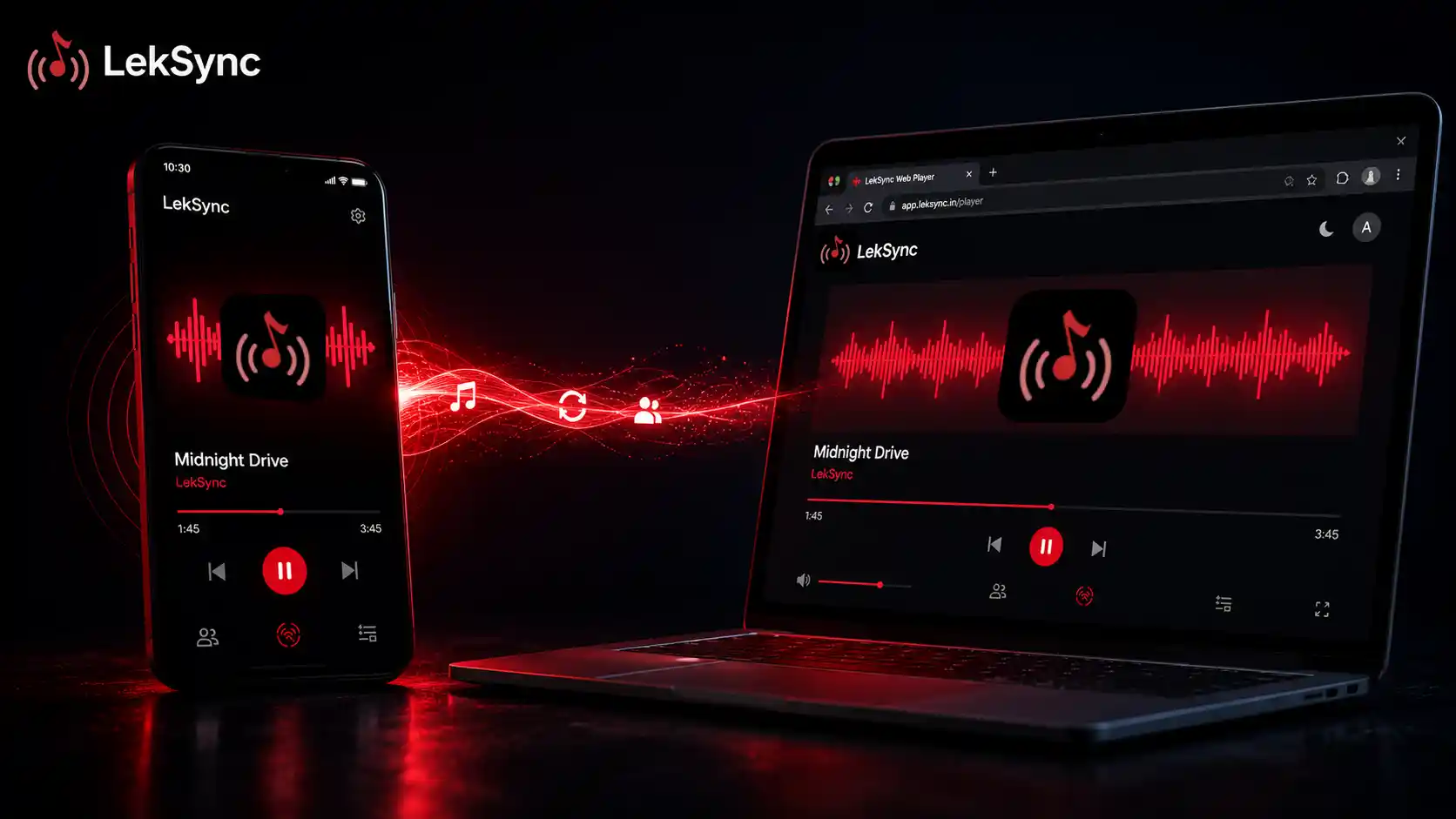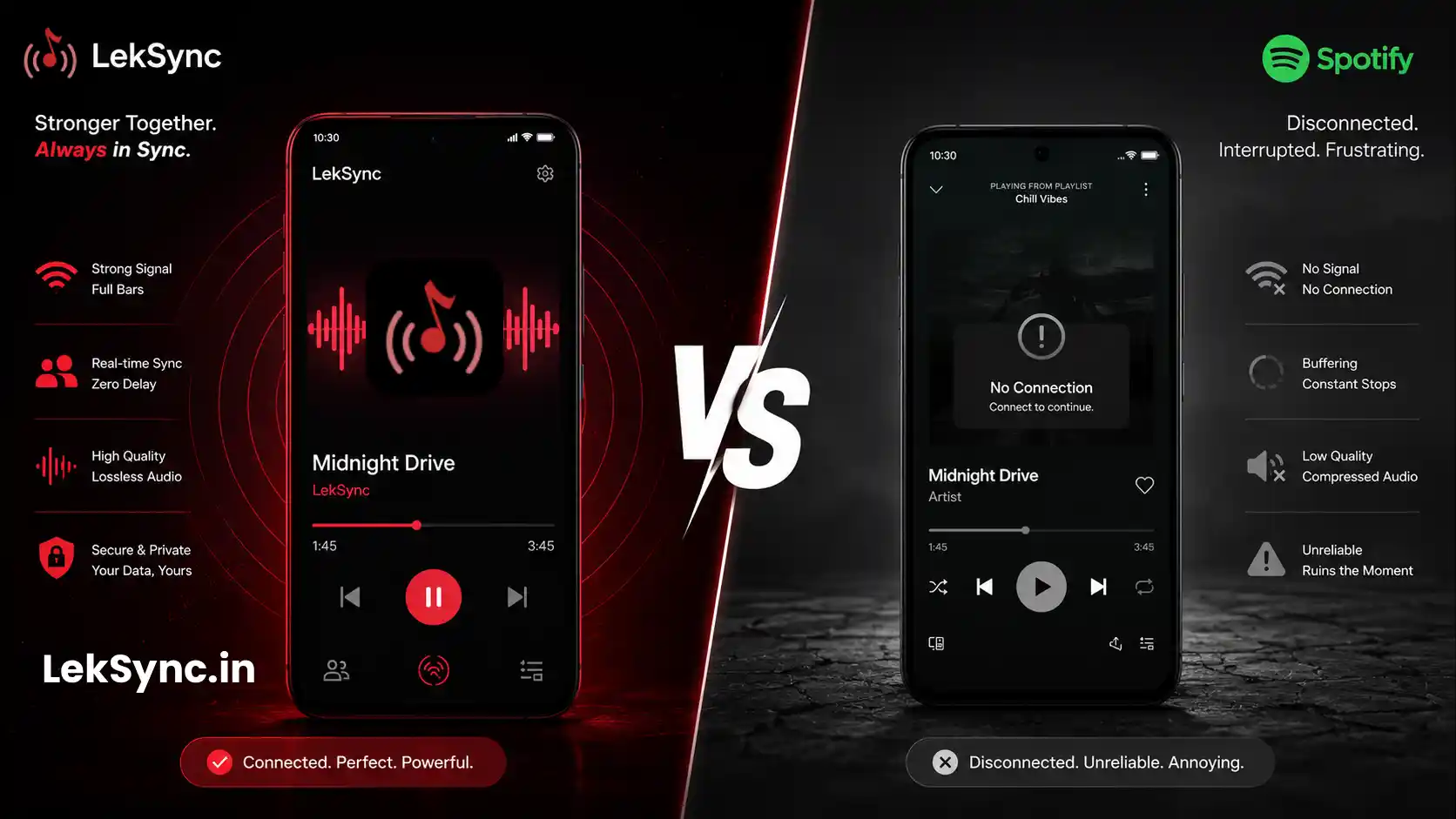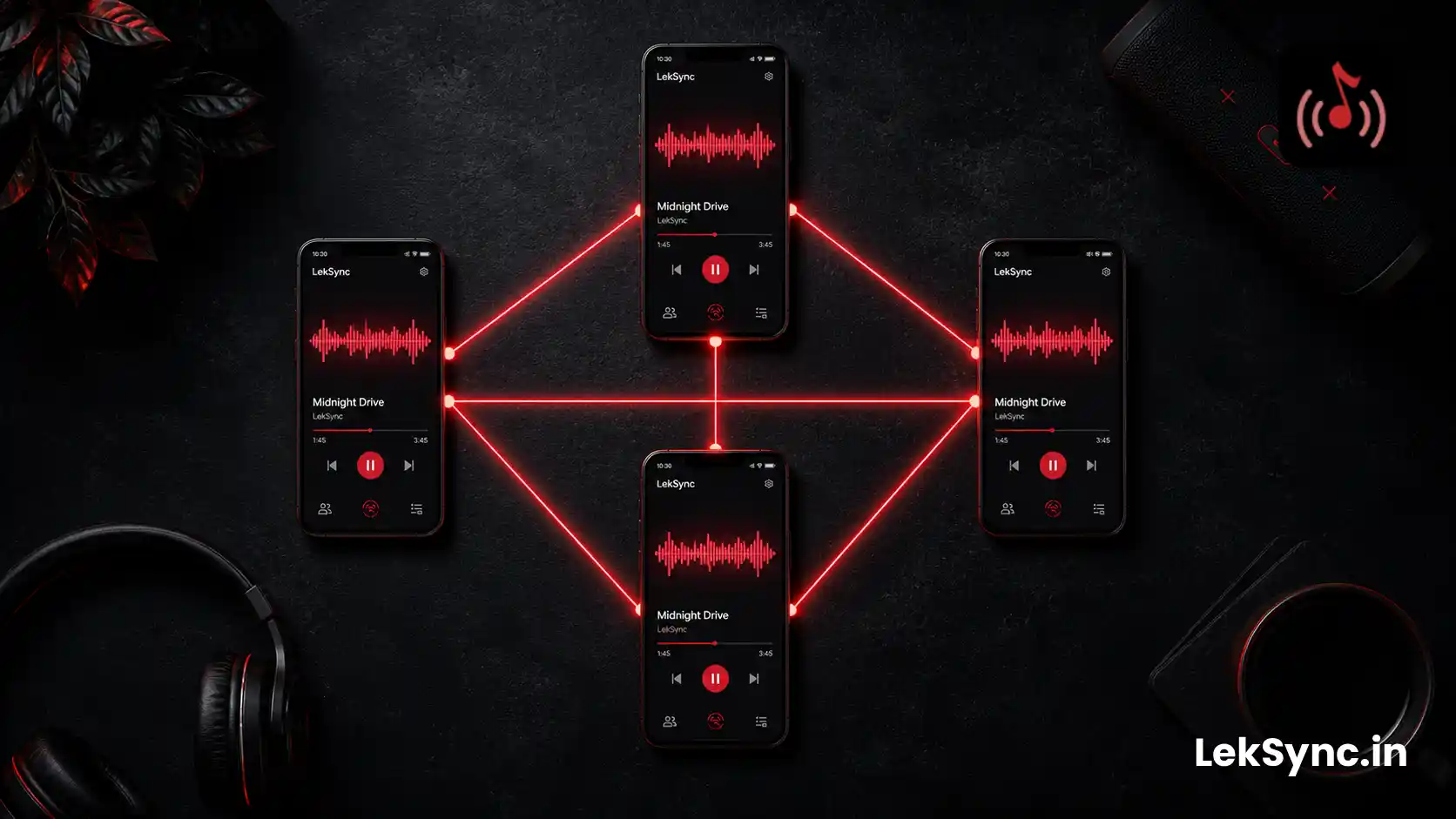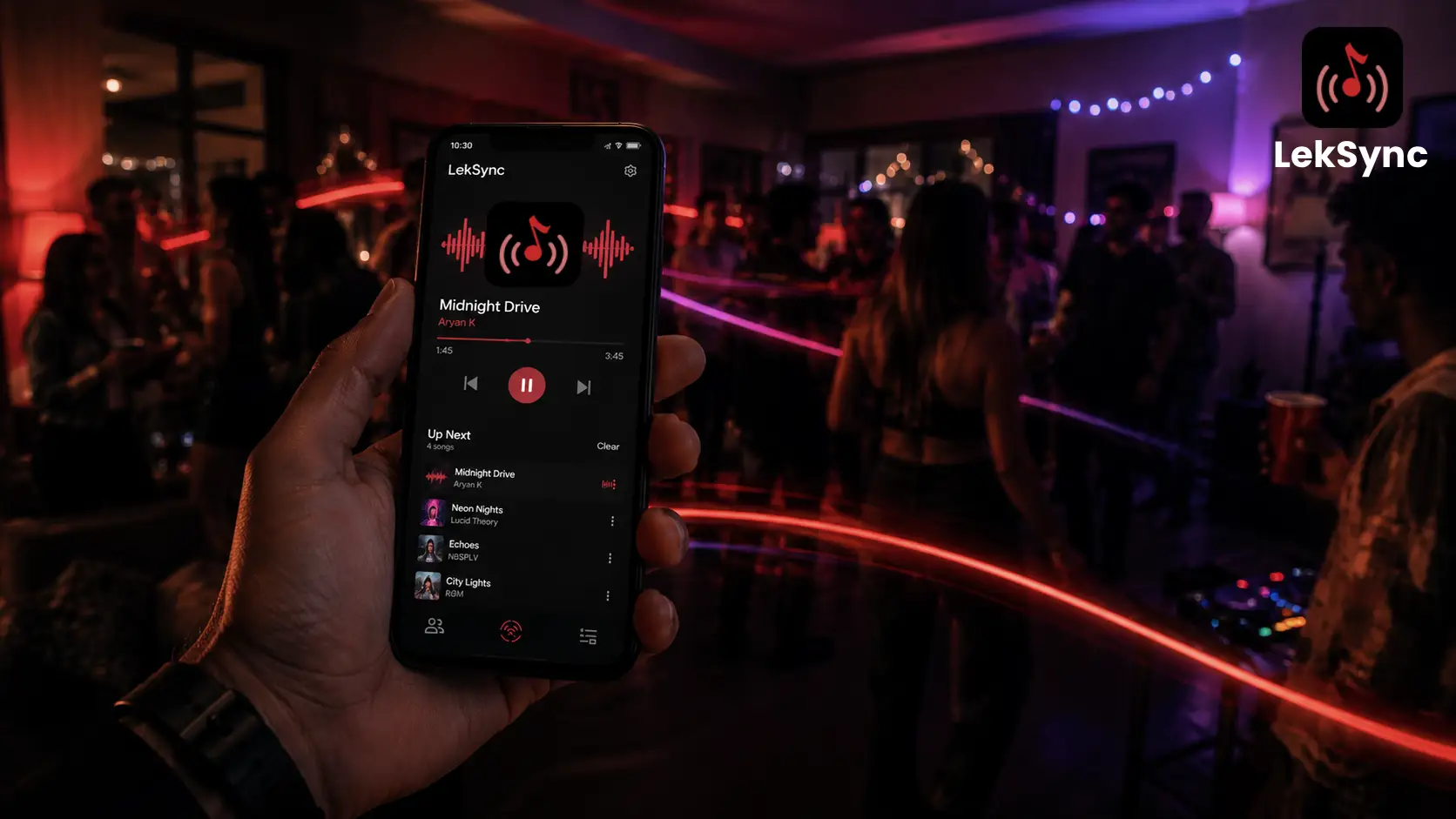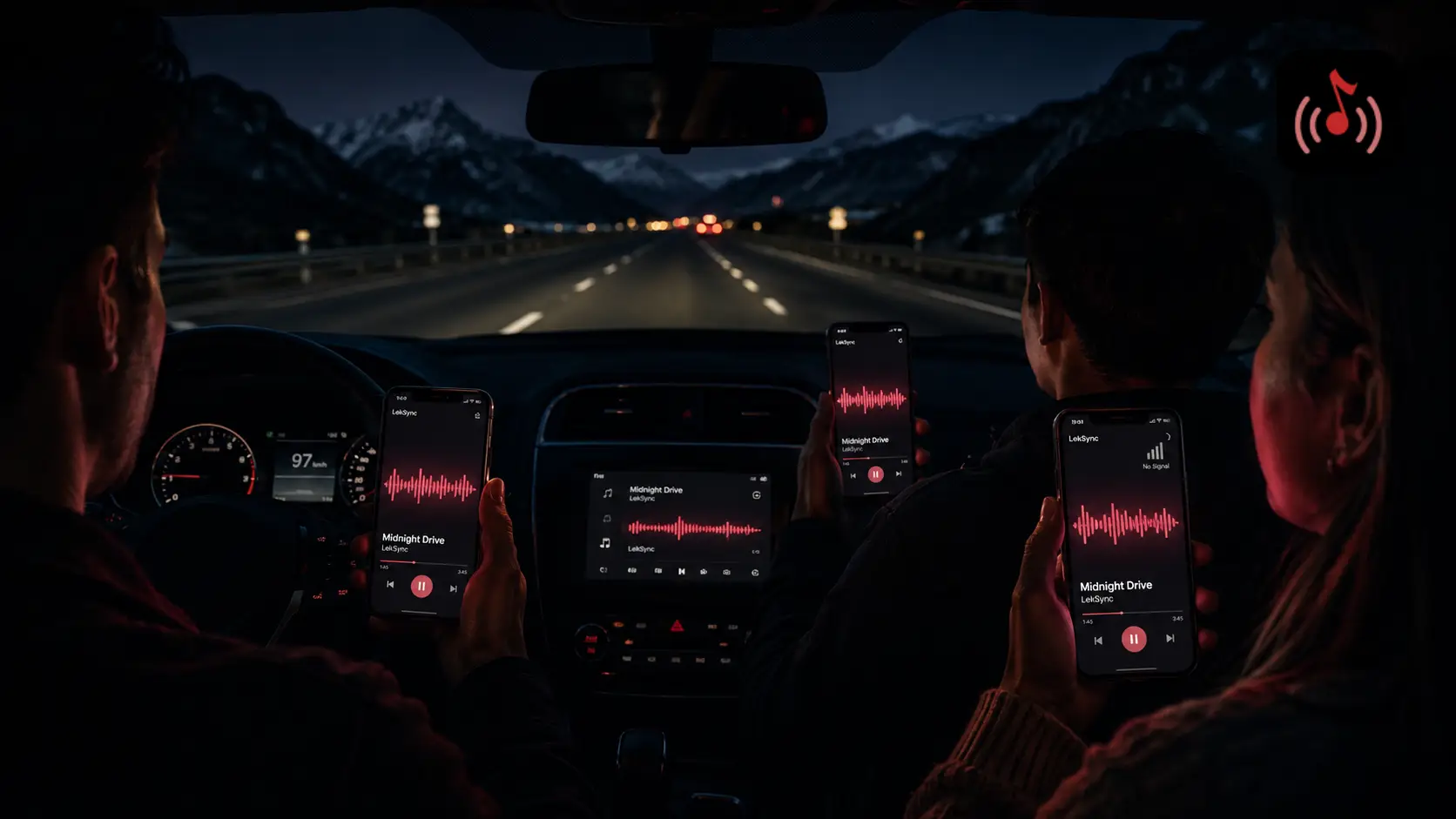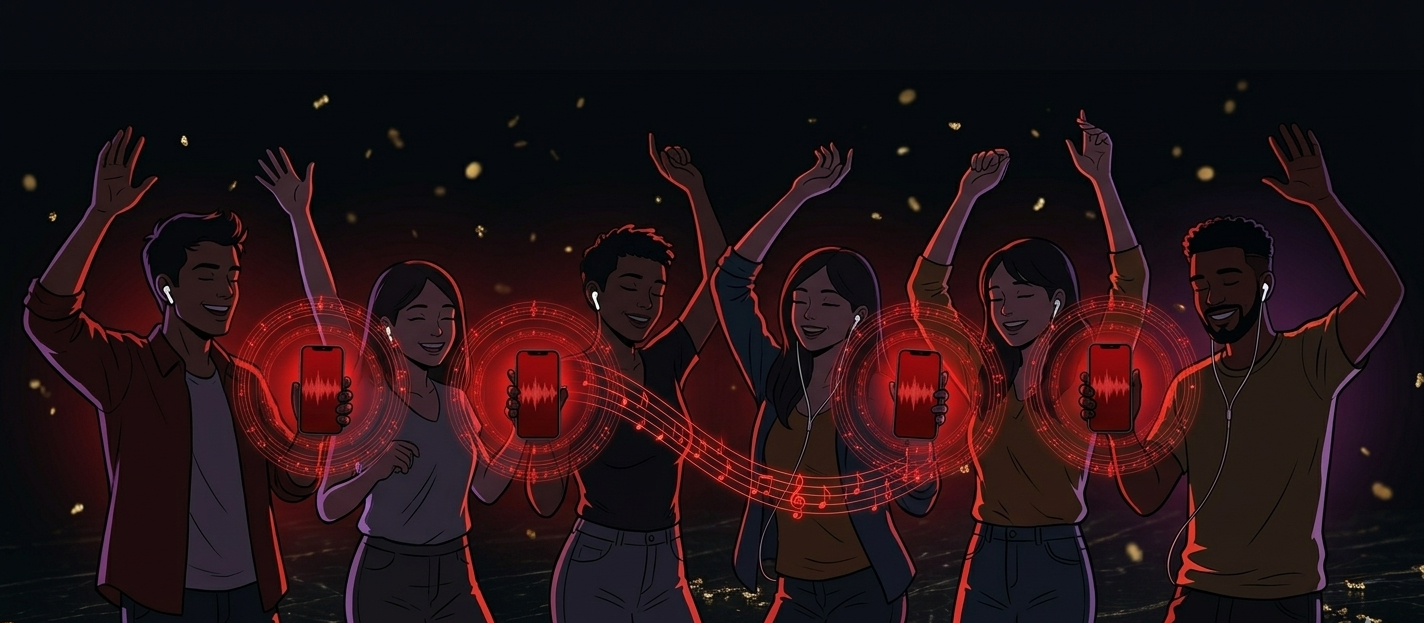
You're at a house party, a beach hangout, or a road trip. Everyone wants to hear the same track at the same time. The obvious answer is a Bluetooth speaker - but they're expensive, someone always forgets to charge them, and the range tops out at about 10 meters.
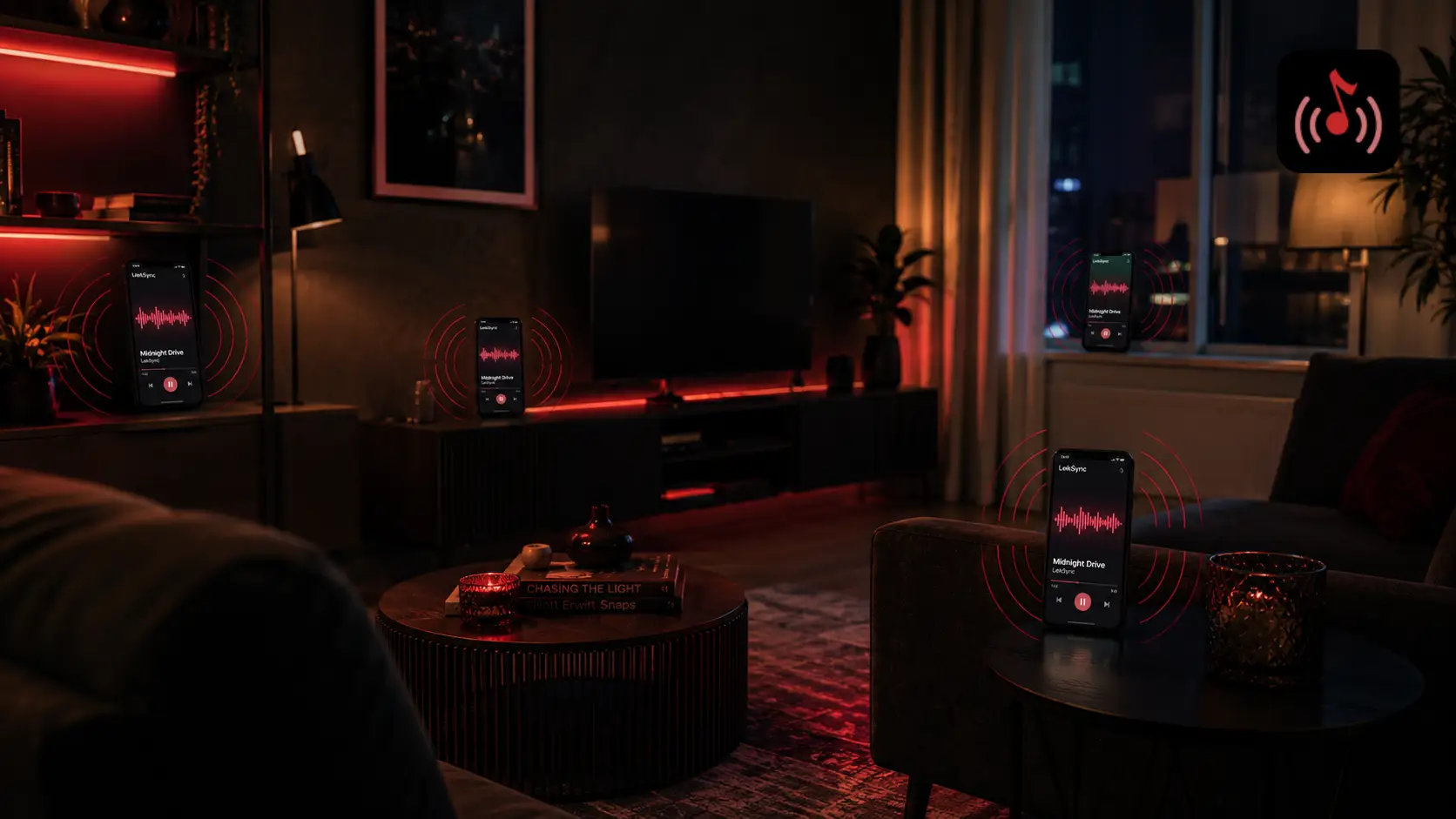
What if every phone in the room could become a speaker?
That's exactly what LekSync does. Here's how to set it up in under 60 seconds.
What You Need
- Two or more Android phones (Android 10 or newer)
- Music files on the host phone (MP3, FLAC, AAC - anything in your library)
- A Wi-Fi hotspot OR an internet connection (either works)
- LekSync installed on the host phone (receivers can join from the app or from a browser)
Method 1 - Wi-Fi Hotspot (No Internet Needed)
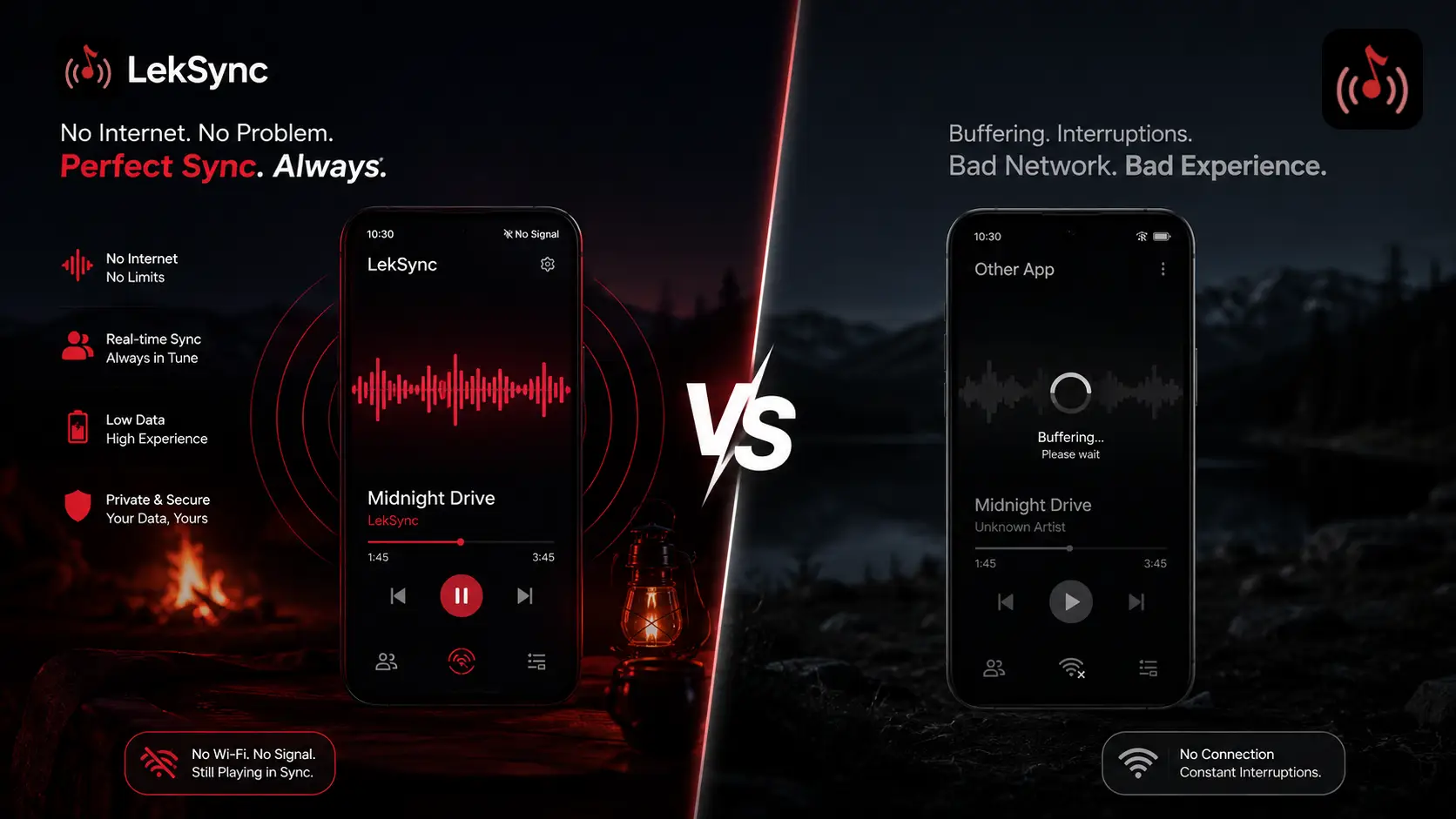
This is the fastest way. Works at the beach, in the mountains, in a car - anywhere.
Step 1: Turn on your hotspot
On the host phone, go to Settings → Hotspot & Tethering → Wi-Fi Hotspot and turn it on. Note the network name and password.
Step 2: Connect friends to the hotspot
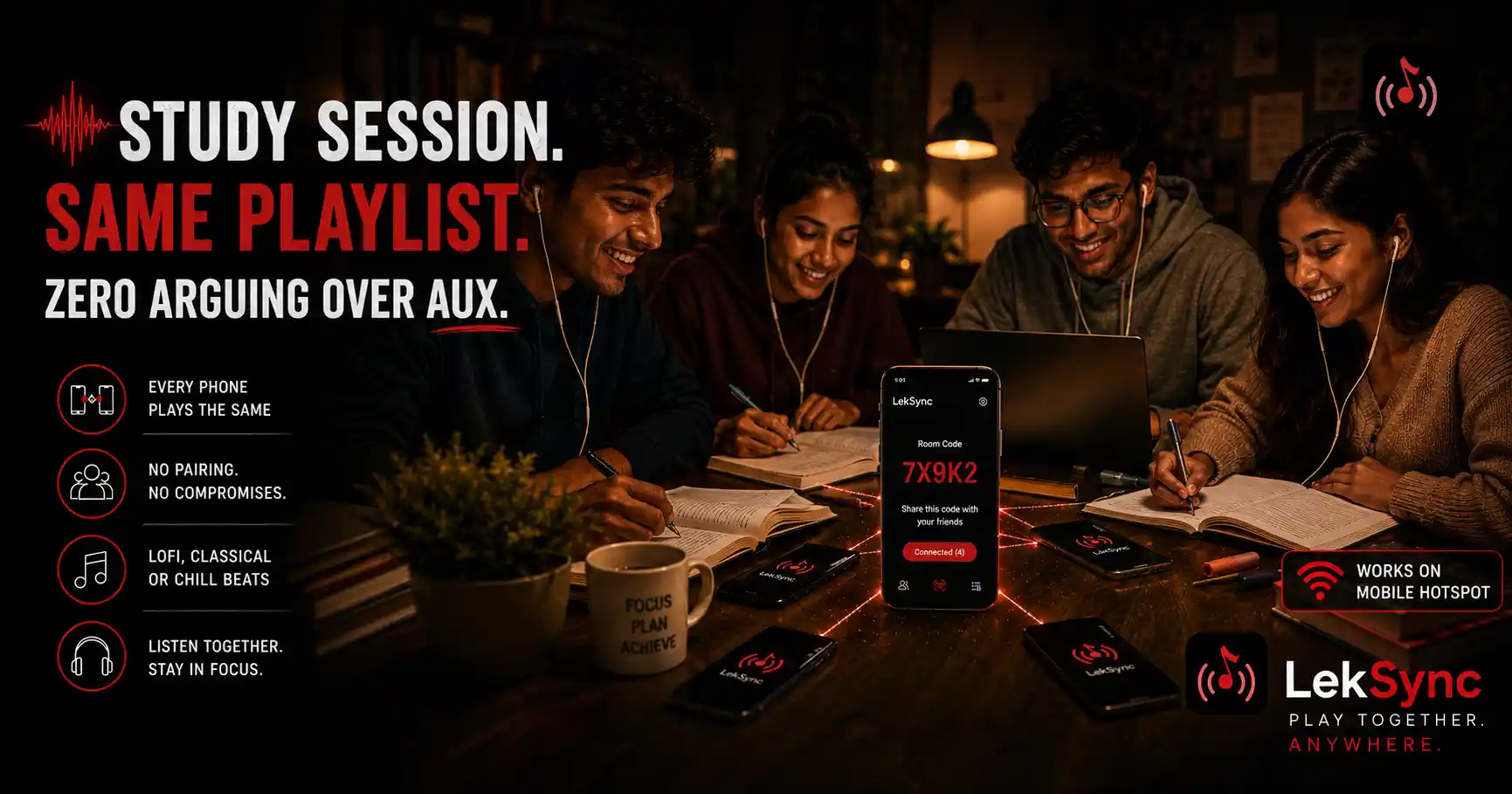
Every friend who wants to listen connects to the host's hotspot - the same way they'd connect to any Wi-Fi network.
Step 3: Open LekSync and choose "Host"
On the host phone, open LekSync. Tap Host on the start screen. Your local music library loads automatically.
Step 4: Friends open LekSync and choose "Receiver"
On each friend's phone, open LekSync and tap Receiver. The app scans the local network and shows the host. Tap to connect.
Step 5: Play a song
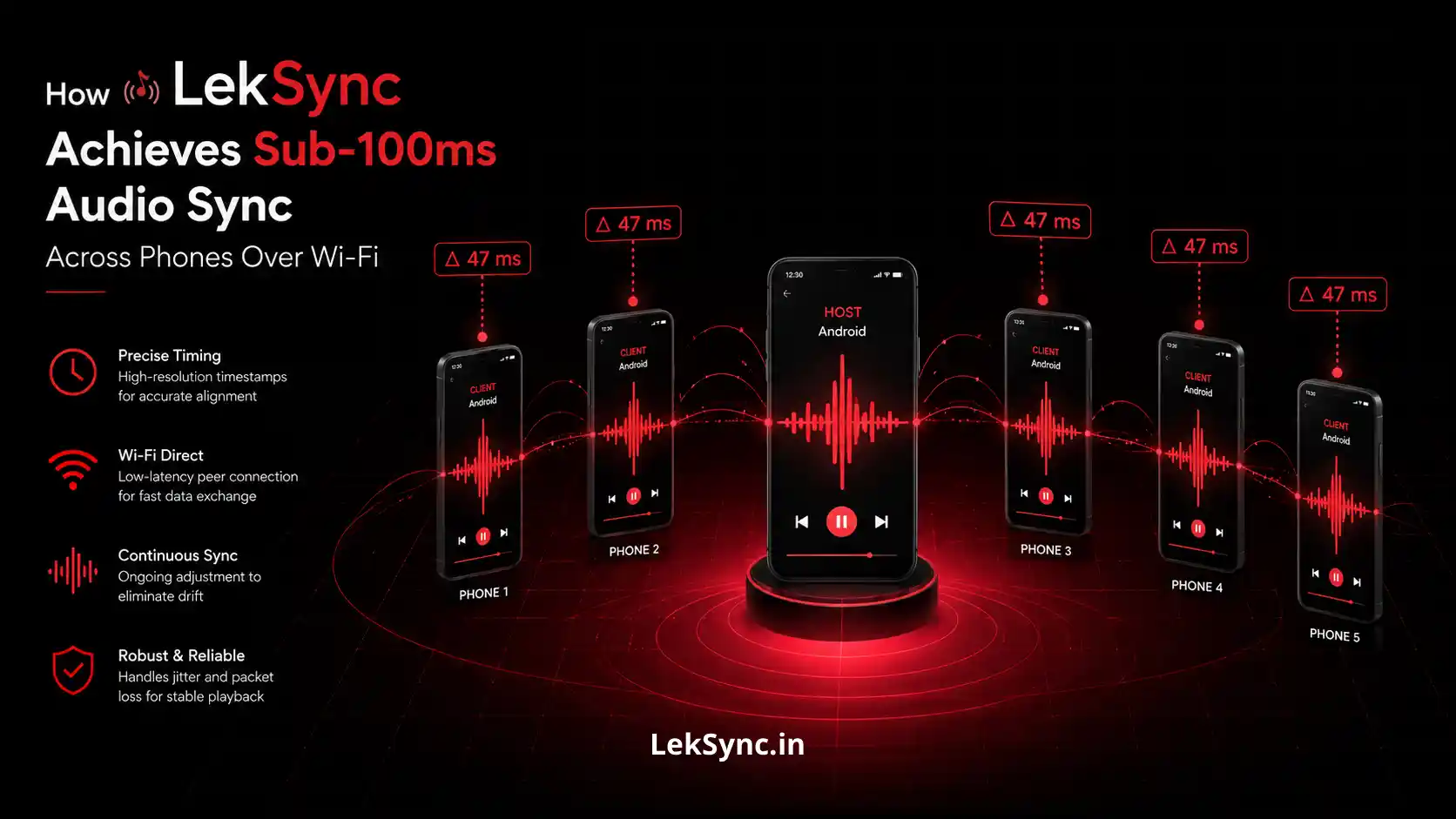
On the host phone, browse your library and tap any song. Every connected phone starts playing at the exact same moment - synced to within 100 milliseconds.
That's it. No accounts, no sign-in, no internet, no cables.
Method 2 - Online Mode (Friends Anywhere in the World)
If your friends aren't in the same room, use Online Mode instead:
- On the host phone, go to the Host tab and tap the Online button (globe icon).
- Enter a room name and tap Create Room.
- Share the 10-digit room code with your friends - via WhatsApp, text, or just read it aloud.
- Friends enter the code in their LekSync app (tap Receiver → Online) or open leksync.in/receiver in any browser and type the code.
- Play a song. Everyone hears it in sync, no matter where they are.
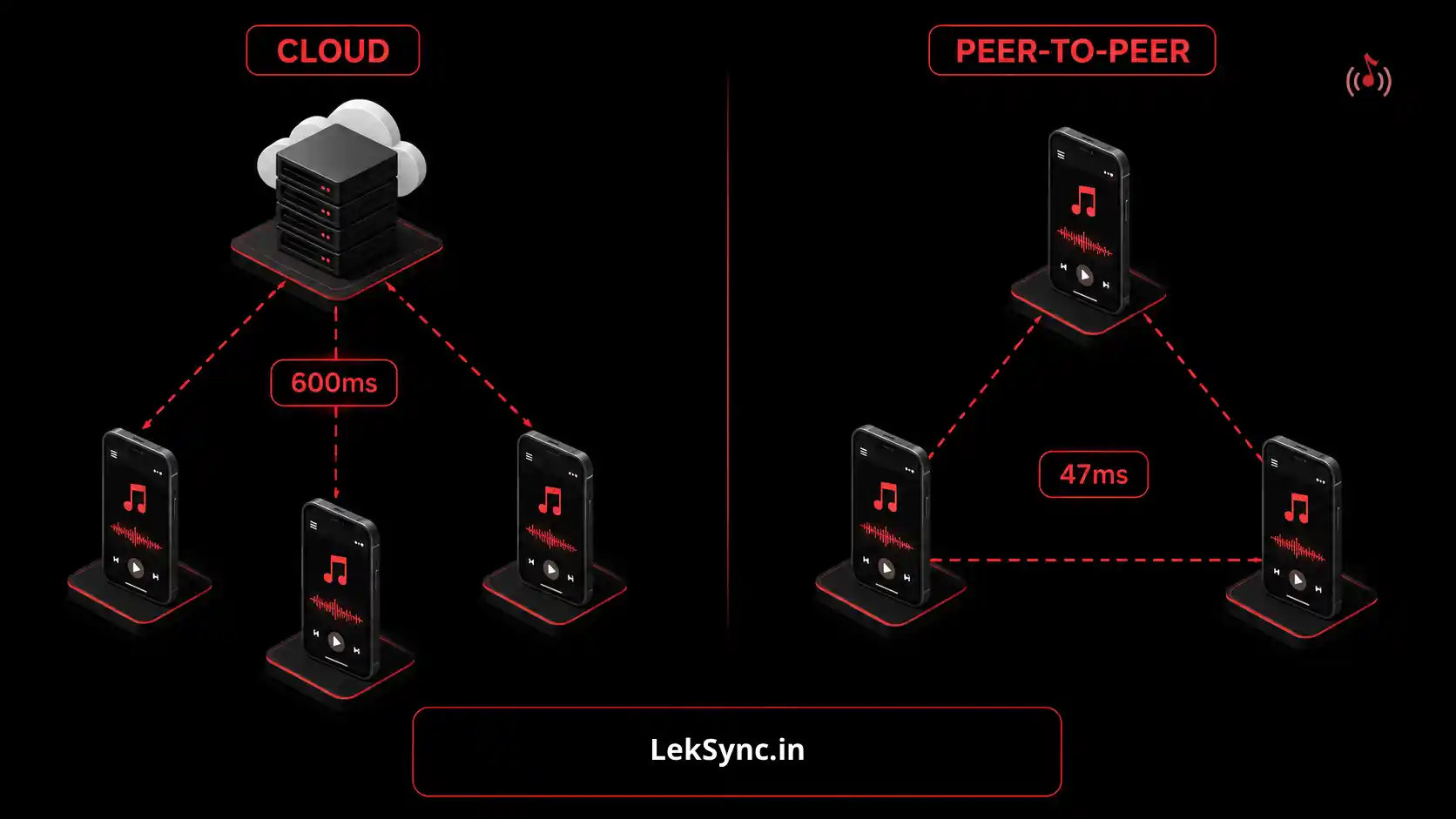
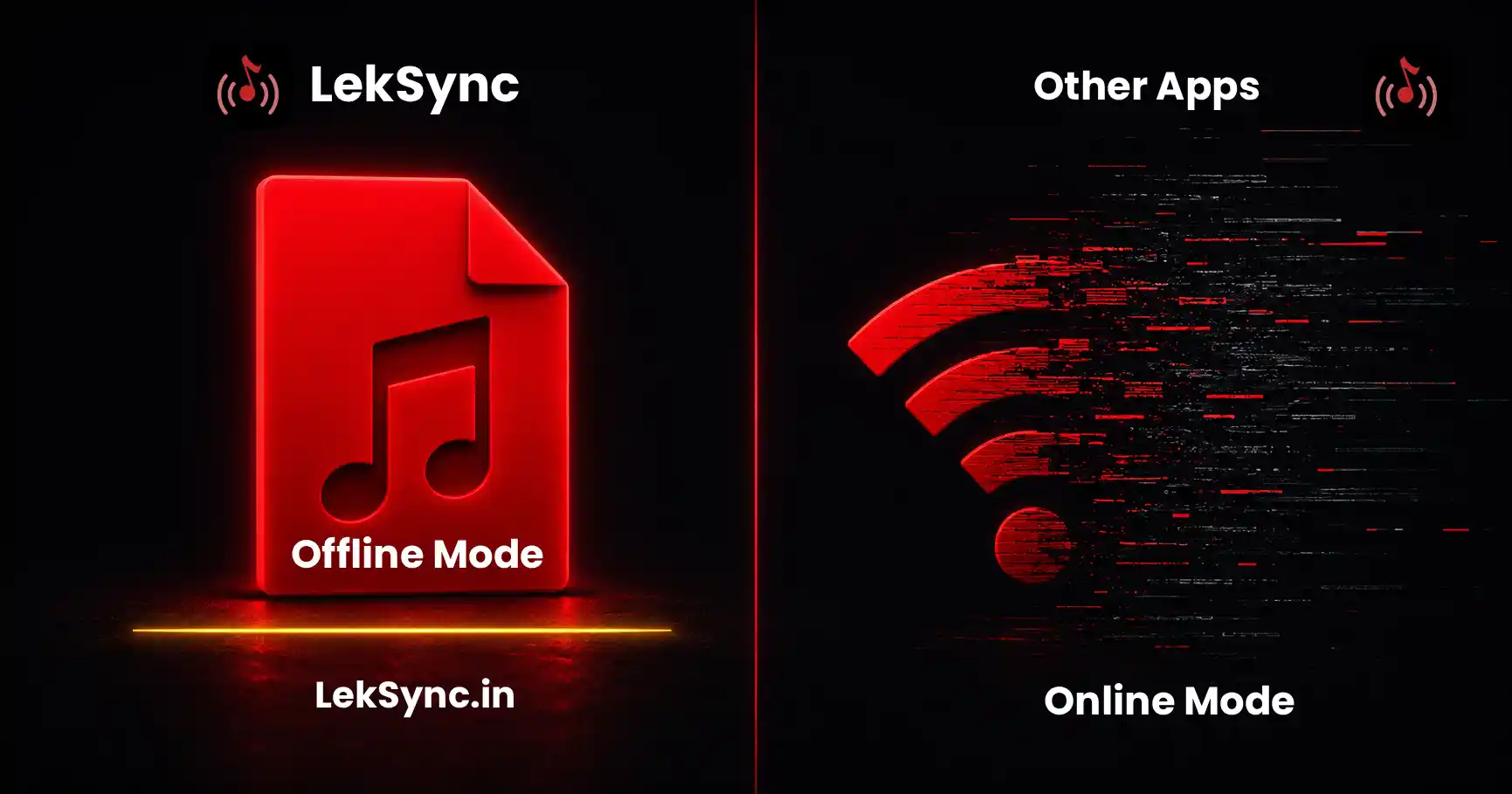
Online mode uses encrypted peer-to-peer WebRTC - the music goes directly from your phone to theirs. No servers in the middle, no data stored anywhere.
Pro Tips
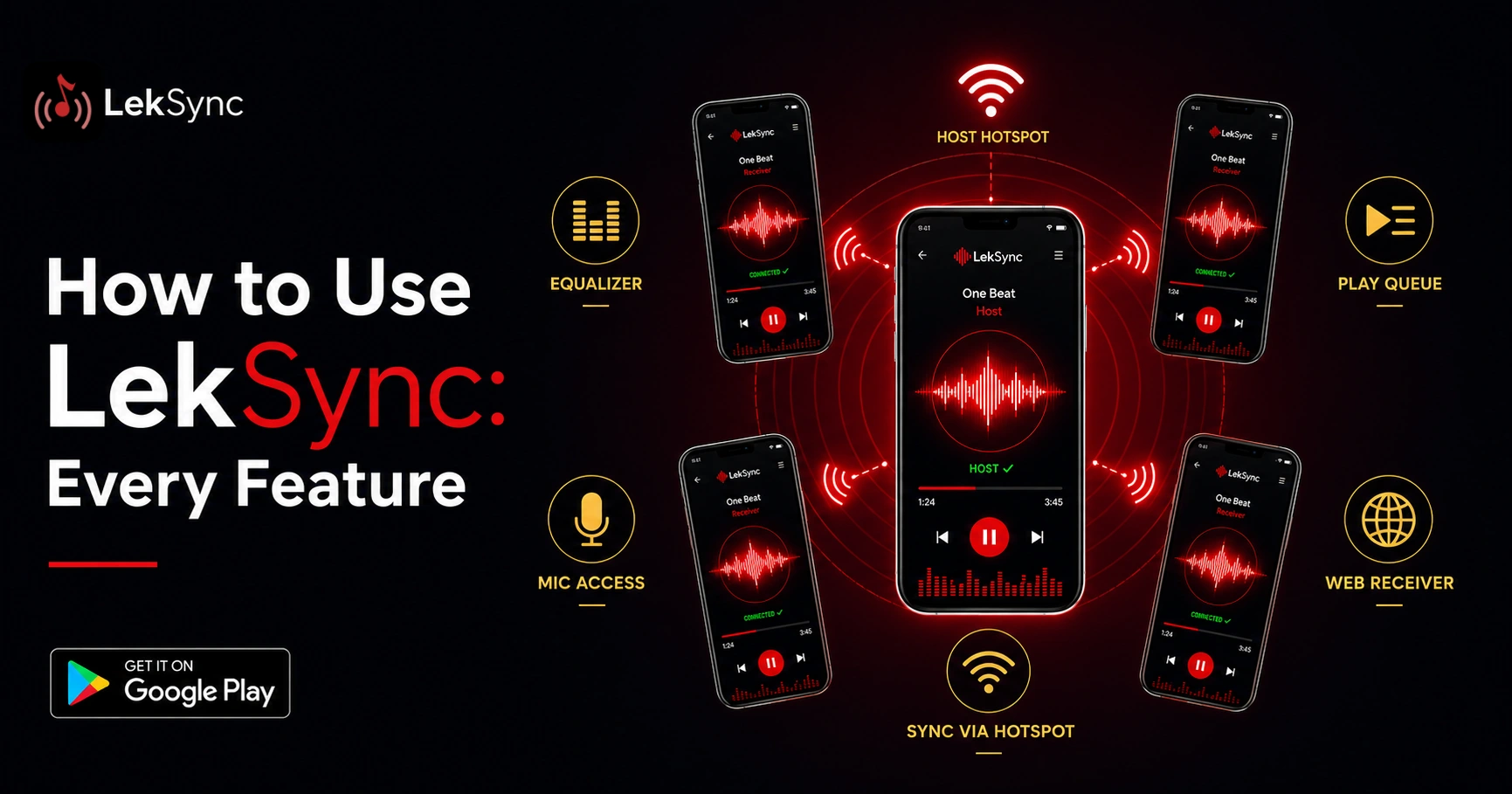
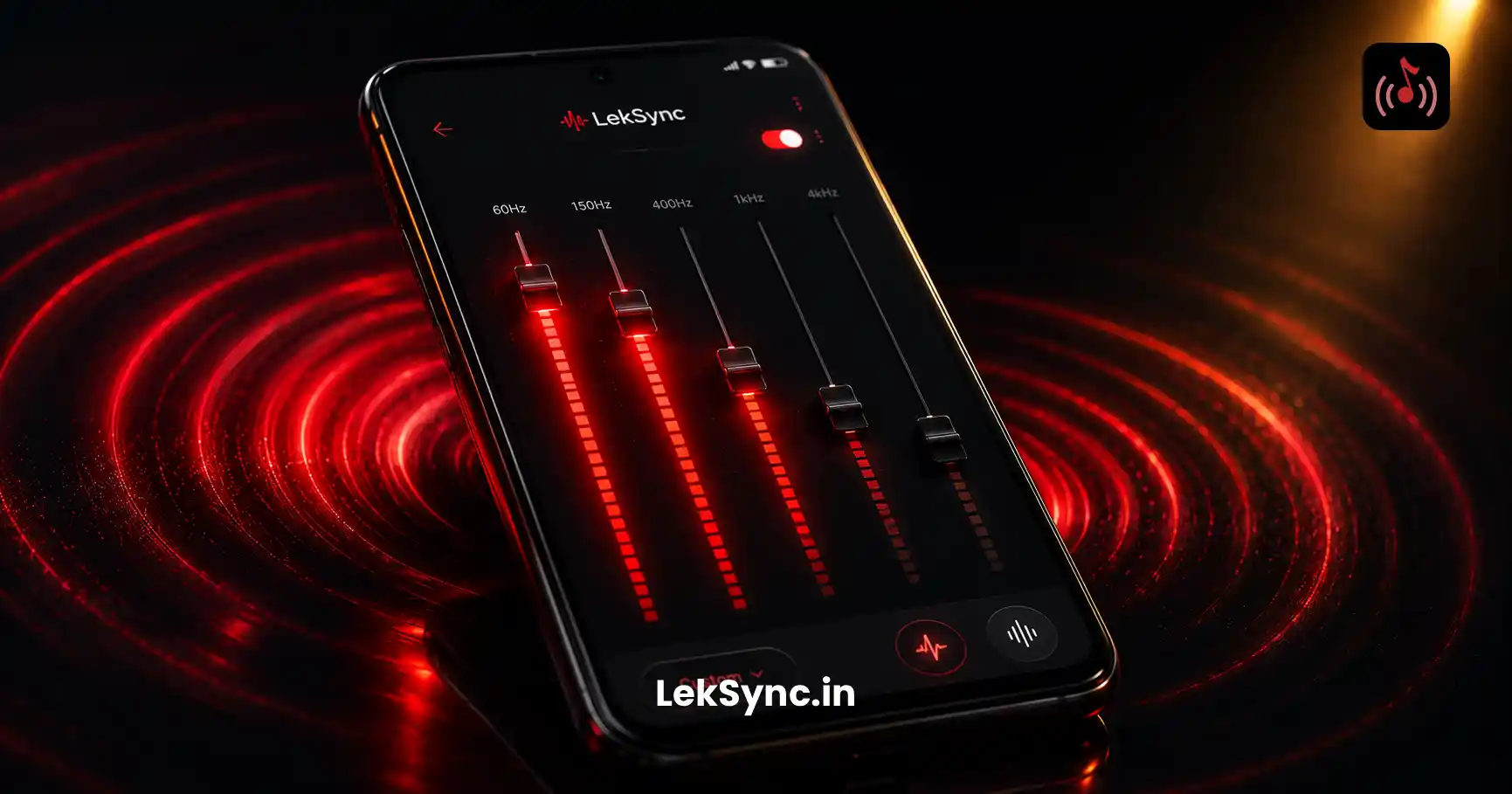
- Use the equalizer - the host's EQ settings apply to all receivers, so you can tune the bass for the room.
- Enable the mic - tap the 3-dot menu on any connected receiver and toggle Mic ON to talk over the music.
- Queue management - tap a song while another is playing to insert it next in the queue.
- Web receiver - friends who don't have the app can listen from their phone's browser. No install needed.
Ready to Try It?
Download LekSync free on Google Play and sync your first song in under a minute.