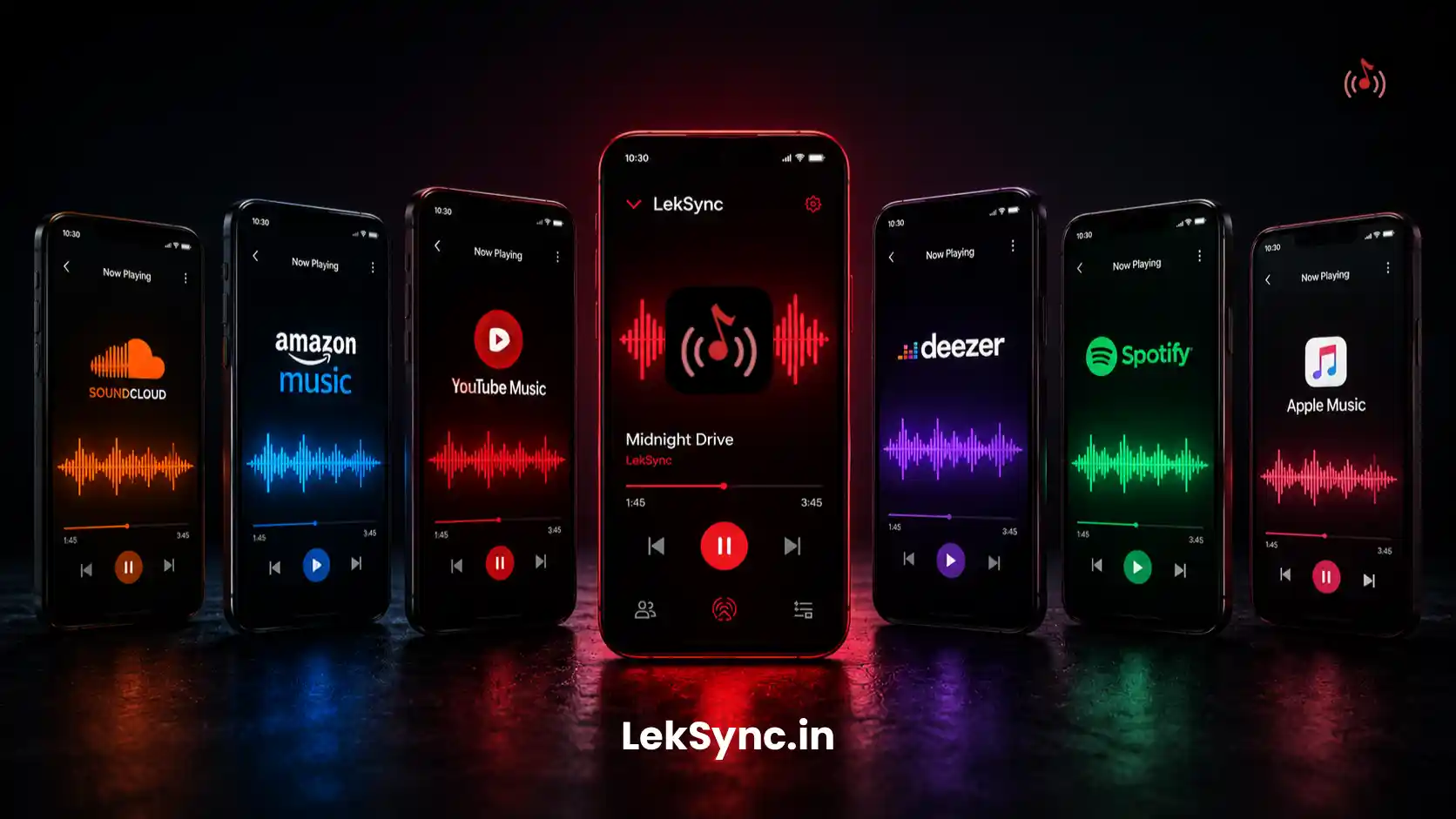
Spotify is great, but it comes with strings attached: a subscription, an internet connection, and an account for every single listener. What if you just want to put on some music with your friends, the way it worked before streaming took over? Here are the best ways to do exactly that in 2026.
Why People Want Spotify-Free Music Sharing
- Travelling with no reliable mobile data (road trips, international trips)
- Playing local music files that are not on any streaming platform
- Not wanting friends to need a Spotify account to listen together
- Avoiding subscription costs - especially for one-off events like parties or picnics
- Privacy: not wanting your listening session tracked or tied to a service account
Method 1: LekSync (Best for Real-Time Synced Listening)
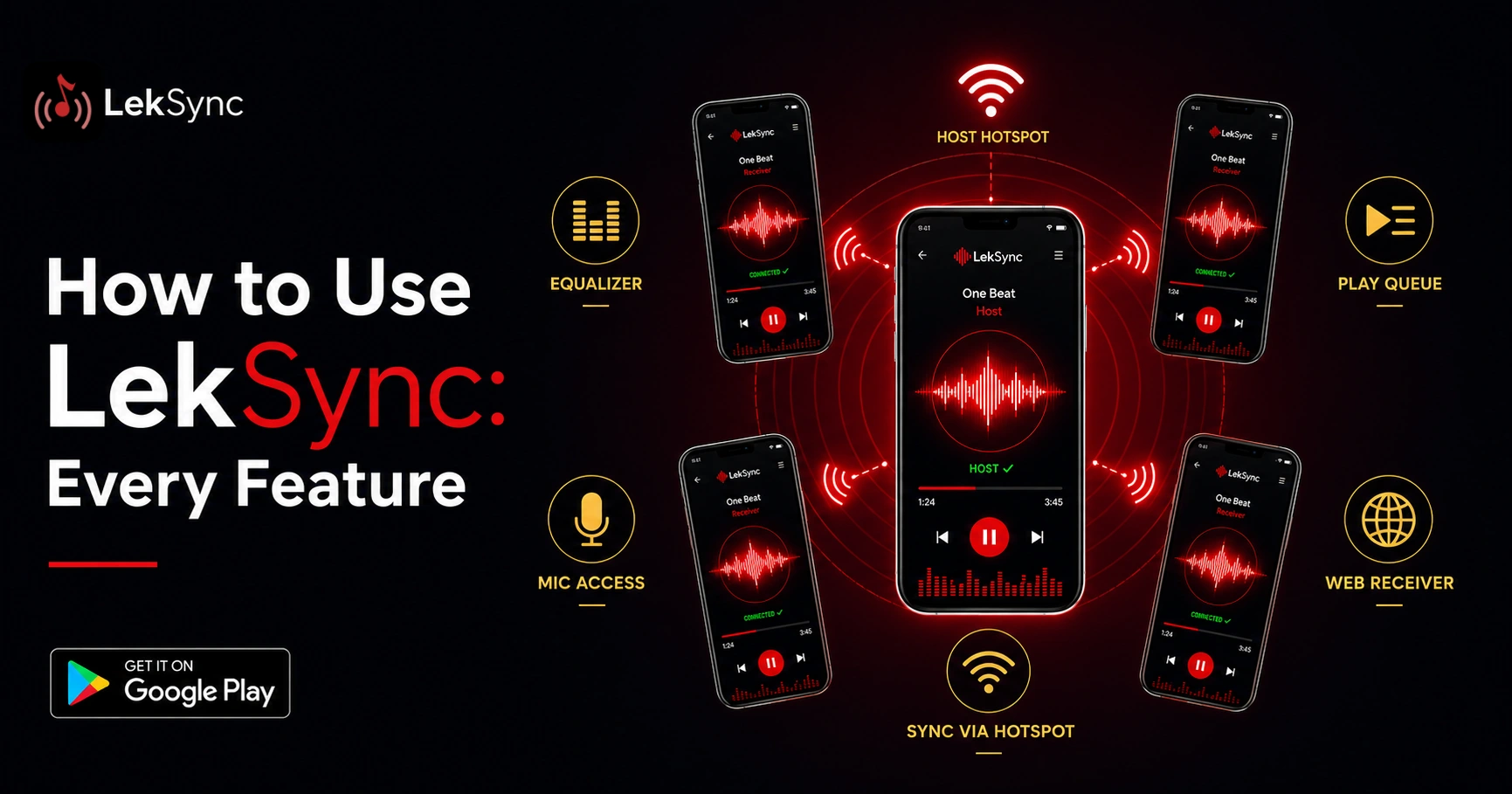
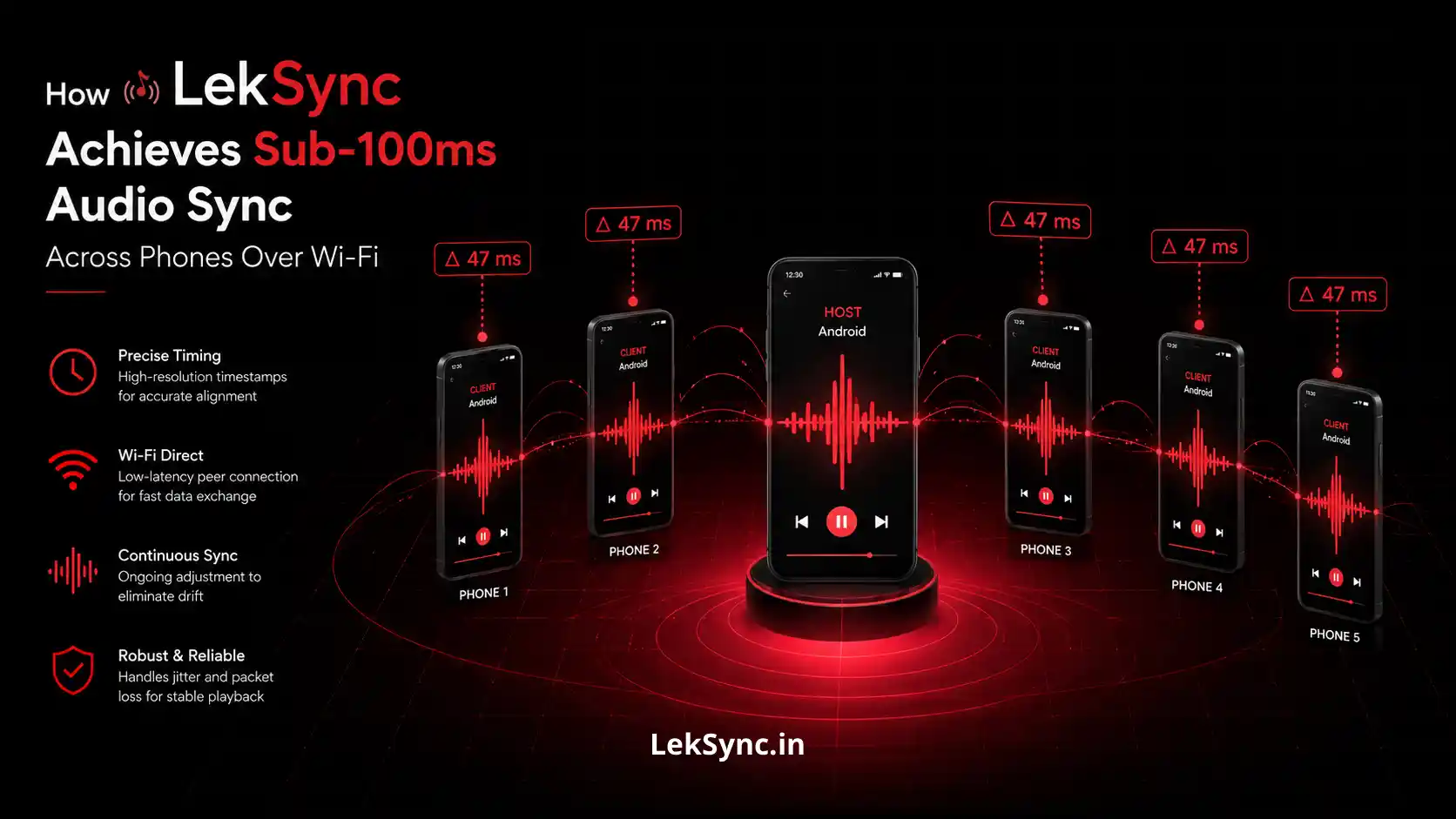
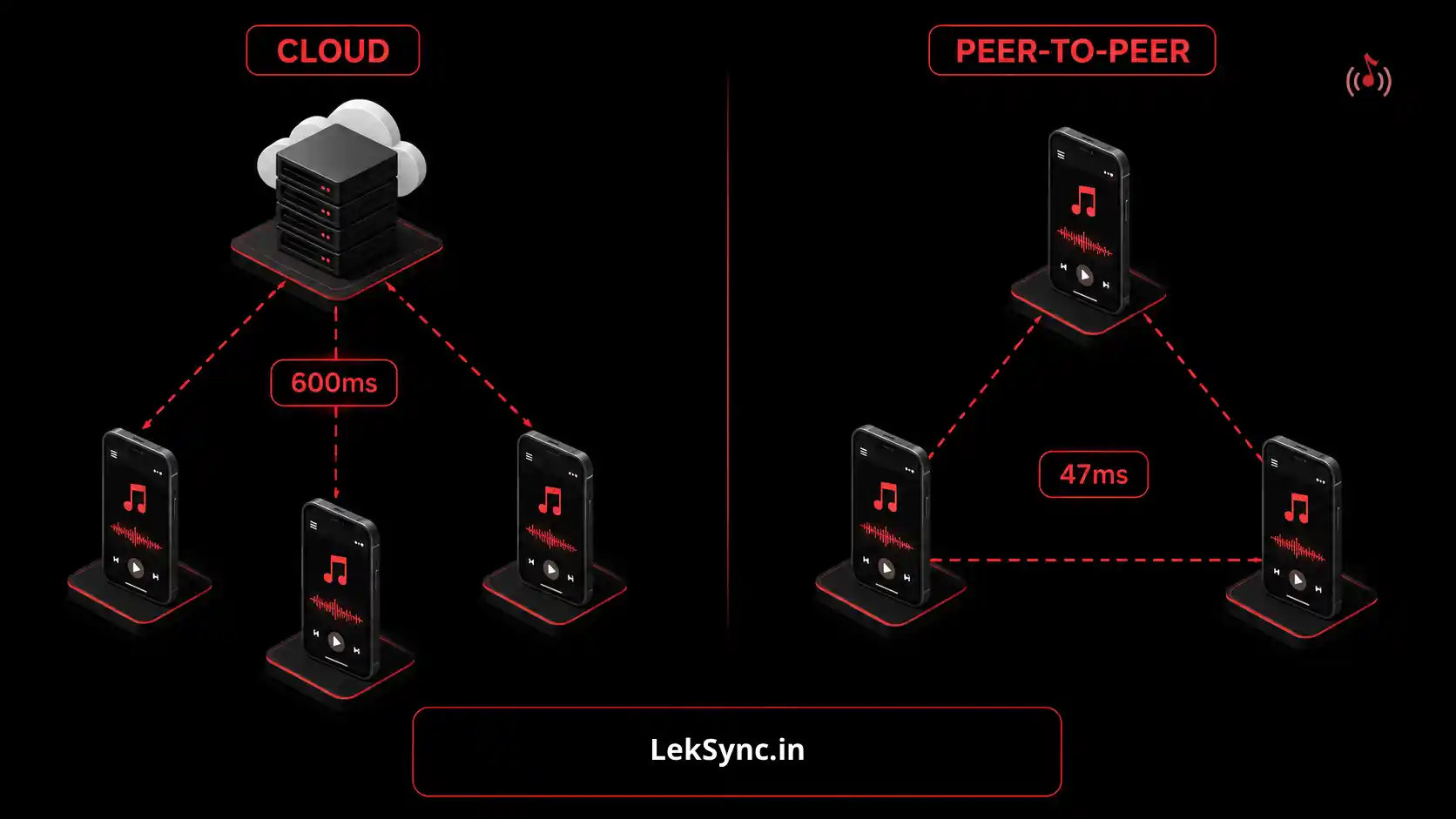
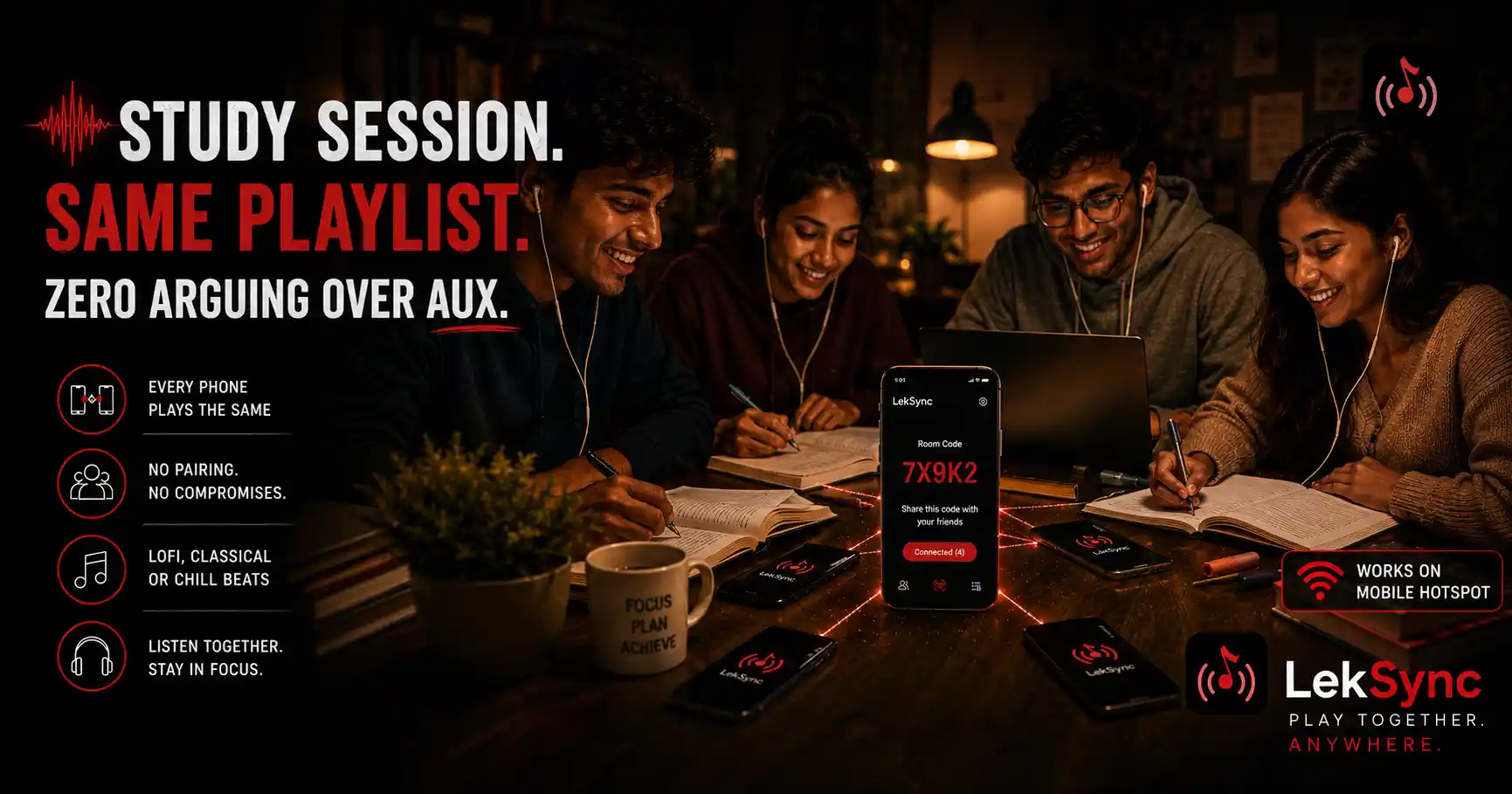
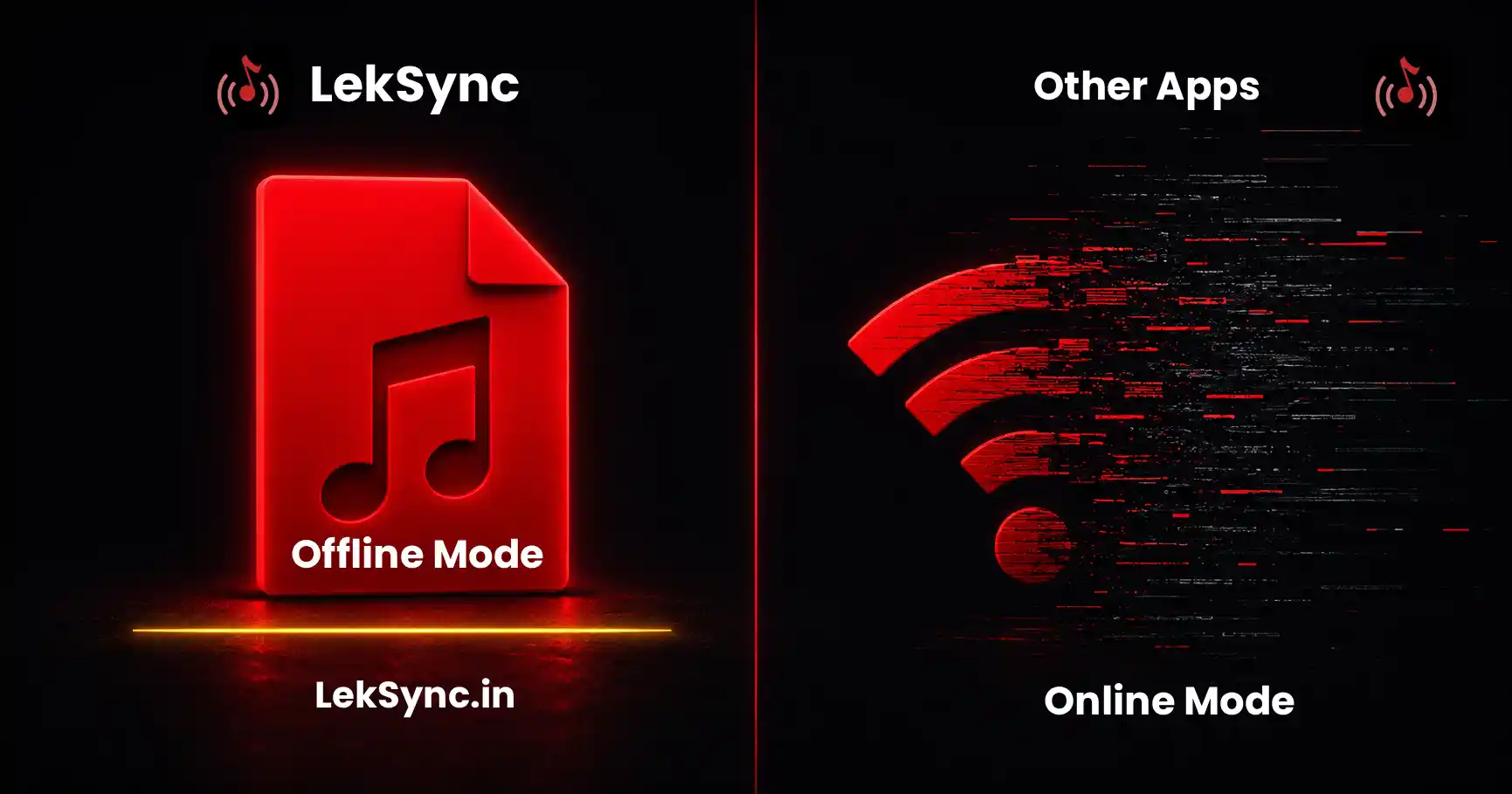
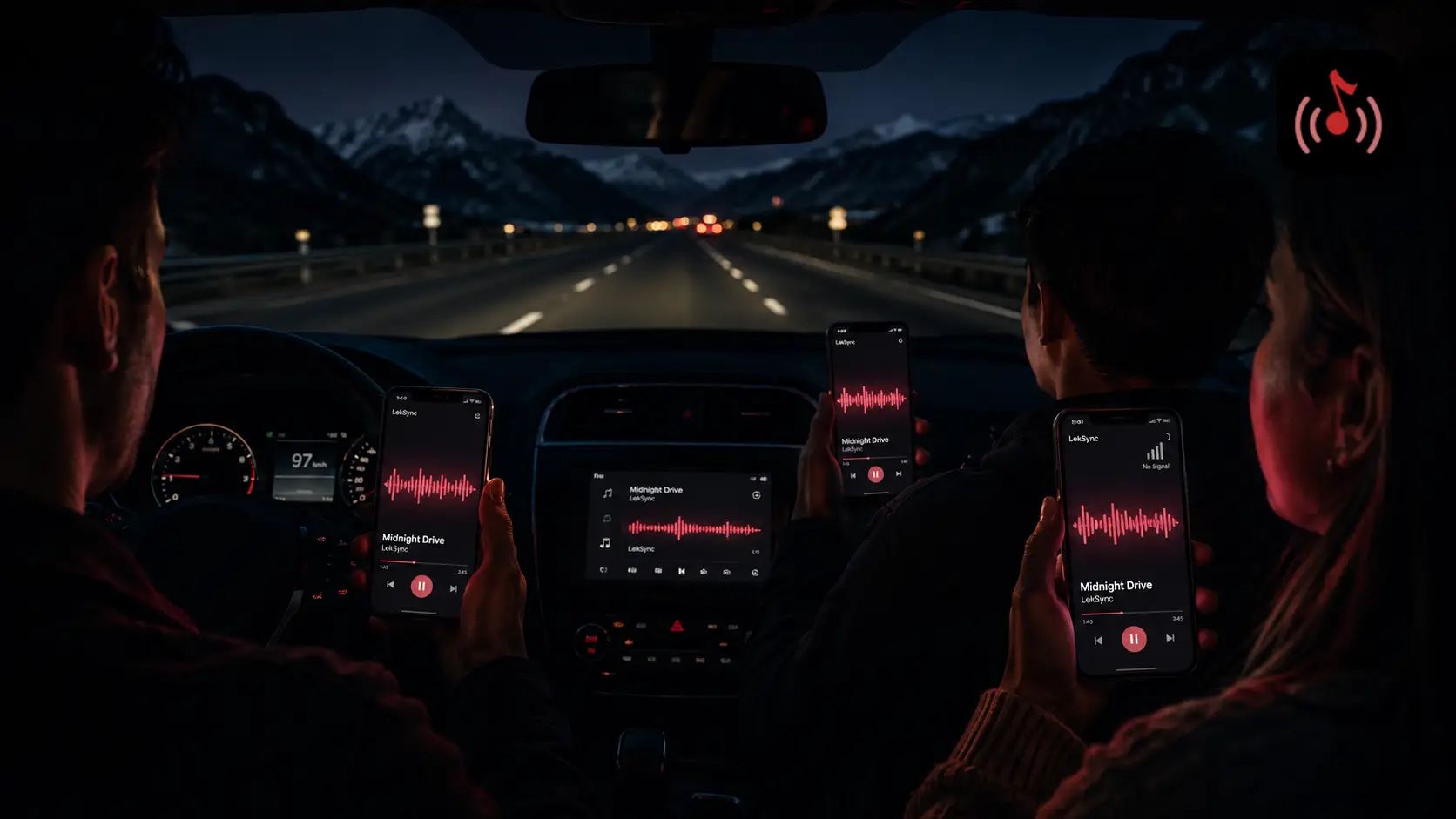
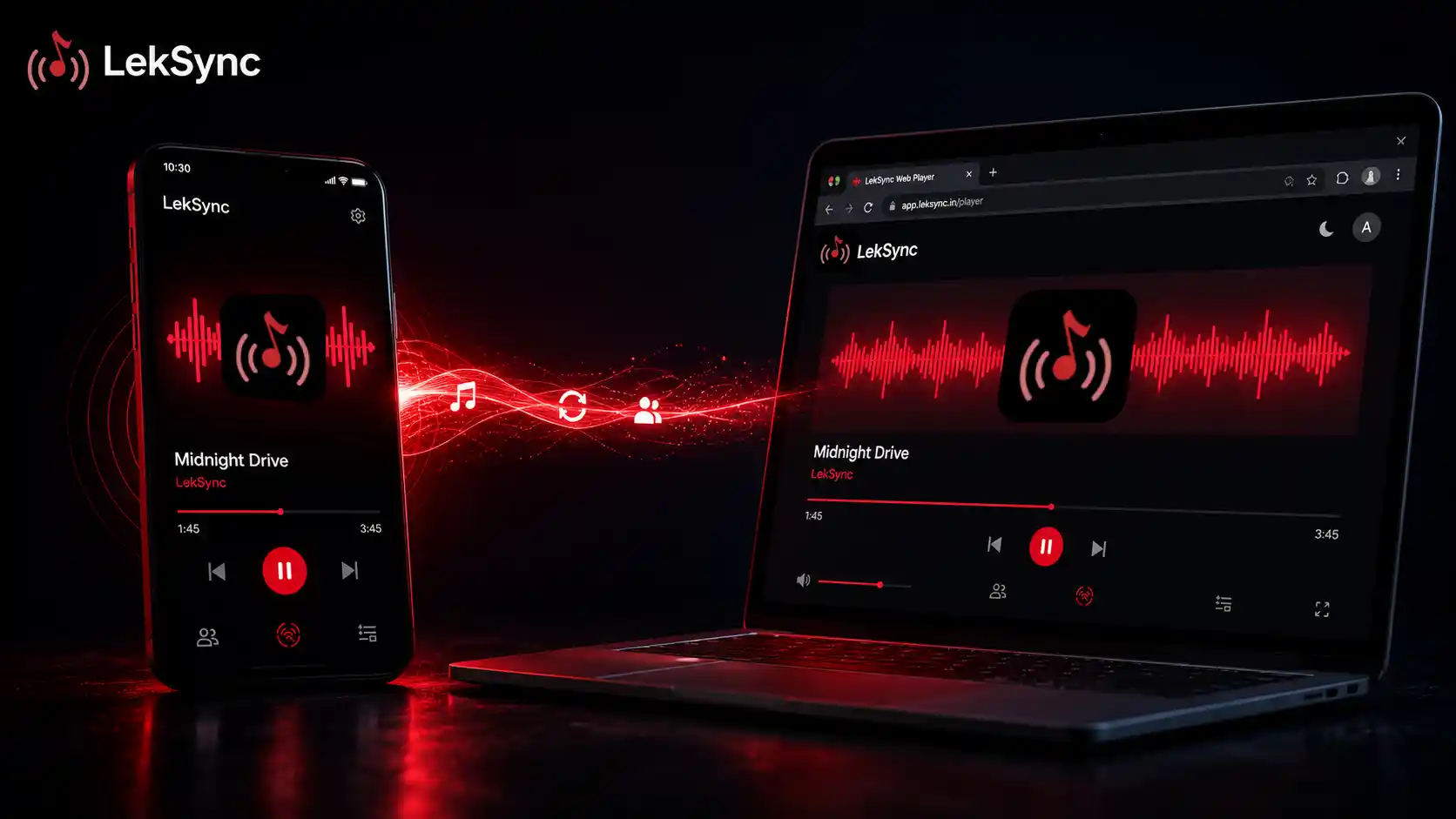
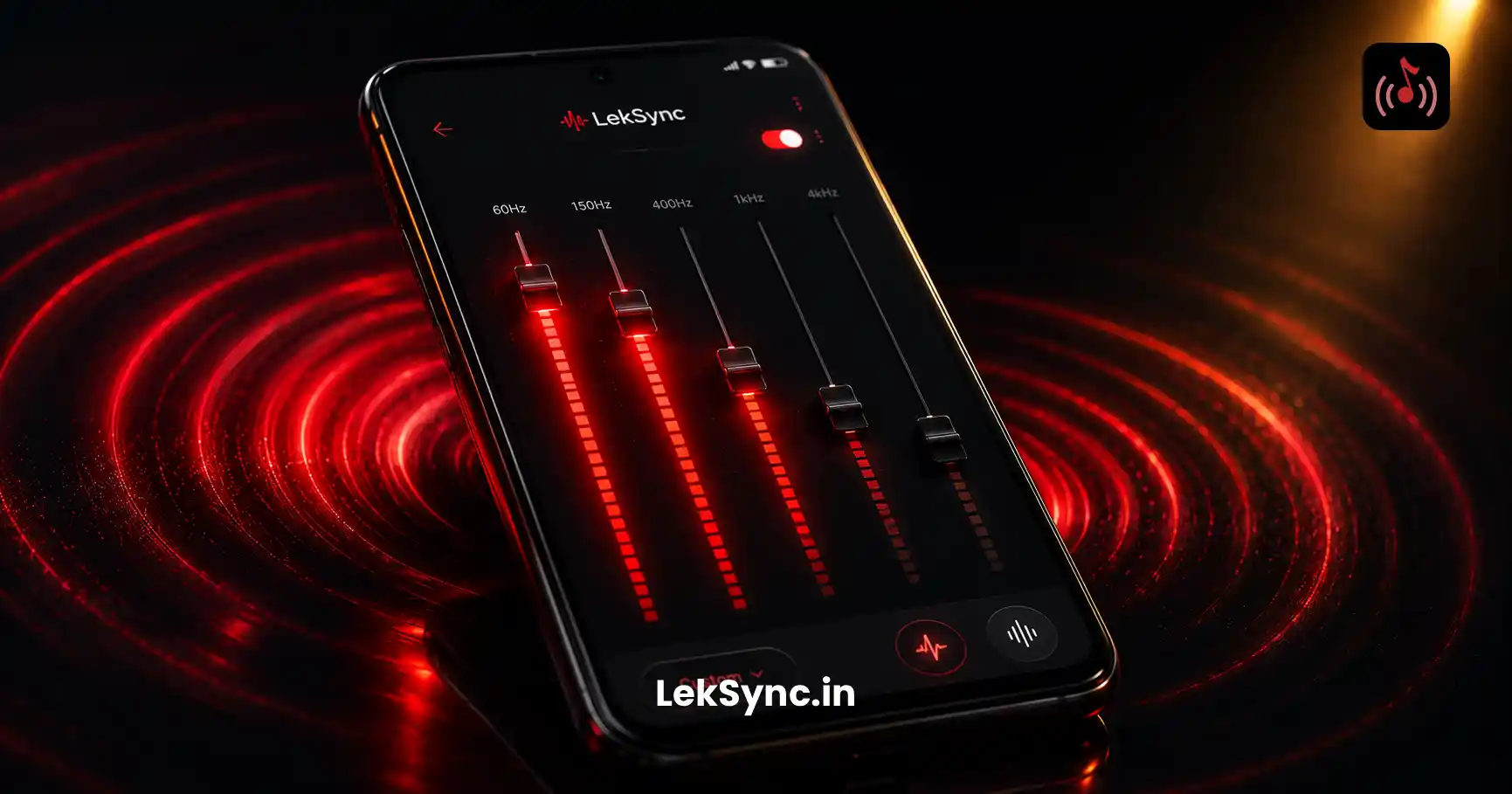
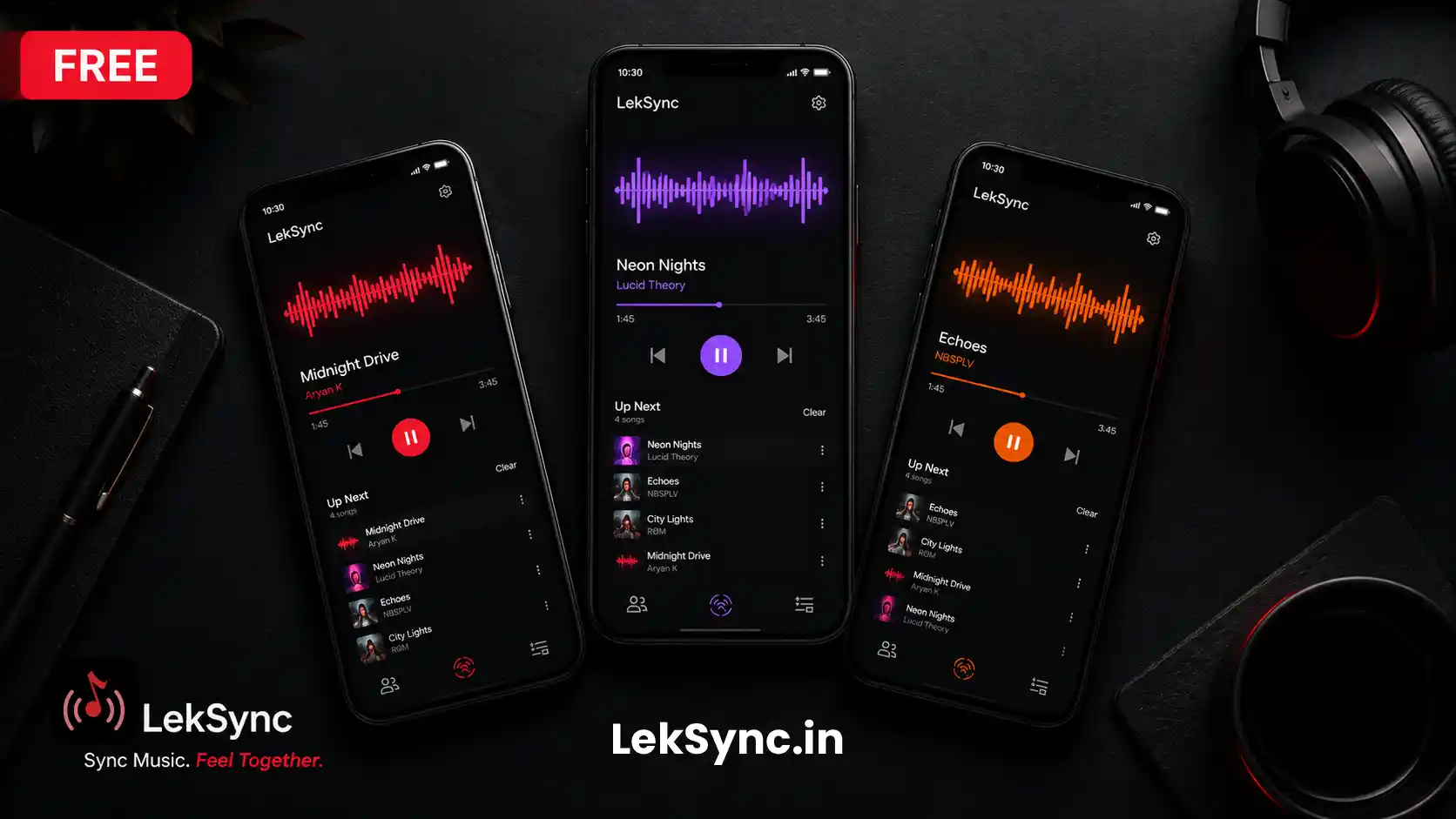
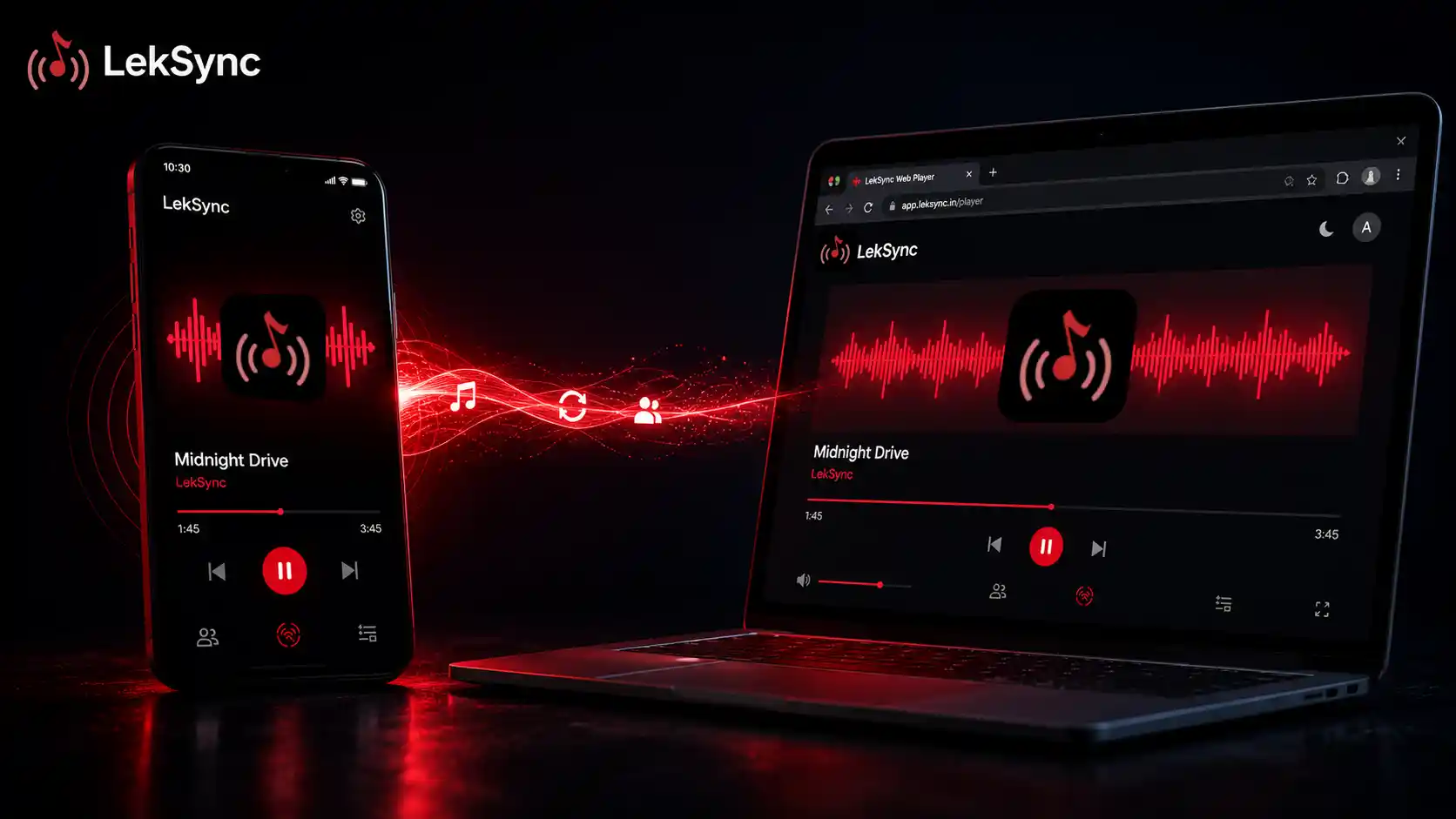
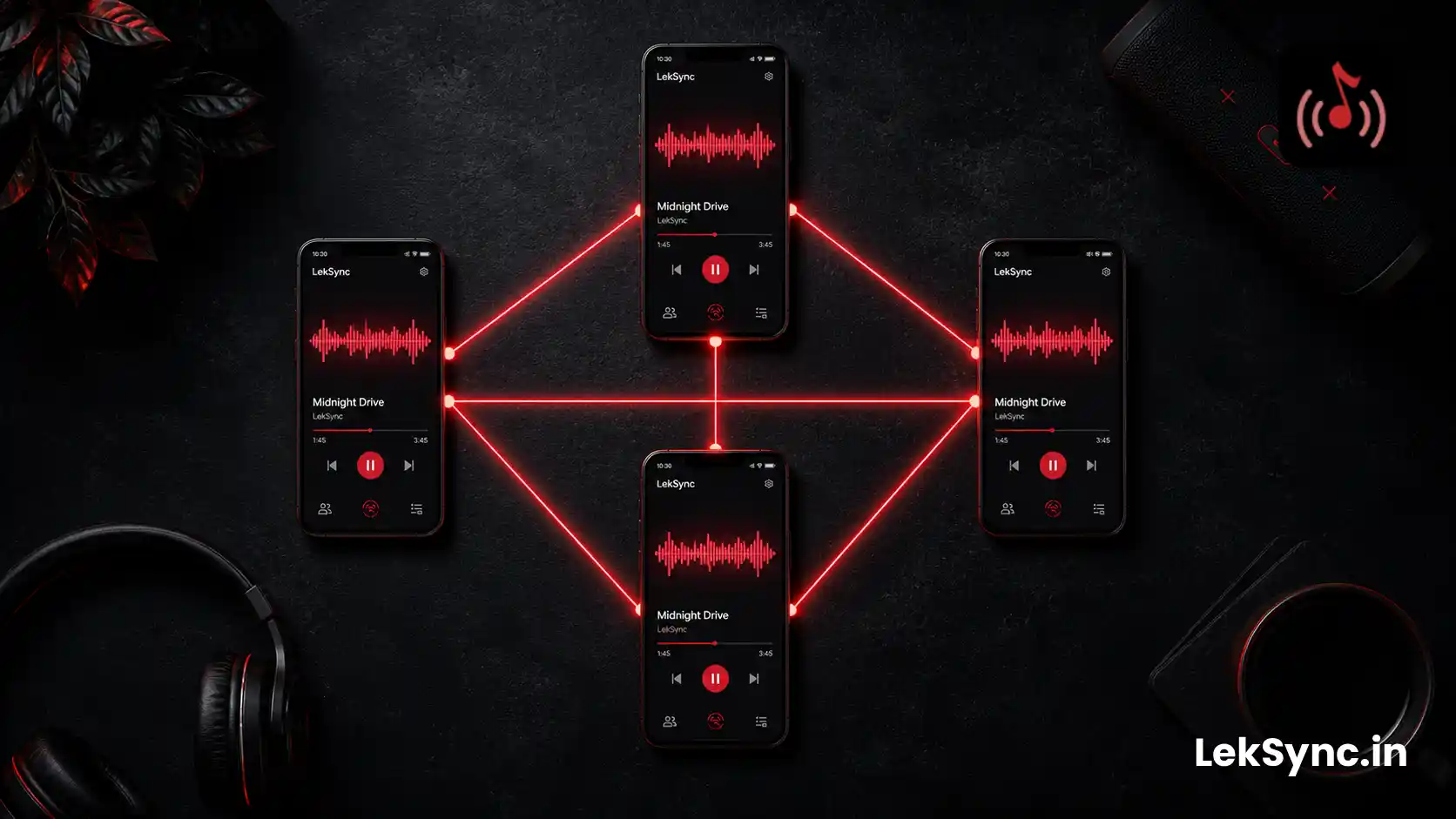
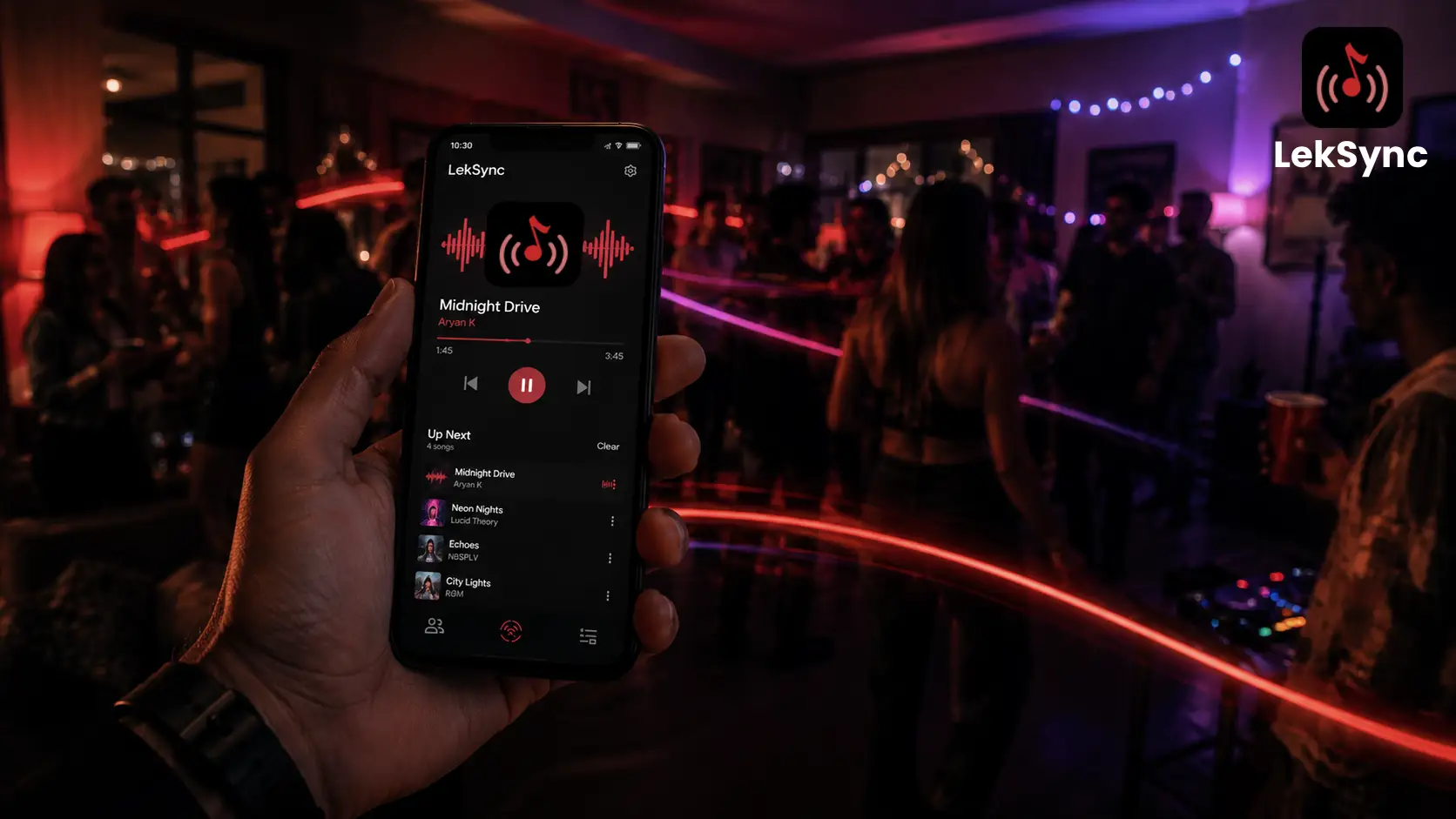
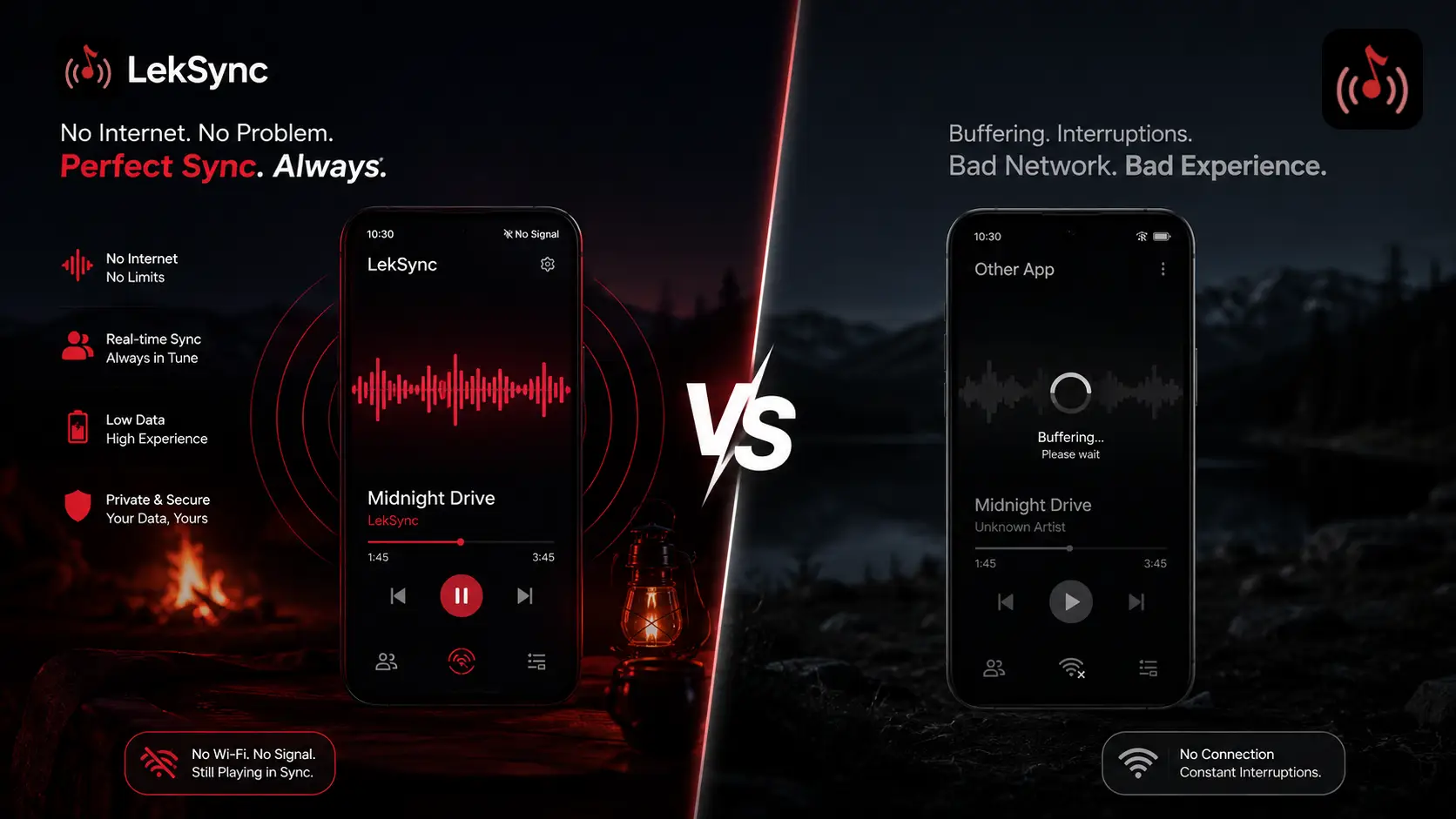
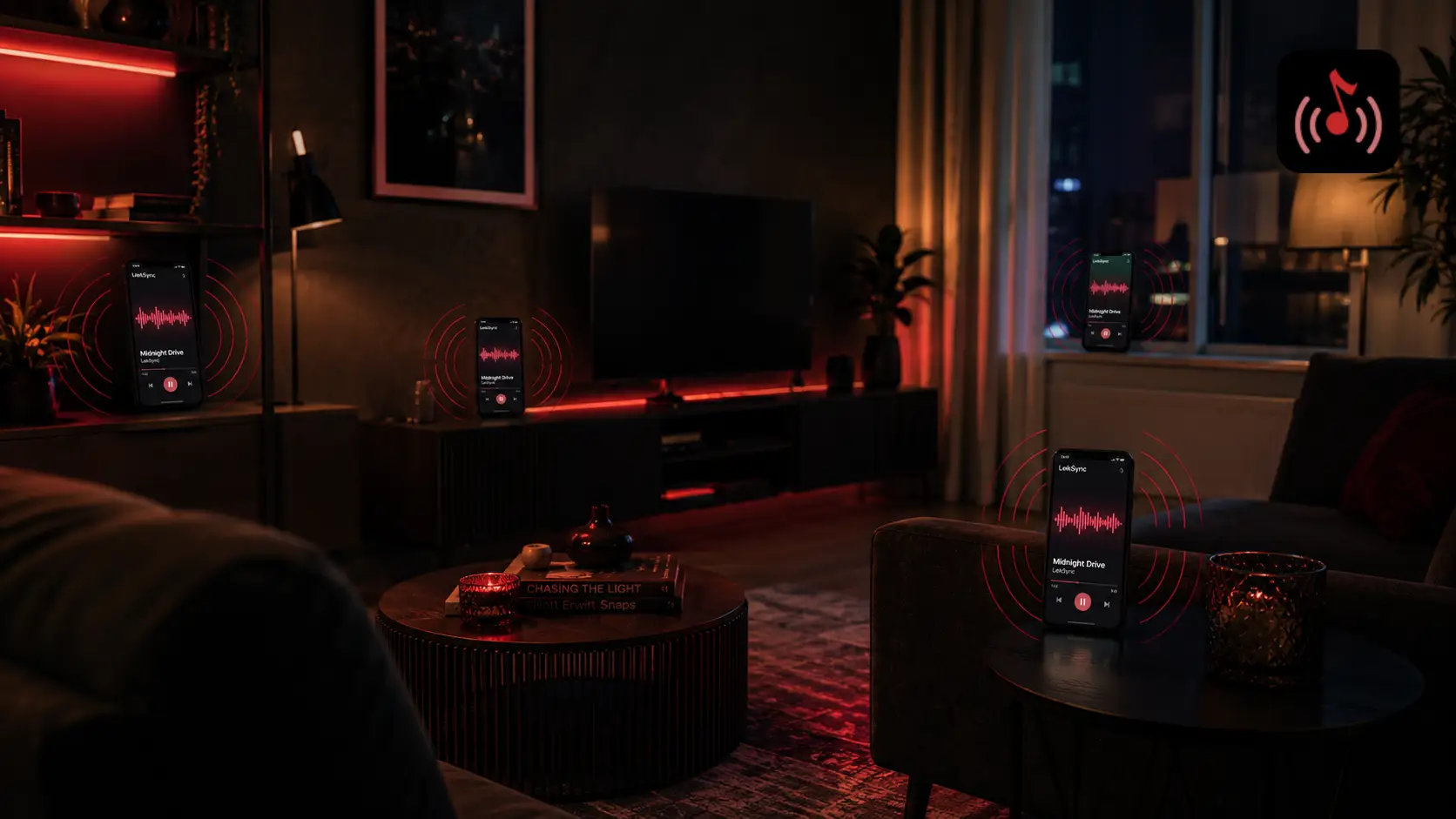
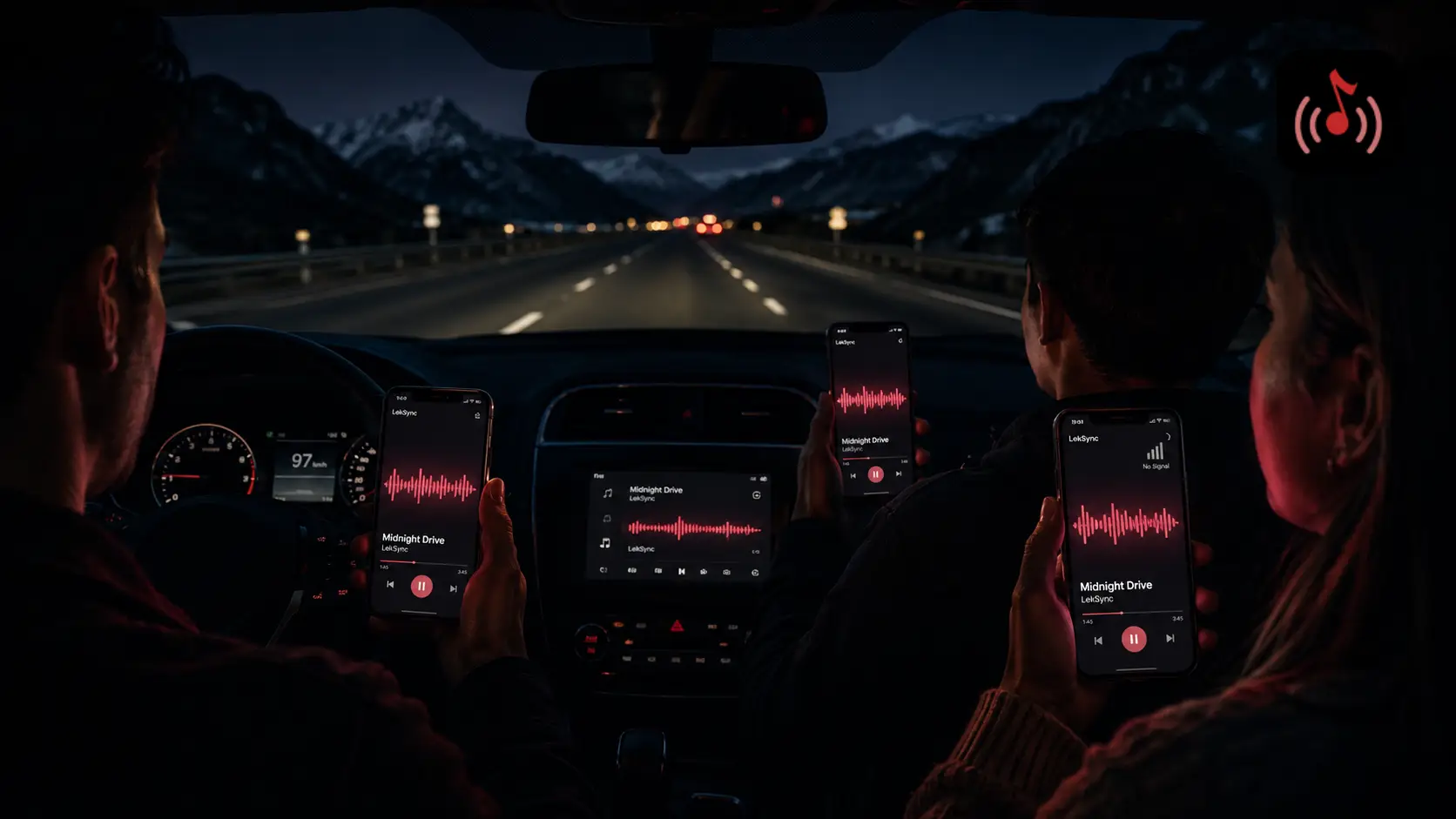
LekSync is an Android app that turns any phone into a music server. The host picks a song from their local library (or any audio/video file) and streams it to every connected phone in real time, in perfect sync. No Spotify, no subscription, no internet required.
How to Set It Up
- Install LekSync on the host phone from Google Play.
- Enable a hotspot on the host phone (Settings → Hotspot & Tethering).
- Connect friends' phones to the hotspot.
- Open LekSync on the host → tap Host → Start Server.
- Friends open LekSync → tap Receiver → Connect. Or open leksync.in/receiver in a browser (works on iPhone too).
- Host picks a song and presses play. Done.
What formats does it support? Any audio file on your phone (MP3, FLAC, AAC, OGG, WAV), plus the audio track from any video file (MP4, MKV, etc.).
How many people can join? Up to 2 on the free plan. Up to 5 on Premium (₹149/month).
Method 2: Bluetooth Speaker (Simple, But Limited)
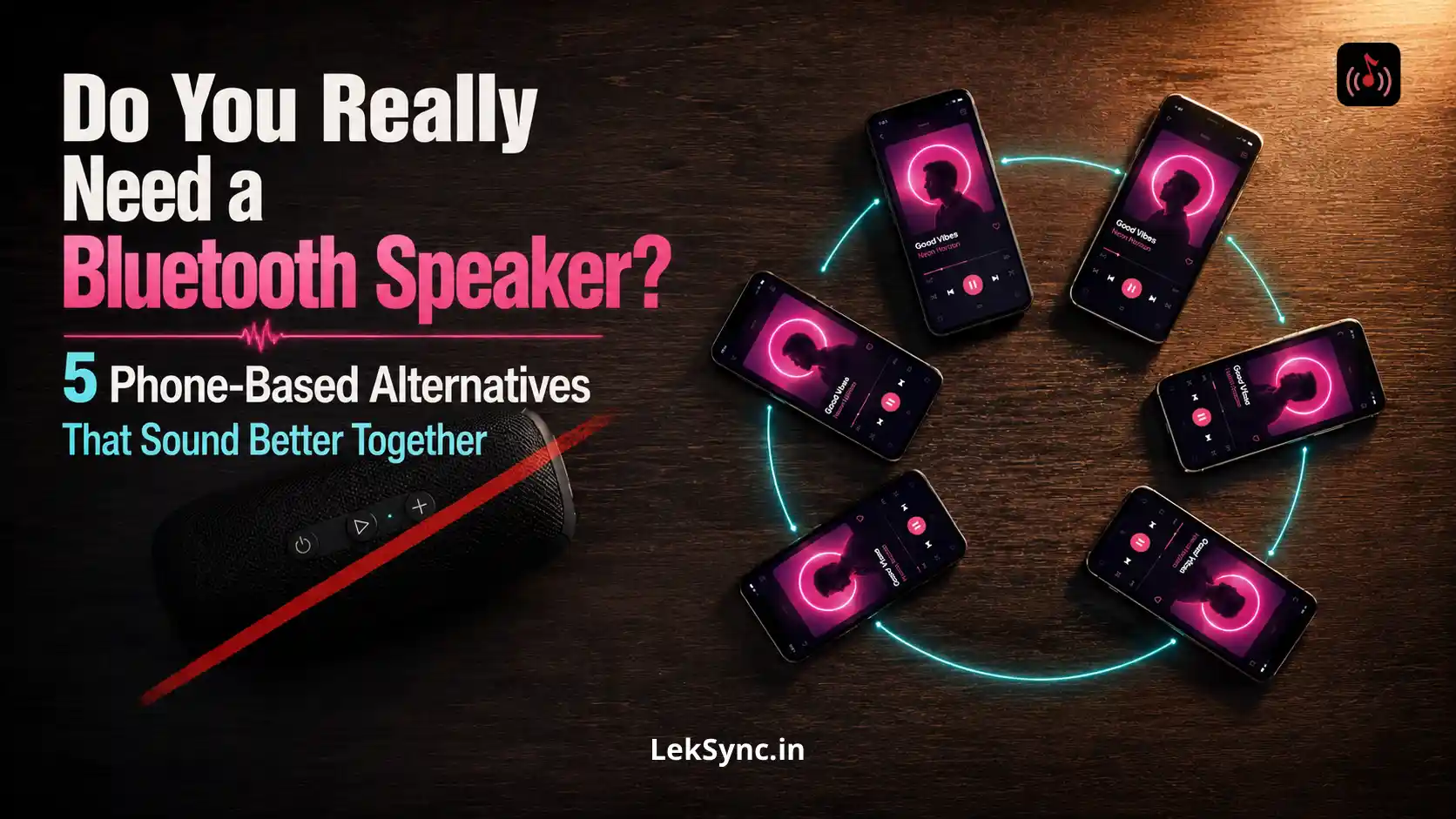
The simplest no-app solution: connect a Bluetooth speaker to your phone and play music. Everyone in the room hears it from one source. (For a deeper look at why this is more limiting than people realise, see LekSync vs Bluetooth speakers.) This works, but has limitations:
- You still control the music from one phone - friends cannot choose songs without grabbing your phone.
- Range is limited to ~10 metres.
- Volume tops out at whatever your speaker can produce.
- You need to own a Bluetooth speaker.
LekSync eliminates the need for the speaker by using everyone's phone as a distributed speaker instead.
Method 3: AmpMe (Works With Local Files + Streaming)
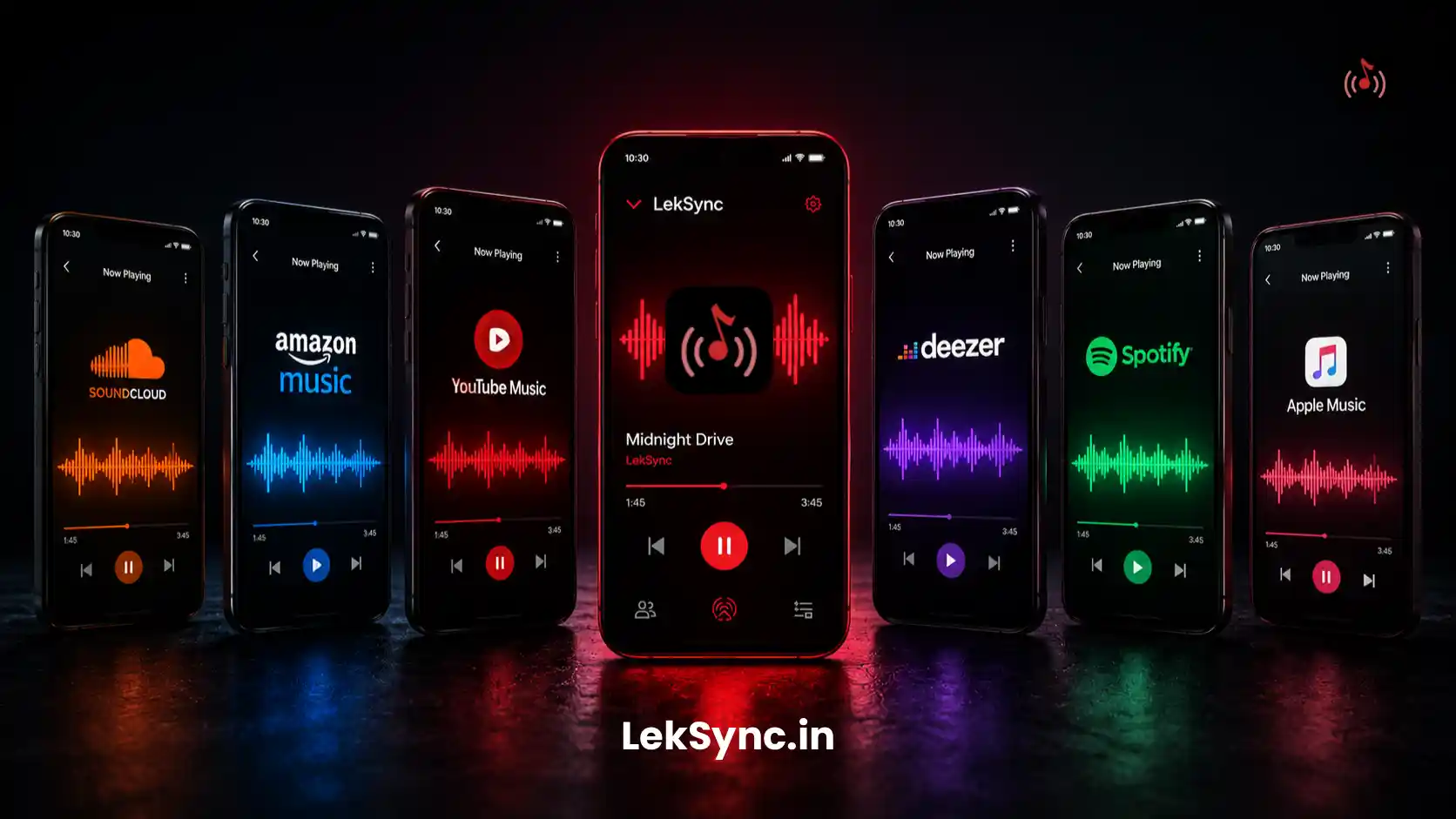
AmpMe is a cross-platform (Android + iOS) app that lets a group listen together over the internet. It supports Spotify, YouTube, SoundCloud, and local files. The free version has ads between songs.
- Good for: Mixed Android/iPhone groups who have internet.
- Not ideal for: Offline use, or when you do not want ads.
Method 4: SoundSeeder (Android, Local Network)
SoundSeeder is an older Android app that streams audio over a local Wi-Fi network. It works without internet if everyone is on the same Wi-Fi, and supports local music files.
- Good for: Power users who want a one-time paid option with no subscription.
- Not ideal for: Phone hotspot setups or remote listening.
Method 5: ShareIt / File Transfer (Sharing Files, Not Streaming)
Apps like ShareIt or Xender can transfer your music files to a friend's phone using a local hotspot. This is sharing the file, not listening together in real time - useful when a friend just wants to keep a song, not listen simultaneously.
Comparison at a Glance
| Method | Offline | Synced audio | Local files | Free |
|---|---|---|---|---|
| LekSync | ✓ | ✓ Perfect sync | ✓ | ✓ |
| Bluetooth Speaker | ✓ | Single source | ✓ | Need speaker |
| AmpMe | ✗ | Good | ✓ | Ads |
| SoundSeeder | Local Wi-Fi | Good | ✓ | Paid |
| File Transfer Apps | ✓ | ✗ Not real-time | ✓ | ✓ |
What About Offline Playlists on Spotify?
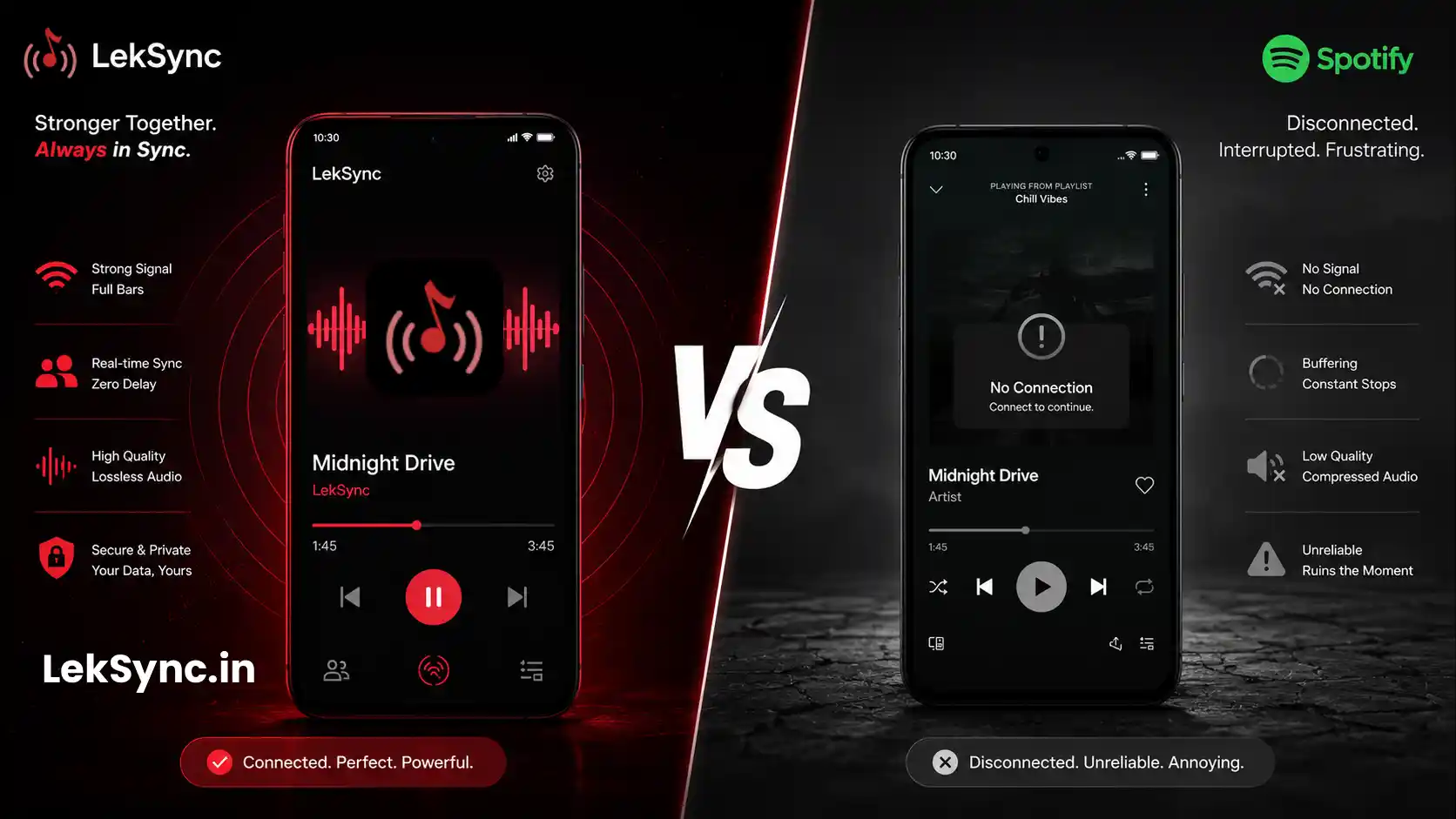
Spotify Premium lets you download songs for offline playback, but that is for your own listening, not for sharing with others. Even with downloaded songs, Spotify Jam requires an internet connection and both users to have Spotify accounts. It also does not sync audio frame-by-frame; each phone streams independently and can drift. (If you host parties regularly, also see why local music still beats streaming for parties.)
The Verdict
If you want to share music with friends without Spotify, especially offline, with your own files, at no cost, LekSync is the cleanest solution. Install it on the host phone, share the hotspot, and everyone hears the same song at the same moment. No subscriptions, no accounts, no ads.