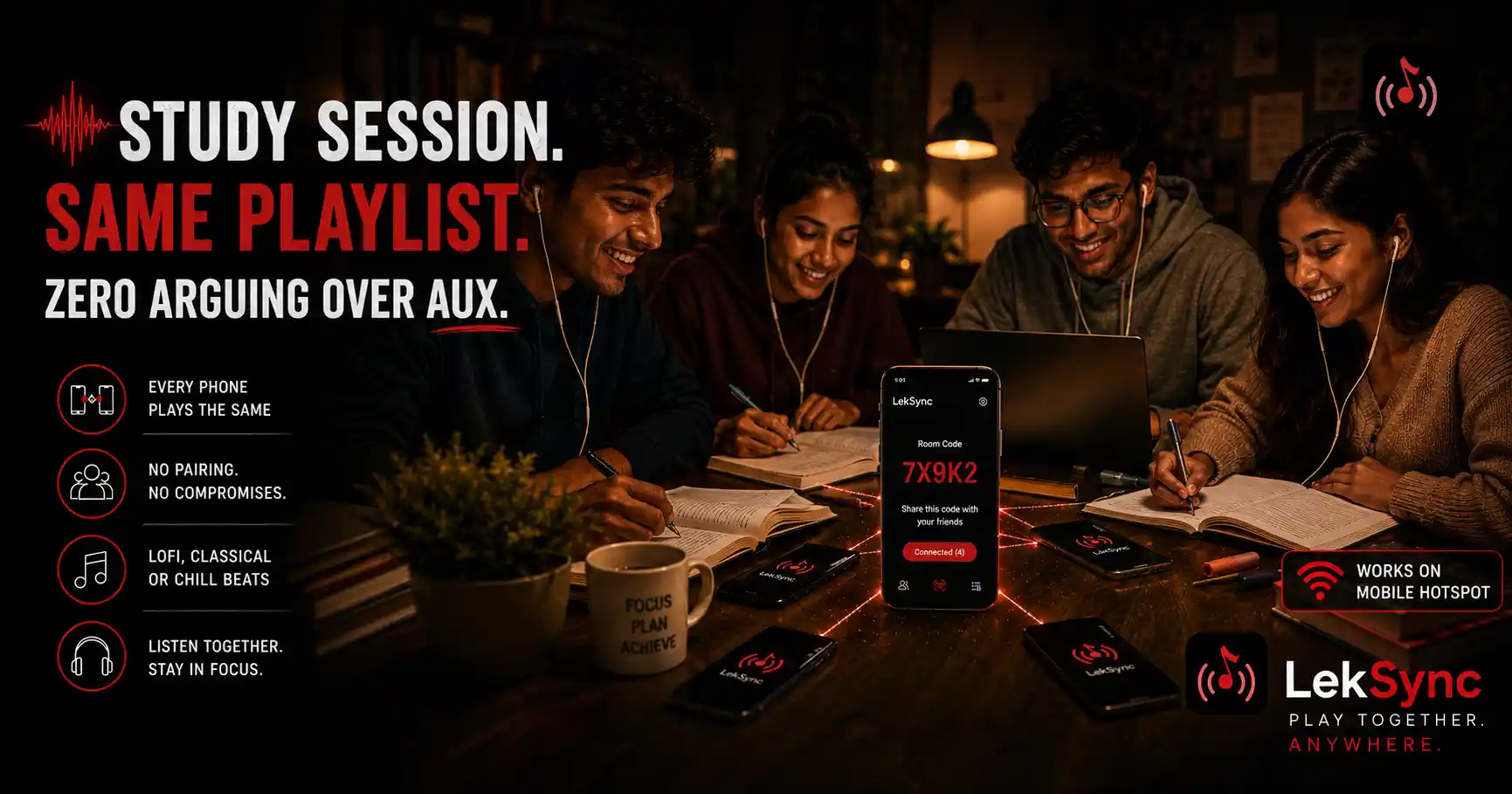
"We're studying together but listening to different things" used to be the default for college study groups. Everyone has their own headphones, their own playlist, their own algorithm. The group is together physically but every person is in a different audio world.
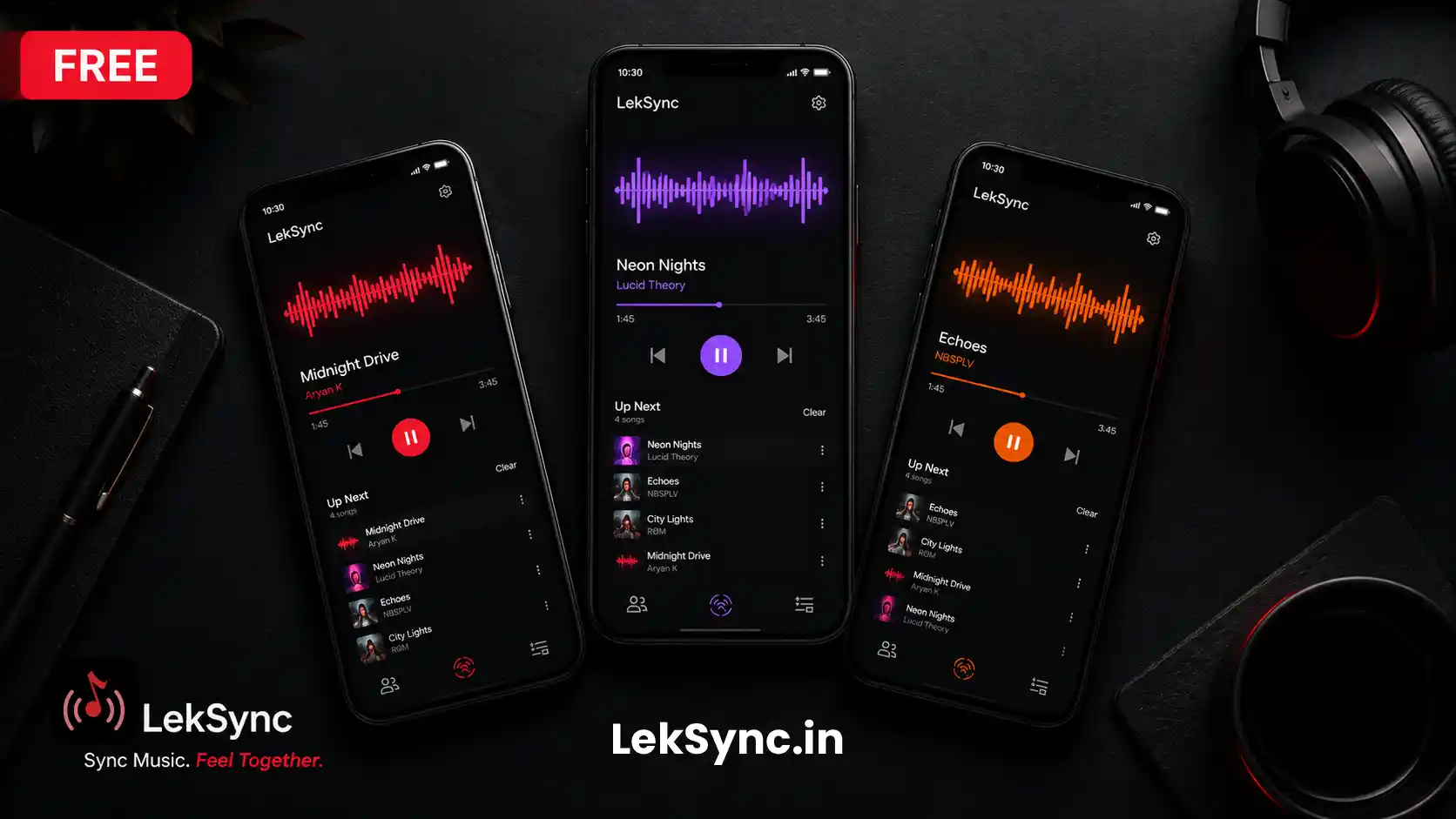
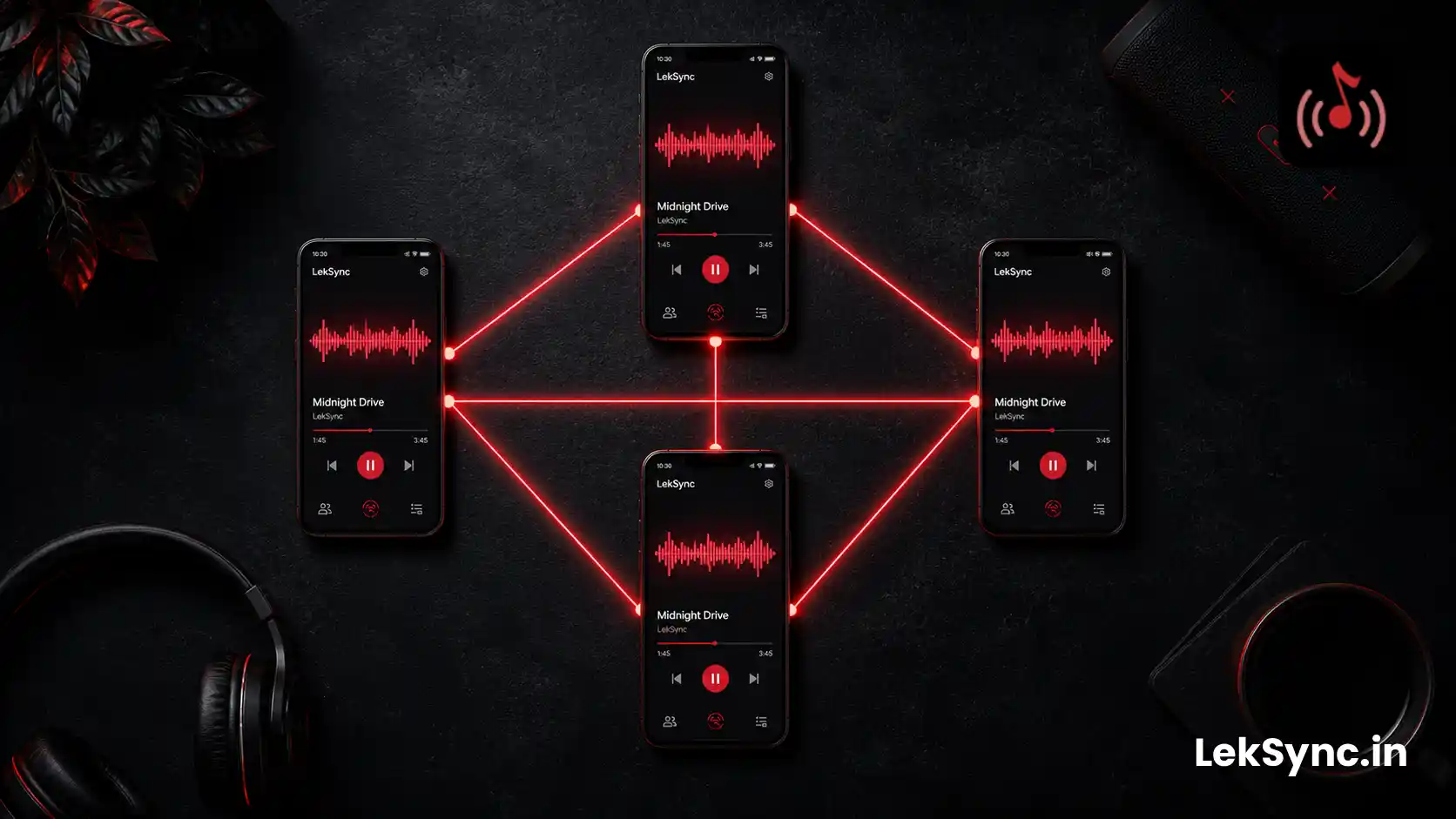
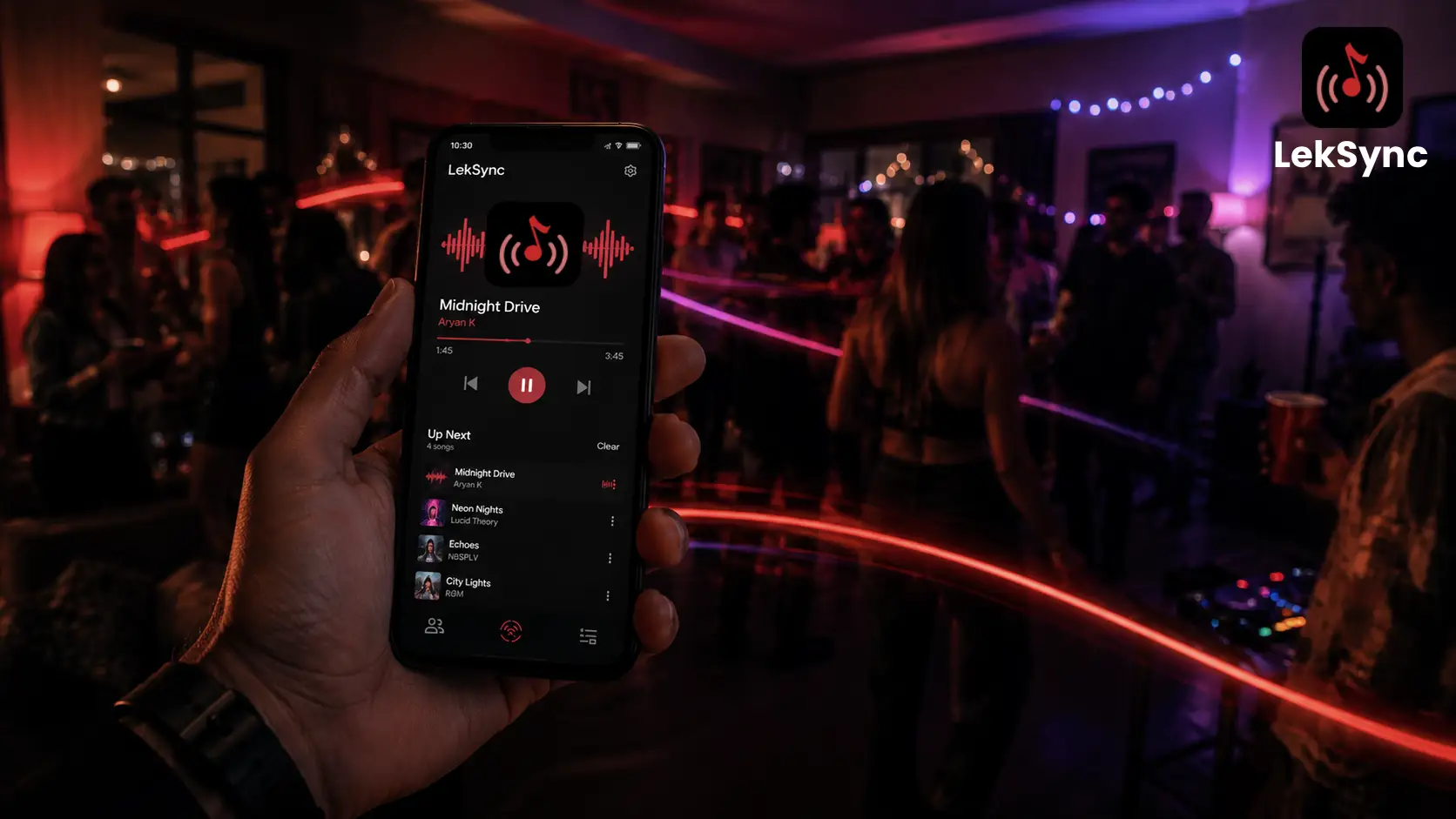
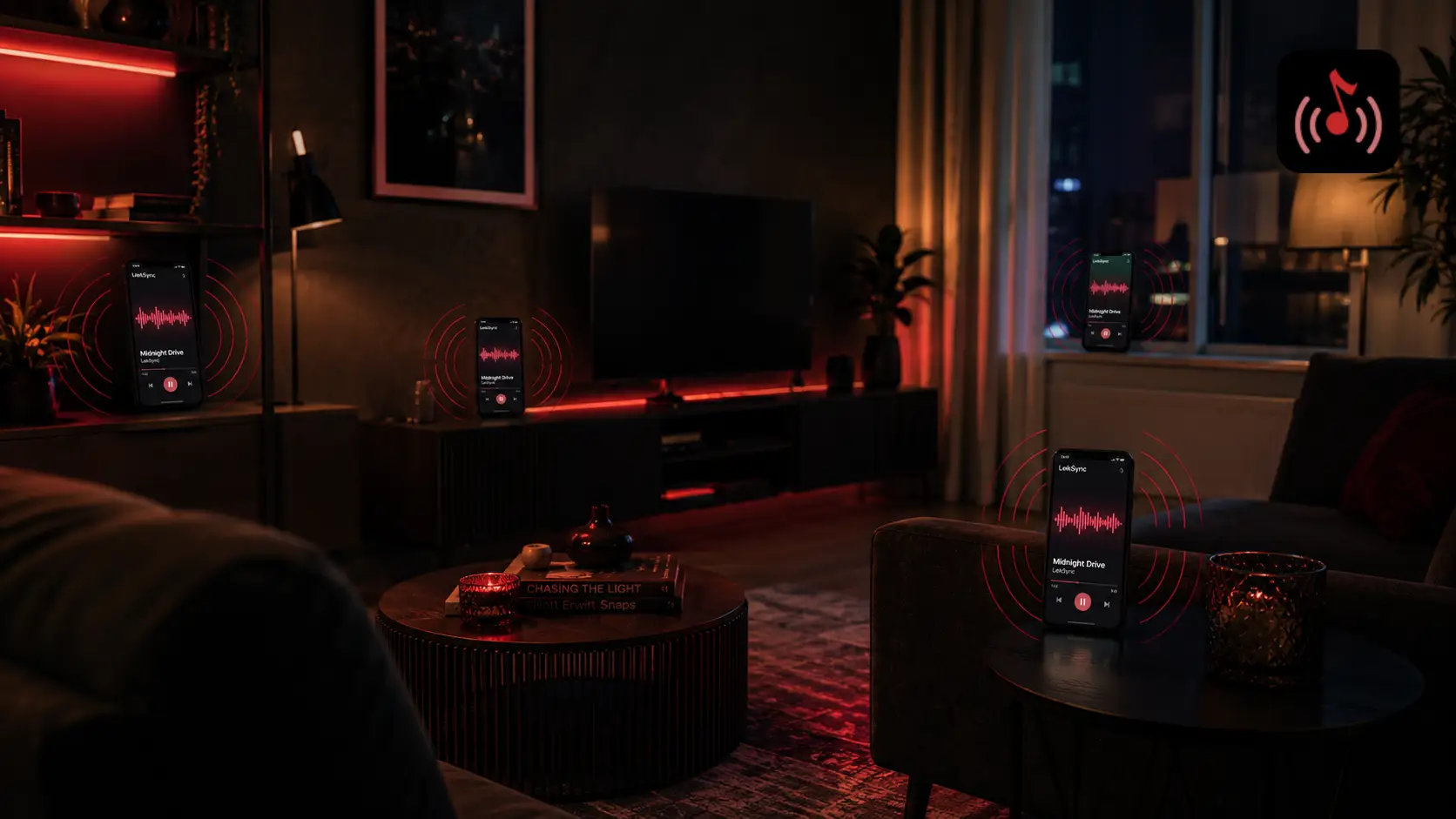
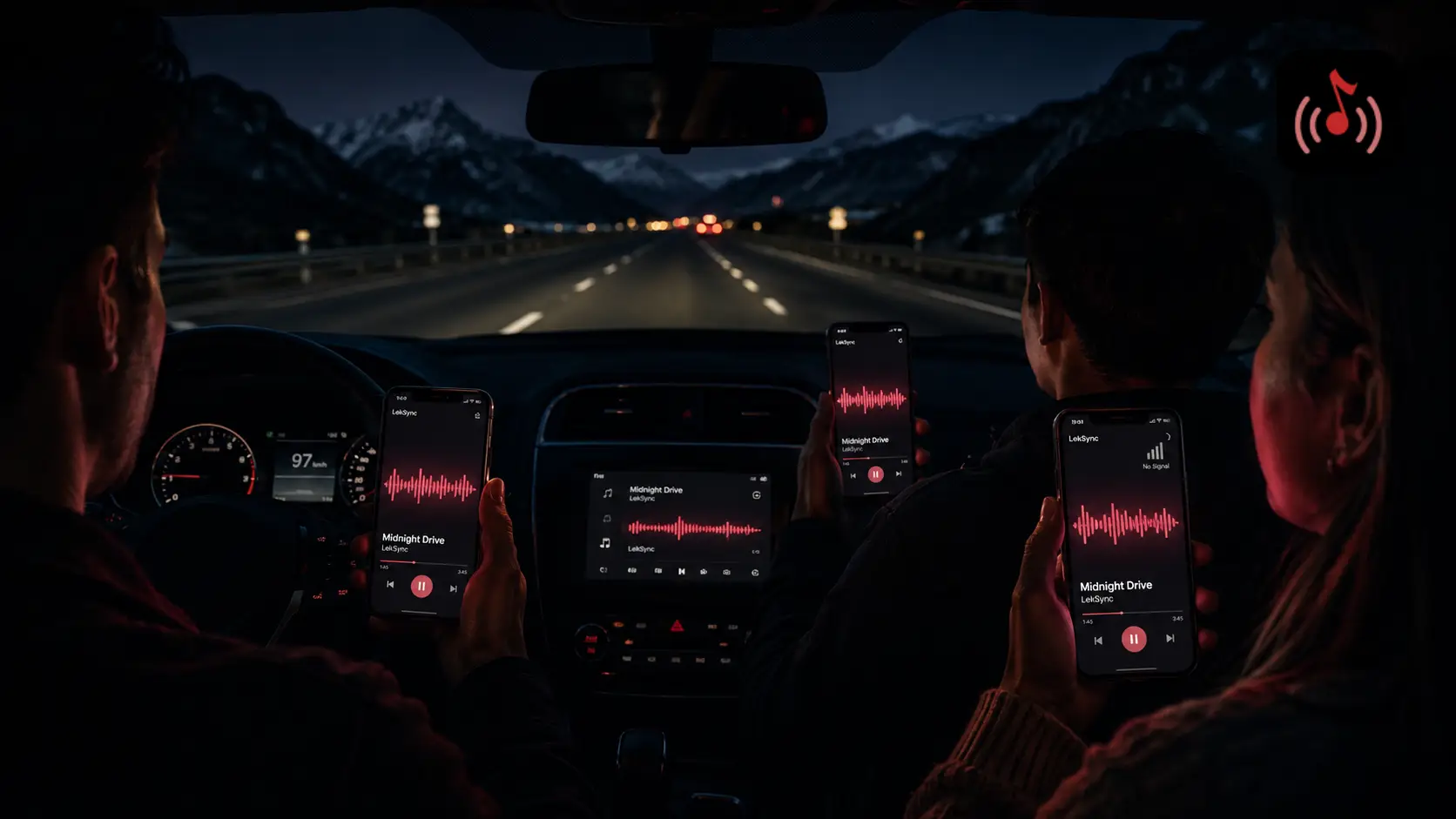
A growing number of students are using LekSync to fix that. The setup: one shared playlist of focus music, every group member's phone connected to the same room, everyone wearing their own headphones, all hearing the exact same track at the exact same moment. It sounds like a small thing. It changes the dynamic of the study session more than you'd expect.
Why Synced Focus Music Works
Three reasons students keep coming back to this setup:
1. Shared rhythm without shared sound
If everyone is hearing the same beat at the same time, there's a low-key shared focus rhythm — like rowers pulling on the same stroke. You feel it without anyone saying anything. Different from playing music out loud (which annoys neighbors) and different from solo headphones (which isolates).
2. The break is a group signal
The Pomodoro technique works better in groups when breaks are synchronized. Designate a specific track as the "break song". When the host plays it, everyone breaks together. No need to check phones or message the group chat — the audio is the signal.
3. Music taste becomes a group identity
Most study groups end up curating a shared "focus playlist" together. The playlist becomes a small group tradition. New members get introduced to it. It outlasts the semester. Years later, hearing a track from it brings back the cramming nights.
How to Set It Up
In-person (same library, same dorm, same coffee shop):
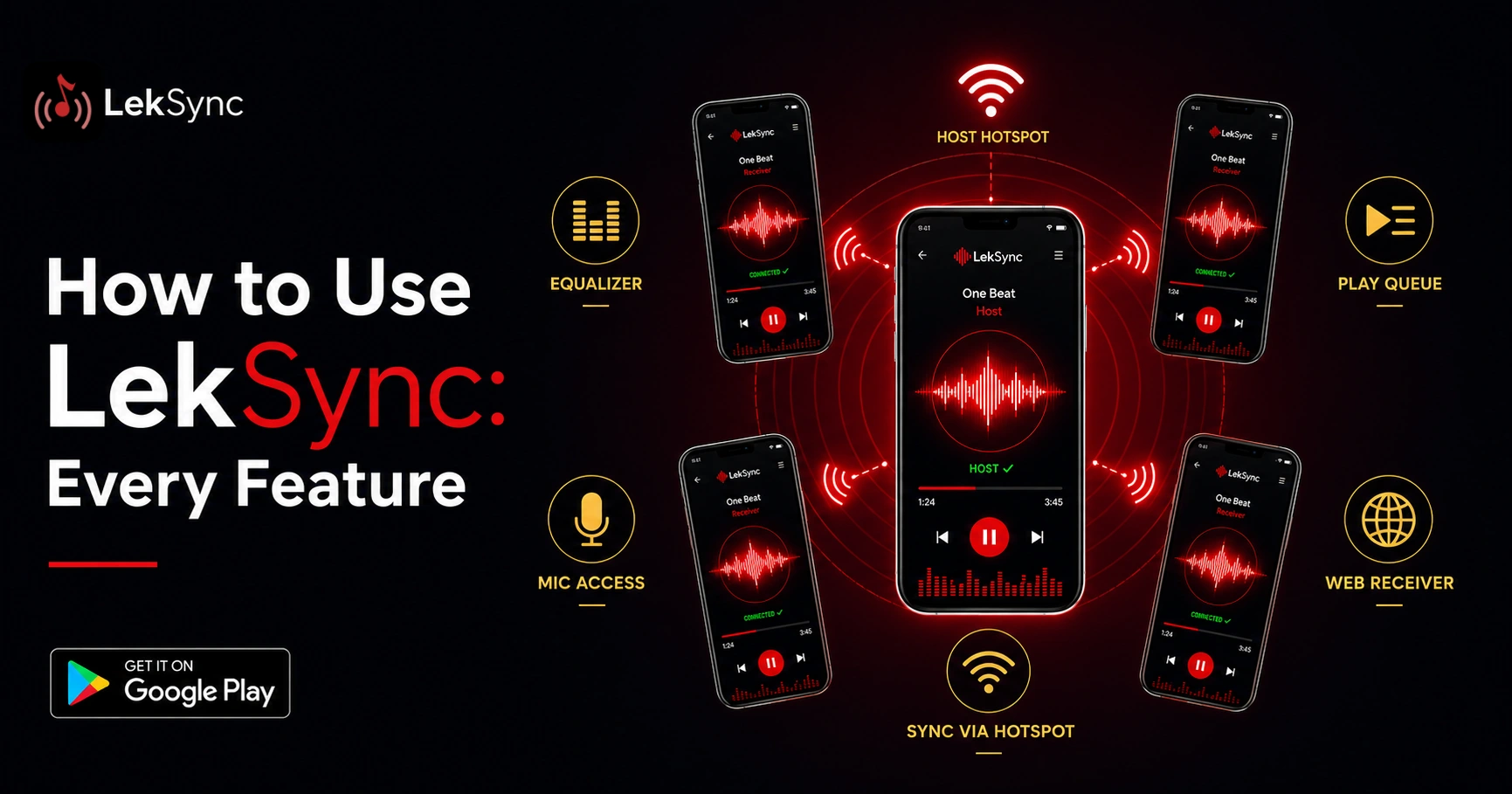
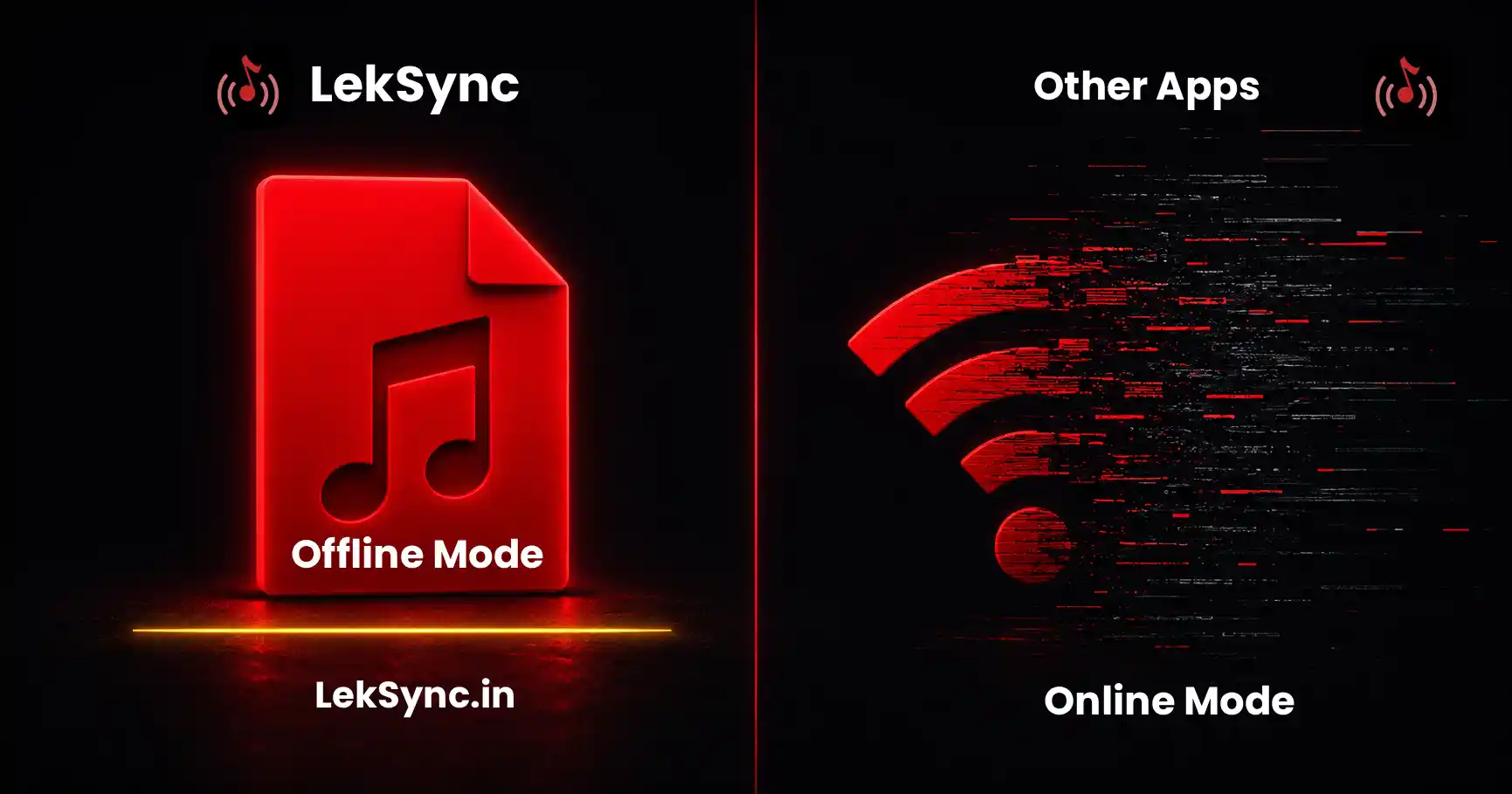
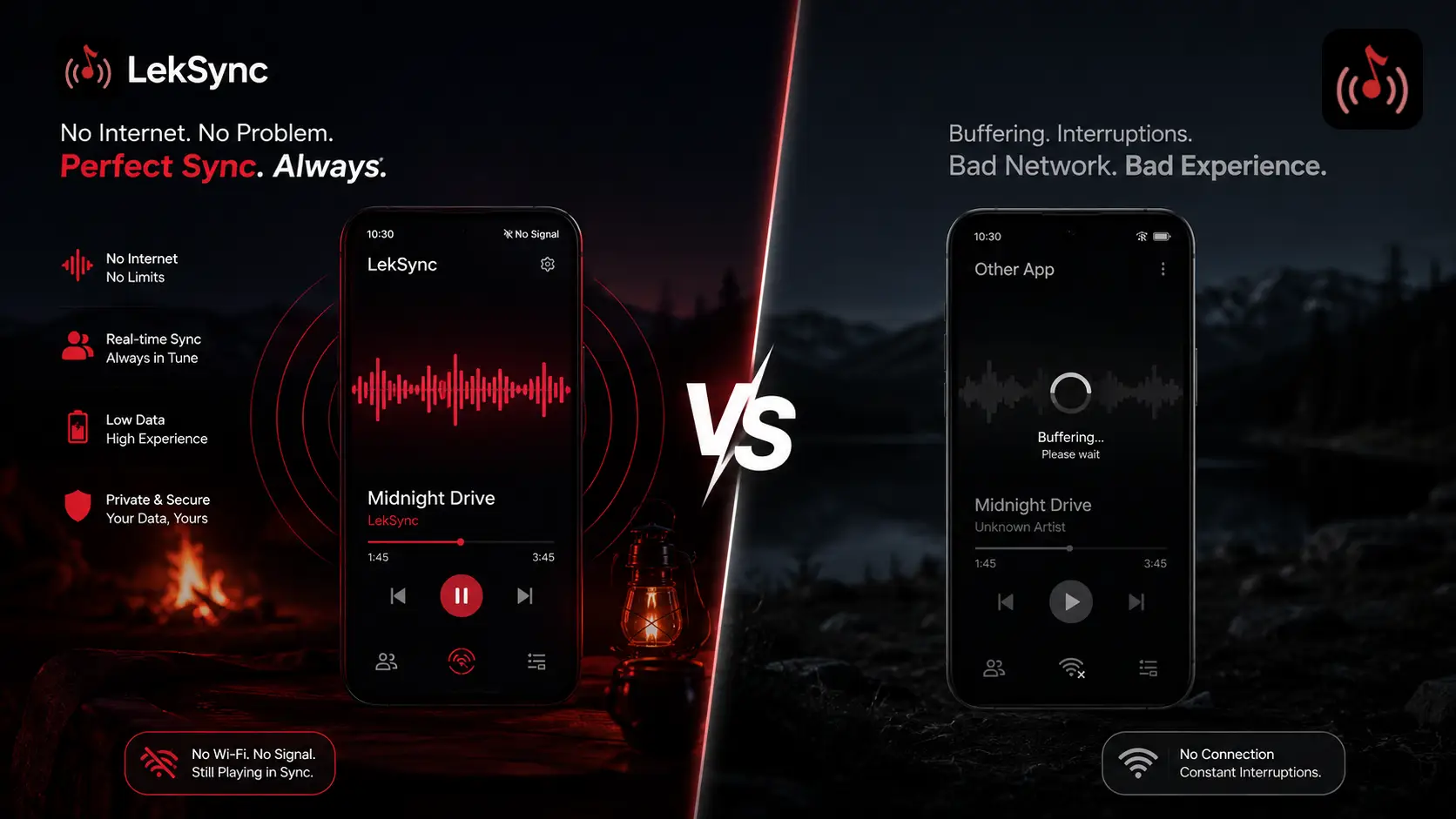
- One person opens LekSync and hosts via hotspot (offline mode — no data needed).
- Everyone else joins through the hotspot using the QR code or scan.
- Everyone plugs in their headphones / Bluetooth earbuds.
- The host starts a 90-minute lofi playlist.
- You're synced.
Online (different dorms, different cities):
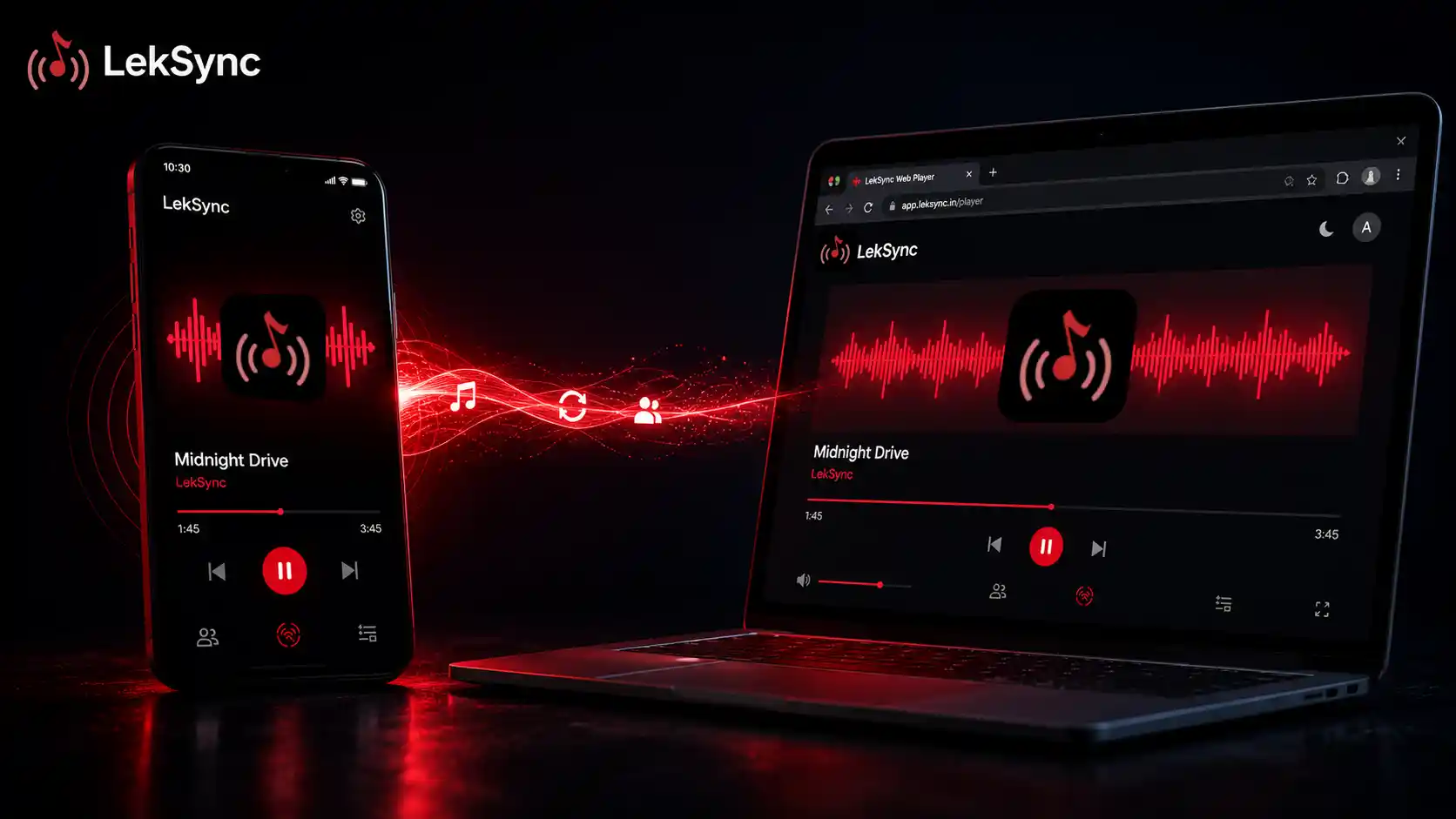
- One person hosts an online room. The app generates a 10-character code.
- Code goes in the group chat.
- Everyone opens LekSync (or just the web receiver — no install needed for one-time joins).
- They paste the code and join.
- Connected. Music plays in sync.
If anyone in the group doesn't have the app, send them leksync.in/receiver/<code> and they join from their browser. No download.
Good Focus Music Genres
The genre matters. Music with prominent vocals or aggressive dynamics distracts. Music that's too quiet doesn't register. Goldilocks zone genres:
- Lofi hip-hop — the dominant focus genre on YouTube for a reason. Mellow, instrumental, looping textures, ~80–95 BPM.
- Ambient electronic — Brian Eno, Bonobo, Tycho. Long-form, no sharp transitions, builds slow attention.
- Classical (mostly Baroque) — Bach, Vivaldi. Steady tempo, intricate but not abrupt.
- Film scores — Hans Zimmer's instrumental pieces, Joe Hisaishi (Studio Ghibli), anything Howard Shore did for LOTR. Cinematic but instrumental.
- Jazz instrumentals — early Miles Davis (Kind of Blue), Bill Evans Trio. Stay away from vocal jazz.
- Synthwave / chillwave — for late-night sessions specifically. Less for memorization, more for problem-solving.
Avoid: pop with prominent vocals, anything with talking samples, anything with sharp dynamic shifts (sudden drops).
The 90-Minute Block
Science suggests our focus runs in roughly 90-minute cycles. A common study group rhythm:
- Minutes 0–25: deep focus, lofi instrumental.
- Minute 25: "break" track — switch to something upbeat for 5 minutes.
- Minutes 30–55: back to focus music.
- Minute 55: another break track.
- Minutes 60–90: last focus push.
- Minute 90: long break track (15–20 min) — walk, snack, refill water.
The host doesn't have to script each track — just queue a 90-min focus mix, then break tracks at 25 and 55. Everyone follows automatically.
Headphone Etiquette
If the study group is in a library, everyone needs headphones. Wired or wireless doesn't matter as long as audio doesn't leak. A few practical notes:
- Volume: use a moderate level. If a person sitting next to you can hear your music, you're too loud.
- Closed-back over-ears leak less than earbuds. Best for libraries.
- One-ear listening (leaving one ear free): some students prefer this so they can still hear group conversations. LekSync works fine with one earbud out.
For Online Study Groups
Online study groups (Zoom + Discord + spread across timezones) gain extra value from synced music:
- You can't see each other's screens, so the shared audio is the strongest "we're working together" signal.
- Break songs cut through Discord notifications — everyone knows it's break time.
- Music doesn't interfere with voice chat — most people leave Discord on push-to-talk during focus blocks.
One student running the room, everyone else as receivers, voice chat as a separate channel for occasional questions. It's the closest thing to actually studying in the same room remotely.
Building Your Group's Playlist
The shared playlist becomes the group's tradition. To build one:
- Start with a base hour — 12–15 lofi tracks, gradually crowdsource additions from the group.
- Avoid recently-released or trending music — songs you're sick of in a month aren't good for long-term study tradition.
- Test before adding — play a candidate track for 5 minutes. Did the group still focus? Add. Did three people skip it? Cut.
- Add break tracks deliberately — 4–5 upbeat songs the group enjoys. These become the "everybody knows it's break time" cues.
- Maintain a "finals week" rotation — the playlist that comes out only when stakes are highest. Adds psychological weight.
Try It This Semester
If your study group hasn't tried synced focus music yet, give it one session. Worst case it's a normal study night. Best case it becomes a tradition. The setup takes under a minute and LekSync is free.
Get LekSync: free on Google Play. Web receivers can join from any browser at leksync.in/receiver.