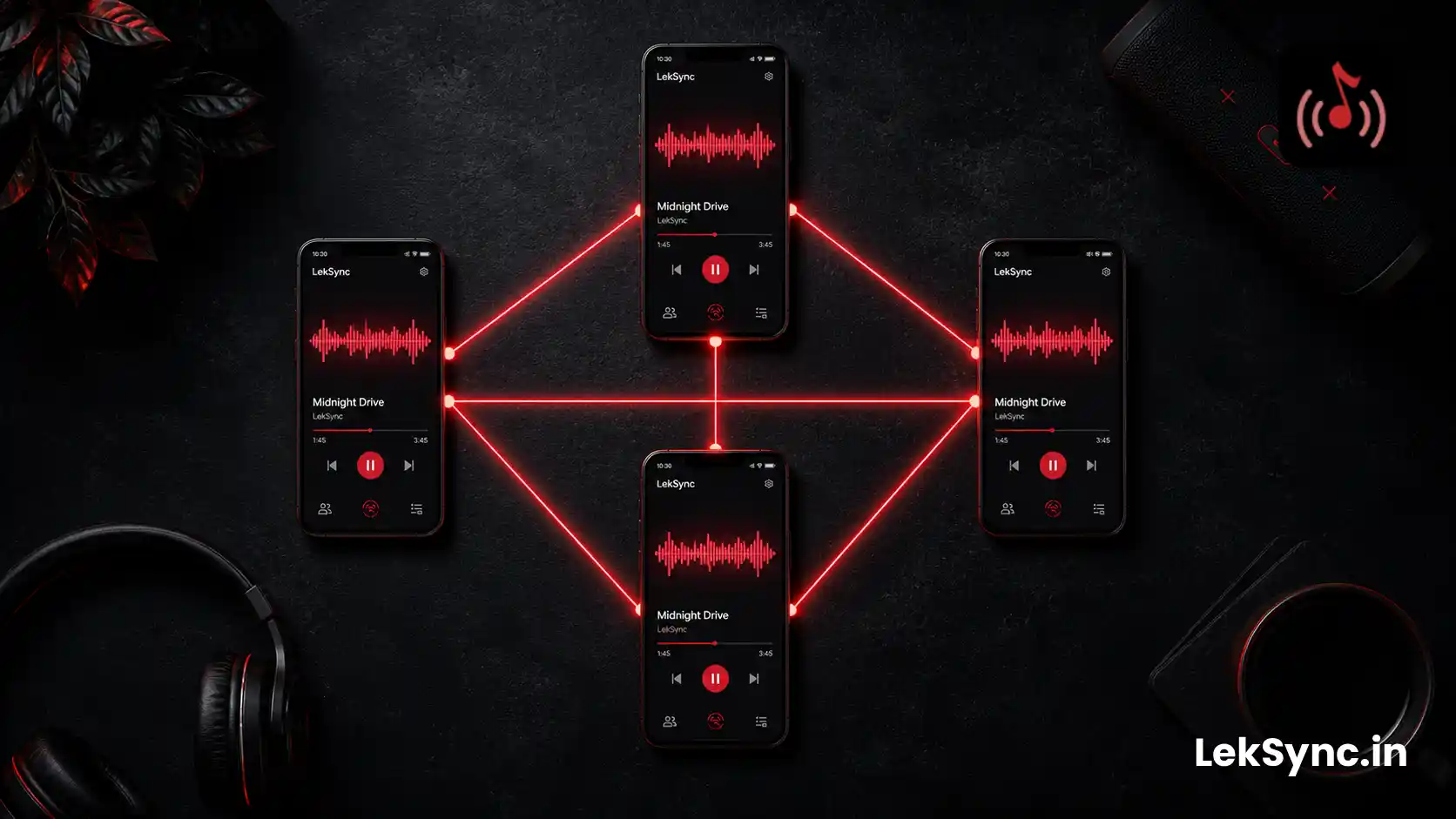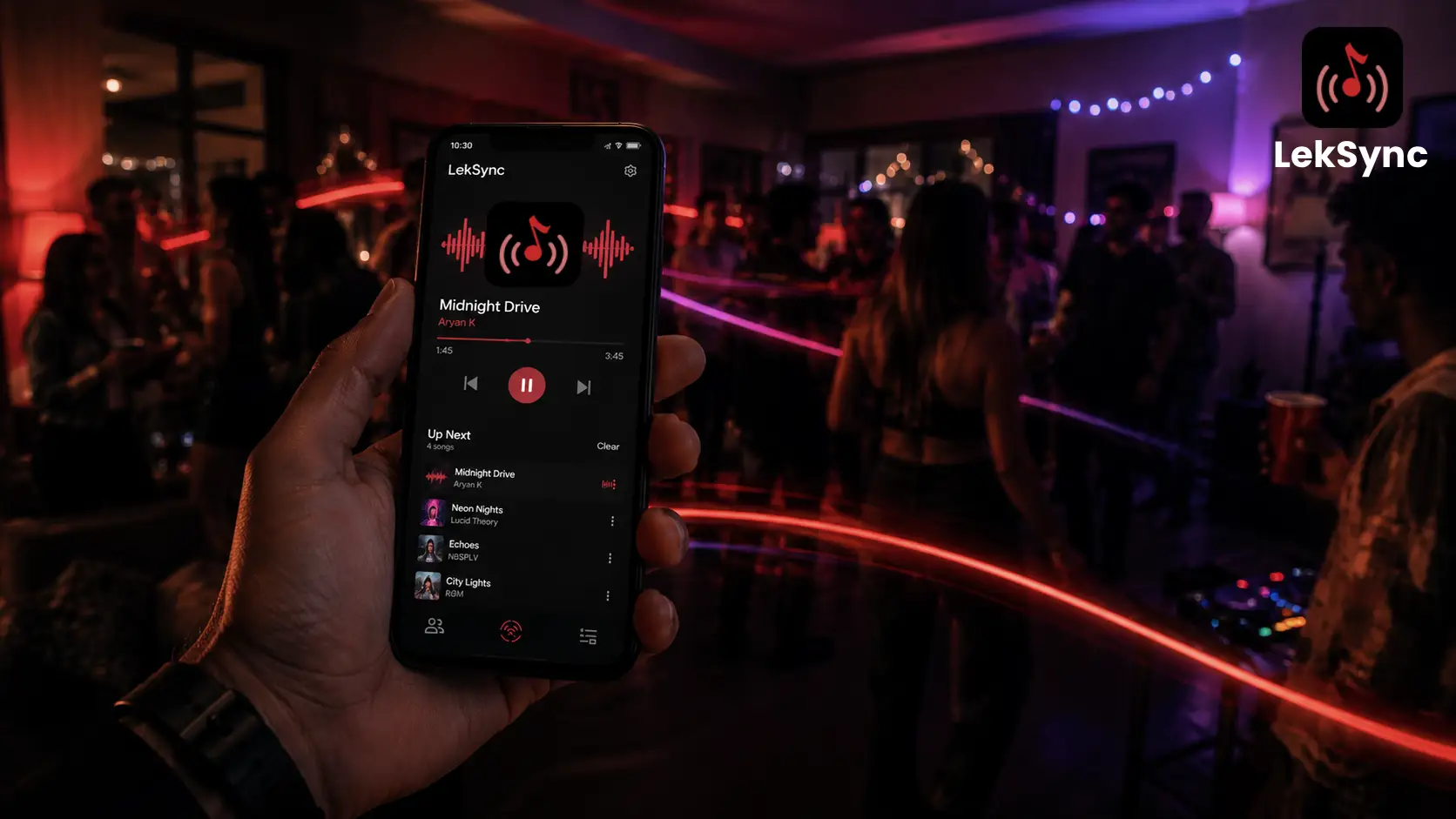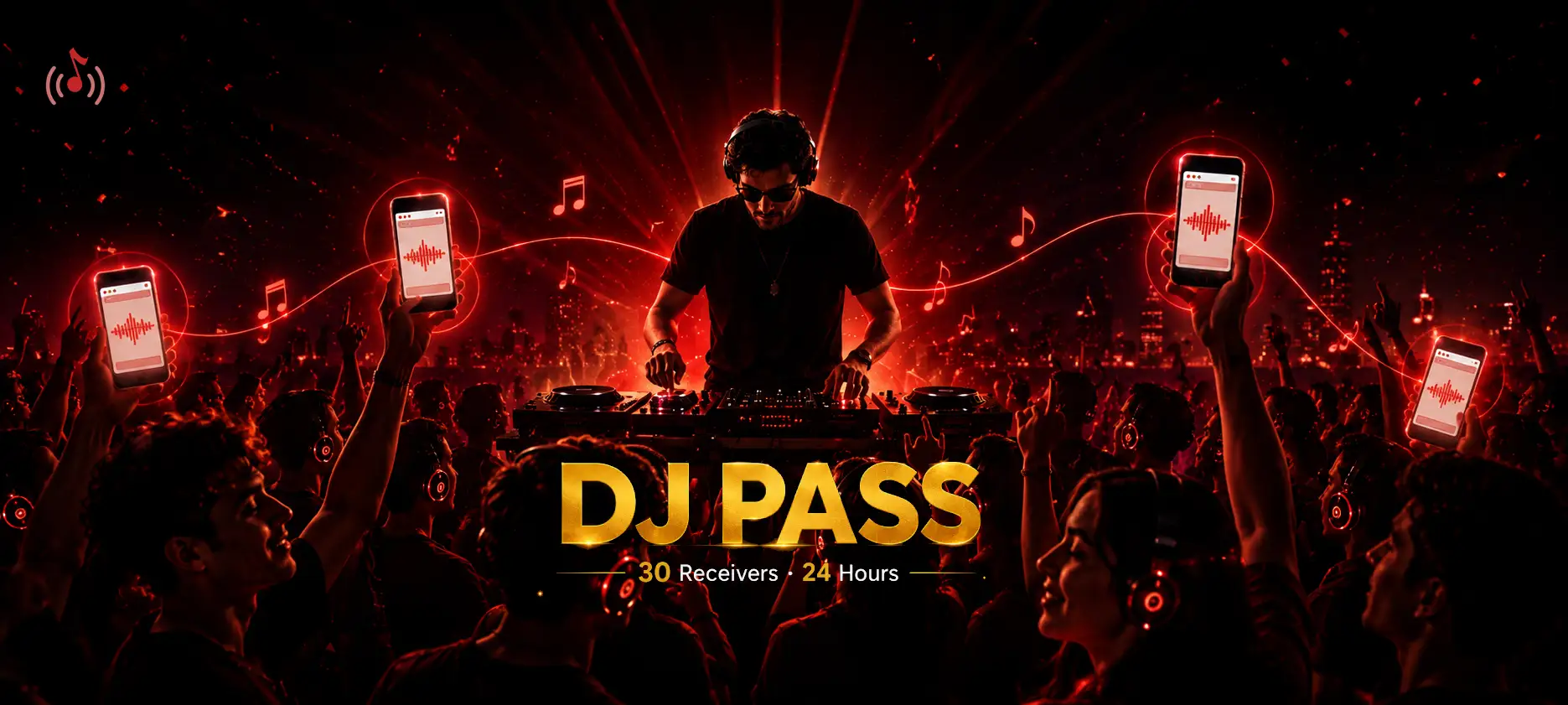
Most nights, LekSync's default limits are more than enough - a couple of friends, a road trip, a dorm room. But every so often you're not syncing a couple of phones, you're running an event: a silent disco with fifty people in earbuds, a house party spilling into the backyard, a campus fest where the crowd keeps growing. That's what DJ Pass is for.
DJ Pass is a ₹20, one-time pass that unlocks 30 simultaneous receivers for 24 hours - all joining straight from a web browser, no app install required on their end.
What DJ Pass Includes
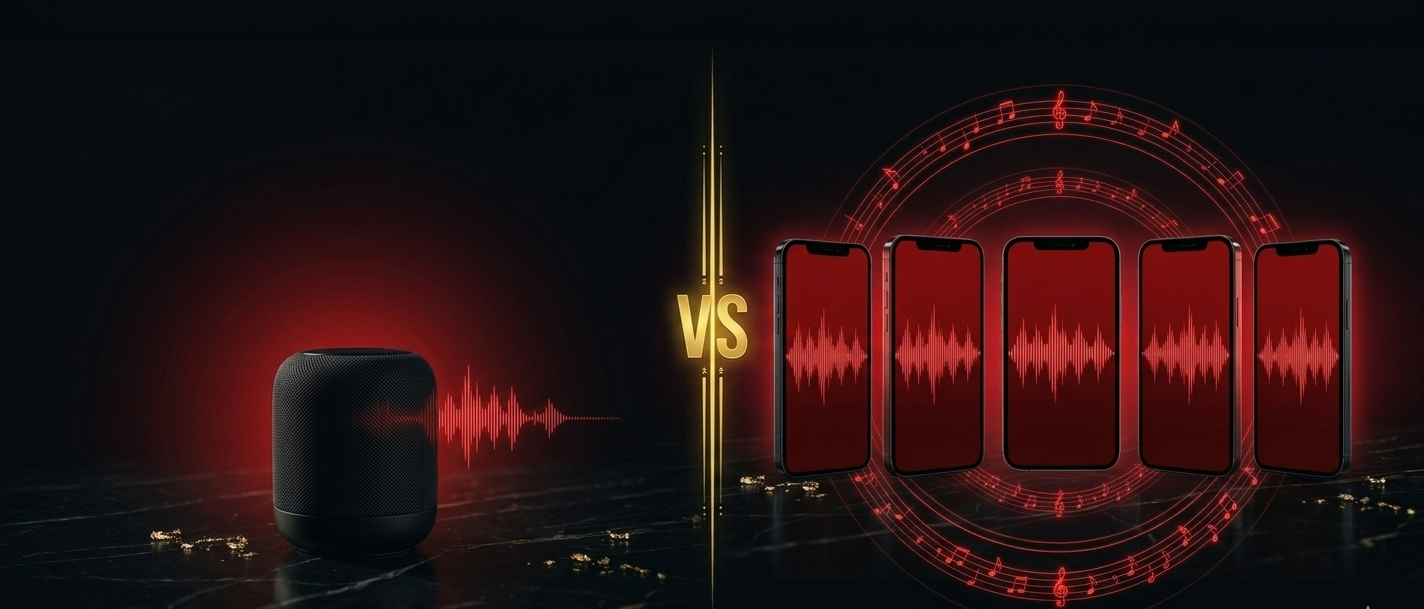
- 30 simultaneous receivers - up from 1 on Free and 5 on Premium.
- 24-hour access window - plenty of runway for a full event, setup to wind-down.
- Web-browser receivers only - guests join by opening a link, nothing to install.
- One-time purchase, no auto-renewal - pay once, use it for the event, buy it again next time.
Why Web-Browser-Only?
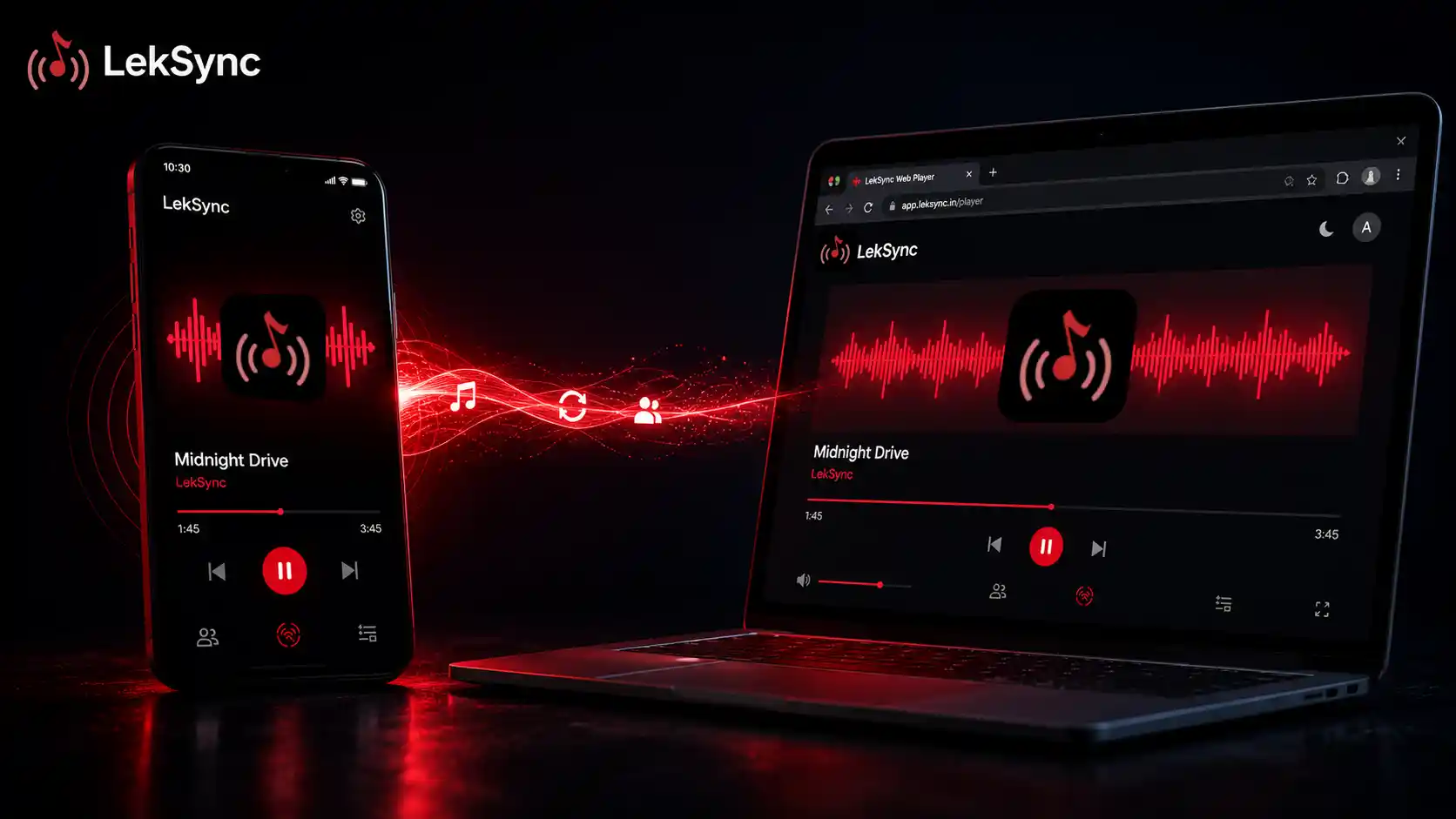
At a real event, you can't expect thirty guests to download an app before they'll listen. So DJ Pass is built specifically around the web receiver - the same browser-based player LekSync already uses for online rooms. You share one link, guests open it on whatever phone they already have in their hand, type a name, and they're hearing the music within seconds.
It also keeps the pass genuinely affordable. Thirty full app connections would cost a lot more to support at scale than thirty lightweight browser connections - so ₹20 stays ₹20 instead of turning into an "enterprise" price tag for what's really just a house party.
How to Activate DJ Pass
- Open LekSync and go to your Profile screen.
- Tap "Activate DJ Pass (₹20)".
- Confirm the purchase through Google Play - it's a standard one-time in-app purchase, not a subscription.
- Your 24-hour, 30-receiver window starts immediately. Share your room link or QR code with guests.
If you already have Premium active, activating DJ Pass takes priority for those 24 hours - you're bumped from 5 receivers to 30 for the duration. When the pass expires, you land back on Free, and your underlying Premium subscription (if still running) continues on its own schedule.
Who DJ Pass Is Built For
If you've ever tried to run the music at a real gathering with just a phone and a hope, DJ Pass is aimed squarely at you:
- Silent discos - hand out earbuds instead of renting headphone kits. See our full guide: Host a Silent Disco With Just Your Phones.
- House parties - every room, every speaker-less phone, same song, no separate Bluetooth speaker rig. More here: How to DJ a House Party With Only a Phone.
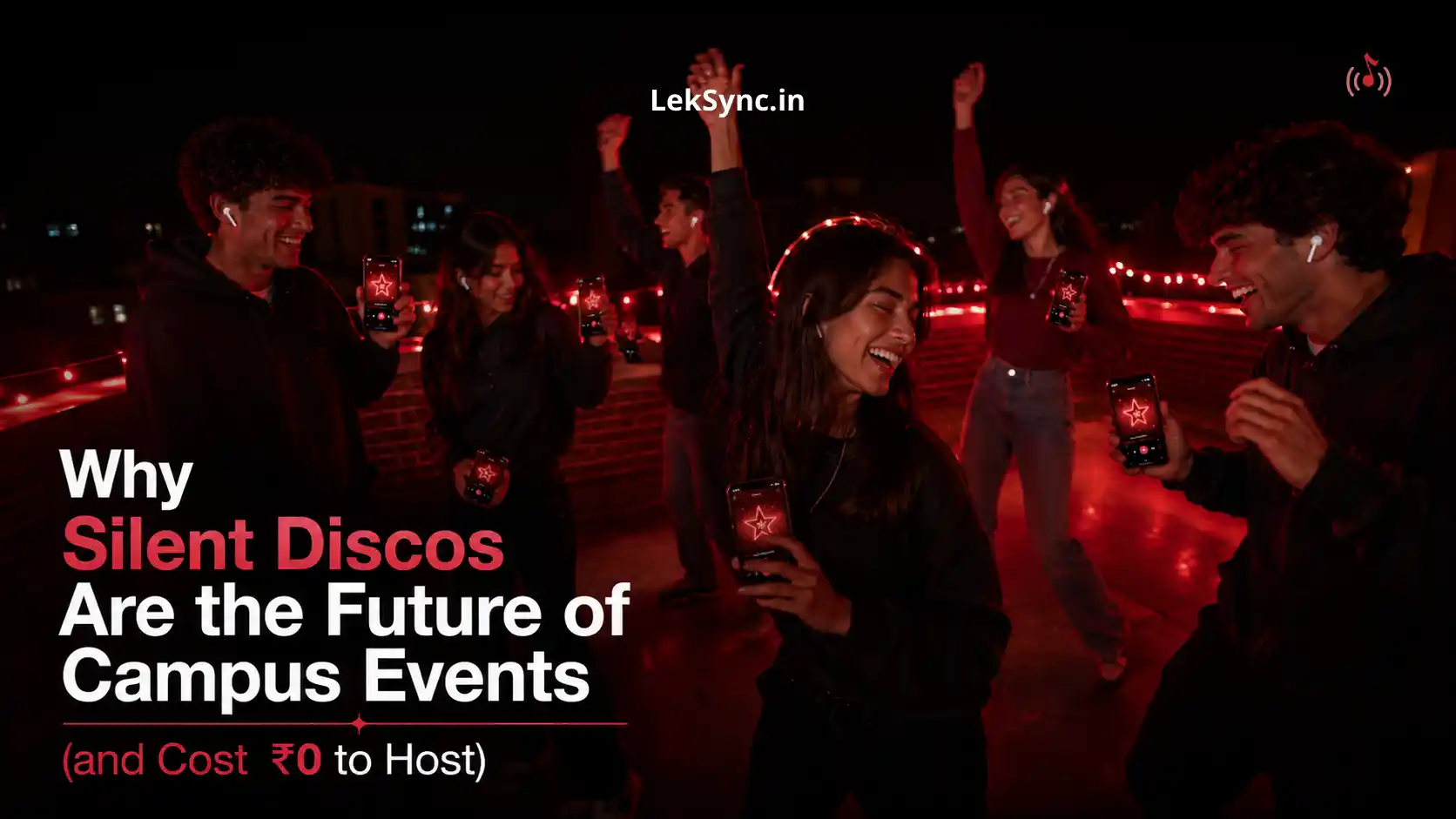
- Campus events and fests - no noise-complaint risk, no venue permit for a sound system, no budget for professional gear. Why Silent Discos Are the Future of Campus Events covers why student organizers are already leaning on this.
Also New: Latency Adjust
Shipping alongside DJ Pass is a smaller but genuinely useful fix: Latency Adjust. If playback on a specific receiver ever sounds slightly ahead or behind the host - often just a quirk of that device's own audio hardware - you can now fine-tune it manually, right from the receiver's player screen. No more living with a phone that's a beat off from everyone else's.
Pricing at a Glance
| Plan | Receivers | Price |
|---|---|---|
| Free | 1 | ₹0 |
| Premium | 5 | Subscription |
| DJ Pass | 30 (web-only) | ₹20 one-time, 24h |
How to Update
Open Google Play, search LekSync, and tap Update. Play Store updates roll out gradually - if your app still shows "Open" instead of "Update," check back in a few hours, or install LekSync from the Play Store here directly.
Planning an event and want to see it in action first, or have feedback after your first DJ Pass session? Email us at leksync.official@gmail.com - we read every message.