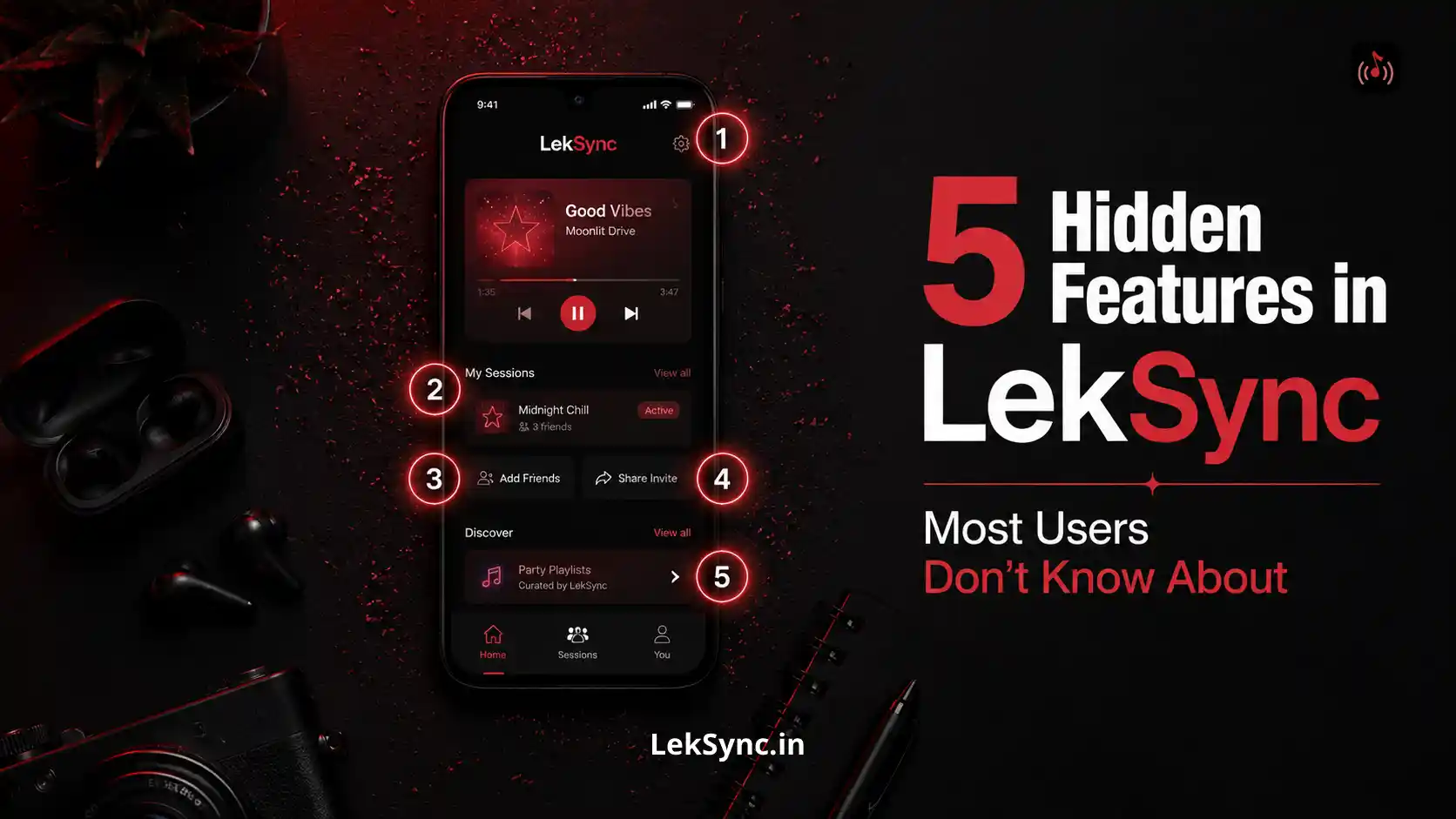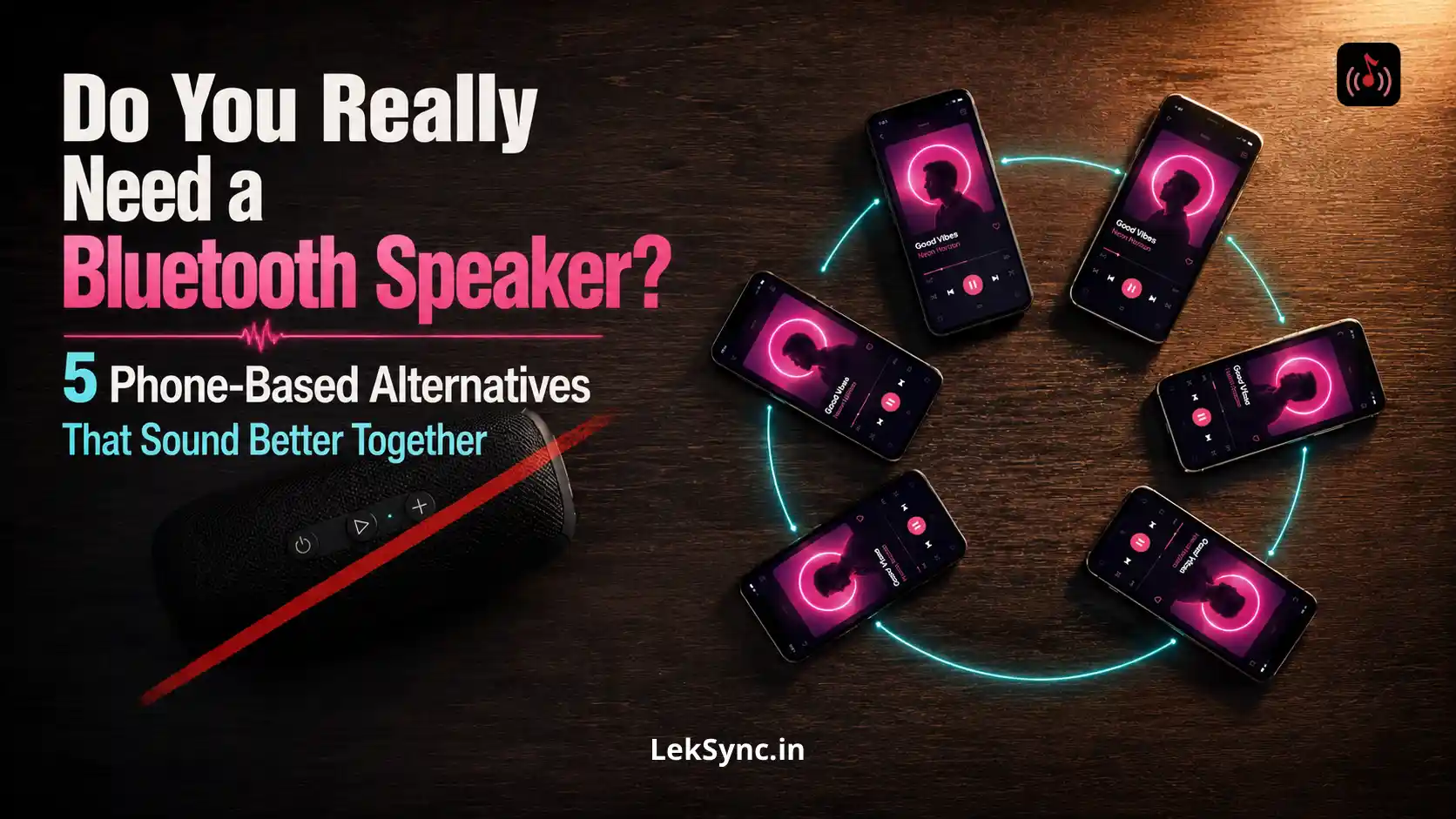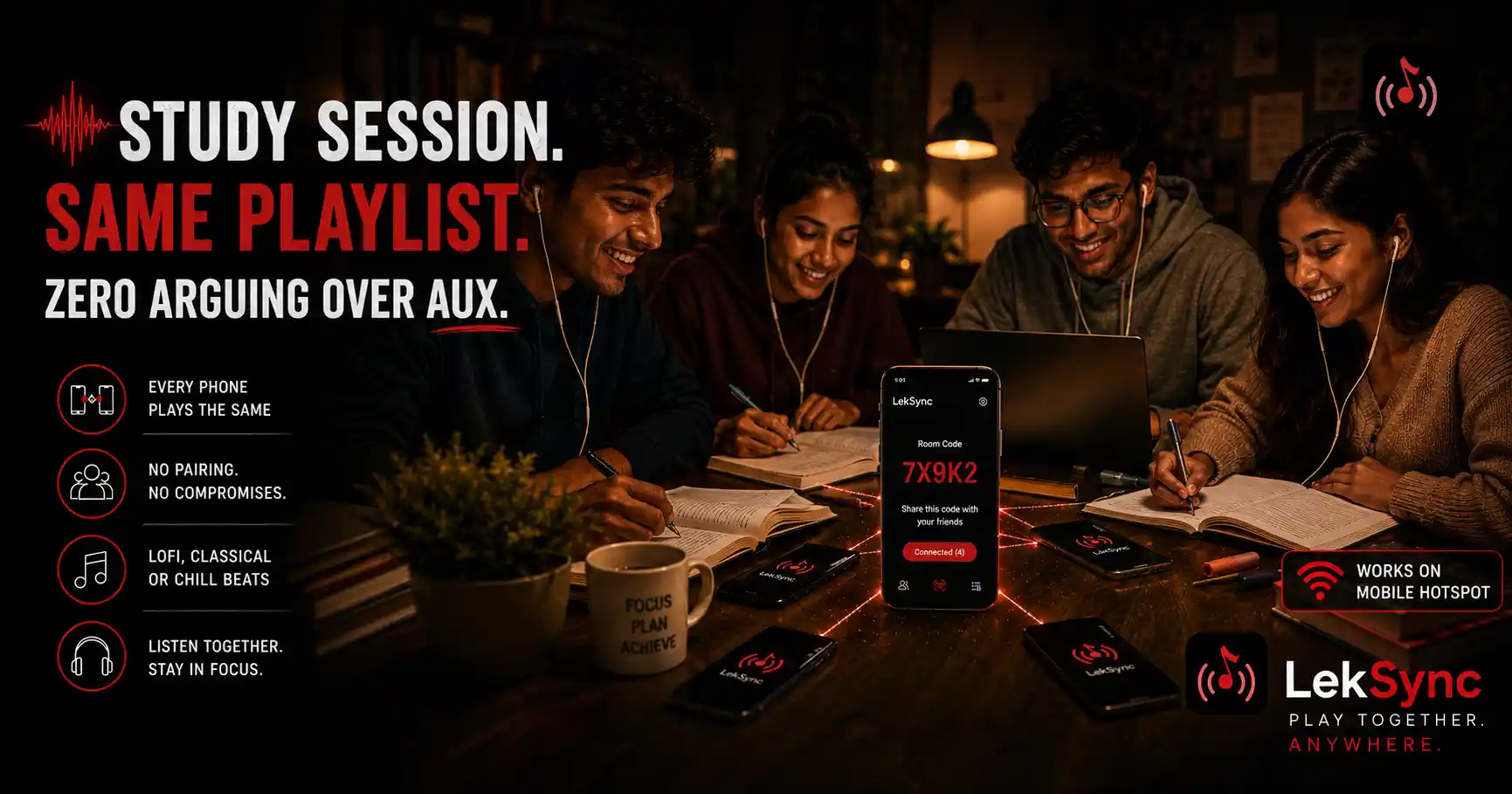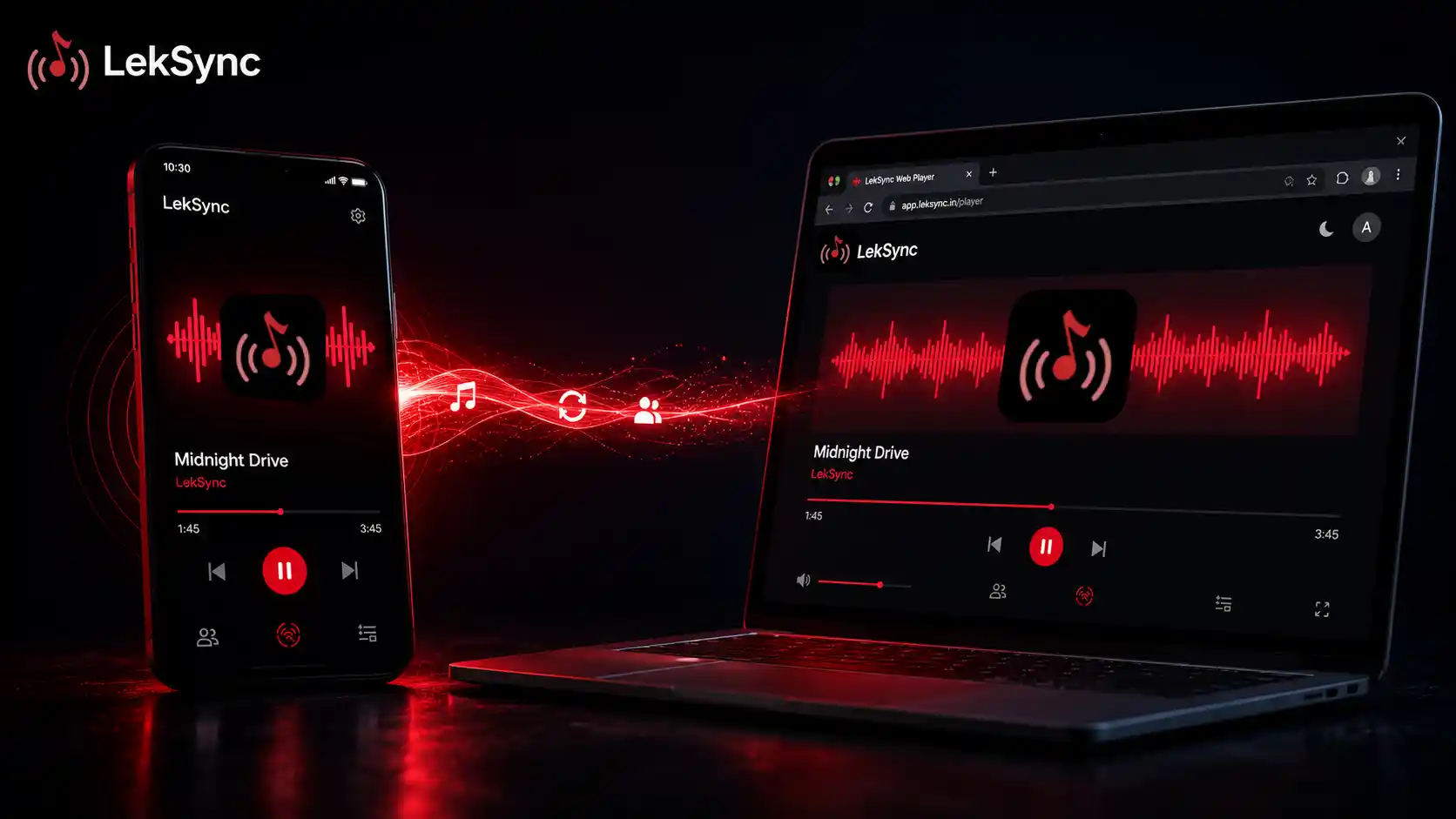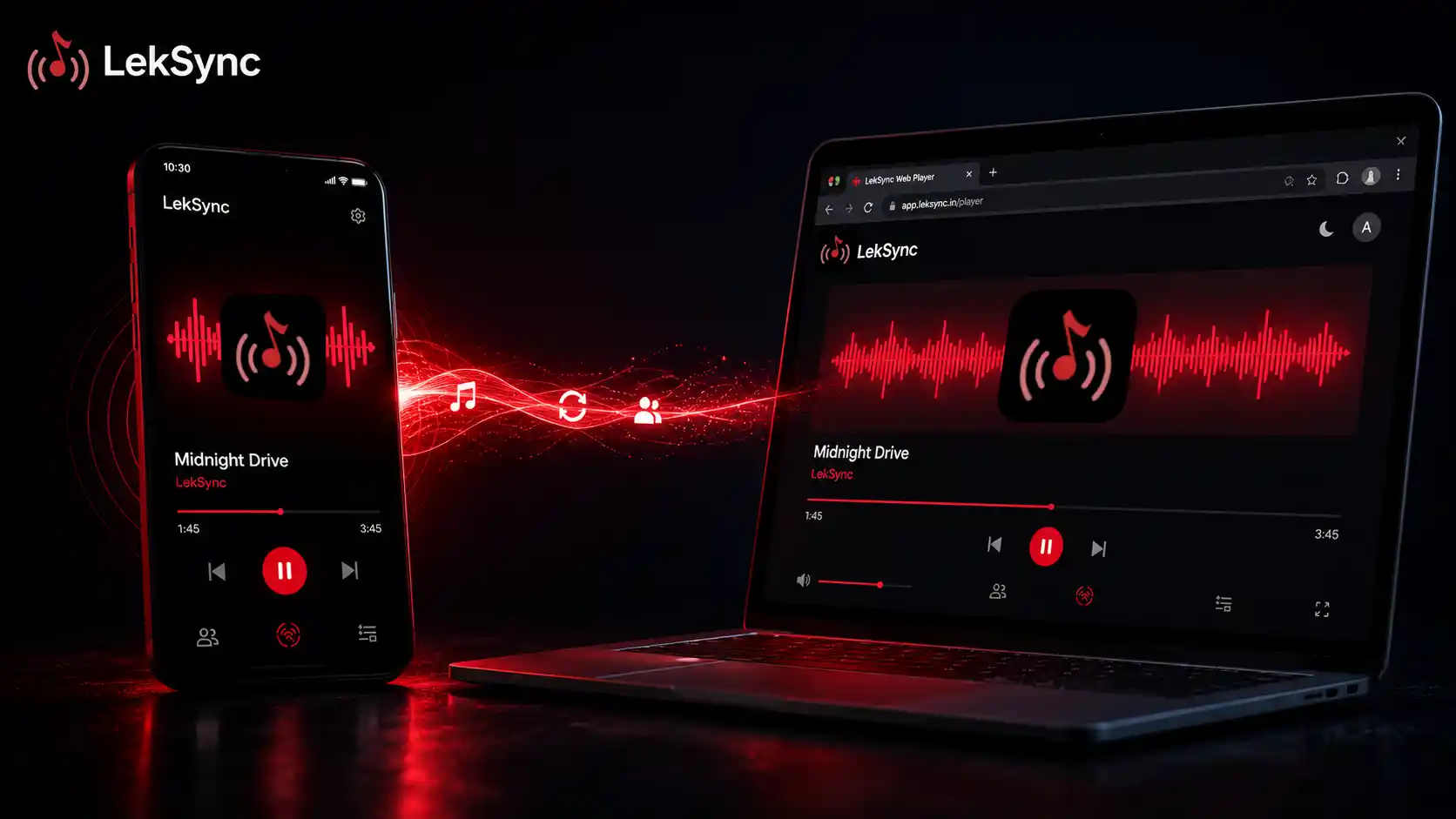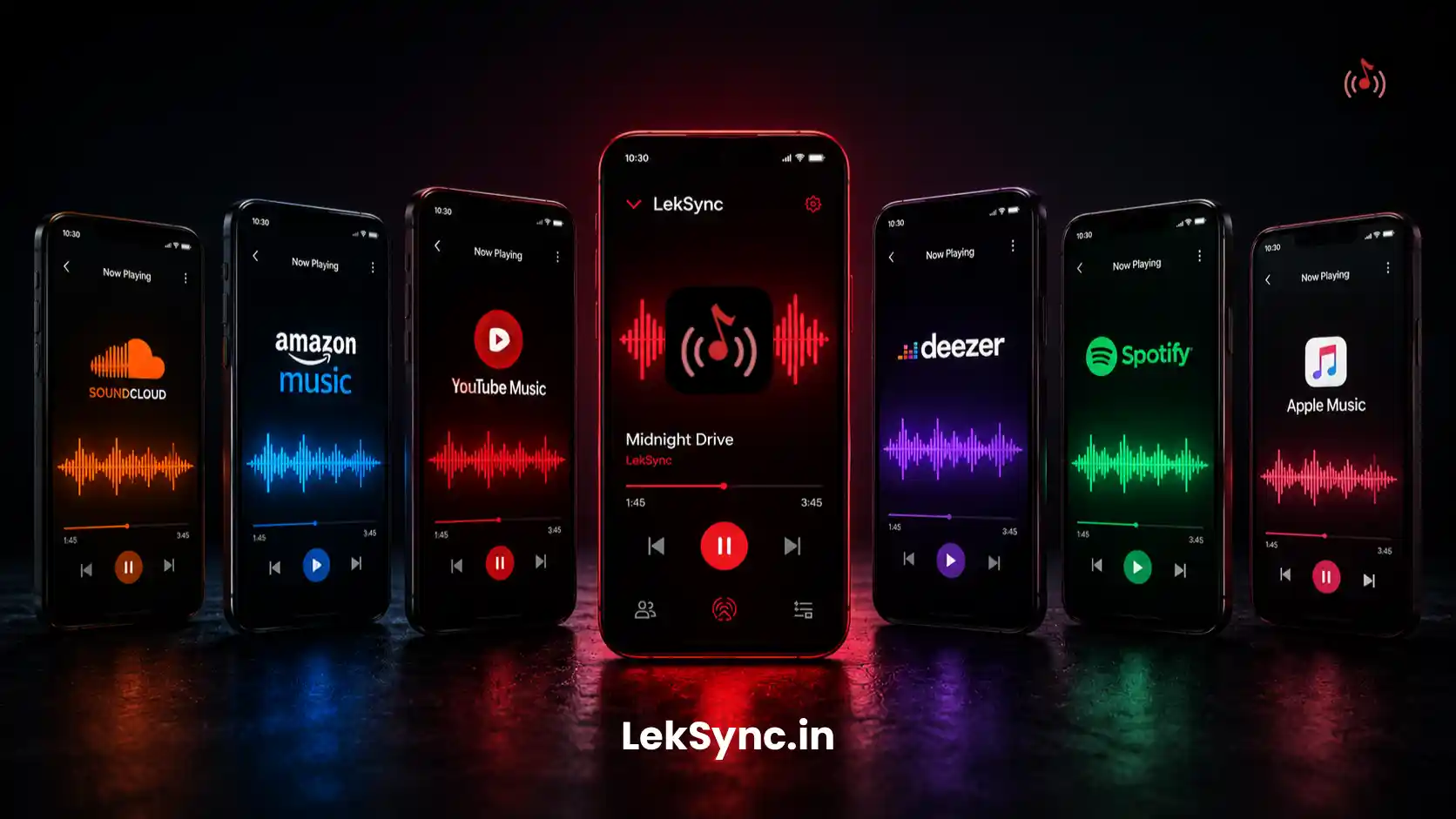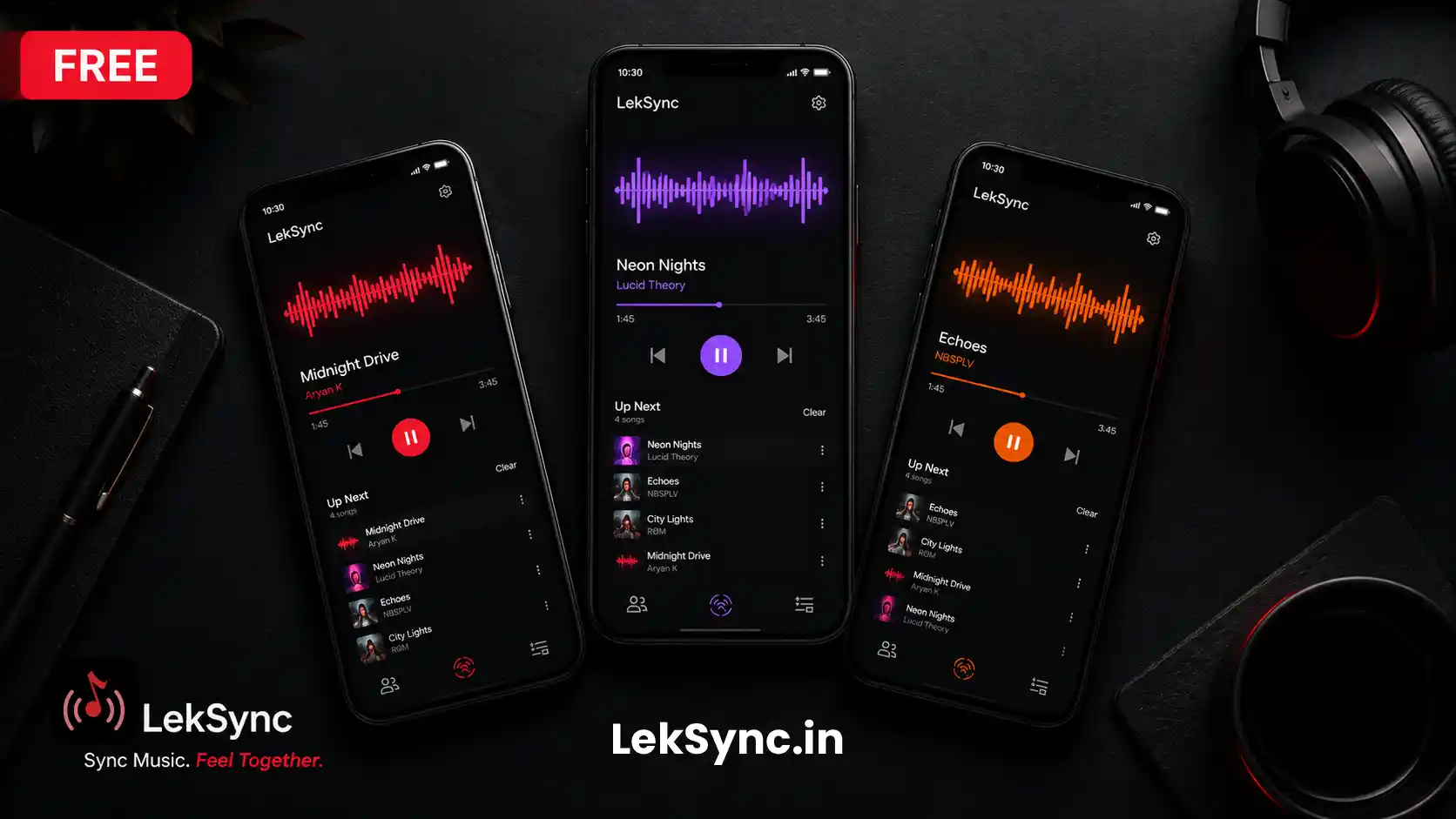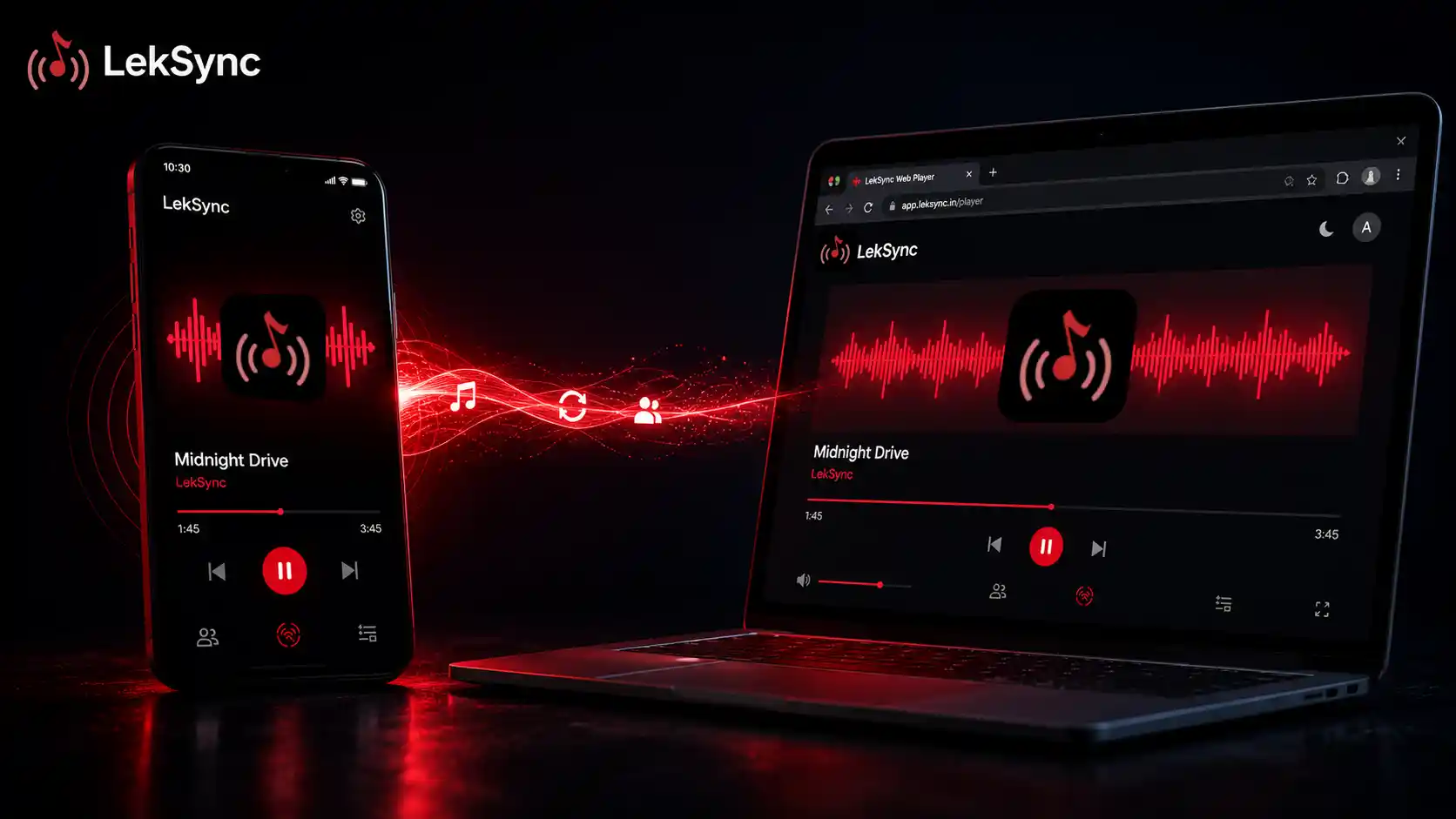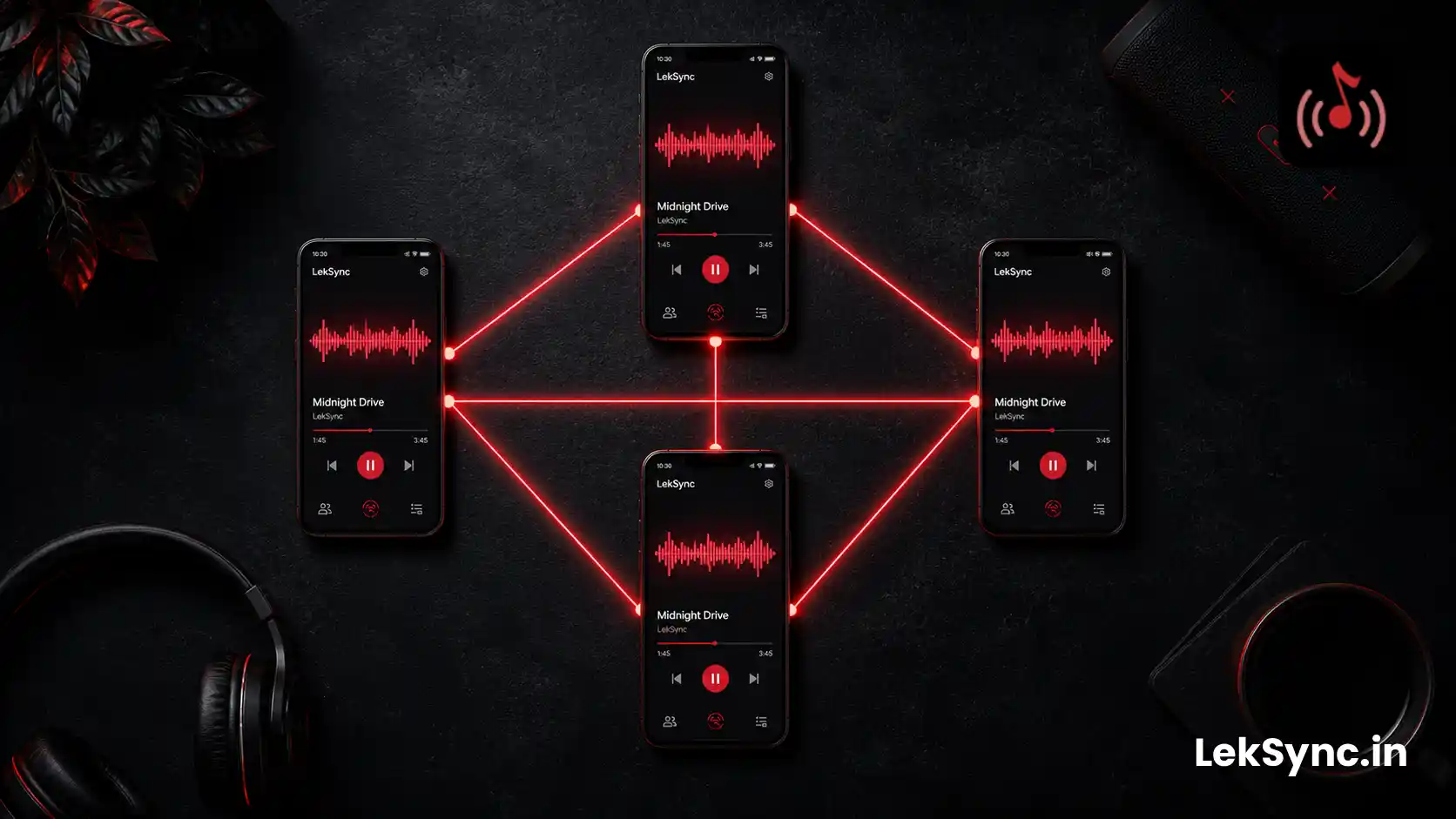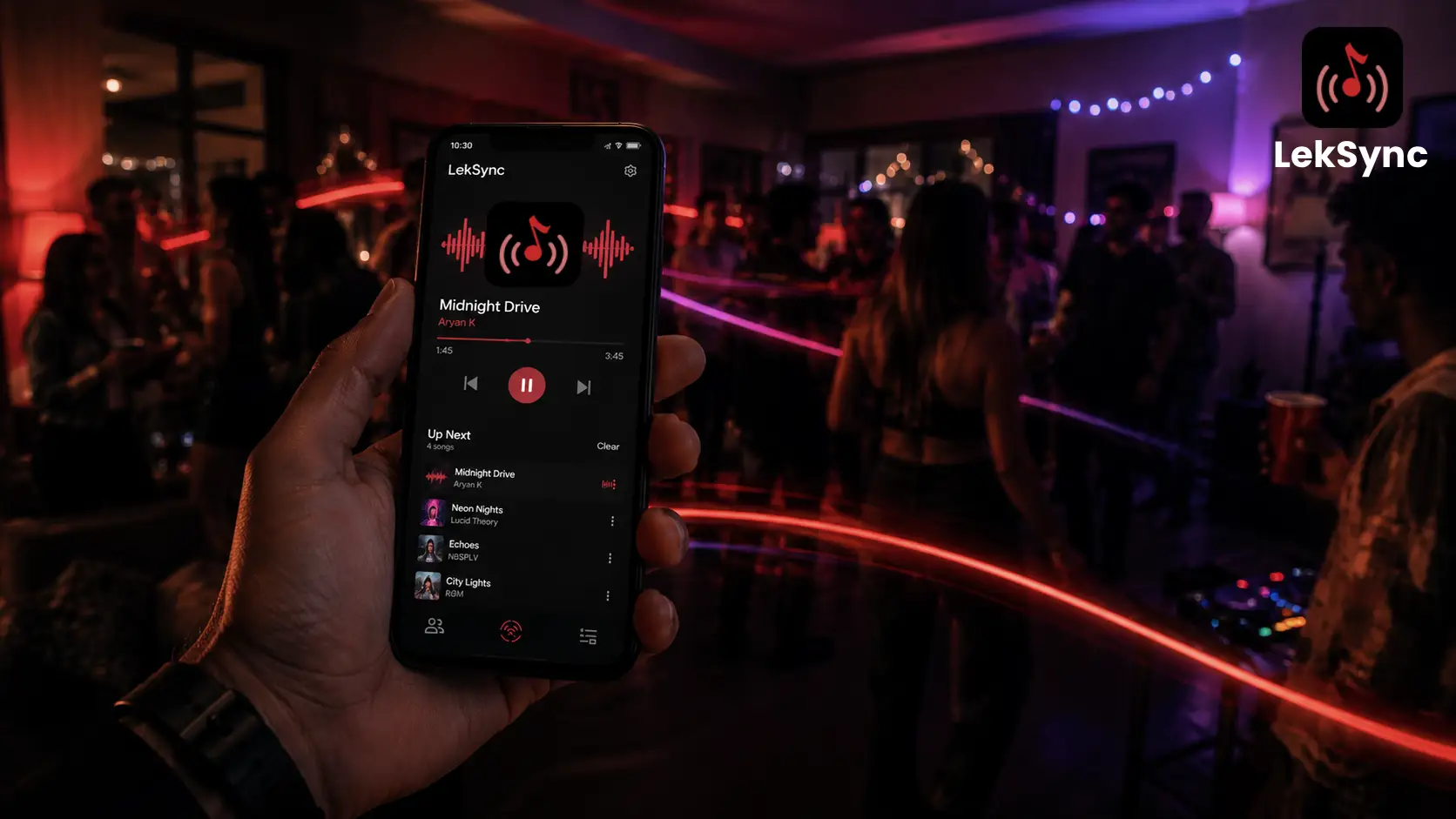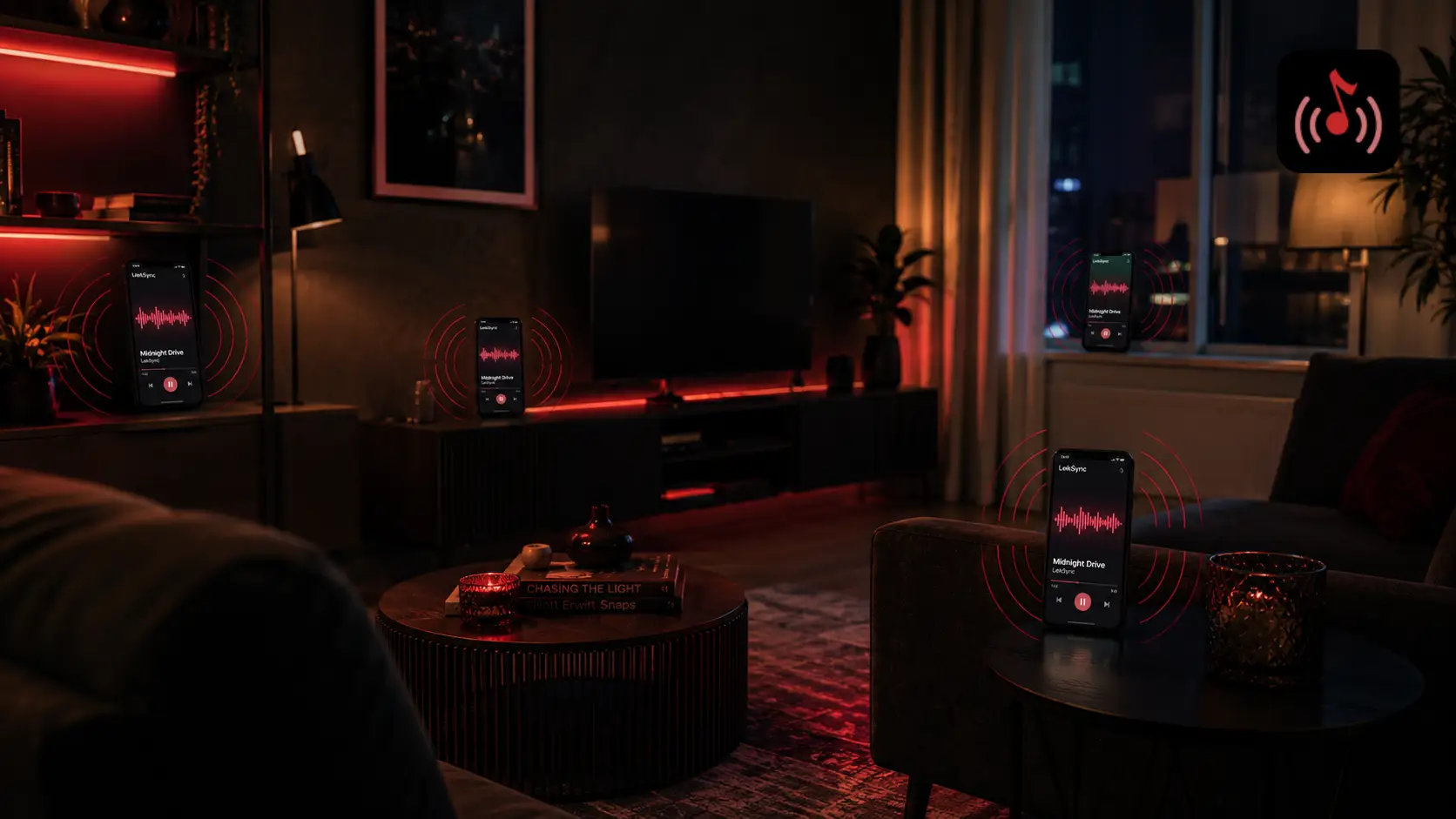
Whether you're filling a room with distributed sound, setting up phones as makeshift speakers for a party, or want a group of friends to hear the same audio at the same time, this guide covers every method to play one song across multiple phones simultaneously.
Method 1: LekSync Over Hotspot (No Internet Needed)
This is the fastest and most reliable method. One phone streams to multiple receivers - all over a local hotspot with no internet required.
What You Need
- One Android phone as the Host (receivers can be Android or iPhone via browser)
- The LekSync app is installed on the host phone.
- A music or video file on the host phone, or songs in the local library
- All receiver phones are connected to the Host's hotspot.
Step 1 - Enable a Hotspot on the Host Phone
Go to Settings → Hotspot & Tethering → Wi-Fi Hotspot and turn it on. Note the hotspot name and password. Make sure the hotspot allows multiple connections (most default to 5–8 devices).
Step 2 - Connect All Other Phones to the Hotspot
On each receiver phone, go to Wi-Fi settings and connect to the hotspot you just created. All phones are now on the same local network.
Step 3 - Open LekSync on the Host Phone
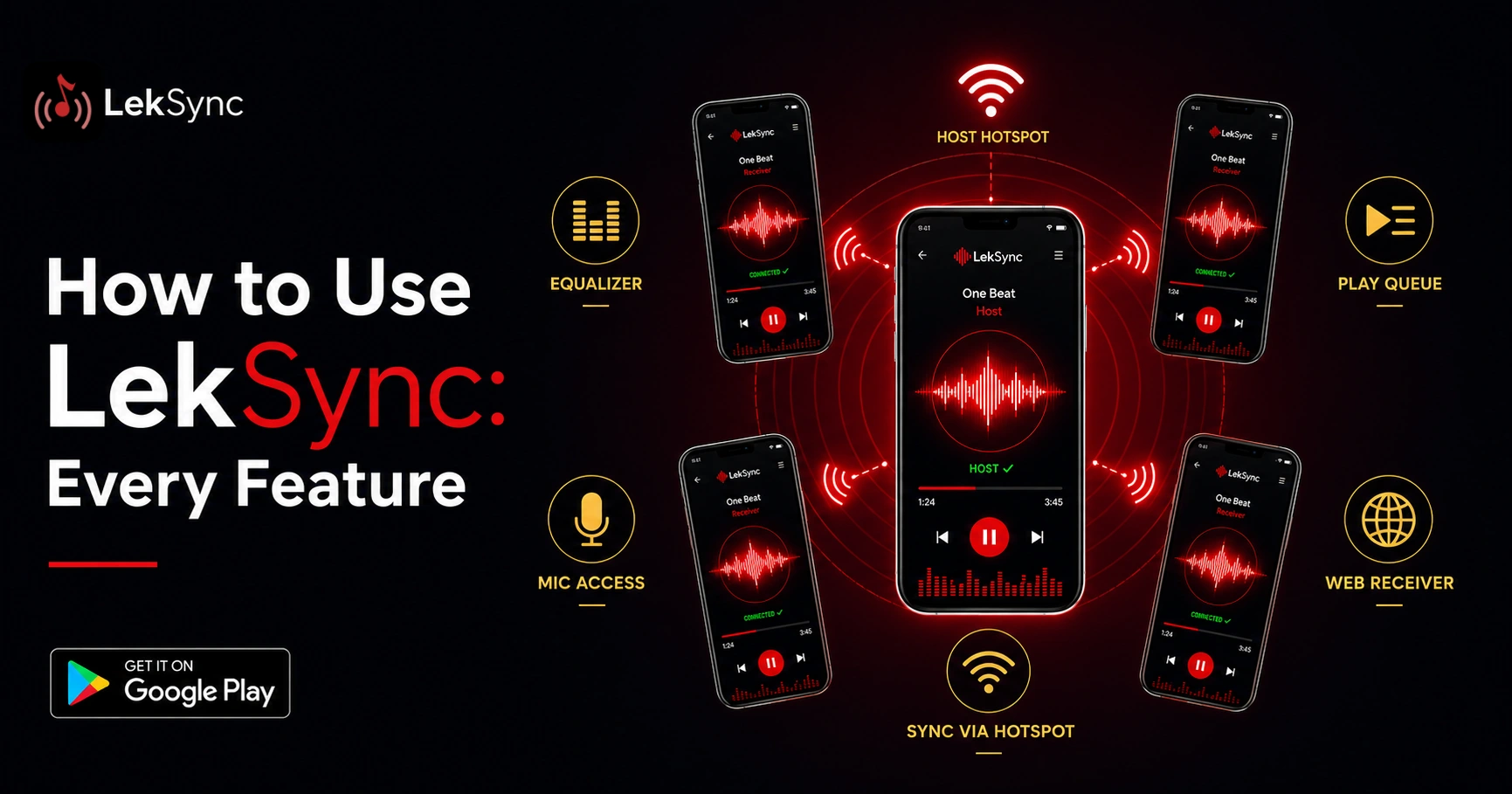
Launch LekSync, tap Host, and tap Start Server. The app will display the hotspot's IP address and wait for receivers to connect.
Step 4 - Connect Each Phone as a Receiver
On each receiver phone, open LekSync, tap Receiver, and tap Scan / Connect. It will detect the Host automatically. Tap Connect. Repeat for all phones you want to add.
Step 5 - Play Your Song
Back on the host phone, open the music library and pick a song to play. All connected phones will now play the same audio in perfect sync.
Method 2: LekSync Online (Phones in Different Locations)
If the phones are not in the same place - different rooms, different cities or spread across a venue - use LekSync's online mode instead of a hotspot.
- On the host phone, open LekSync → Host → Online Room.
- A unique room code appears (e.g., DELTA-7).
- Share the code with everyone (via WhatsApp, SMS, or any messaging app).
- On each receiver phone, open LekSync → Receiver → Enter Room Code → enter the code.
- Host presses play. All phones sync up within seconds, no matter where they are located.
Method 3: iPhone as Receiver (No App Download)
If some of your receiver phones are iPhones, no App Store download is needed. Follow steps 1–3 above on the Android host then:
- On each iPhone, open Safari.
- Go to leksync.in/receiver.
- The web receiver will connect to the Host automatically when on the same hotspot, or prompt for a room code in online mode.
For a deeper walkthrough of this browser-based flow, see how to use the LekSync web receiver without installing anything.
Method 4: Spotify Jam (Requires Premium)
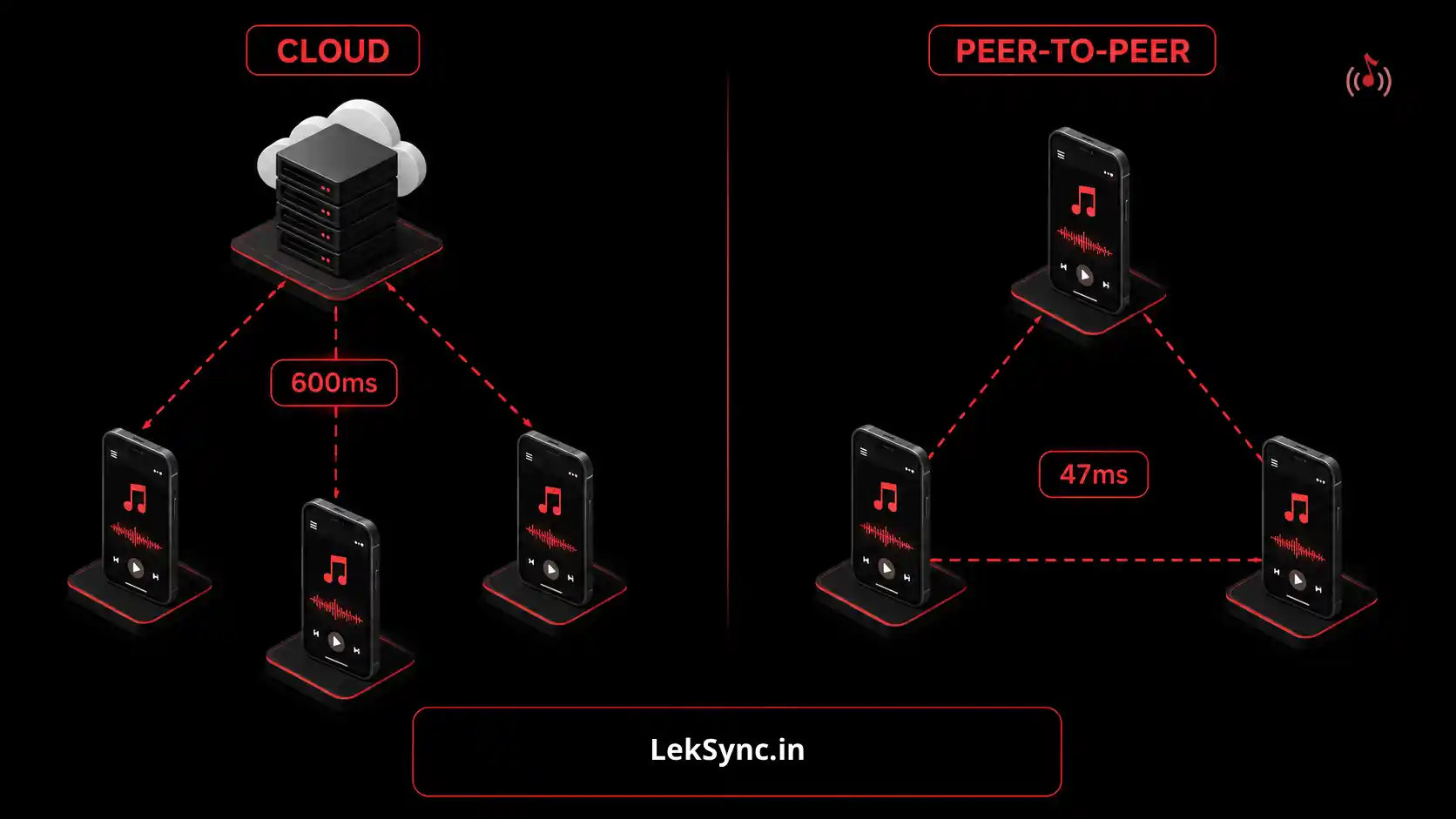
Jam is a collaborative listening function on Spotify. Spotify's servers will play music on multiple phones at once, but there is no guarantee of perfect timing because each phone buffers separately.
Steps:
- Open Spotify on the host phone, start playing a song.
- Tap the bottom player bar → Share → Start a Jam.
- Share the invite link. Each person taps Join.
Note: Spotify is required for all users. Premium is required by the host. There will be slight but noticeable delays (0.5–3 seconds) between phones; this is especially true if the speed of the connections varies.
Why LekSync Stays in Sync When Others Don't
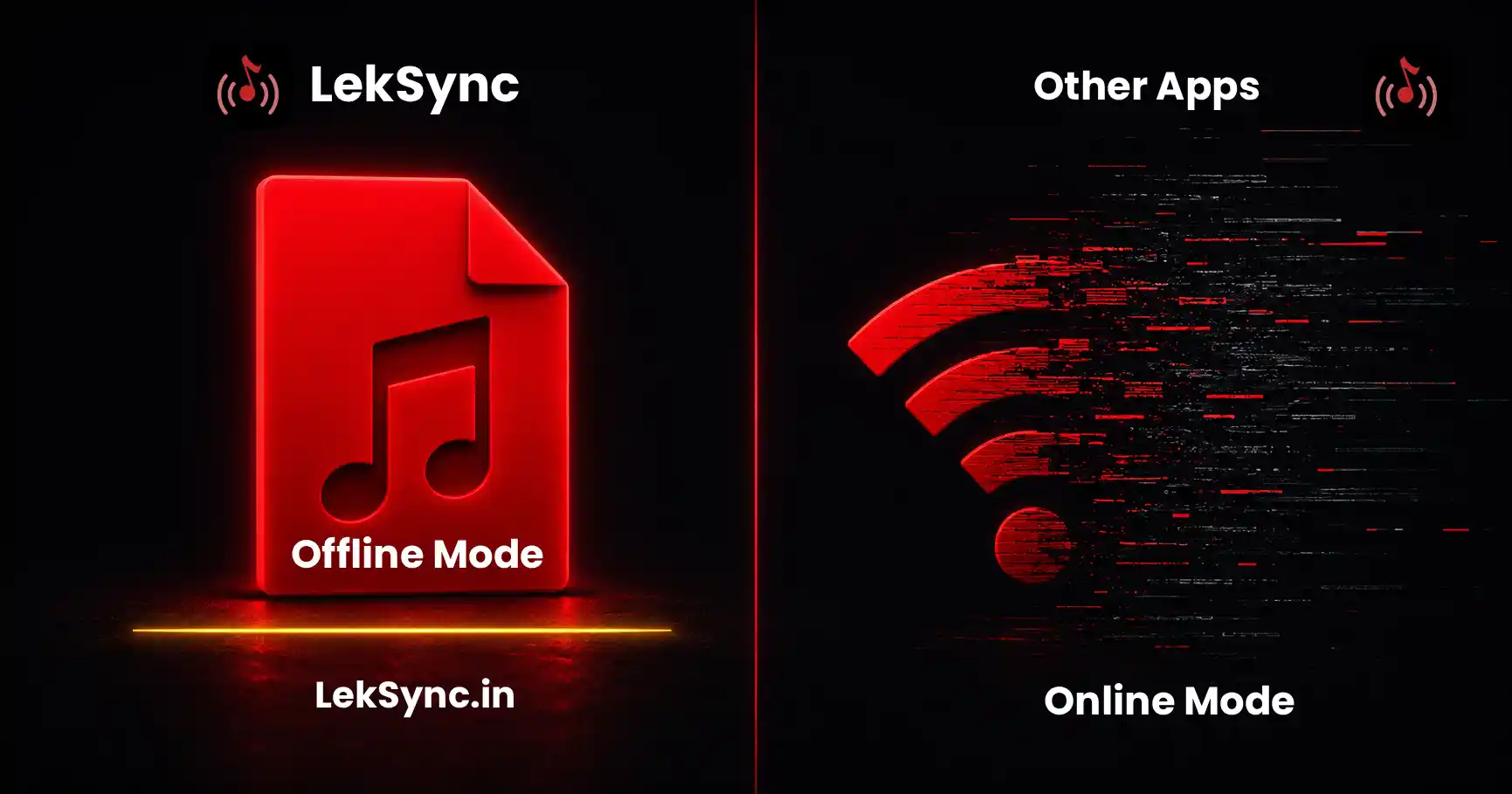
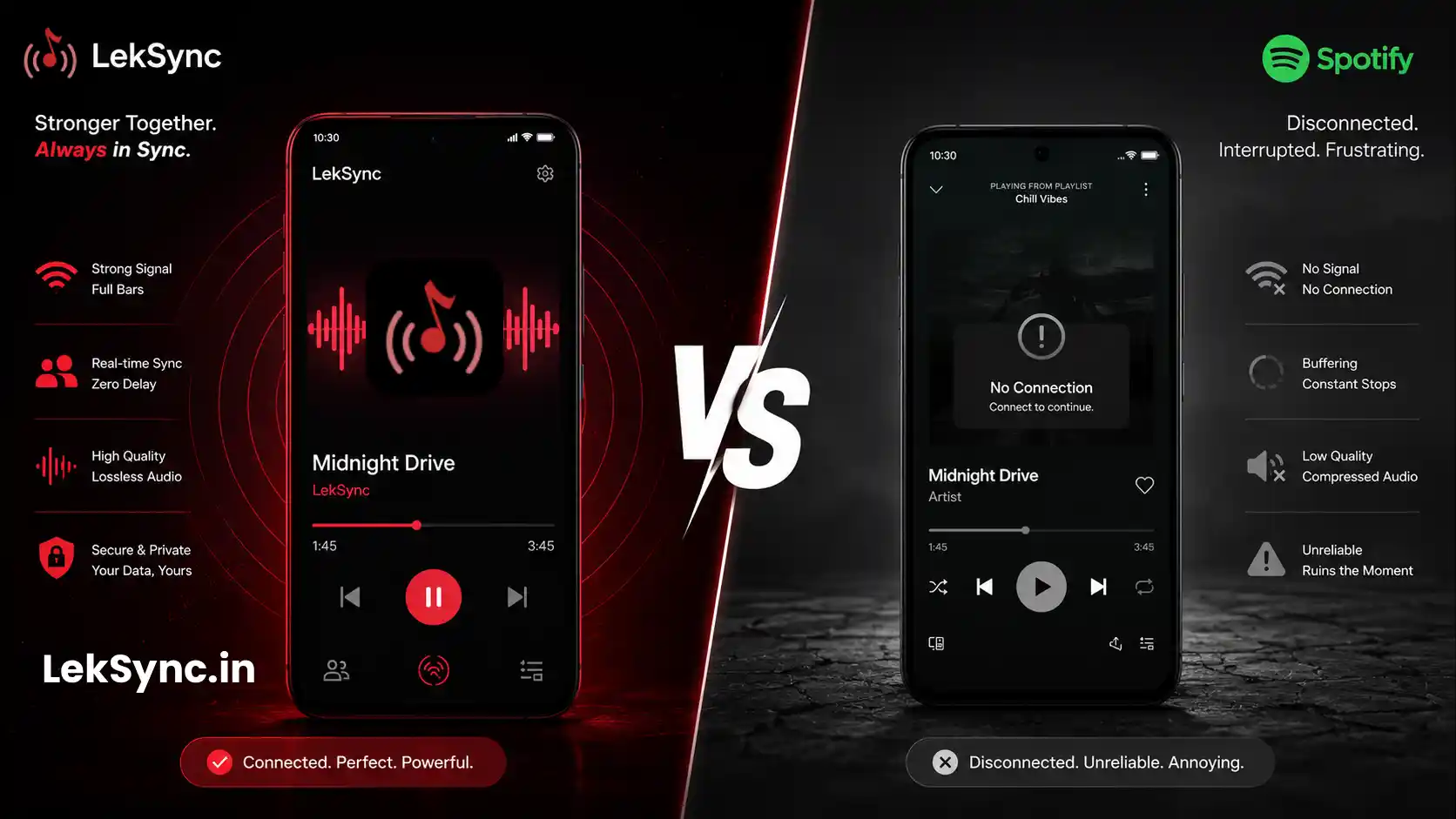
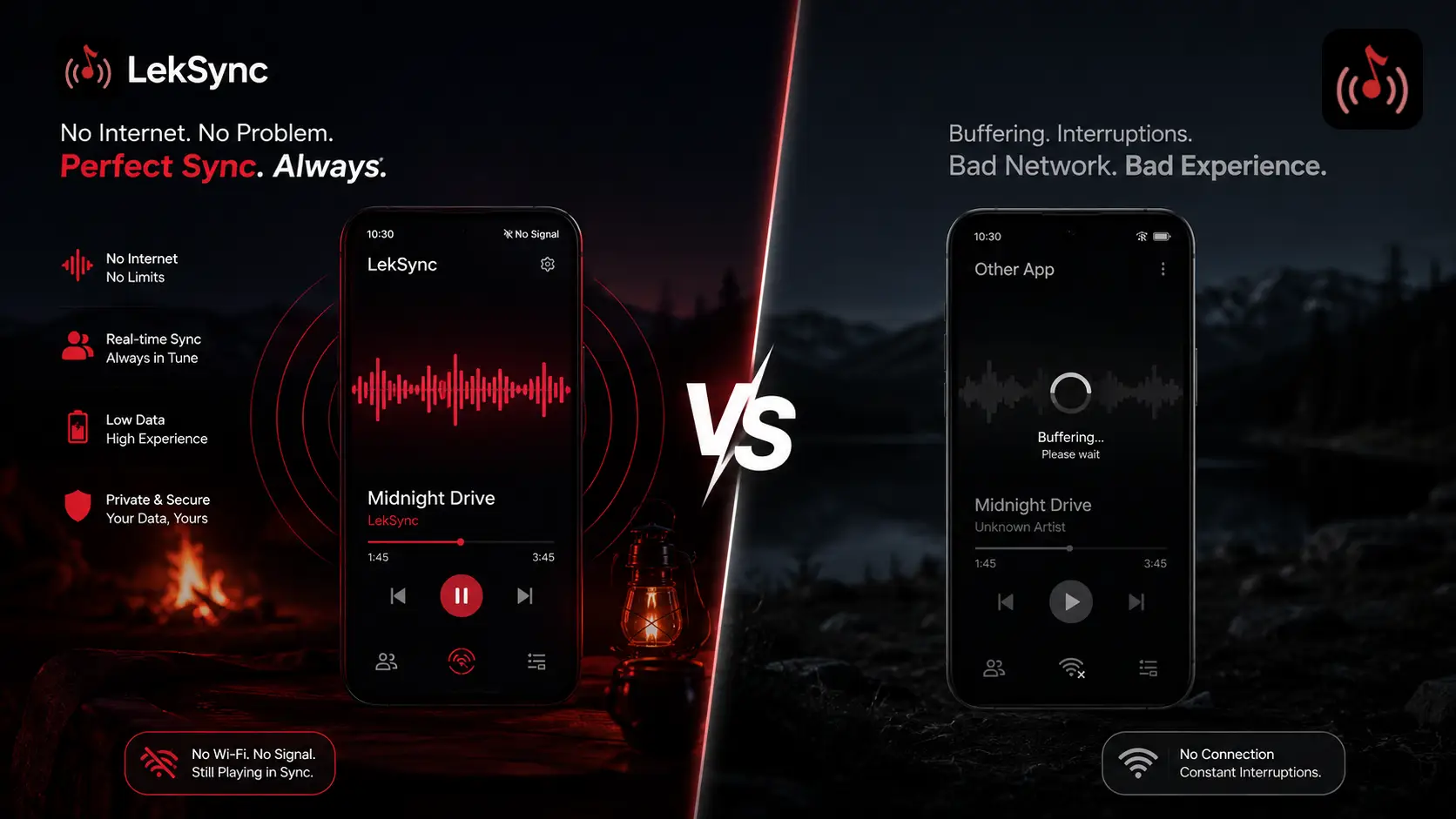
Most methods that rely on multiple separate internet streams (Spotify, YouTube, etc.) depend on each phone independently buffering from a server. Network jitter means one phone always lags the other by 0.5–3 seconds. (Our LekSync vs Spotify Group Session post digs into why Jam isn't true multi-device audio.)
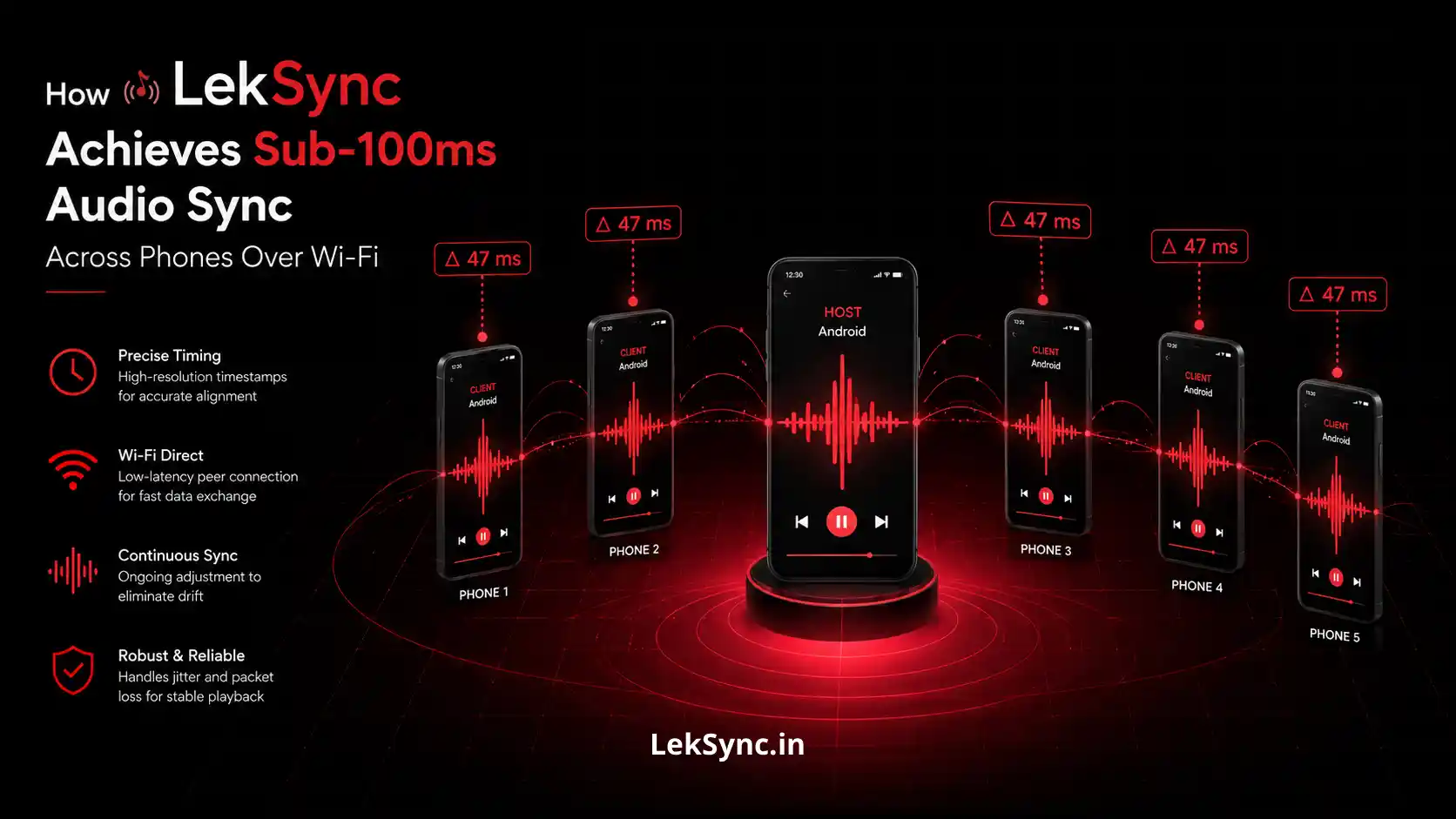
LekSync solves this by streaming the same decoded PCM audio bytes from the host to all receivers, with a playback position sync protocol that corrects drift in real time. The result: all phones play the same sample at the same moment even if some phones' networks hiccup mid-song.
Quick Comparison
| Method | Internet needed | Sync quality | Cost |
|---|---|---|---|
| LekSync (hotspot) | No | Millisecond-perfect | Free |
| LekSync (online) | Yes | Millisecond-perfect | Free |
| AmpMe | Yes | Good (can drift) | Free with ads |
| Spotify Jam | Yes | Not synced | Premium required |
Use Cases for Playing One Song in Multiple Phones
- Party speakers: Place phones around a room for distributed sound coverage.
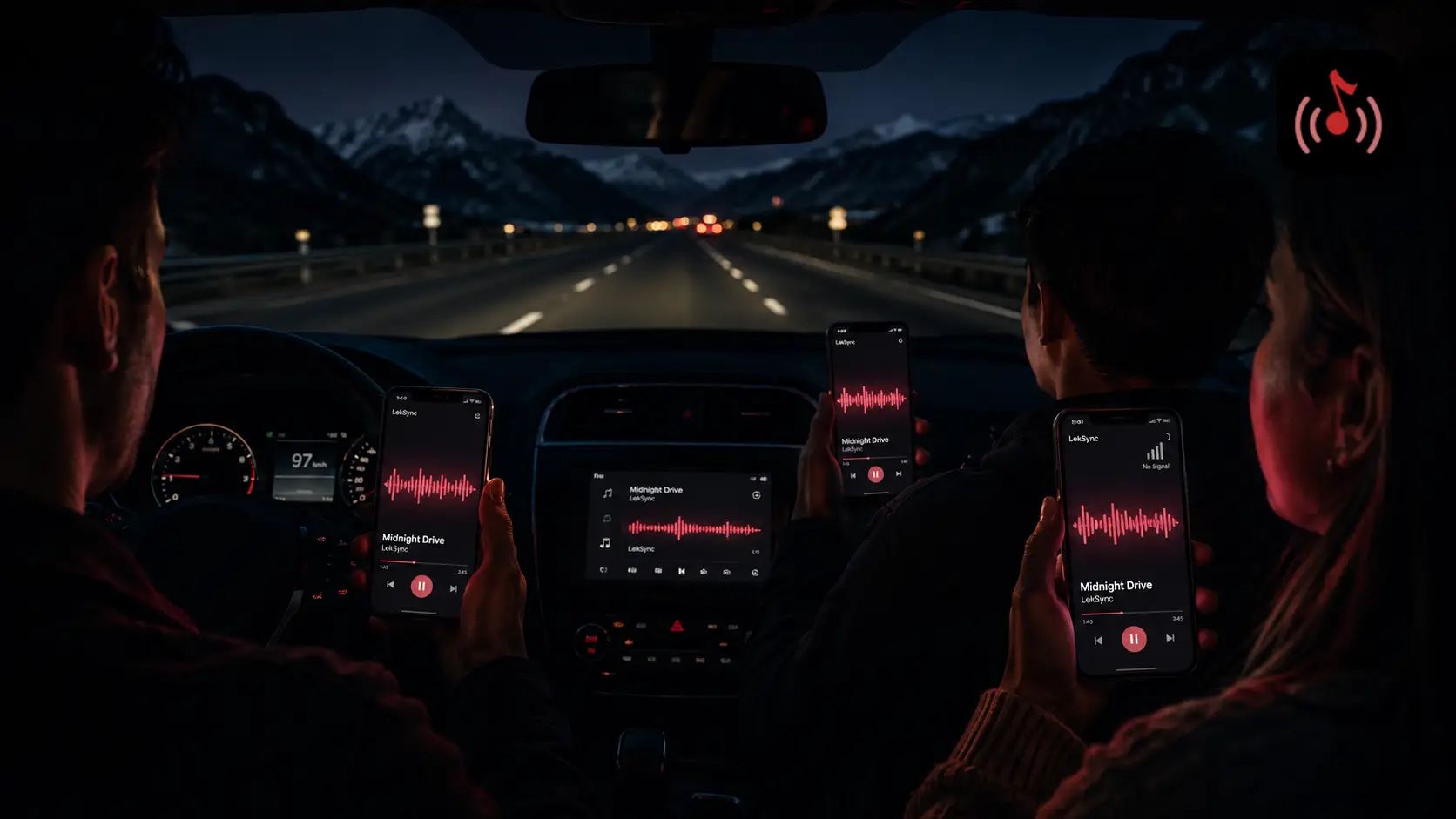
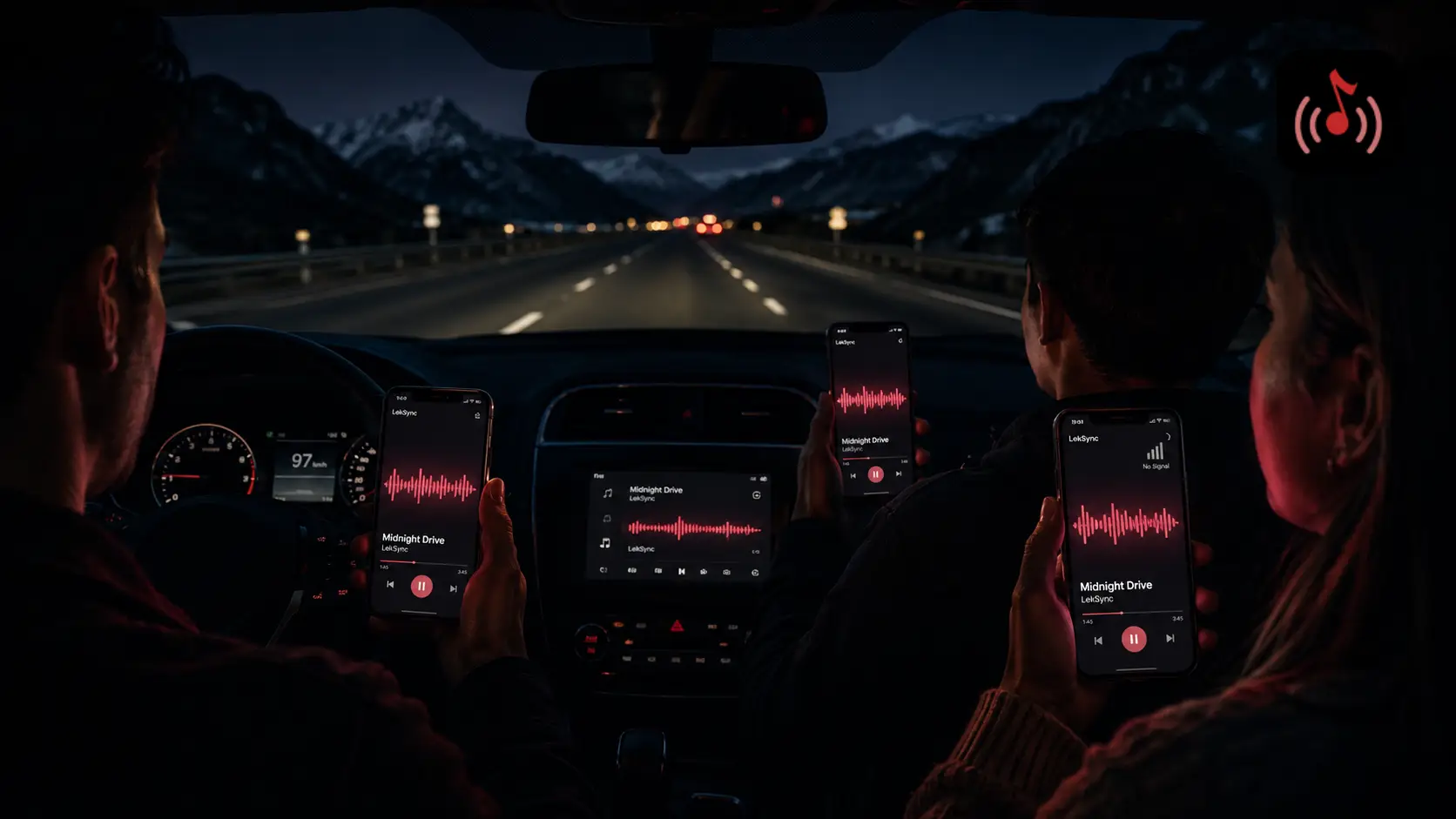
- Road trips: Passengers in different cars all hear the same audio without relying on mobile data.
- Camping/outdoor events: No internet? No problem. Hotspot mode works anywhere.
- Group listening: Friends sharing earphones or wanting synchronised audio in different rooms.
- Presentations: Multiple devices showing the same audio for a talk or screening.
Try It Now
Download LekSync, enable a hotspot and connect multiple phones. From first install to all phones playing the same song takes under two minutes - no account, no subscription, no setup beyond that.