House parties don't need expensive gear. They need good music everywhere, under control, without drama. Most people solve this with one Bluetooth speaker and an aux cable argument. There's a better way.
The best free app for house parties in 2026 is LekSync — and here's exactly why, and how to use it.
The Problem With How Most People Do Party Music
The typical setup:
- One Bluetooth speaker (if you remembered to charge it)
- One aux cord (if the venue has a port)
- One phone controlling everything (creating a bottleneck and constant interruptions)
- People standing near the speaker, everyone else straining to hear
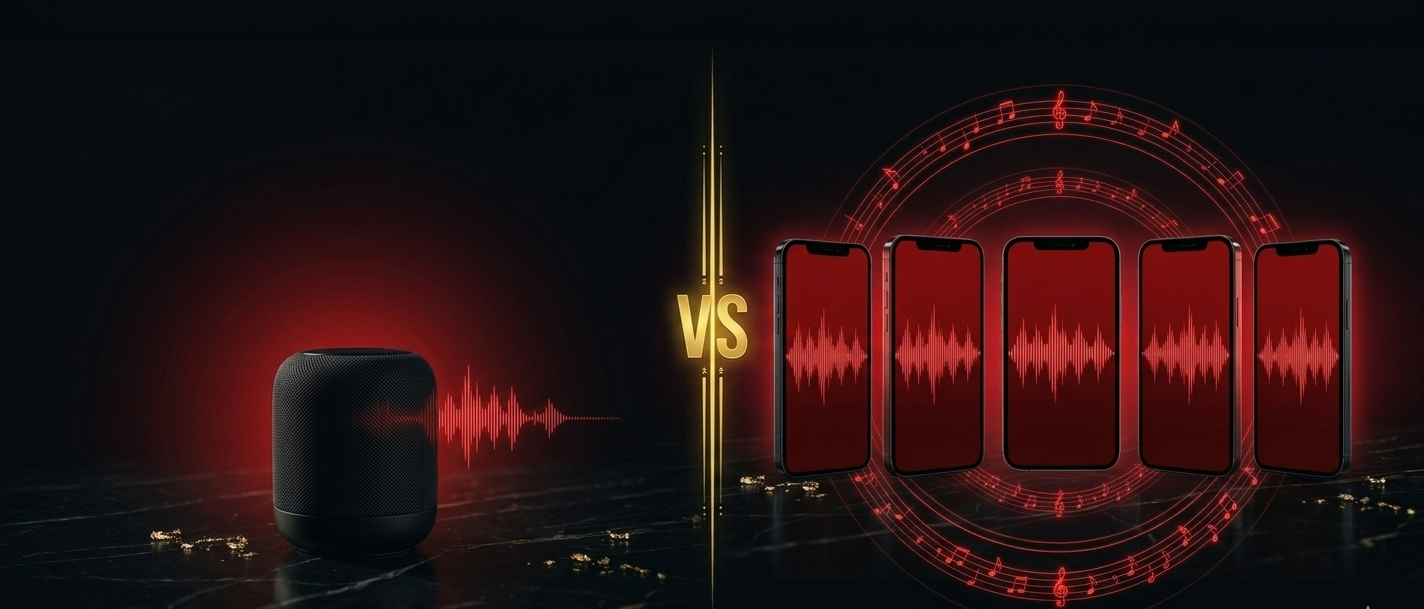
The result: patchy coverage, constant requests to the person holding the phone, and music that doesn't reach half the party.
The LekSync Approach
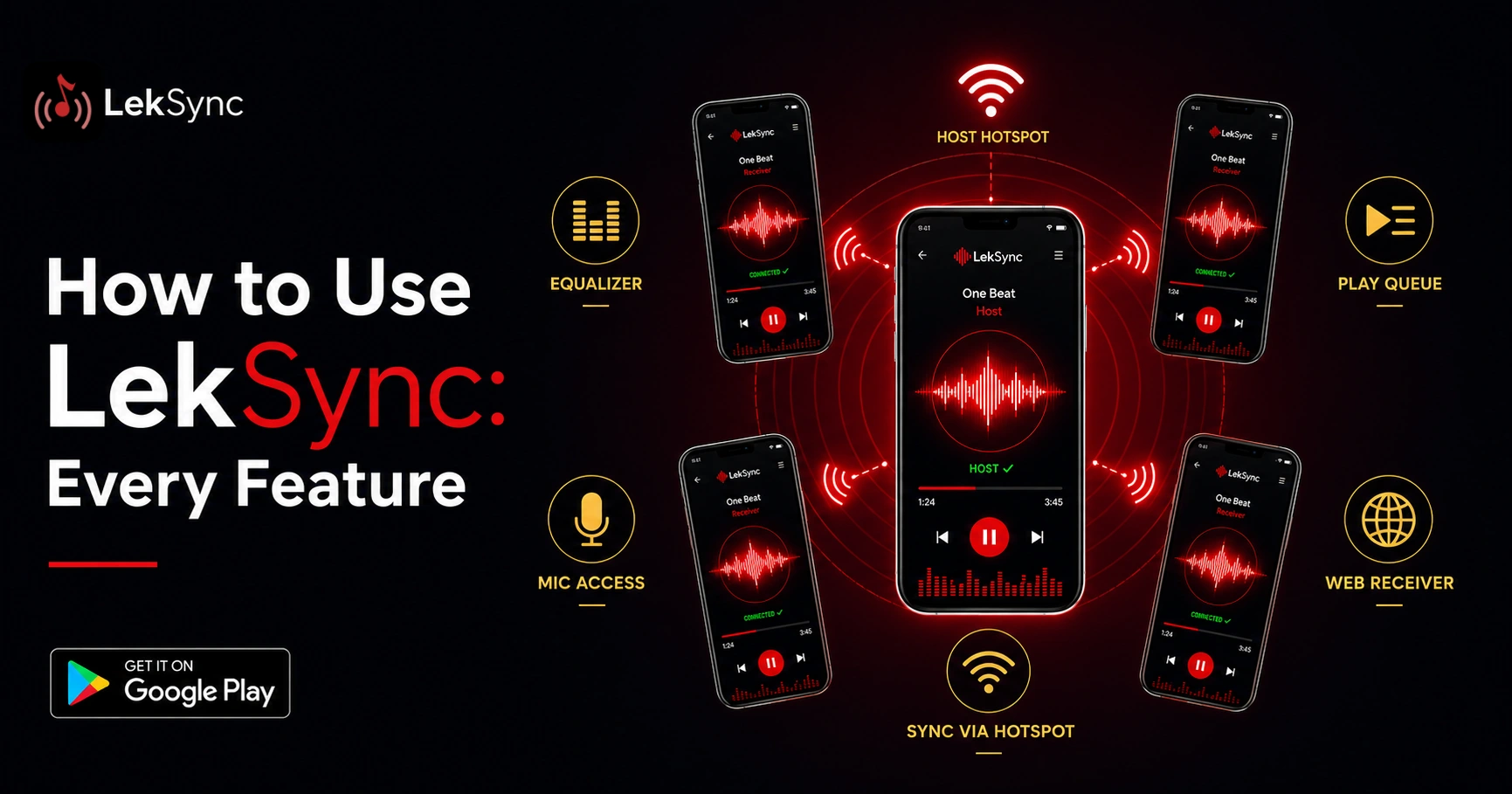
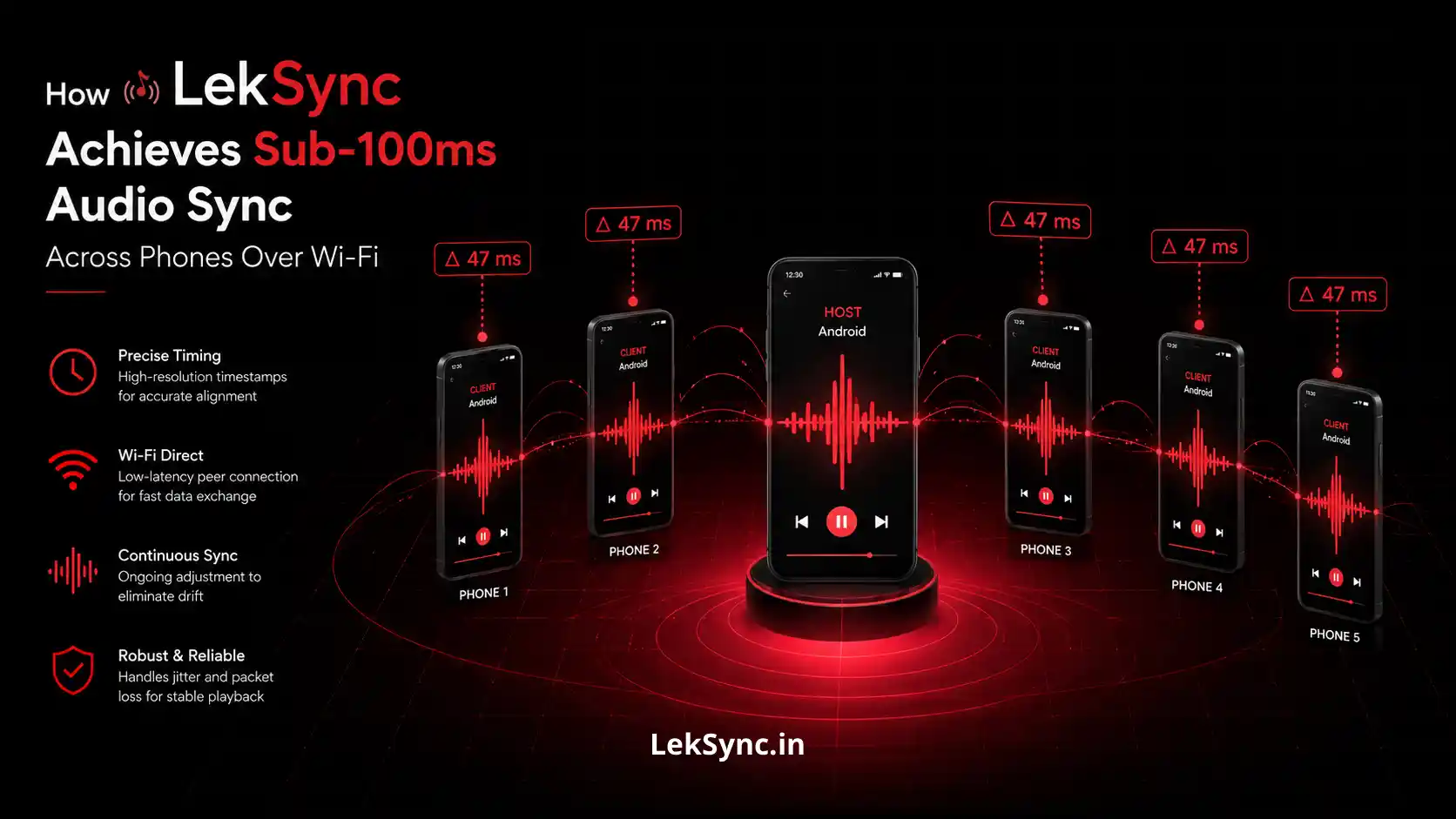
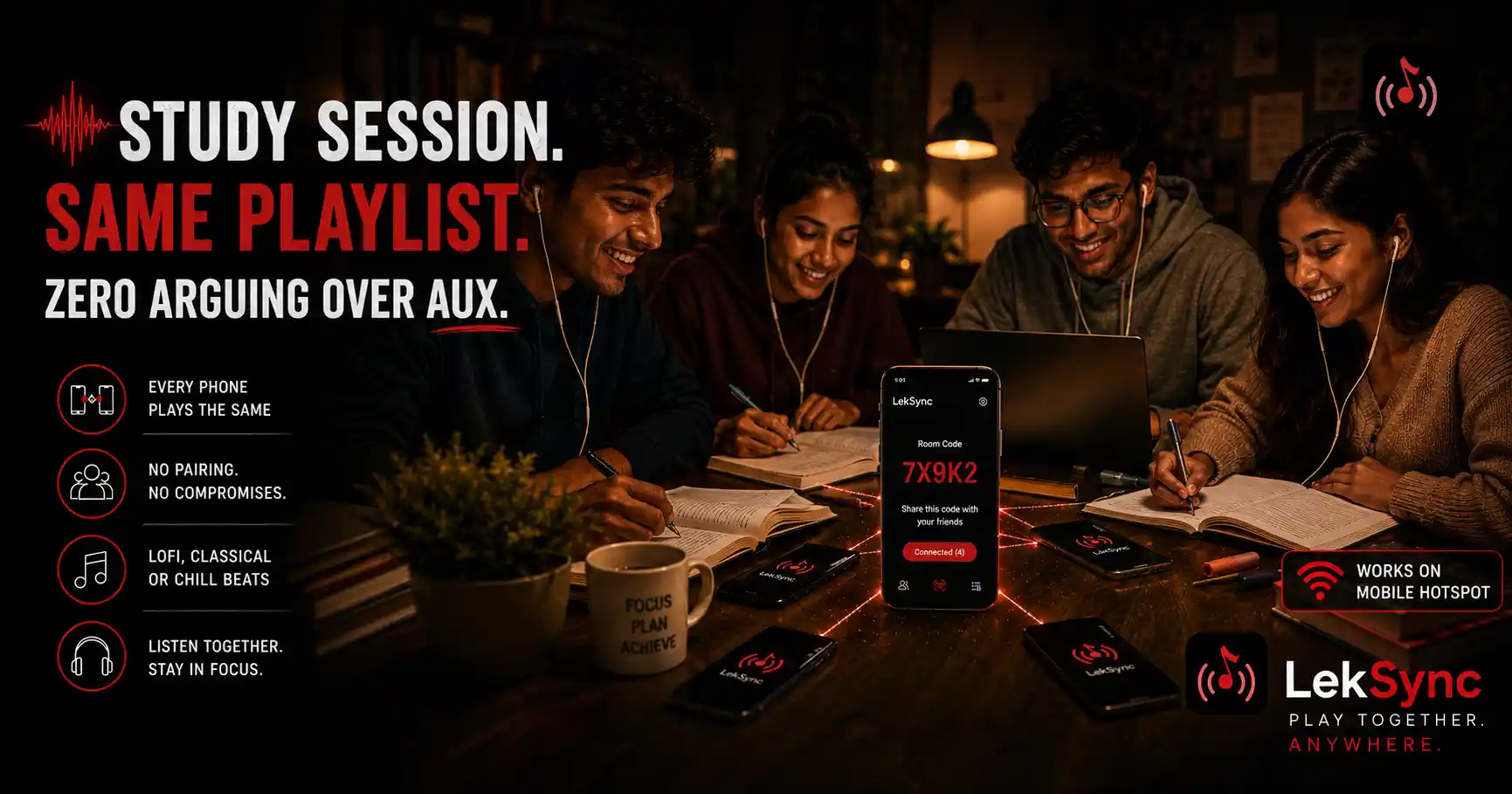
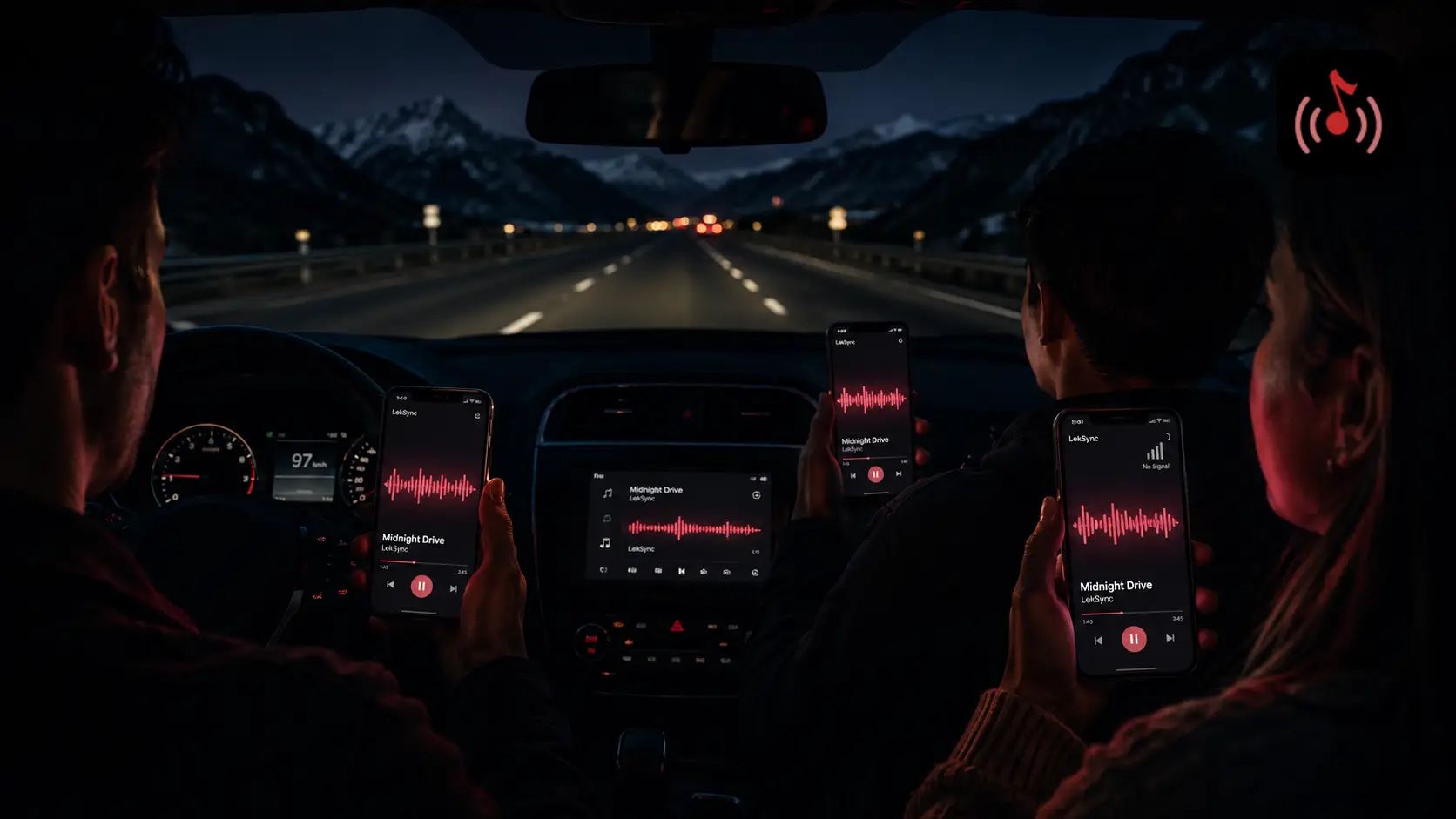
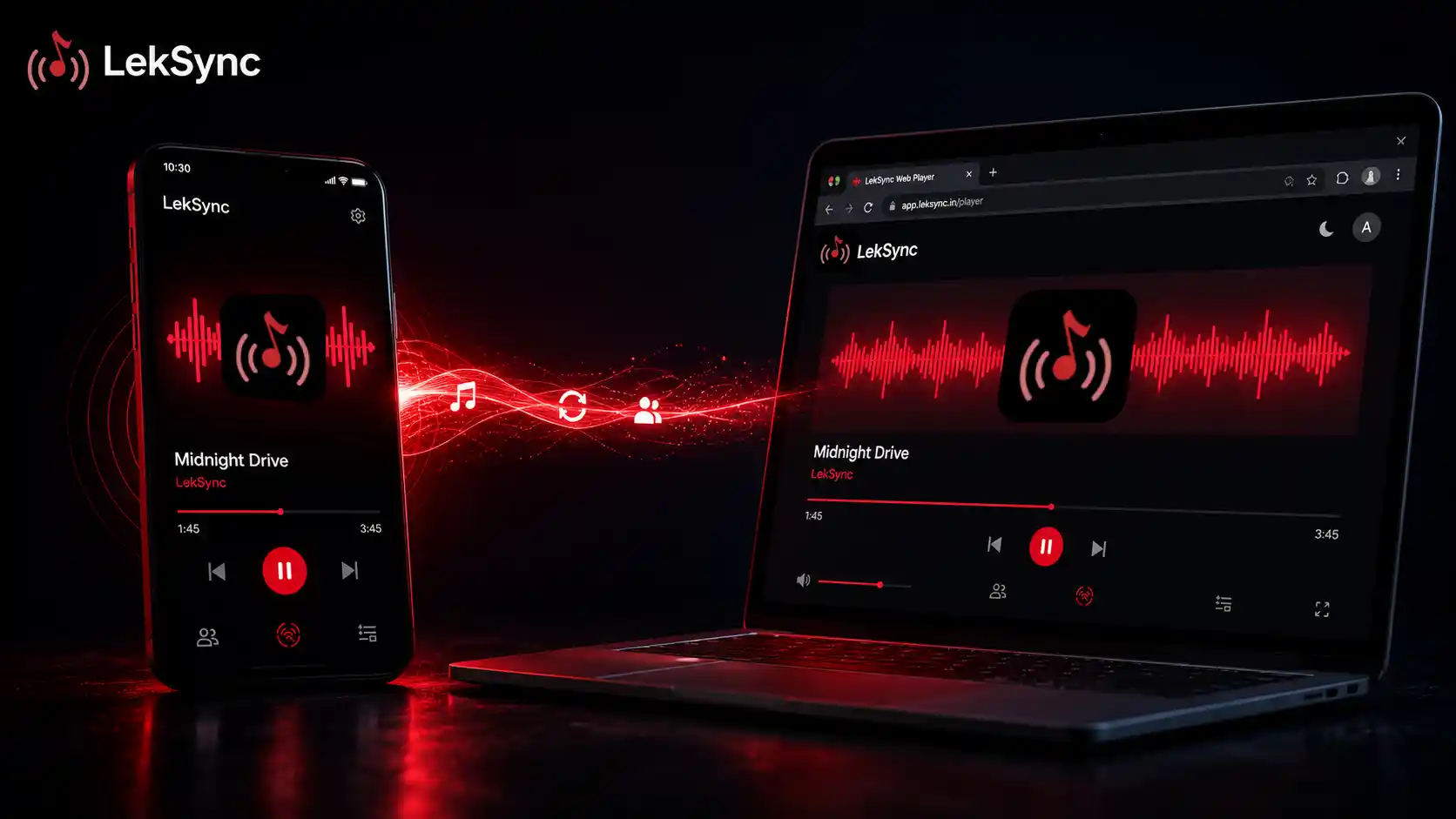
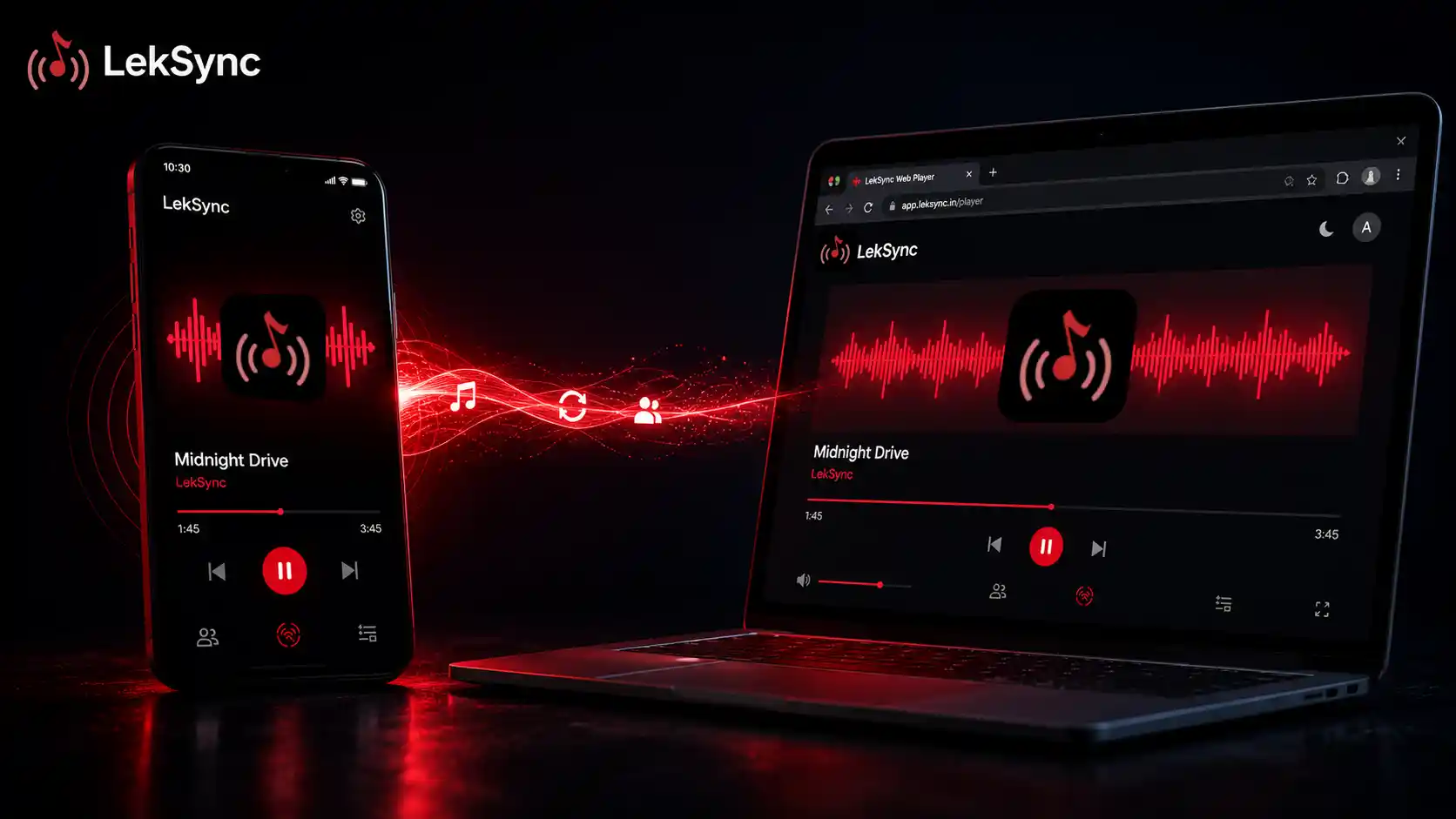
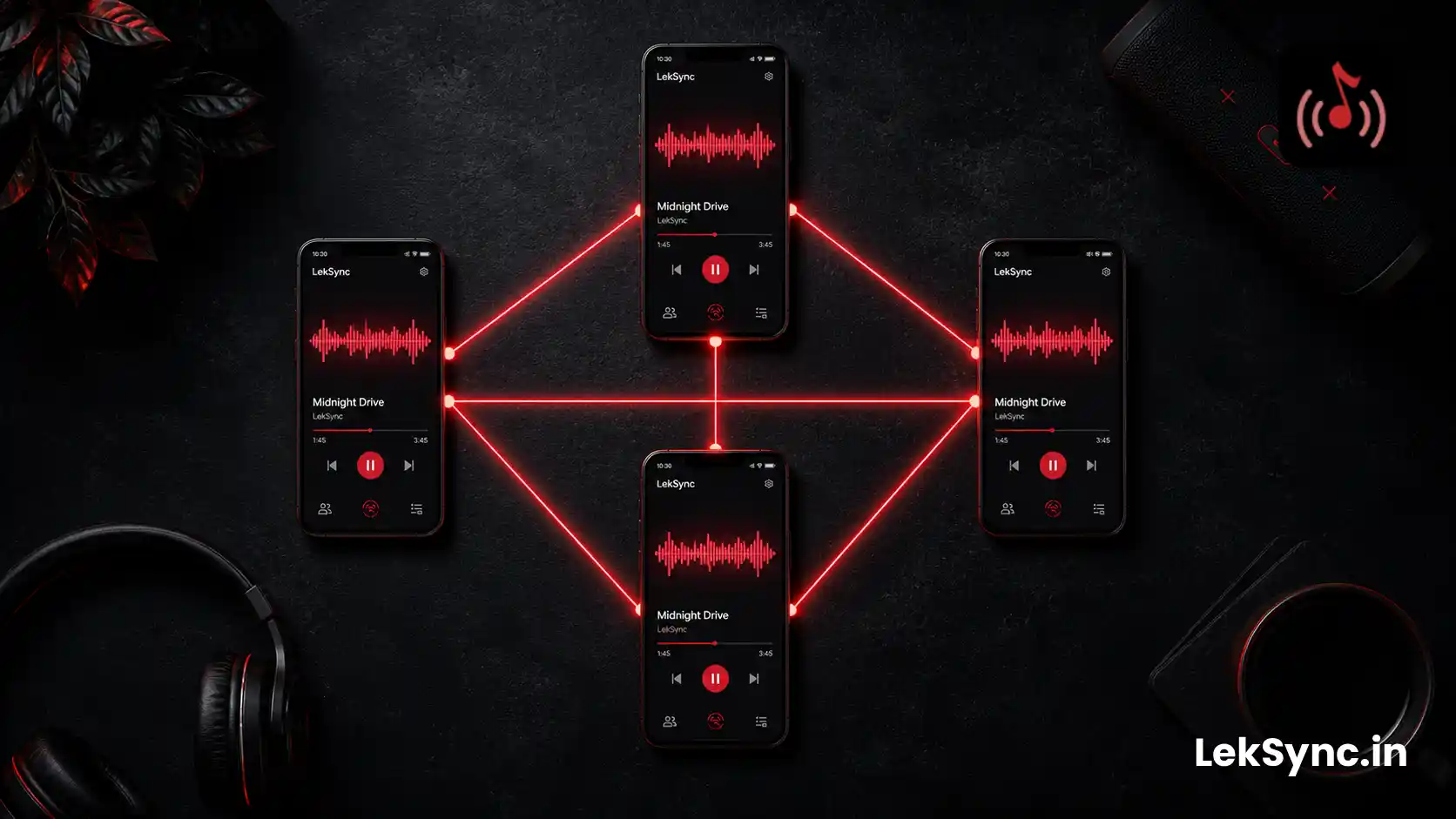
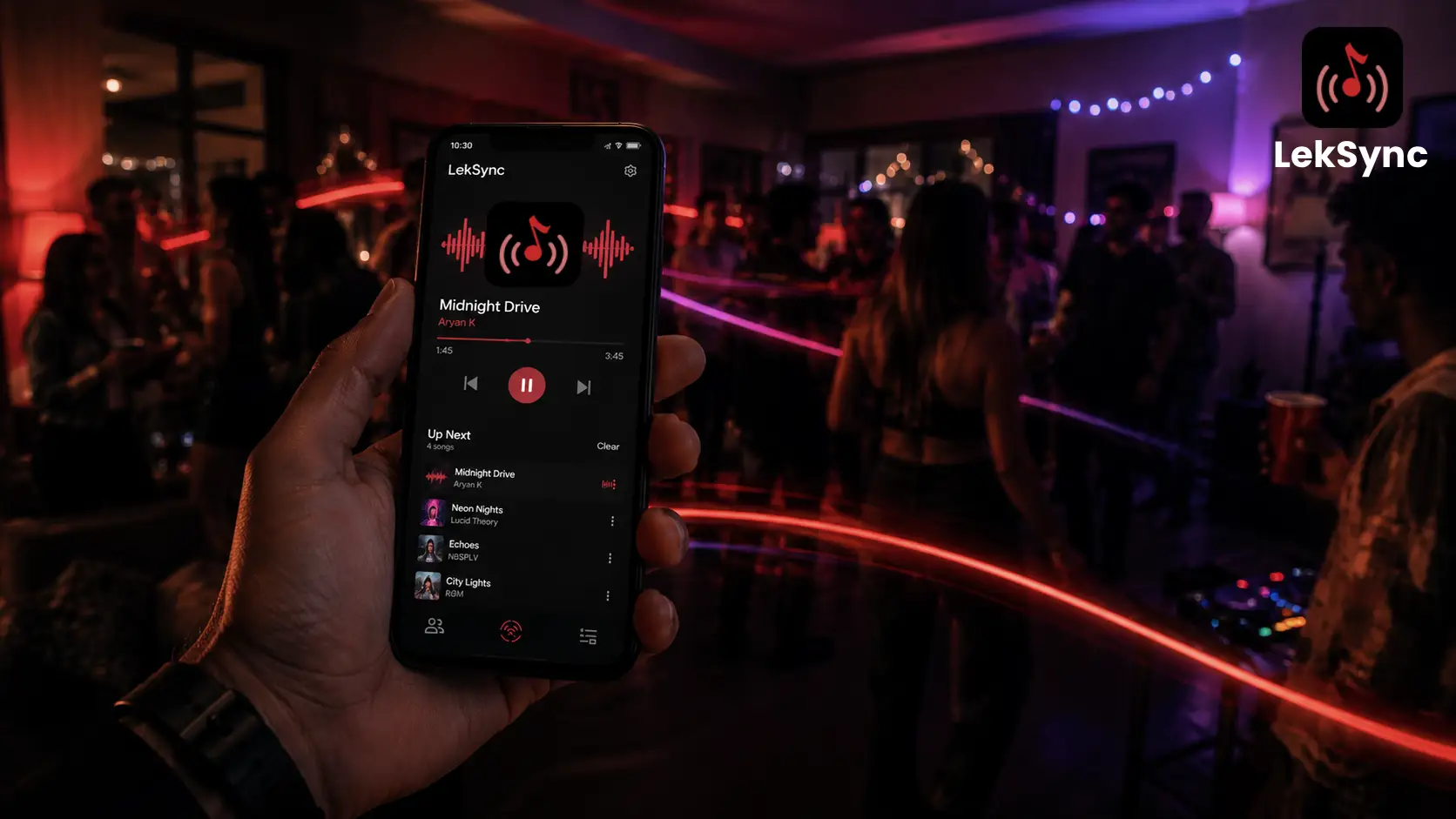
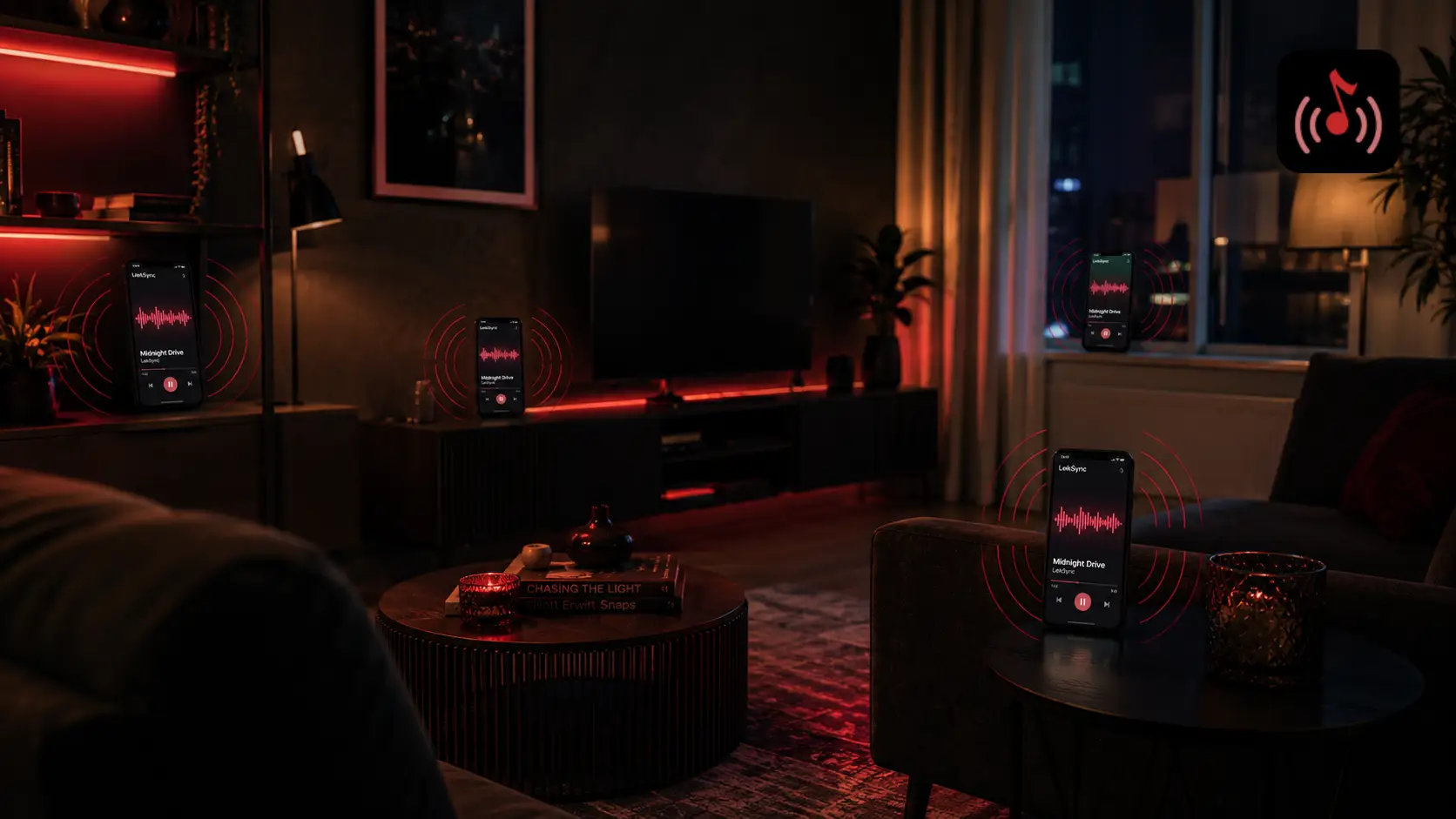
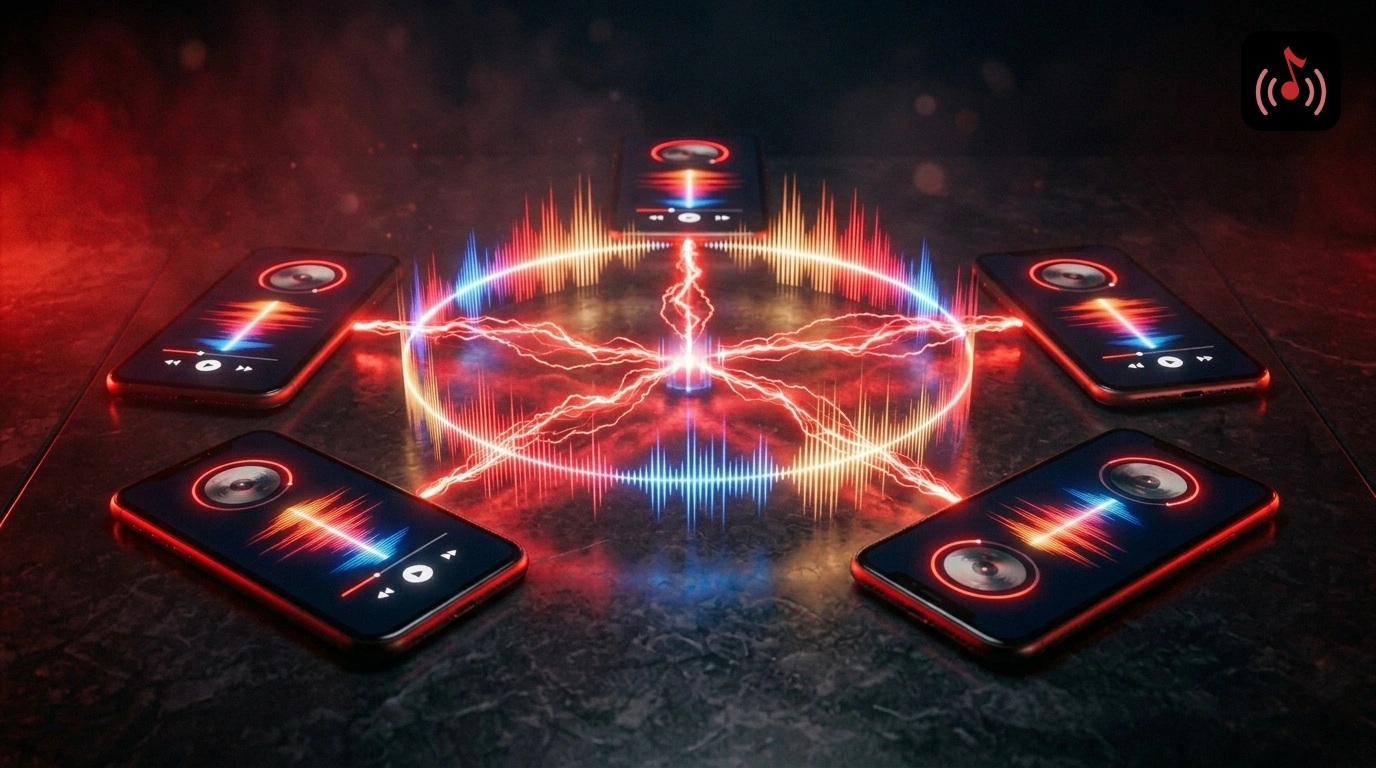
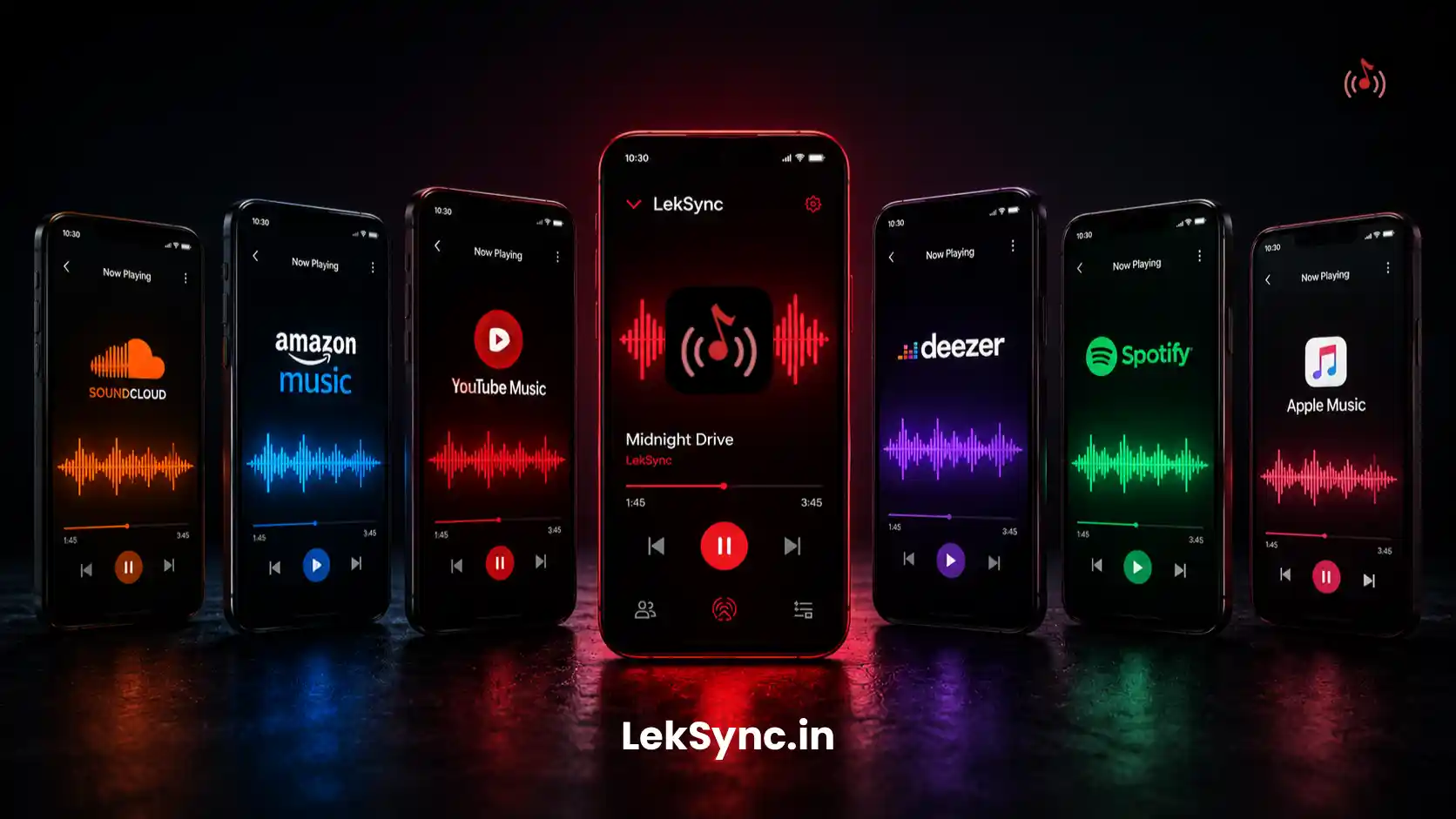
LekSync turns every Android phone in the room into a synchronized speaker. The host plays music from their phone; every connected phone plays the same audio at the same moment. Place phones on shelves, tables, and windowsills around the space. The whole room is covered — not just the corner with the one speaker. (For the step-by-step DJ flow, see our phone-only DJ guide.)
Why It's the Best Free Option
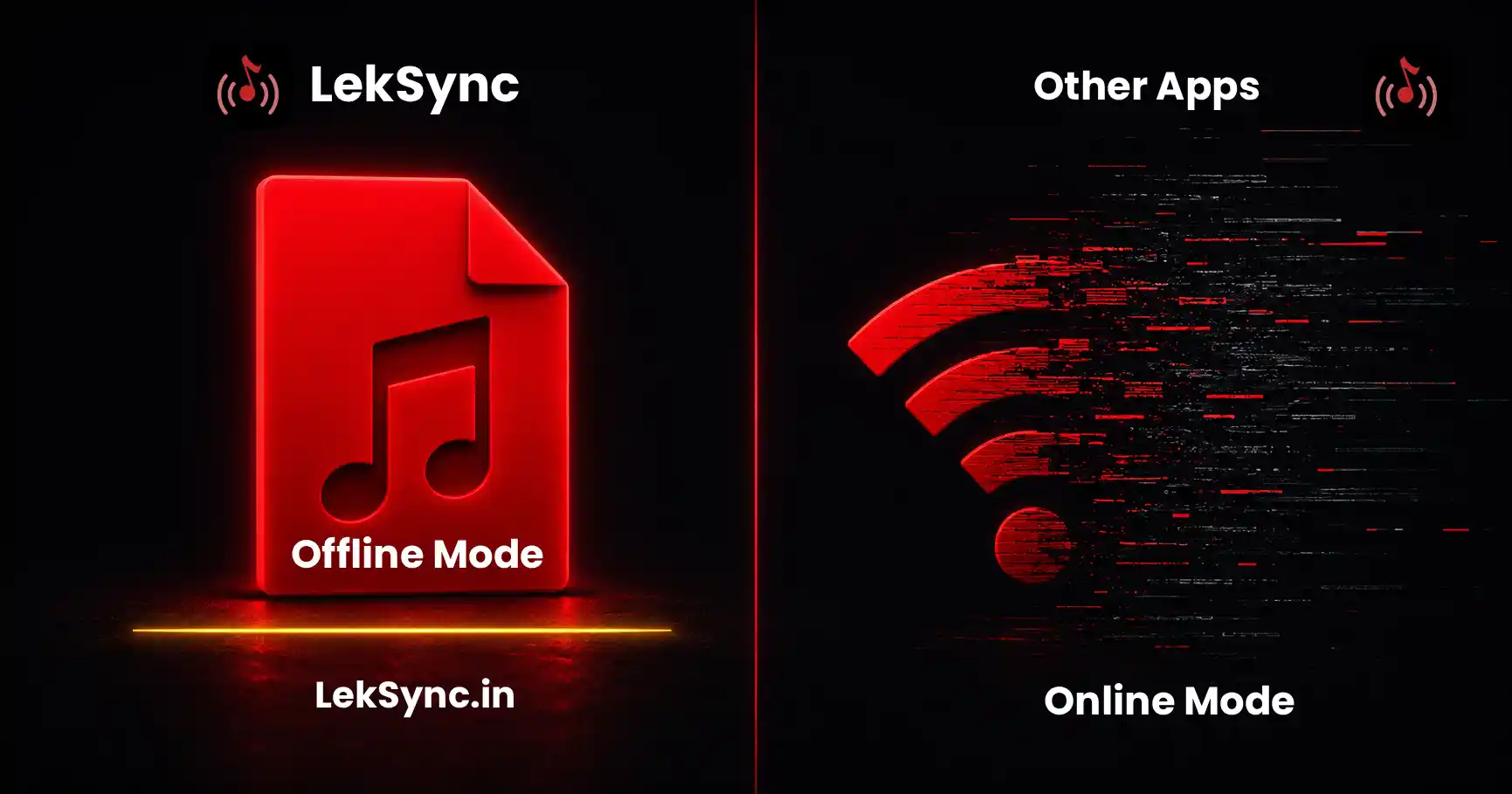
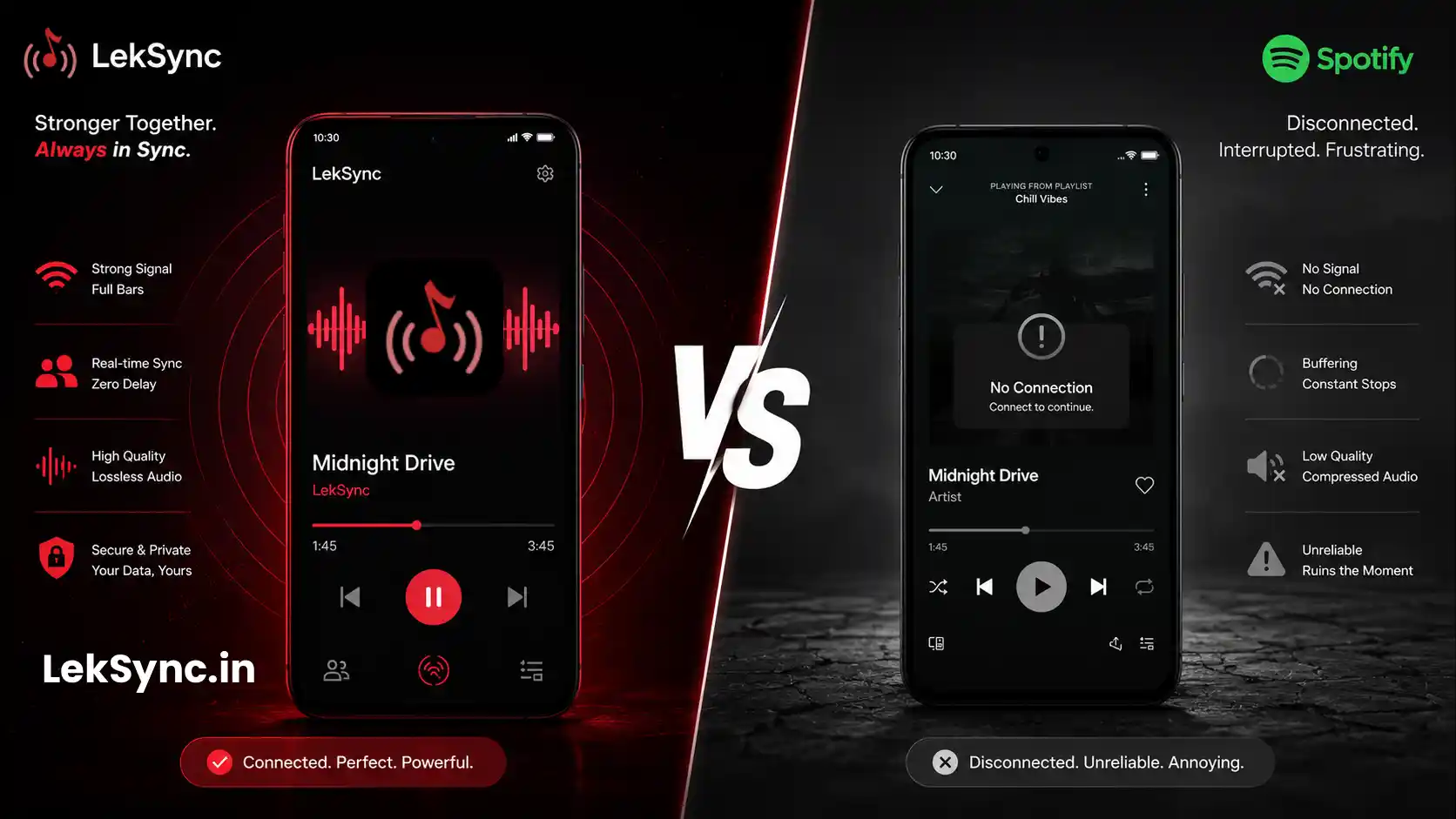
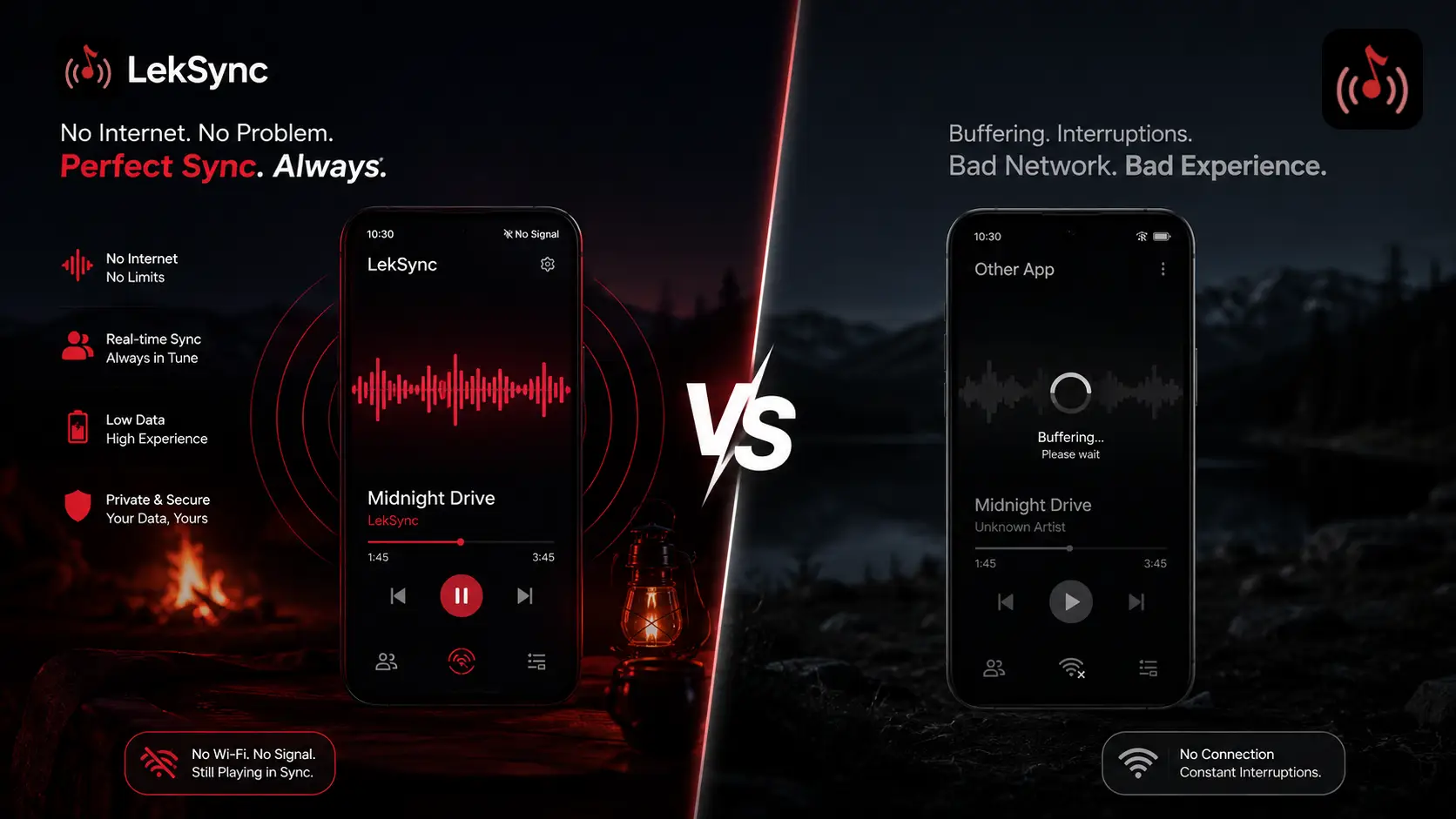
No internet required
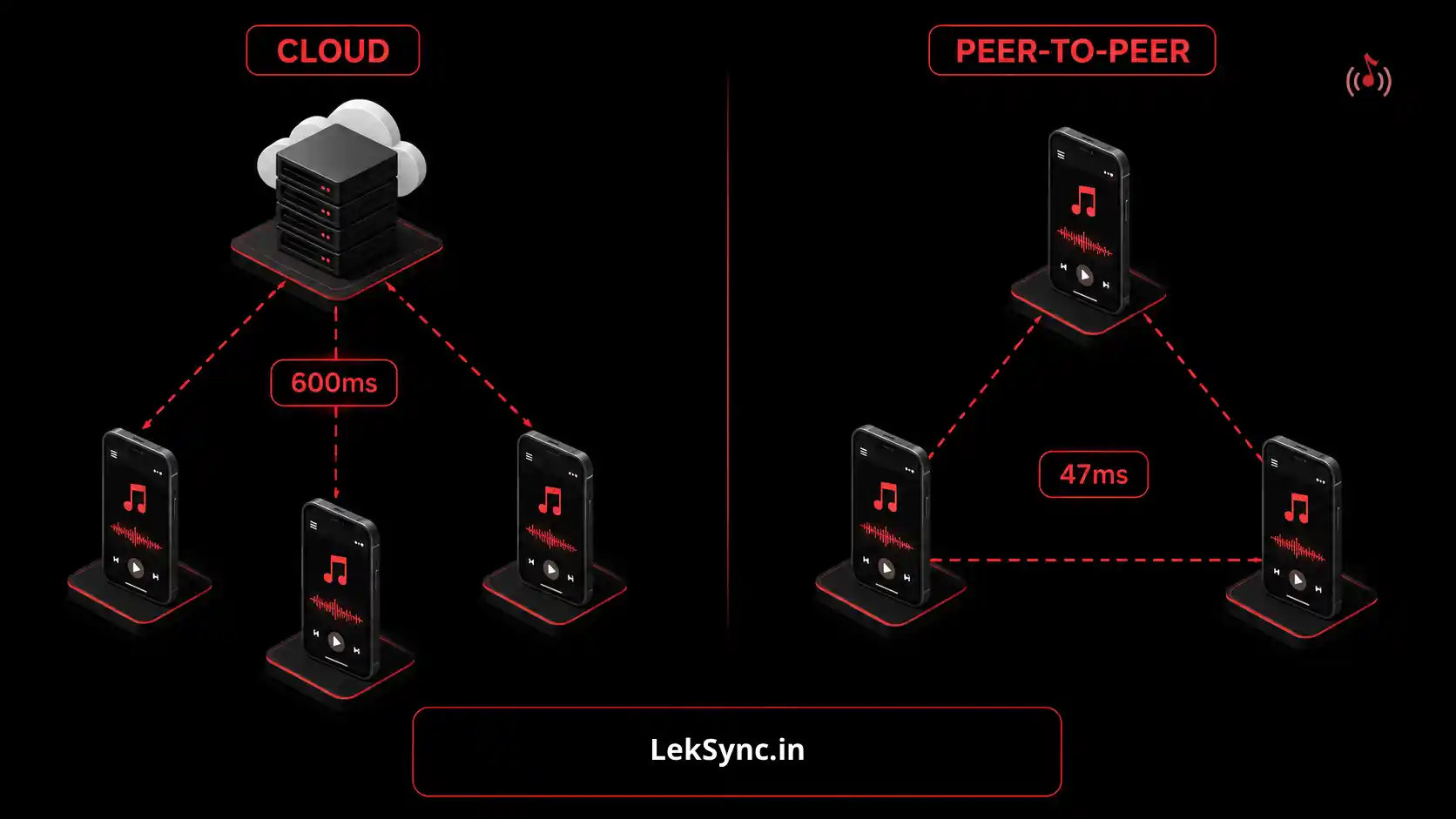
The host phone creates a Wi-Fi hotspot. Every receiver phone connects to it. No router needed, no mobile data consumed, no dependency on the venue's Wi-Fi. Works at home, at a rented space, on a rooftop, in a garden.
No subscription, no ads during music
The core experience is completely free. Music plays without ad interruptions — essential for a party where a sudden ad kills the vibe.
Live mic for announcements
Tap the mic icon on the host phone to speak to everyone in the room instantly. Make a toast, announce food is ready, or call for attention — your voice goes to every connected phone without shouting.
Guests join without installing the app
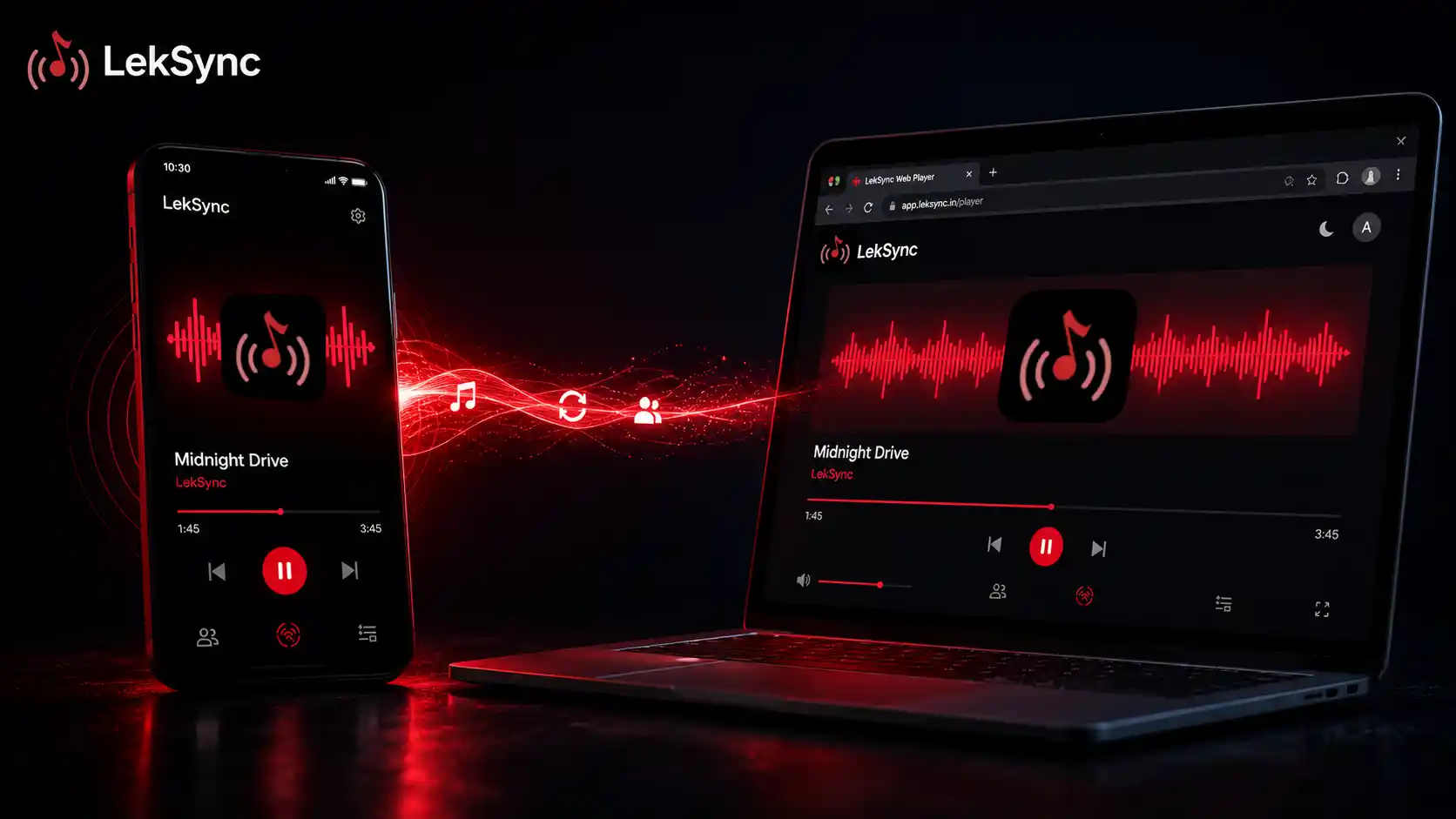
If you want guests to use their phones as extra speakers but don't want them installing anything, they can join via browser at leksync.in/receiver. Enter the room code, and they're in.
Equalizer that covers the room
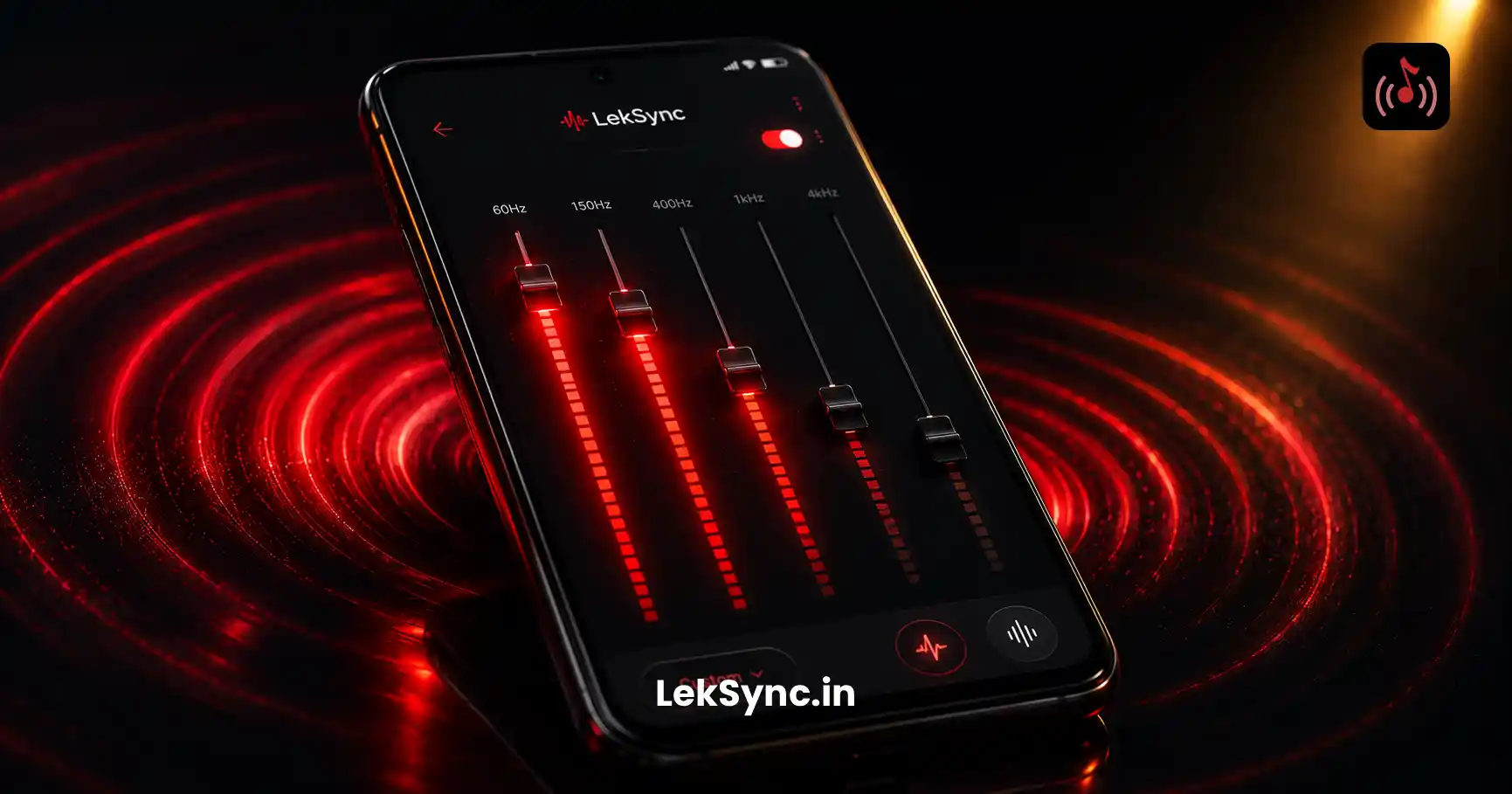
The host's EQ settings apply to all connected receivers. Boost the bass once — every phone in the room plays it boosted. Tune the sound for the actual space, not just the speaker in the corner.
Party Setup Checklist
- ☑ Download the party playlist to your phone the night before
- ☑ Install LekSync on the host phone and any phones acting as speakers
- ☑ Turn on your hotspot and share the password
- ☑ Open LekSync as Host; receiver phones open as Receiver
- ☑ Place receiver phones face-out around the room, plugged in if possible
- ☑ Max the volume on each receiver phone
- ☑ Tune the EQ on the host phone for the room
- ☑ Press play
Comparing the Top Free Party Music Apps
| App | Works Offline | Multi-Room Audio | Mic for Toasts | No Ads |
|---|---|---|---|---|
| LekSync | ✓ | ✓ | ✓ | ✓ |
| AmpMe | ✗ | ✓ | ✗ | ✗ |
| Spotify | ✗ | ✗ | ✗ | ✗ |
| Bluetooth Speaker | ✓ | ✗ | ✗ | ✓ |
Tips for the Best Party Experience
- Keep the host phone plugged in. Running a hotspot + streaming draws battery. A wall charger or power bank keeps the music going all night.
- Prop receiver phones face-out. Speaker grills usually point down or backward. Stand them up or lean them against a wall for better sound projection.
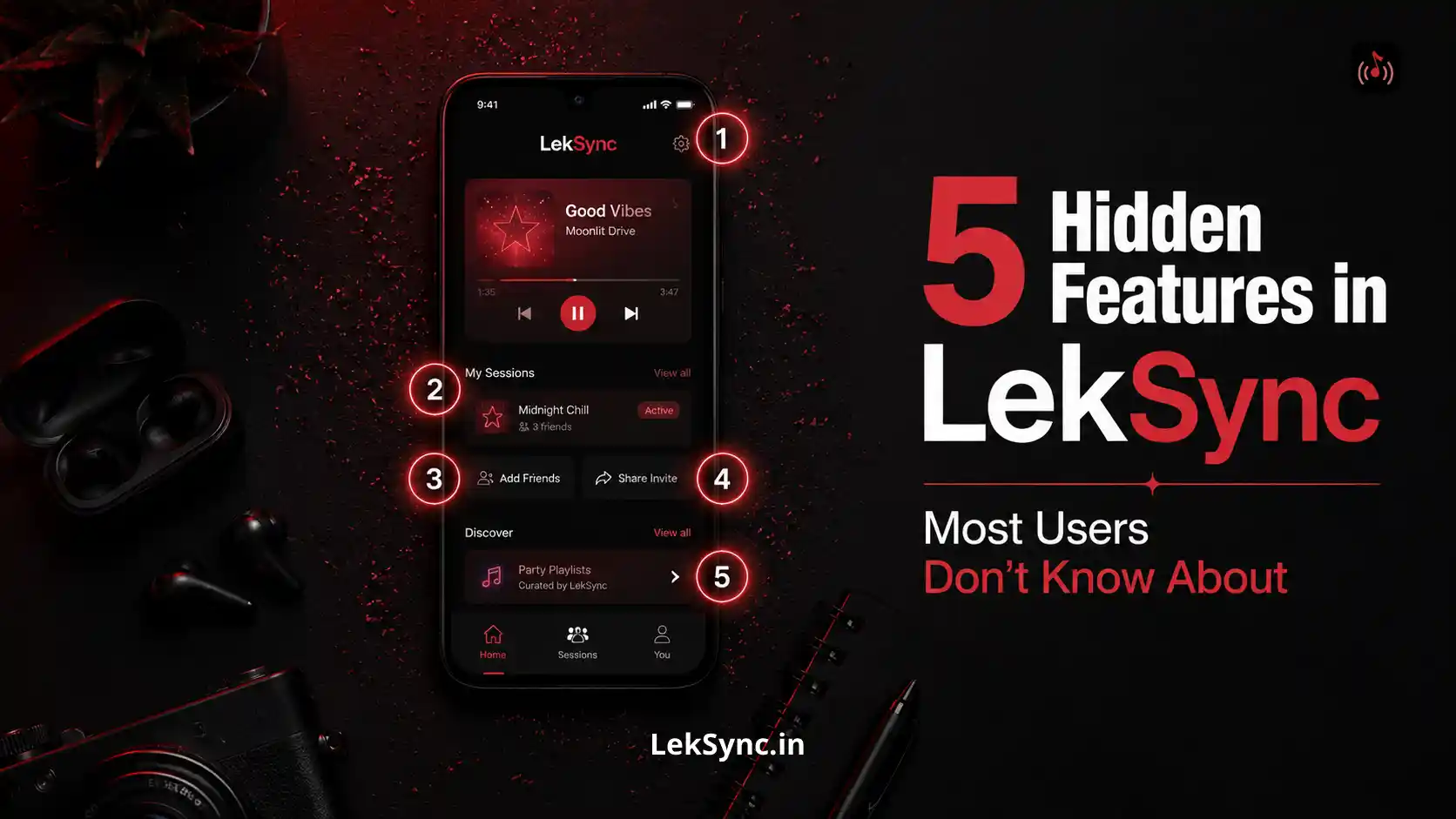
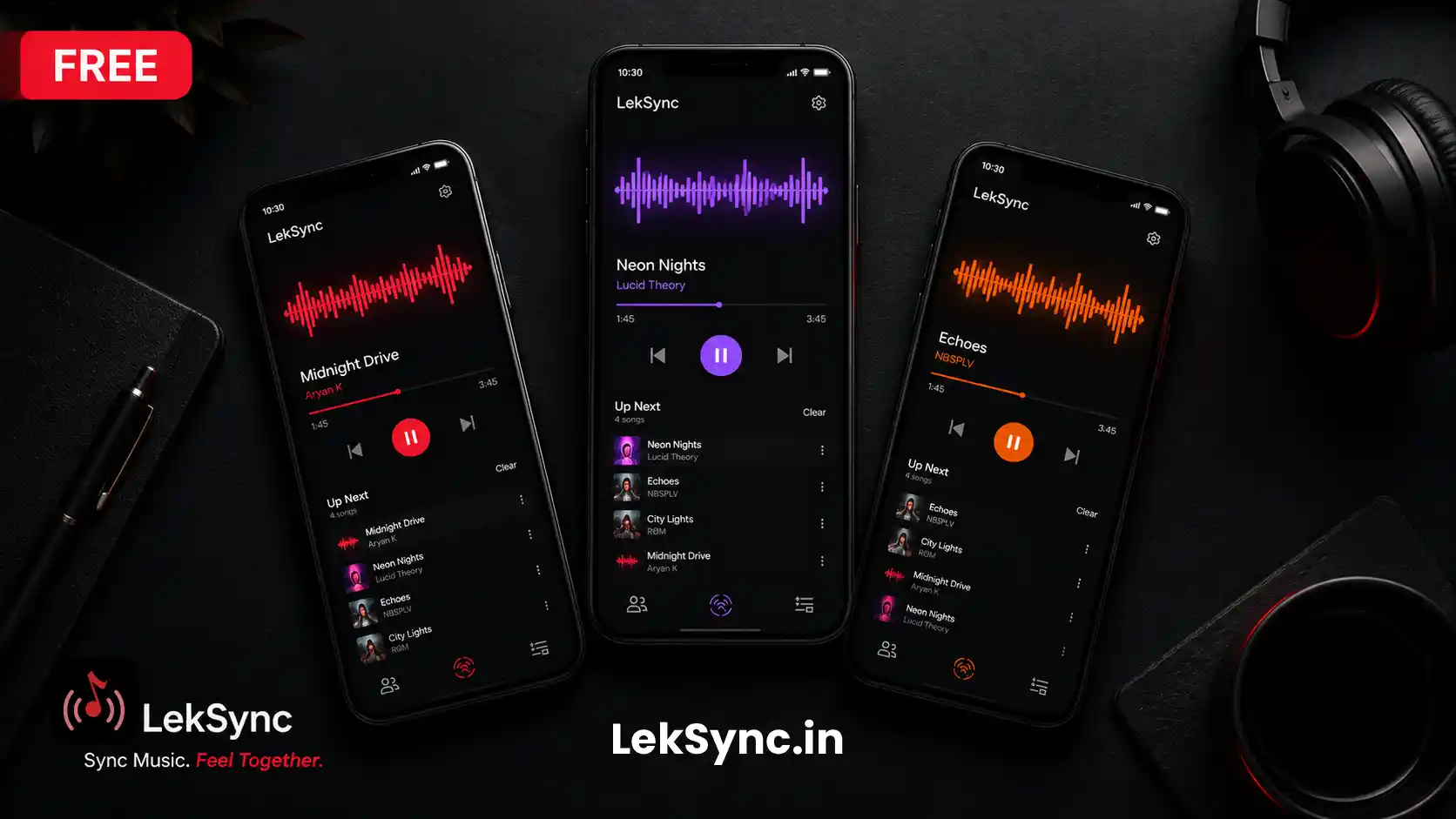
- Use the queue system. Build the queue for the next hour before the party peaks so you're not constantly picking songs. Tap a song while another plays to add it next.
- Assign a backup host. Share the host phone with one trusted person so you're not the only one managing the music all night.
Get the Party Started
Download LekSync free on Google Play. Set it up in five minutes before your guests arrive — the music runs itself from there.